
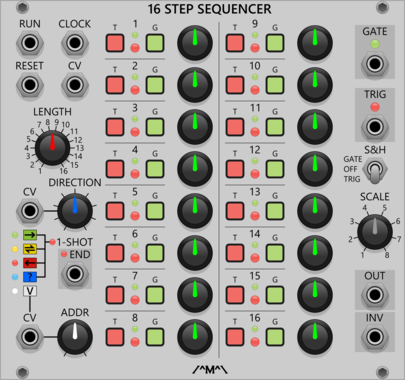
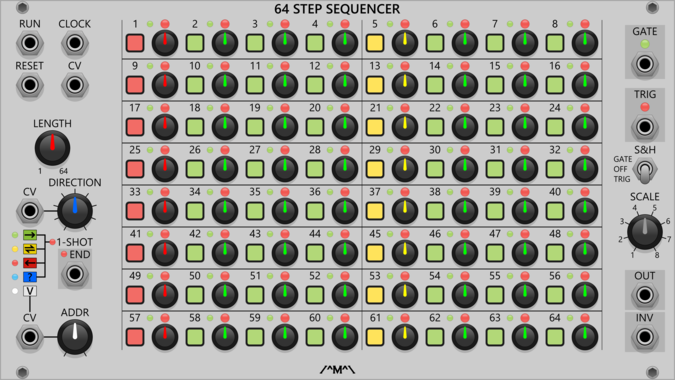
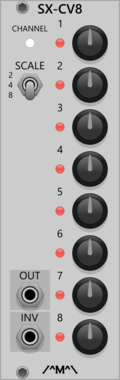
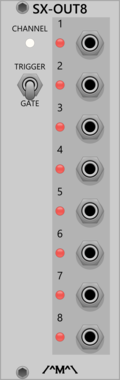
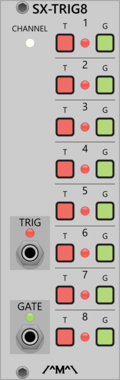
Count Modula Sequencer Trigger Expander
8 step sequencer expander adding a an extra channel of gate/trigger output

Count Modula Trigger Sequencer Gate Expander
Adds gate outputs to the 8 and 16 Step Trigger Sequencers
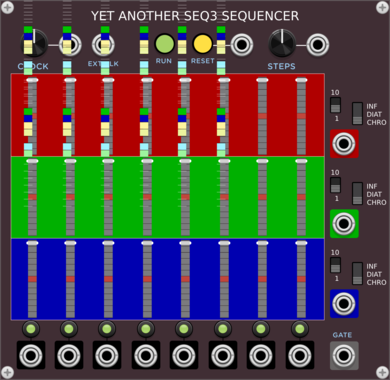


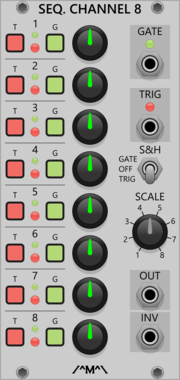
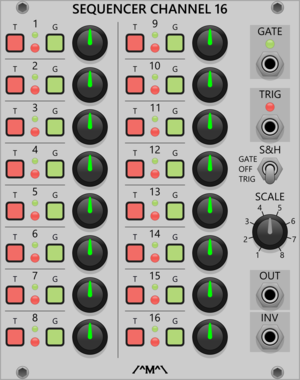


Count Modula 8 Step Sequencer Gate Output Expander
Adds individual gate outputs to the 8 Step Sequencer
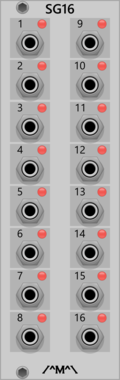
Count Modula 16 Step Sequencer Gate Output Expander
Adds individual gate outputs to the 16 Step Sequencer
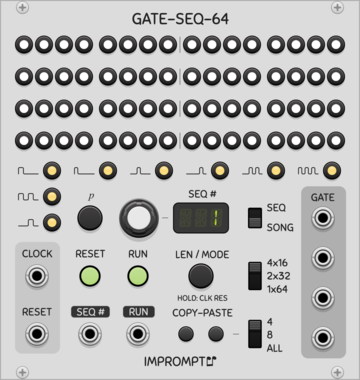

Count Modula 8 Step Sequencer Trigger Output Expander
Adds individual trigger outputs to the 8 Step Sequencer
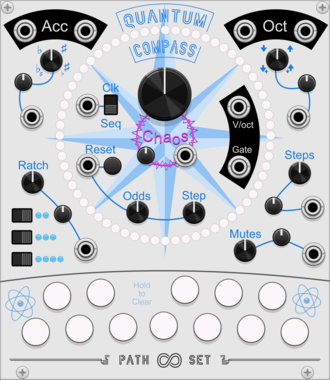
Path Set QuantumCompass

Both/Neither Sequencer/Quantizer. Create a melodic sequence by selecting notes and letting QuantumCompass guide you.
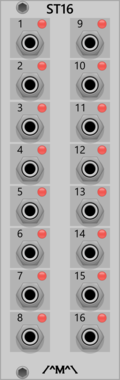
Count Modula 16 Step Sequencer Trigger Output Expander
Adds individual trigger outputs to the 16 Step Sequencer
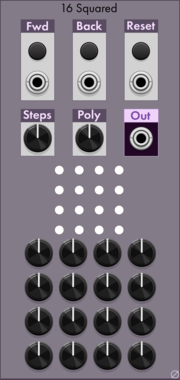
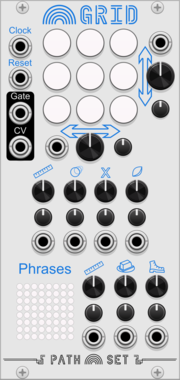
Path Set Rainbow Grid
Generate a panoply of sequences using a small grid of nine notes.
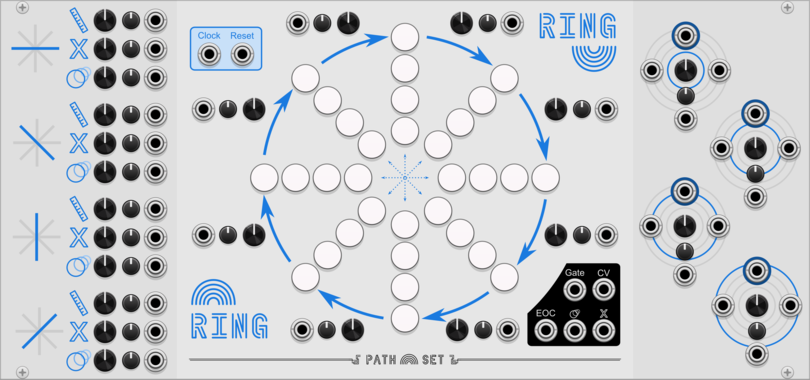
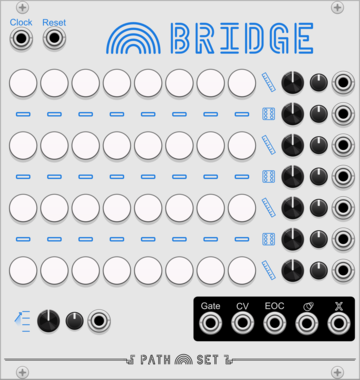
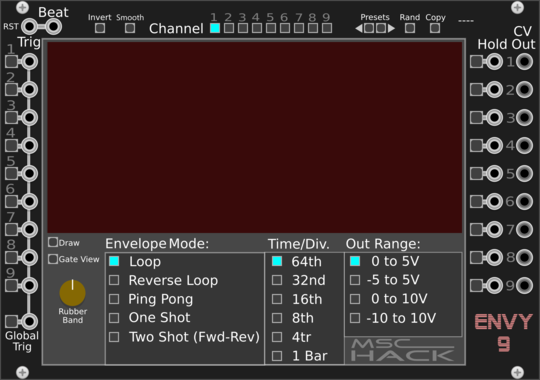


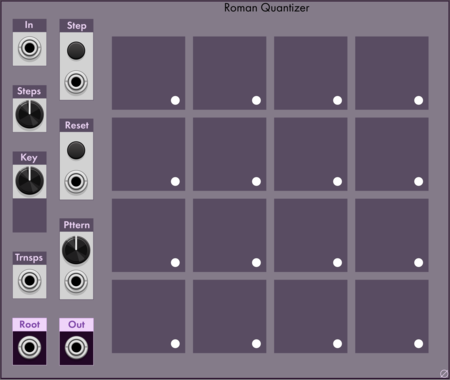

Path Set Randomizer Expander
Adds Randomizing Triggers to any Rainbow Sequencer
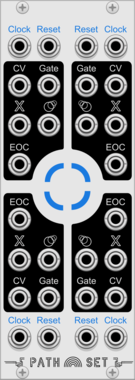
Path Set Playhead Expander
Adds 3 more play-heads to any Rainbow Sequencer
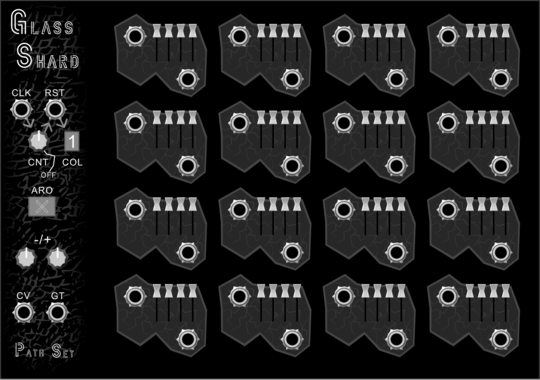
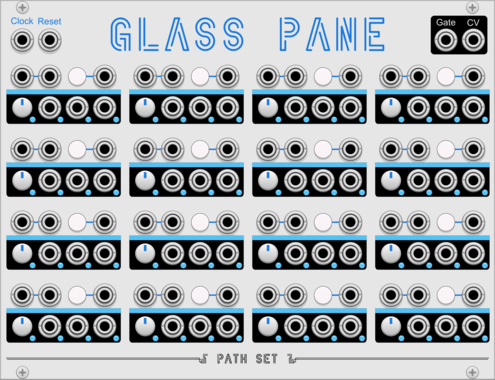
Path Set Glass Shard
This node-based sequencer gives you a new configuration each week, begging to be your creative muse for melody.
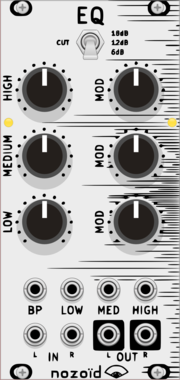

Sulamith Poly to Sequence
Takes a polyphonic Input and sequences it to a clock (fwd, bwd, rnd). Step probability + add random probability with range.
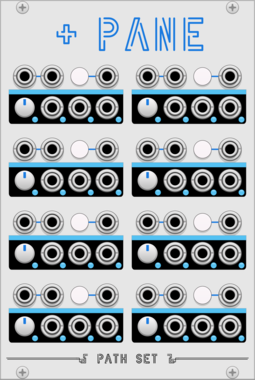
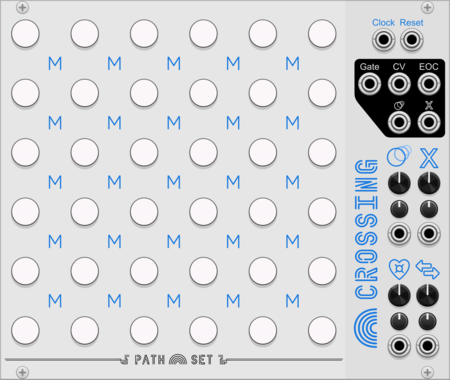

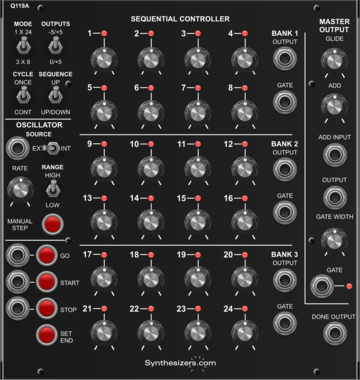
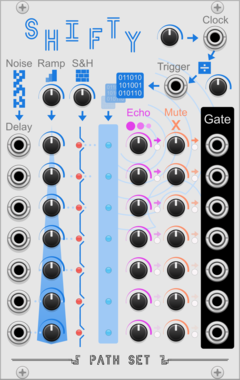

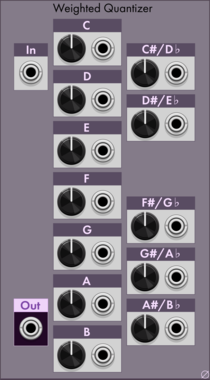

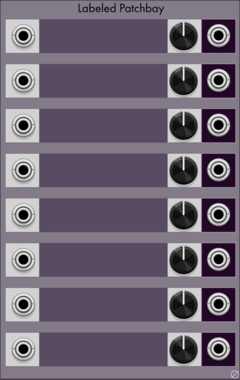

Sulamith Gate Length Sequencer
Sequences 6 Gates (0.1s-10s) with playmodes, probability, seq length, reset. For holding notes, envelopes and switches.
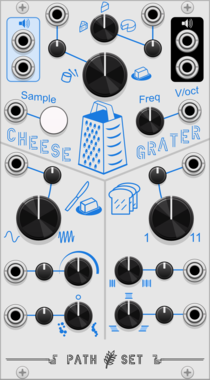
Path Set CheeseGrater
A granular sample and loop. Craft the exact right slice of sound for your music.
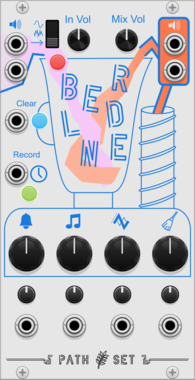
VCV Library Instructions
- Download and install VCV Rack.
- Register for a VCV account and log in using Rack’s “Library” menu.
- Add or purchase a module on the VCV Library.
- Open the “Library” menu in Rack, click “Update all” (if updates are needed), and restart Rack once downloaded.
- Right-click an empty rack space to launch Rack’s module browser to add a module to your patch.
All plugins on the VCV Library are available for Windows, Mac, and Linux.
The “major” version (i.e. MAJOR.MINOR.REVISION) must match between Rack and its plugins.
For example, Rack 2.* can only load 2.* plugins.
Missing or incorrect information in this database, such as a missing tag? Inform the plugin author(s) using the contact information on their plugin/module page.
Developers: see Adding your plugin to the VCV Library.
Notes
Purchasing plugins with the “VCV” brand supports the VCV Rack project. See VCV’s Mission Statement to learn how VCV Rack development is funded.
Prices are in US Dollars.
By purchasing a plugin on the VCV Library, you agree to VCV’s End User License Agreement and Refund Policy.
Contact VCV Support for customer support and questions about the VCV Library.