
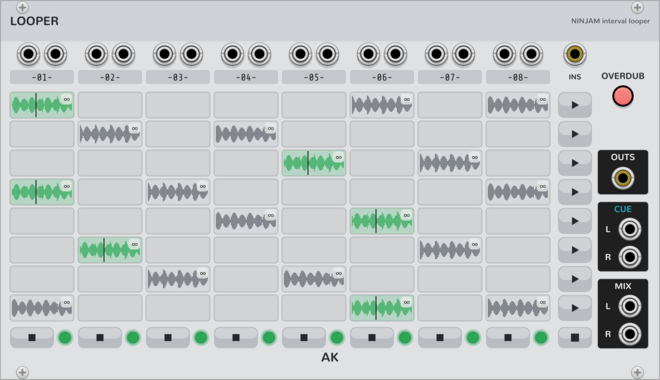
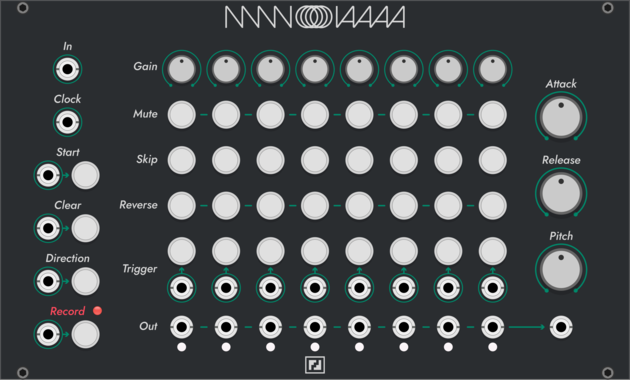
AK Audio Looper
8x8 looper on the NINJAM jam clock (Ninjam expander): beat-quantized capture/launch/stop, free-running clips of any whole-beat length (tempo changes never touch committed audio), scenes, follow actions, auto-advance chains, overdub; takes persist on disk and in the patch. Beta: young and complex - expect occasional bugs.
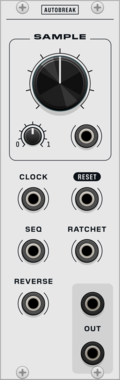
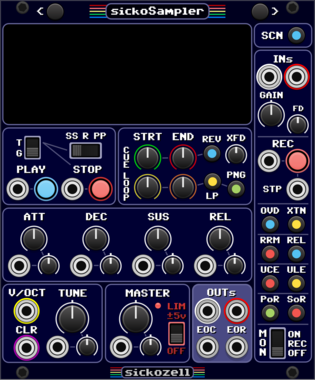
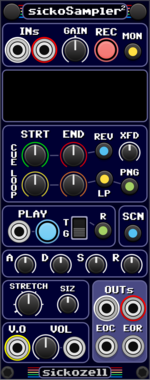

Silly Sounds Lola
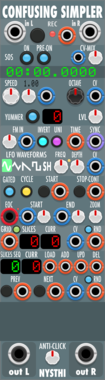
A polyphonic in-line sampler, allowing for real-time recording and playback through manual and voltage-based controls

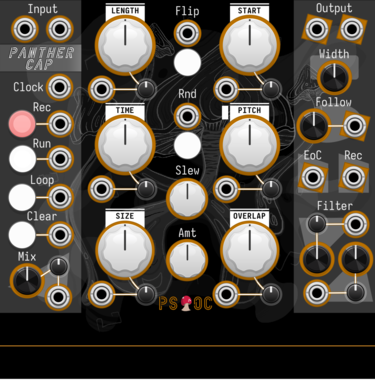
Path Set x Omri Cohen Panther Cap
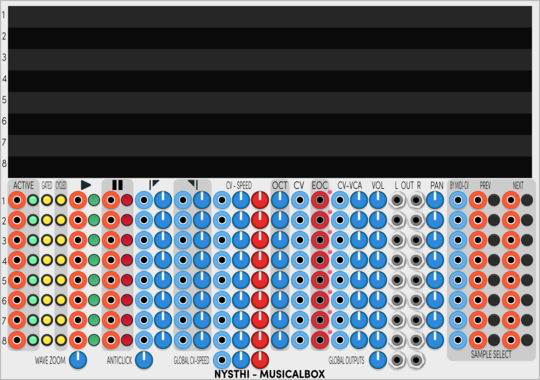
Polyphonic granular sampler and looper.

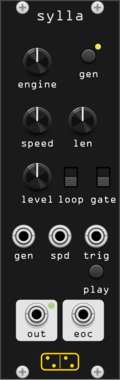
forsitan modulare sylla
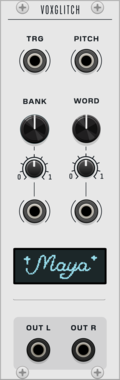
Random sample generator and player: ever-new procedural samples from 27 selectable engines, nothing from disk.
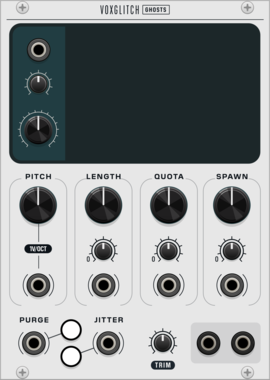

Mockba Modular JD Oscah
 Special Vintage Oscillators
$10
Special Vintage Oscillators
$10
Roland JD/JV/SR-JV80-family PCM sample player
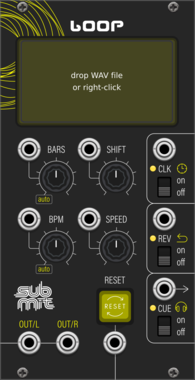

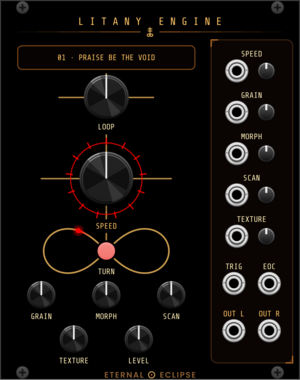
Eternal Eclipse Litany Engine
Looping sample player with an onboard litany of loops and a focused granular engine — or load your own sample folder: through-zero varispeed, grain size from whole-loop down to 15 ms, morphing overlap, scan and texture spray; stereo companion to the Coronal Annihilator's external input.
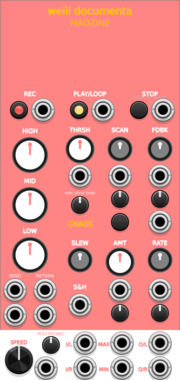
MADZINE weiii documenta
8-layer recording sampler with chaotic parameter morphing, feedback matrix and slice engine
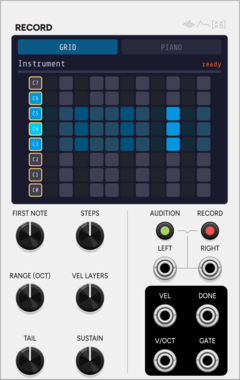
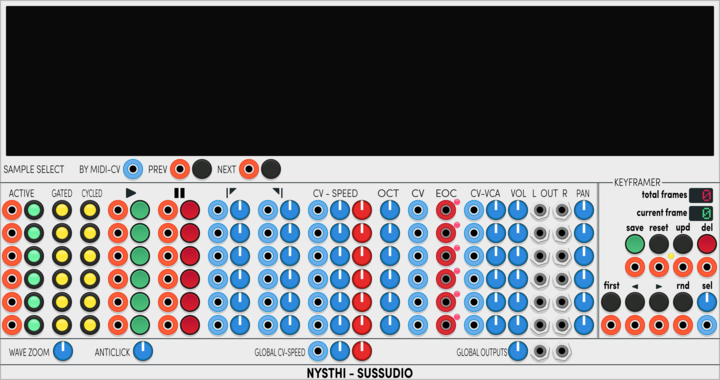
SignalFunctionSet Record
Auto-sampler: drives a voice across notes and velocities, then writes WAVs + .sfz.
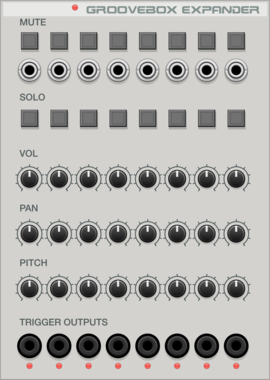
Voxglitch Groove Box Expander
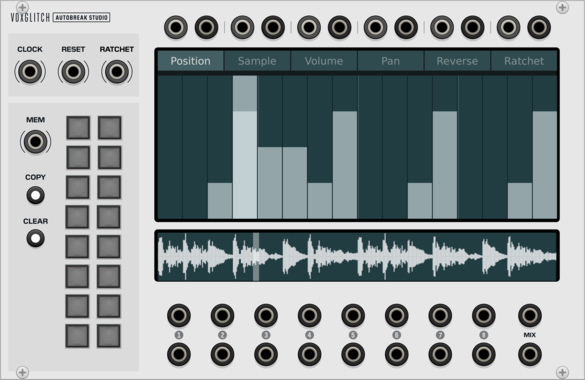
Expander module for the Voxglitch Groovebox that provides Mutes, Solos, Gate Outputs, and track-level control over volume, pan, and pitch.
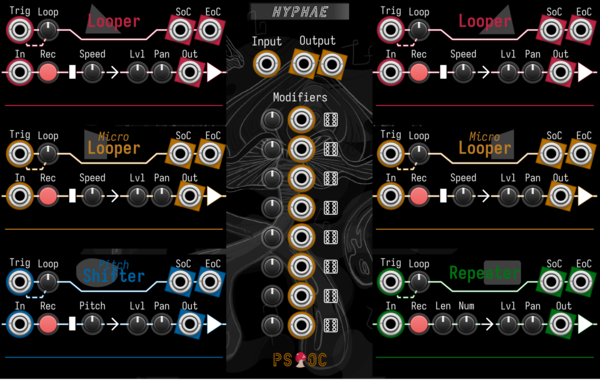
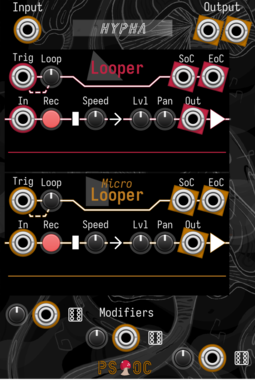
Path Set x Omri Cohen Hyphae
Record audio into six different loopers. Then mix and modulate to your heart's content.
Path Set x Omri Cohen Hypha
Record audio into two different loopers. Then mix and modulate to your heart's content.
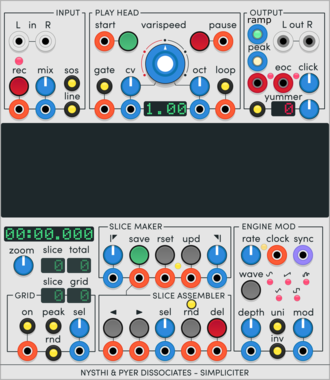
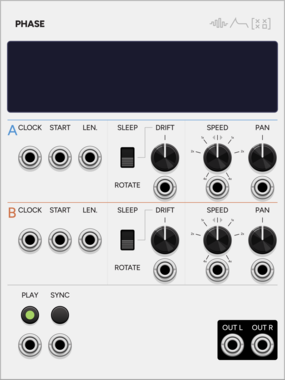
SignalFunctionSet Phase
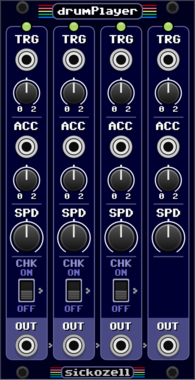
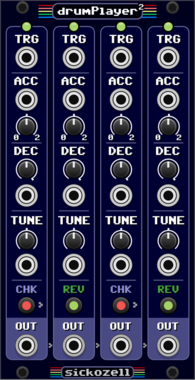
Dual sample looper whose two loops gradually drift apart, with transient detection.




Chortling Hamster Modules Pop
Pop is a small sample and hold module. One input, one trigger and one output. But it has a chortling hamster on it!
VCV Library Instructions
- Download and install VCV Rack.
- Register for a VCV account and log in using Rack’s “Library” menu.
- Add or purchase a module on the VCV Library.
- Open the “Library” menu in Rack, click “Update all” (if updates are needed), and restart Rack once downloaded.
- Right-click an empty rack space to launch Rack’s module browser to add a module to your patch.
All plugins on the VCV Library are available for Windows, Mac, and Linux.
The “major” version (i.e. MAJOR.MINOR.REVISION) must match between Rack and its plugins.
For example, Rack 2.* can only load 2.* plugins.
Missing or incorrect information in this database, such as a missing tag? Inform the plugin author(s) using the contact information on their plugin/module page.
Developers: see Adding your plugin to the VCV Library.
Notes
Purchasing plugins with the “VCV” brand supports the VCV Rack project. See VCV’s Mission Statement to learn how VCV Rack development is funded.
Prices are in US Dollars.
By purchasing a plugin on the VCV Library, you agree to VCV’s End User License Agreement and Refund Policy.
Contact VCV Support for customer support and questions about the VCV Library.