
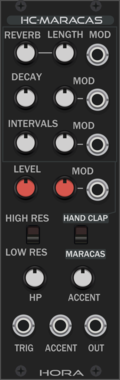

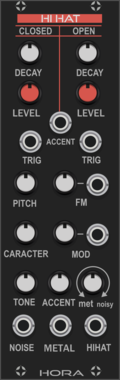
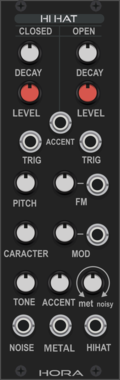
Hora Hi-Hat Vult
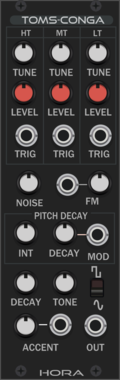
Analog HiHat using vult made filter model (use the other clap module for better CPU load and more realisitic claps)
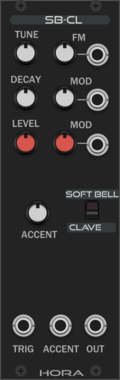
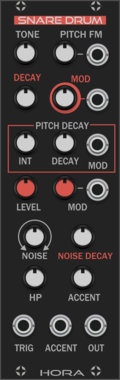
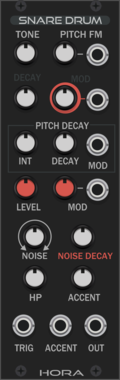
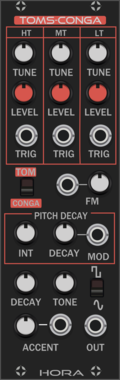

stoermelder BOLT
Polyphonic logic boolean functions with modulation and sample & hold. Selectable AND, OR, XOR, NAND, NOR and more across up to 16 polyphonic channels, with CV-controlled function selection and a trigger input for sample & hold behaviour.
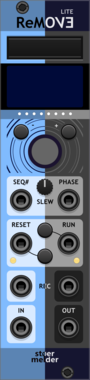
stoermelder ReMOVE Lite
Recorder for parameter automation. Captures movements of any module parameter into up to eight monophonic sequences with touch, replace, overwrite and latch modes, plus CV-controlled playback phase.

stoermelder µMAP
Add CV automation to one parameter of any module. A focused single-slot version of CV-MAP for adding one CV input where the module has none, with optional polyphonic input support.
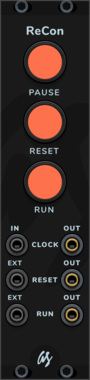
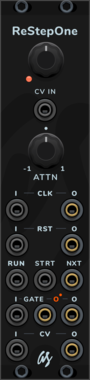
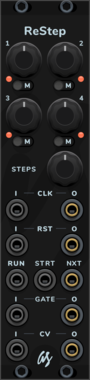
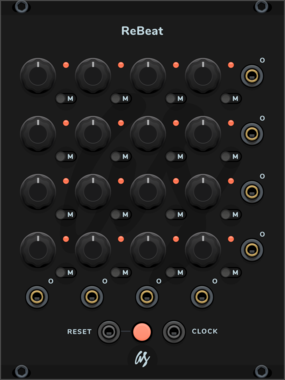
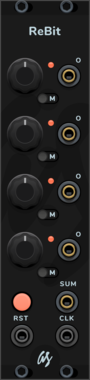
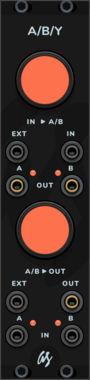
AS ReBit Trigger Seq/Clock Divider
Single 4 step trigger sequencer/clock divider




















VCV Library Instructions
- Download and install VCV Rack.
- Register for a VCV account and log in using Rack’s “Library” menu.
- Add or purchase a module on the VCV Library.
- Open the “Library” menu in Rack, click “Update all” (if updates are needed), and restart Rack once downloaded.
- Right-click an empty rack space to launch Rack’s module browser to add a module to your patch.
All plugins on the VCV Library are available for Windows, Mac, and Linux.
The “major” version (i.e. MAJOR.MINOR.REVISION) must match between Rack and its plugins.
For example, Rack 2.* can only load 2.* plugins.
Missing or incorrect information in this database, such as a missing tag? Inform the plugin author(s) using the contact information on their plugin/module page.
Developers: see Adding your plugin to the VCV Library.
Notes
Purchasing plugins with the “VCV” brand supports the VCV Rack project. See VCV’s Mission Statement to learn how VCV Rack development is funded.
Prices are in US Dollars.
By purchasing a plugin on the VCV Library, you agree to VCV’s End User License Agreement and Refund Policy.
Contact VCV Support for customer support and questions about the VCV Library.