
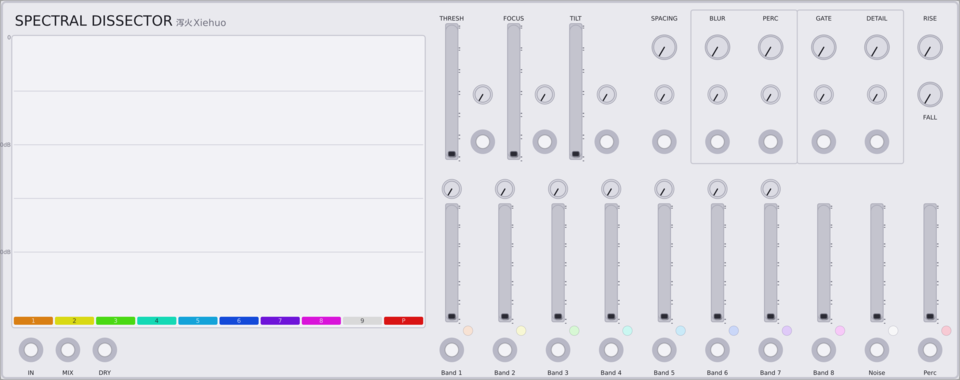
Xiehuo Spectral Dissector
High-fidelity 10-band spectral dissector (HPSS harmonic/noise/percussive separation).
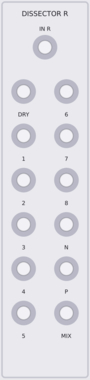
Xiehuo Spectral Dissector EXP
Right-channel breakout expander for Spectral Dissector: 1 mono R input plus 12 mono outputs (Dry R, Band 1-10 R, Mix R). Audio only.

GPaudio Clamp - Note Range Limiter
Limit Note Pitch (V/Oct) to a Range. Drop, limit or octave-shift out-of-range notes
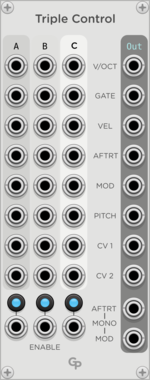
GPaudio Triple Control Merge
Play your synth from three keyboards, MPE controllers or sequencers simultaneously
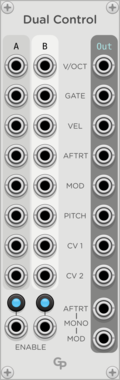
GPaudio Dual Control Merge
Play your synth from two keyboards, MPE controllers or sequencers simultaneously
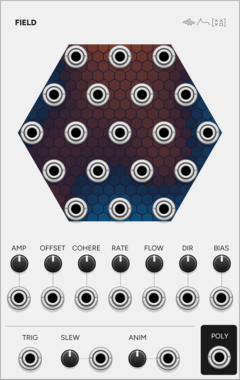
SignalFunctionSet Field
Nineteen related random voltages: one smooth random field read at nineteen points.
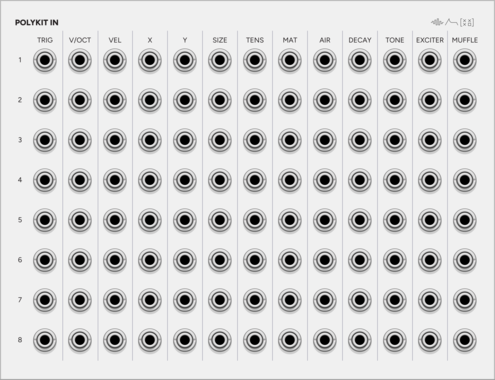
SignalFunctionSet PolyKit In
Expander for Kit: every input of every instrument as its own jack, 13 by 8.
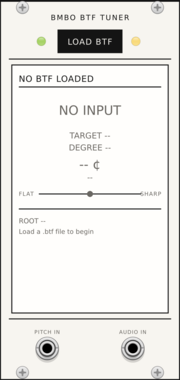

Infinite-Noise Envelope Phase Expander
2HP expander for ADR/ADSDR: phase gates (Attack, Decay, Sustain, Delay, Release, Idle) plus Rise, Steady, Fall. Idle can output phase position (0V to 10V).
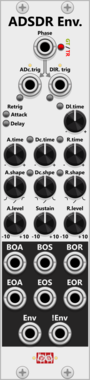
Infinite-Noise ADSDR Envelope
6HP Attack-Decay-Sustain-Delay-Release envelope with attack/decay/release time and shape, and levels for Attack, Sustain and Release. Rate Chaos.

AmbientModules LunarDetector
External-source preamp with an Attack/Release envelope follower and a hysteresis gate detector
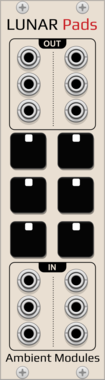
AmbientModules LunarPads
6-pad gate source for the drone voices (4 Lunar50Drone, 2 LunarPapaSrapa), momentary or latching, each pad's external gate input lets an external MIDI gate source trigger it alongside the mouse
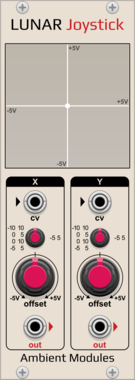
AmbientModules LunarJoystick
Dual manual/CV position source (X/Y) with offset knobs and a switchable input range per axis, for use with an external MIDI CC-to-CV controller or as a manual fixed-voltage source
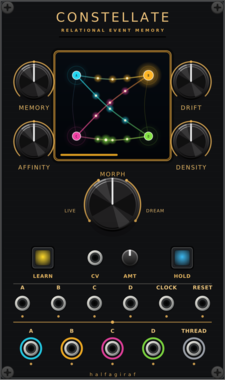
halfagiraf Constellate
Four-channel relational event memory and generative trigger processor with transition-confidence CV.
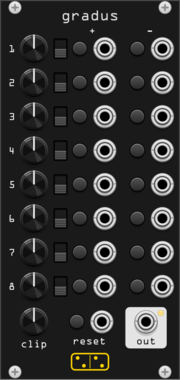
forsitan modulare gradus
Eight rows of one knob and four moves: step the CV up or down, or jump to plus or minus it.
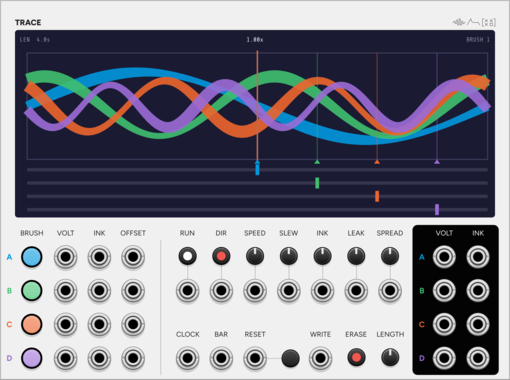
SignalFunctionSet Trace
A paper loop and four brushes: draw four CVs, or let the patch draw them.
ControllerLow-frequency oscillatorSequencerSample and holdUtility
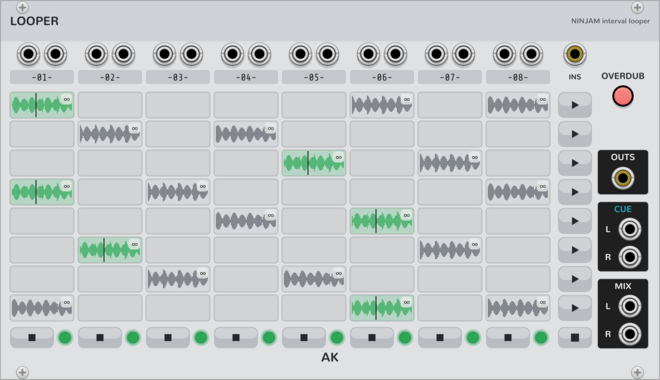
AK Audio Looper
8x8 looper on the NINJAM jam clock (Ninjam expander): beat-quantized capture/launch/stop, free-running clips of any whole-beat length (tempo changes never touch committed audio), scenes, follow actions, auto-advance chains, overdub; takes persist on disk and in the patch. Beta: young and complex - expect occasional bugs.
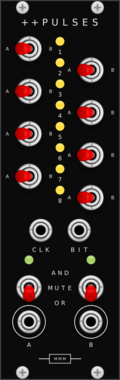
Missing Mile Modular Doubleplus Pulses
Performance gate router for the Music Thing Turing Machine: eight channels, each routed to one of two OR/AND merge buses.
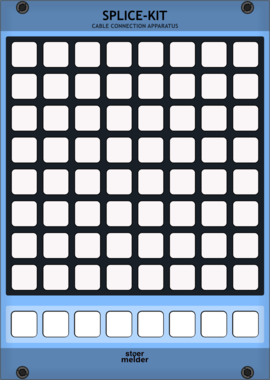
stoermelder SPLICE-KIT
8x8 matrix patch-bay for creating and removing cables by pressing button pairs. Stores up to eight independent scenes per instance, with full MIDI control and feedback for playing your patch from a grid controller.

Venom Stereo Merge Split
Compact and versatile polyphonic merge and split utility for stereo signals


Venom Spread Merge
Spread each monophonic gate/CV pair across multiple polyphonic channels and merge all into a single poly output


Venom Linear Merge
Merge multiple sets of monophonic gate/CV pairs into a single monophonic stream of gates with associated CV

Quostate MorphfastMini
Clock-synced voltage transition generator with Ramp, RampBack and Step curves, delay and easing.
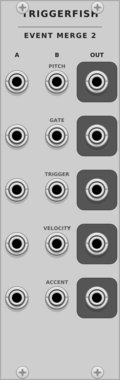
TriggerFish Event Merge 2
Concatenates two polyphonic Pitch/Gate/Trigger/Velocity/Accent event bundles without summing pitch
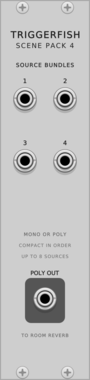
TriggerFish Scene Pack 4
Compacts four mono/poly source bundles into one polyphonic cable for Room Reverb placement
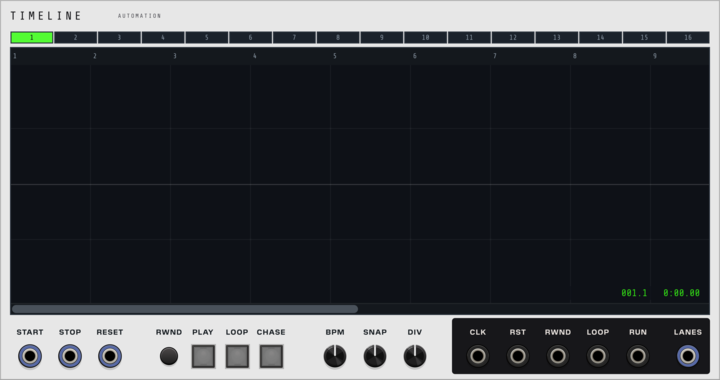
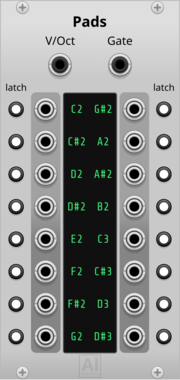
Aluminium Pads
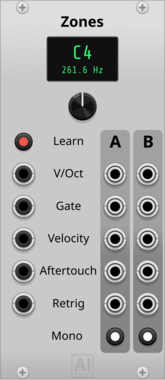
16 gate outputs, one per learned note, driven by a polyphonic V/OCT + GATE cable (e.g. from Core MIDI-CV or Zones) instead of MIDI — learn a cell by clicking it and playing (or typing) the note; each cell can be switched to Latch mode to toggle on/off instead of following the held note









Animatek BLANK ACID
Animated 3HP blank panel with drifting acid smileys. Adjacent Animatek blanks join into one shared canvas.
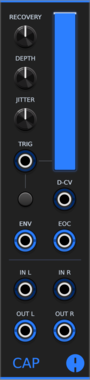
Animatek CAP
Stereo ducking VCA that lowers audio on each trigger and recovers with adjustable depth, timing and natural variation. A VCA CV input gives ordinary voltage control over gain, and envelope and end-of-cycle outputs are provided.
Voltage-controlled amplifierDynamicsEnvelope generatorPolyphonicUtility
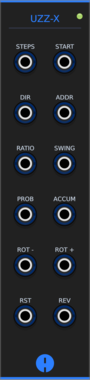

Infinite-Noise ADR Envelope
4HP Attack-Delay-Release envelope with attack/release time and shape (technically Attack-Sustain-Delay-Release). Rate Chaos.
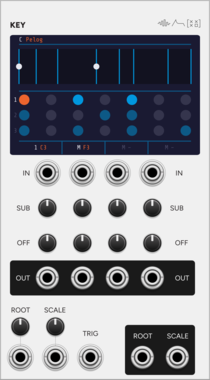
SignalFunctionSet Key
Quantizer that takes its key from the patch, so one key change reaches every module.




Infinite-Noise Value-to-Bits
4HP converts a CV input (clamped to range) into 8 mono gates plus one poly (up to 16 channels).
VCV Library Instructions
- Download and install VCV Rack.
- Register for a VCV account and log in using Rack’s “Library” menu.
- Add or purchase a module on the VCV Library.
- Open the “Library” menu in Rack, click “Update all” (if updates are needed), and restart Rack once downloaded.
- Right-click an empty rack space to launch Rack’s module browser to add a module to your patch.
All plugins on the VCV Library are available for Windows, Mac, and Linux.
The “major” version (i.e. MAJOR.MINOR.REVISION) must match between Rack and its plugins.
For example, Rack 2.* can only load 2.* plugins.
Missing or incorrect information in this database, such as a missing tag? Inform the plugin author(s) using the contact information on their plugin/module page.
Developers: see Adding your plugin to the VCV Library.
Notes
Purchasing plugins with the “VCV” brand supports the VCV Rack project. See VCV’s Mission Statement to learn how VCV Rack development is funded.
Prices are in US Dollars.
By purchasing a plugin on the VCV Library, you agree to VCV’s End User License Agreement and Refund Policy.
Contact VCV Support for customer support and questions about the VCV Library.