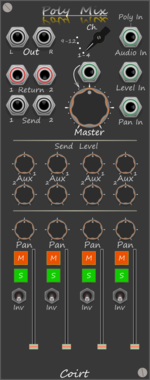
Bark Polyphonic Mixer

Bark Polyphonic Mixer

One Cable(s), 4x4 channel Mixer with send/return. Constant power pan law Aux pre solo/master post fader

Mixer Polyphonic
Bark Poly X

Bark Poly X

Merge to polyphonic with mute buttons. When no input channels are connected the mute buttons send 1v or 0v, for use with Level/Pan inputs on Poly Mix.

Polyphonic Switch
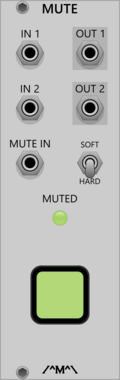
Count Modula Mute

Count Modula Mute

A voltage controlled mute

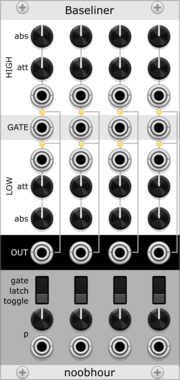
noobhour Baseliner

noobhour Baseliner

A 4x probabilistic attenuverting switch.

noobhour Bsl1r

noobhour Bsl1r

A single-channel Baseliner.

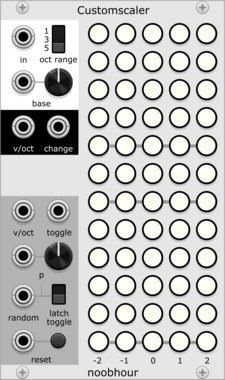
noobhour Customscaler

noobhour Customscaler

A quantizer for custom, CV-modifiable scales.

Count Modula Attenuator

Count Modula Attenuator

Dual attenuator with attenuverting option

Count Modula Boolean AND Gate

Count Modula Boolean AND Gate

4 input boolean AND/NAND gate

Count Modula Boolean OR Gate

Count Modula Boolean OR Gate

4 input boolean OR/NOR gate

Count Modula Boolean VC Inverter

Count Modula Boolean VC Inverter

Dual voltage controlled logical inverter

Count Modula Boolean XOR Gate

Count Modula Boolean XOR Gate

4 input boolean XOR/XNOR gate

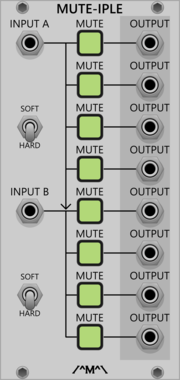
Count Modula Mute-iple

Count Modula Mute-iple

A dual 4-way/ Single 8 way mutable multiple

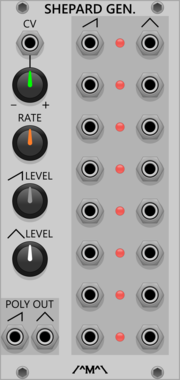
Count Modula Shepard Generator

Count Modula Shepard Generator

Generates a set of 8 ramp and sawtooth control signals appropriately phased for generation of Shepard tones
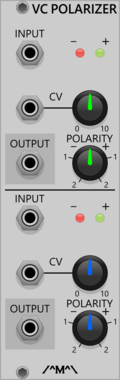

Count Modula Voltage Controlled Polarizer

Count Modula Voltage Controlled Polarizer

A dual voltage controlled polarizer

Count Modula Voltage Controlled Switch

Count Modula Voltage Controlled Switch

Selects between 2 inputs or routes 1 input to one of 2 outputs based on the level of the signal at the CV input

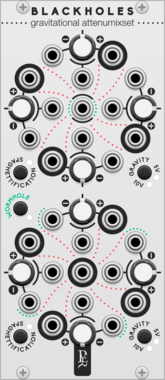
Count Modula Voltage Inverter

Count Modula Voltage Inverter

A quad voltage inverter that inverts signals around zero

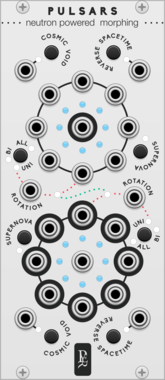
Geodesics Pulsars

Geodesics Pulsars

Neutron powered morphing

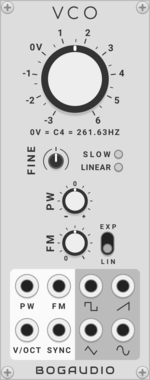
Bogaudio VCO

Bogaudio VCO

Oscillator

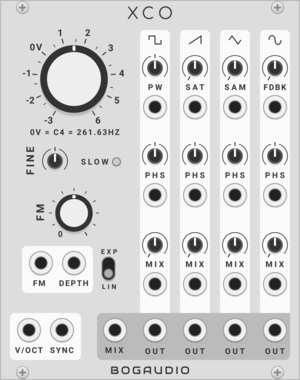
Bogaudio XCO

Bogaudio XCO

Oscillator

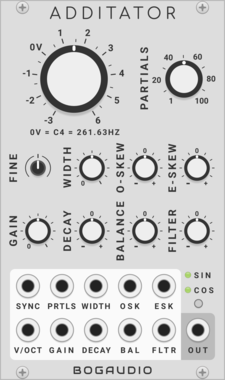
Bogaudio ADDITATOR

Bogaudio ADDITATOR

Additive oscillator

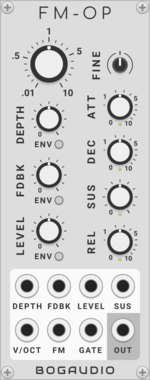
Bogaudio FM-OP

Bogaudio FM-OP

FM operator / oscillator / synth voice

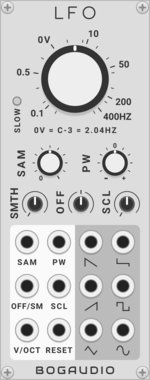
Bogaudio LFO

Bogaudio LFO

Low frequency oscillator

Bogaudio LLFO

Bogaudio LLFO

Low frequency oscillator

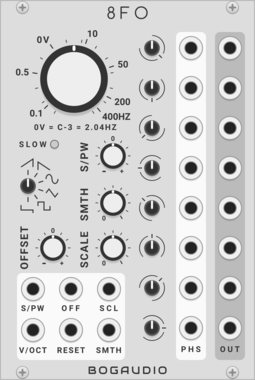
Bogaudio 8FO

Bogaudio 8FO

LFO with outputs at 8 different phases

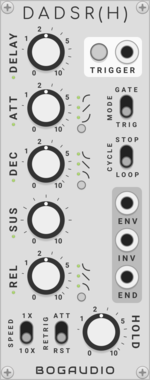
Bogaudio DADSR(H)

Bogaudio DADSR(H)

Advanced envelope generator

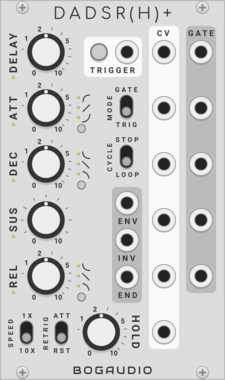
Bogaudio DADSR(H)+

Bogaudio DADSR(H)+

Advanced envelope generator with additional CV

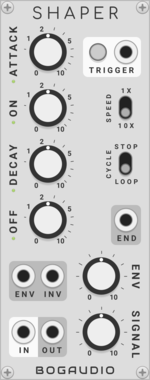
Bogaudio SHAPER

Bogaudio SHAPER

Retro-inspired envelope generator and amplifier

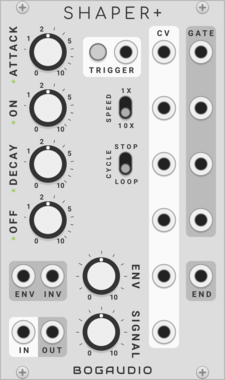
Bogaudio SHAPER+

Bogaudio SHAPER+

Retro-inspired envelope generator and amplifier with additional CV

Bogaudio AD

Bogaudio AD

Attack/decay envelope generator

Bogaudio ADSR

Bogaudio ADSR

ADSR envelope generator

Bogaudio FOLLOW

Bogaudio FOLLOW

Envelope follower

Bogaudio DGATE

Bogaudio DGATE

Trigger-to-gate converter with delay

Bogaudio NOISE

Bogaudio NOISE

Noise source

Bogaudio S&H

Bogaudio S&H

Dual sample (or track) and hold

Bogaudio WALK

Bogaudio WALK

Random-walk CV source

Bogaudio MIX1

Bogaudio MIX1

Fader/amplifier with CV-controllable mute

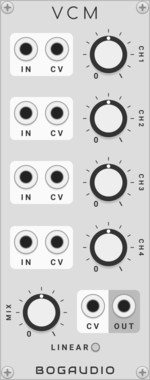
Bogaudio VCM

Bogaudio VCM

4-channel CV controllable mixer

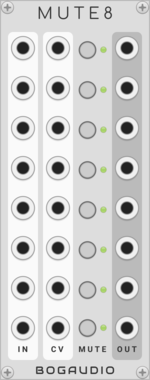
Bogaudio MUTE8

Bogaudio MUTE8

8 independent mutes with CV control

Bogaudio PAN

Bogaudio PAN

Dual stereo panner

Bogaudio XFADE

Bogaudio XFADE

Crossfader

Bogaudio VCA

Bogaudio VCA

Dual voltage controlled attenuator

Bogaudio VCAMP

Bogaudio VCAMP

Voltage controlled amplifier with 12dB gain

Bogaudio UMIX

Bogaudio UMIX

8-input unity mixer

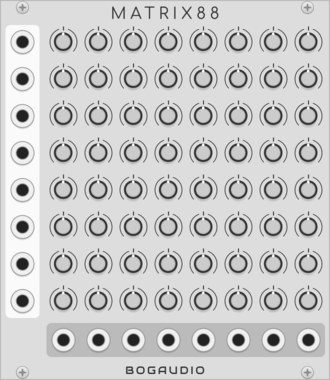
Bogaudio MATRIX88

Bogaudio MATRIX88

8x8 matrix mixer

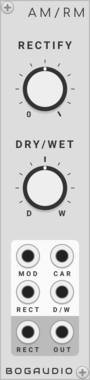
Bogaudio AM/RM

Bogaudio AM/RM

Variable ring/amplitude modulator and rectifier


VCV Library Instructions

  • Download and install VCV Rack.
  • Register for a VCV account and log in using Rack’s “Library” menu.
  • Add or purchase a module on the VCV Library.
  • Open the “Library” menu in Rack, click “Update all” (if updates are needed), and restart Rack once downloaded.
  • Right-click an empty rack space to launch Rack’s module browser to add a module to your patch.

All plugins on the VCV Library are available for Windows, Mac, and Linux. The “major” version (i.e. MAJOR.MINOR.REVISION) must match between Rack and its plugins. For example, Rack 2.* can only load 2.* plugins.

Missing or incorrect information in this database, such as a missing tag? Inform the plugin author(s) using the contact information on their plugin/module page.

Developers: see Adding your plugin to the VCV Library.

Notes

Purchasing plugins with the “VCV” brand supports the VCV Rack project. See VCV’s Mission Statement to learn how VCV Rack development is funded.

Prices are in US Dollars.

By purchasing a plugin on the VCV Library, you agree to VCV’s End User License Agreement and Refund Policy.

Contact VCV Support for customer support and questions about the VCV Library.