











HetrickCV ASR

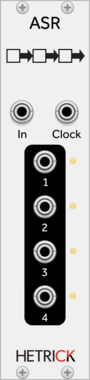
HetrickCV ASR

Analog shift register. Multi-stage sample and hold

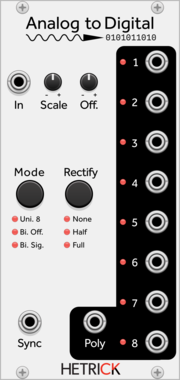
HetrickCV Analog to Digital

HetrickCV Analog to Digital

Converts a continuous signal into eight gates representing bit values.

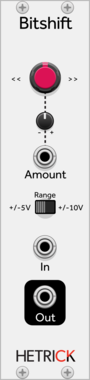
HetrickCV Bitshift

HetrickCV Bitshift

Bitshifting distortion and waveshaping effect

HetrickCV Blank Panel

HetrickCV Blank Panel

A blank panel. Show your love for HetrickCV

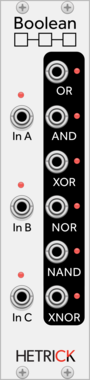
HetrickCV Boolean Logic

HetrickCV Boolean Logic

Six way boolean logic processor

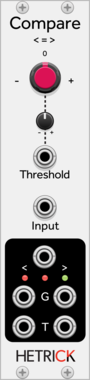
HetrickCV Comparator

HetrickCV Comparator

Determine whether a signal is above or below a threshold.

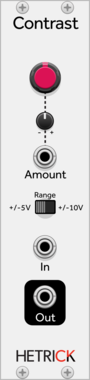
HetrickCV Contrast

HetrickCV Contrast

A mild distortion that brightens up a signal.

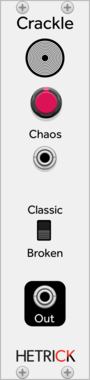
HetrickCV Crackle

HetrickCV Crackle

Vinyl-like noise generator ported from SuperCollider.

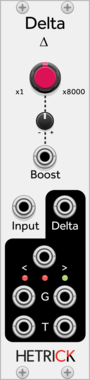
HetrickCV Delta

HetrickCV Delta

Determine which direction a signal is heading.

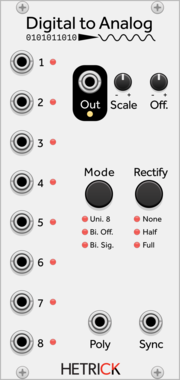
HetrickCV Digital to Analog

HetrickCV Digital to Analog

Converts eight gates to a smooth signal.

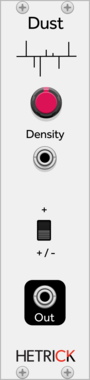
HetrickCV Dust

HetrickCV Dust

Random impulse and noise generator ported from SuperCollider

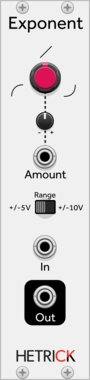
HetrickCV Exponent

HetrickCV Exponent

Raise a signal to a power

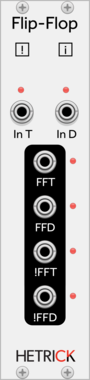
HetrickCV Flip-Flop

HetrickCV Flip-Flop

A flexible toggle switch

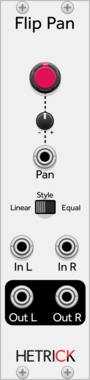
HetrickCV Flip Pan

HetrickCV Flip Pan

A bidirectional panner, crossfader, and VCA

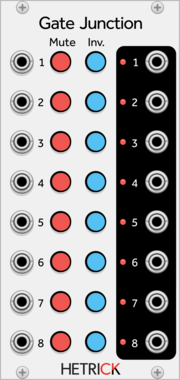
HetrickCV Gate Junction

HetrickCV Gate Junction

Eight channel gate processor.

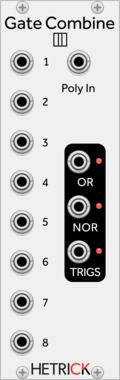
HetrickCV OR Logic (Gate Combiner)

HetrickCV OR Logic (Gate Combiner)

Combines multiple gates into one gate.

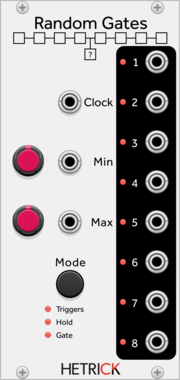
HetrickCV Random Gates

HetrickCV Random Gates

Generates up to eight random gates.

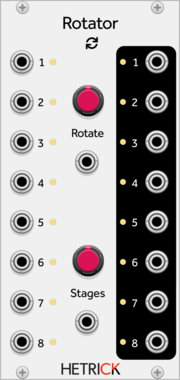
HetrickCV Rotator

HetrickCV Rotator

Eight-way channel rotation.

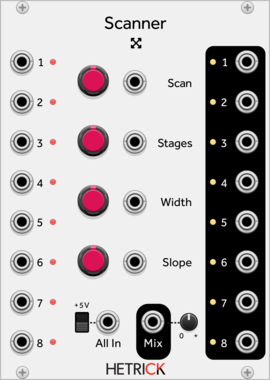
HetrickCV Scanner

HetrickCV Scanner

8-channel signal crossfader, mixer, scanner, and router.

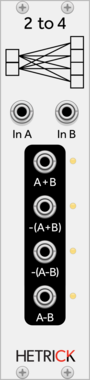
HetrickCV 2 To 4 Mix Matrix

HetrickCV 2 To 4 Mix Matrix

Takes two signals and generates four variations.

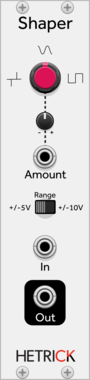
HetrickCV Waveshaper

HetrickCV Waveshaper

Modulatable hyperbolic waveshaper

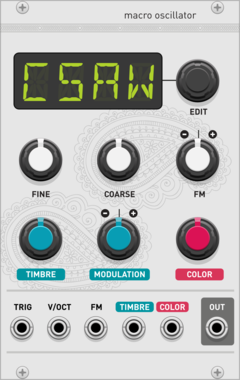
Audible Instruments Macro Oscillator

Audible Instruments Macro Oscillator

Based on Mutable Instruments Braids

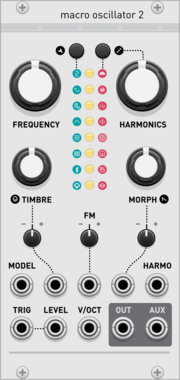
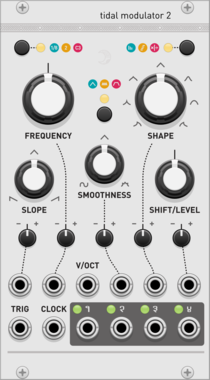
Audible Instruments Macro Oscillator 2

Audible Instruments Macro Oscillator 2

Based on Mutable Instruments Plaits

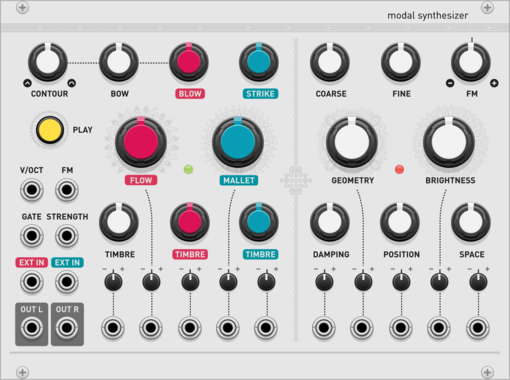
Audible Instruments Modal Synthesizer

Audible Instruments Modal Synthesizer

Based on Mutable Instruments Elements

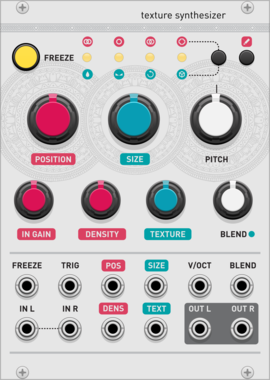
Audible Instruments Texture Synthesizer

Audible Instruments Texture Synthesizer

Based on Mutable Instruments Clouds

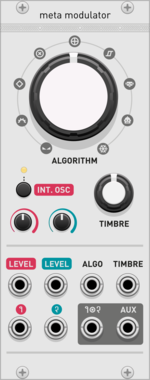
Audible Instruments Meta Modulator

Audible Instruments Meta Modulator

Based on Mutable Instruments Warps

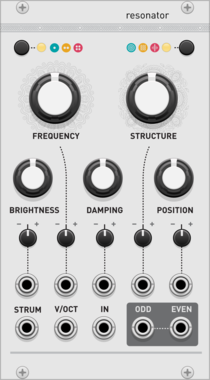
Audible Instruments Resonator

Audible Instruments Resonator

Based on Mutable Instruments Rings

Audible Instruments Multiples

Audible Instruments Multiples

Based on Mutable Instruments Links

Audible Instruments Utilities

Audible Instruments Utilities

Based on Mutable Instruments Kinks

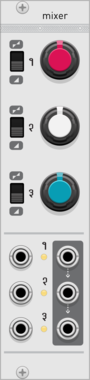
Audible Instruments Mixer

Audible Instruments Mixer

Based on Mutable Instruments Shades

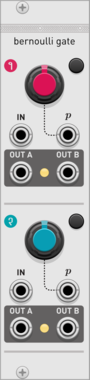
Audible Instruments Bernoulli Gate

Audible Instruments Bernoulli Gate

Based on Mutable Instruments Branches

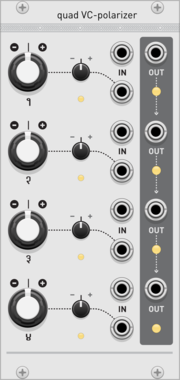
Audible Instruments Quad VC-polarizer

Audible Instruments Quad VC-polarizer

Based on Mutable Instruments Blinds

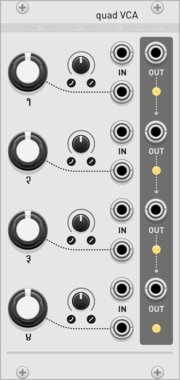
Audible Instruments Quad VCA

Audible Instruments Quad VCA

Based on Mutable Instruments Veils

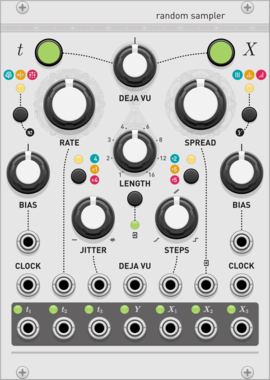
Audible Instruments Random Sampler

Audible Instruments Random Sampler

Based on Mutable Instruments Marbles

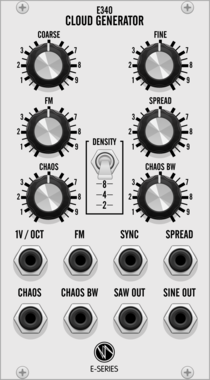
E-Series E340 Cloud Generator

E-Series E340 Cloud Generator

Based on Synthesis Technology E340

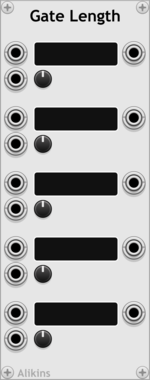
Alikins Gate Length

Alikins Gate Length

Create a gate with CV controlled length

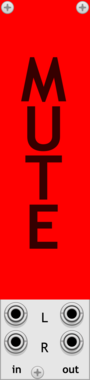
Alikins Big Mute Button

Alikins Big Mute Button

A big mute button

Alikins Reference Voltages

Alikins Reference Voltages

Fixed output voltages for -10V,-5V, -1V, 0V, 1V, 5V, 10V

Alikins Color Panel

Alikins Color Panel

Control the color of the panel with CV

Alikins Momentary On Buttons

Alikins Momentary On Buttons

Set of momentarily on buttons

Alikins Shift Pedal

Alikins Shift Pedal

Generate gates on mod key presses


VCV Library Instructions

  • Download and install VCV Rack.
  • Register for a VCV account and log in using Rack’s “Library” menu.
  • Add or purchase a module on the VCV Library.
  • Open the “Library” menu in Rack, click “Update all” (if updates are needed), and restart Rack once downloaded.
  • Right-click an empty rack space to launch Rack’s module browser to add a module to your patch.

All plugins on the VCV Library are available for Windows, Mac, and Linux. The “major” version (i.e. MAJOR.MINOR.REVISION) must match between Rack and its plugins. For example, Rack 2.* can only load 2.* plugins.

Missing or incorrect information in this database, such as a missing tag? Inform the plugin author(s) using the contact information on their plugin/module page.

Developers: see Adding your plugin to the VCV Library.

Notes

Purchasing plugins with the “VCV” brand supports the VCV Rack project. See VCV’s Mission Statement to learn how VCV Rack development is funded.

Prices are in US Dollars.

By purchasing a plugin on the VCV Library, you agree to VCV’s End User License Agreement and Refund Policy.

Contact VCV Support for customer support and questions about the VCV Library.