
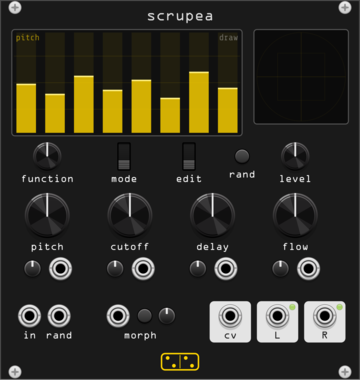
forsitan modulare scrupea
Chaotic bank: 16 oscillators into tuned feedback combs, modulating each other.
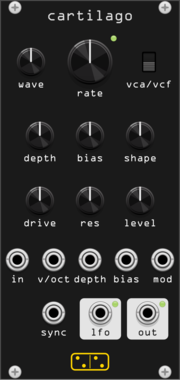
forsitan modulare cartilago
Gristleizer: LFO into a FET attenuator that never closes, or into a swept filter.
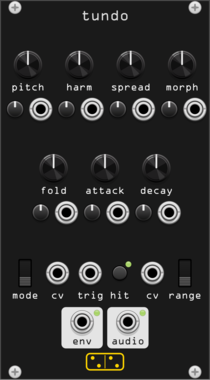
forsitan modulare tundo
Digital drum voice: six additive oscillators, morphing waves, prime spread, infinite folder.
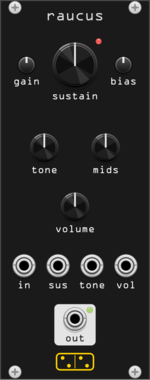
forsitan modulare raucus
Big Muff Pi fuzz: four transistor stages, feedback diode clipping, scooped tone stack.
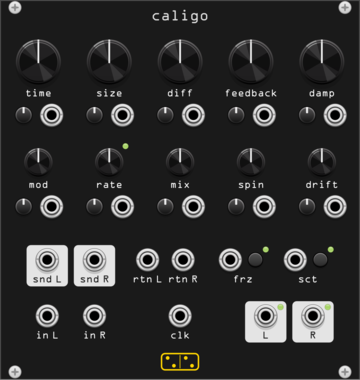
forsitan modulare caligo
Greyhole: a long modulated echo inside a nested allpass diffuser, with a patchable loop.
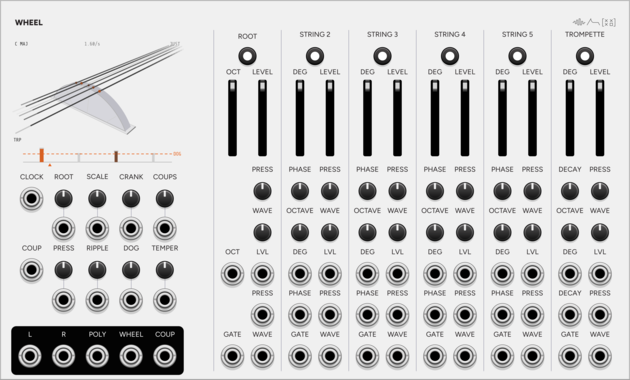
SignalFunctionSet Wheel
Hurdy-gurdy drone instrument: one wheel bows six strings, and the dog keeps time.
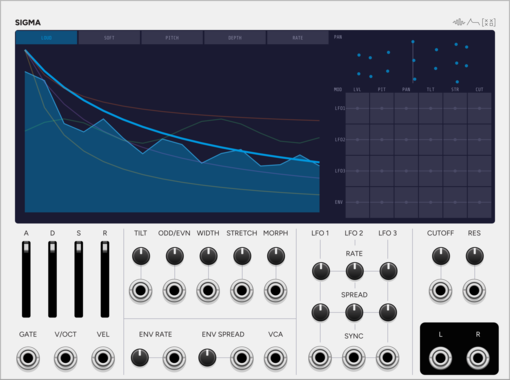
SignalFunctionSet Sigma
Additive voice: up to 64 sine partials, with velocity morphing between two spectra.
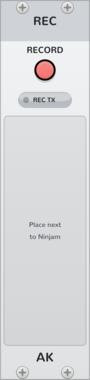
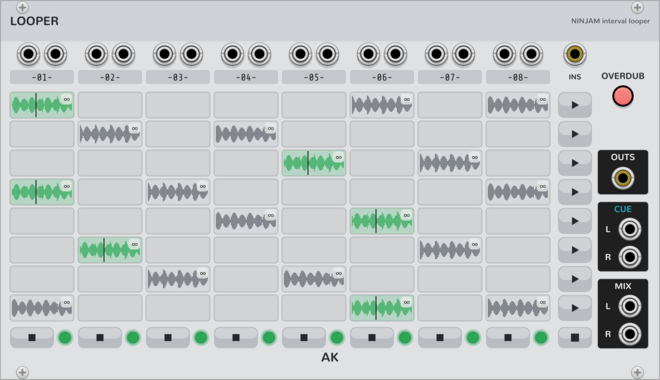
AK Audio Looper
8x8 looper on the NINJAM jam clock (Ninjam expander): beat-quantized capture/launch/stop, free-running clips of any whole-beat length (tempo changes never touch committed audio), scenes, follow actions, auto-advance chains, overdub; takes persist on disk and in the patch. Beta: young and complex - expect occasional bugs.
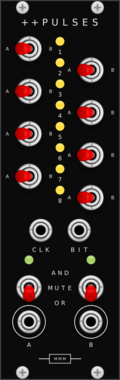
Missing Mile Modular Doubleplus Pulses
Performance gate router for the Music Thing Turing Machine: eight channels, each routed to one of two OR/AND merge buses.
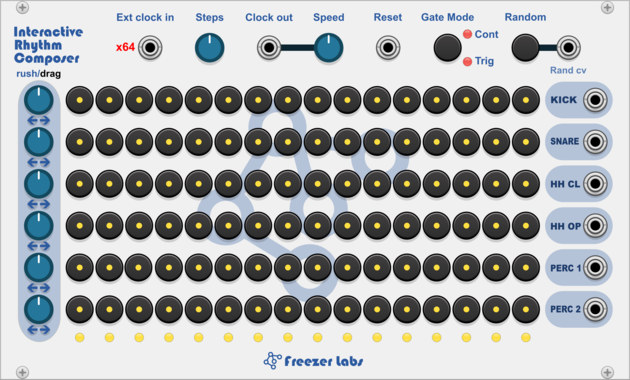
Freezer Labs Interactive Rhythm Composer
6 row drum sequencer with interactive style pattern generator, per-row shift and rush/drag controls and step probability.
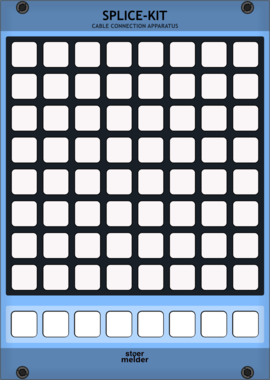
stoermelder SPLICE-KIT
8x8 matrix patch-bay for creating and removing cables by pressing button pairs. Stores up to eight independent scenes per instance, with full MIDI control and feedback for playing your patch from a grid controller.
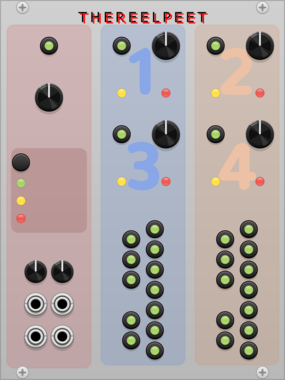
THEREELPEET TheReelPeet-Evo
Single-lane genetic-algorithm sequencer. Evolves patterns via elitism, crossover, and mutation (Drift/Persist) instead of flat randomization, for repetition-with-change generative melodies.
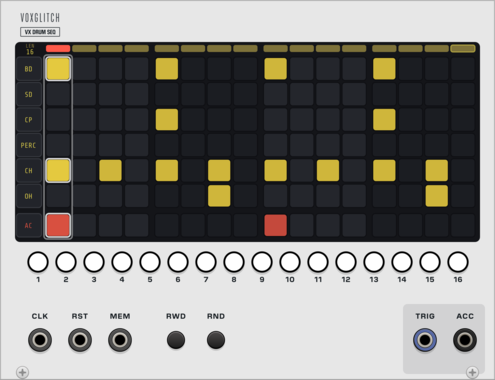
Voxglitch VX Drum Sequencer
16-step, six-lane trigger sequencer with an accent lane, ratchets, sixteen pattern memories with CV select, and an external clock input with reset. Drives VX Drums over one poly trigger cable plus an accent cable. The bottom half of the VX Drum Machine.
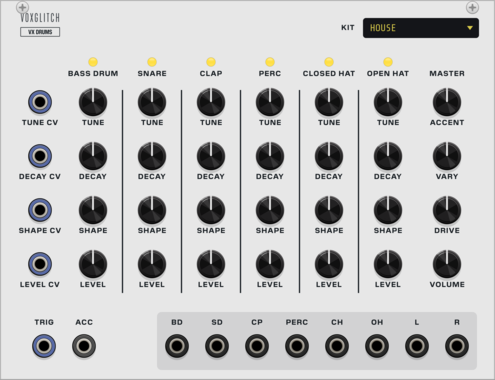
Voxglitch VX Drums
Six analog-modelled drum voices (kick, snare, clap, percussion, closed and open hat) with six kits of switchable analog-modelled voice models, fired by a polyphonic trigger cable, with an accent gate, a stereo mix with drive, and dry individual outs. The top half of the VX Drum Machine.

Venom Stereo Merge Split
Compact and versatile polyphonic merge and split utility for stereo signals


Venom Spread Merge
Spread each monophonic gate/CV pair across multiple polyphonic channels and merge all into a single poly output



Venom Linear Merge
Merge multiple sets of monophonic gate/CV pairs into a single monophonic stream of gates with associated CV
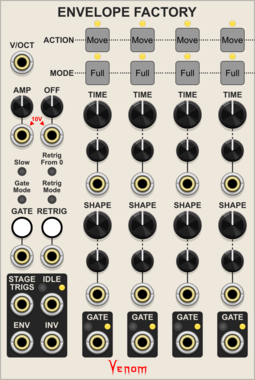
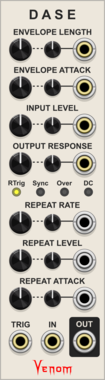
Venom DASE - Dynamic Amplifying Shaping Envelope
Novel Attack/Decay envelope generator that functions as an unusual VCA and waveshaper via audio rate envelope modulation

Venom Bounded VCO
An implementation of Peter Blasser's Bound/Bounce oscillation that constrains an oscillator with constant slopes between an upper and lower bound

Quostate MorphfastMini
Clock-synced voltage transition generator with Ramp, RampBack and Step curves, delay and easing.
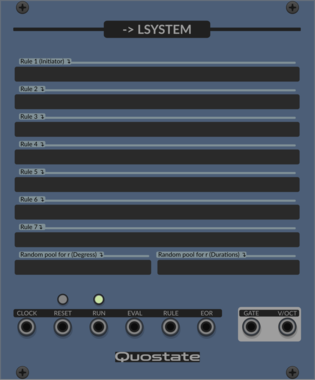
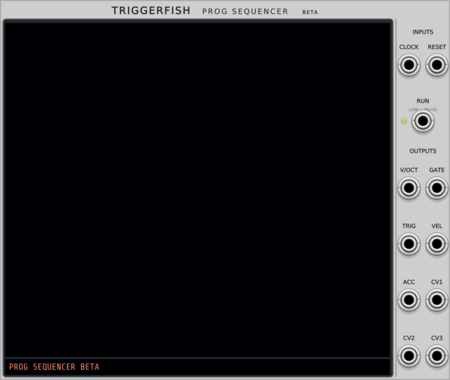
TriggerFish Prog Sequencer
Beta live-coded polyphonic note and chord sequencer; syntax, semantics, and features may change
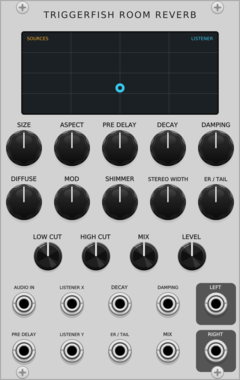
TriggerFish Room Reverb
Geometric rectangular-room early reflections with a two-stage 16-line velvet stereo late field
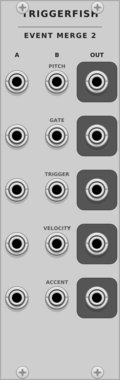
TriggerFish Event Merge 2
Concatenates two polyphonic Pitch/Gate/Trigger/Velocity/Accent event bundles without summing pitch
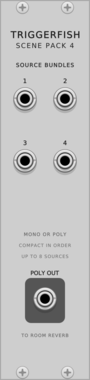
TriggerFish Scene Pack 4
Compacts four mono/poly source bundles into one polyphonic cable for Room Reverb placement
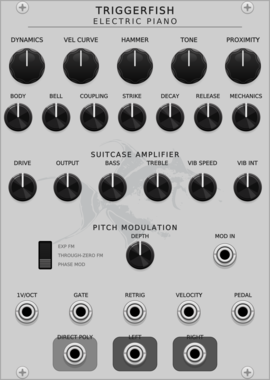
TriggerFish Electric Piano
Sample-free polyphonic modal electric piano with velocity-sensitive tines, nonlinear pickups, and a shared amplifier
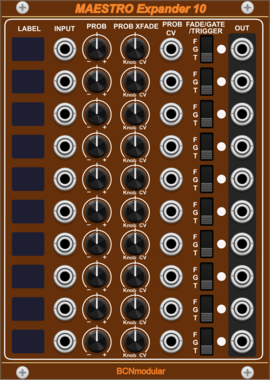
BCNmodular Maestro Expander 10
Adds channels 7-16 to Maestro. Links to a Maestro Core via context menu, not physical placement.
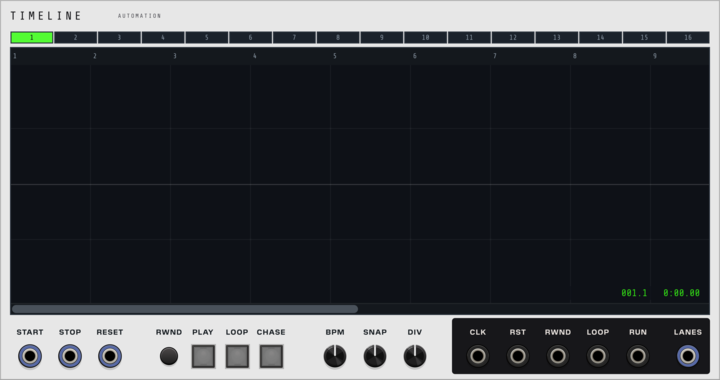
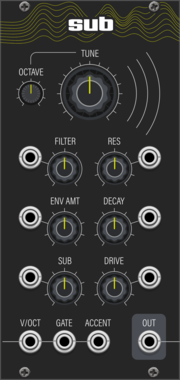
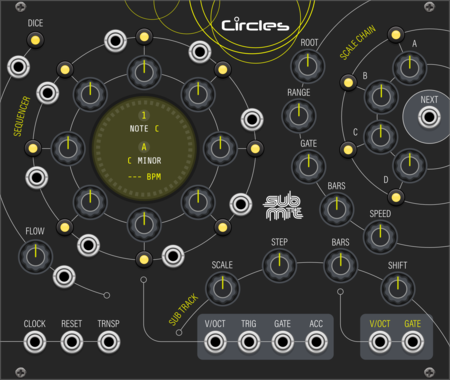

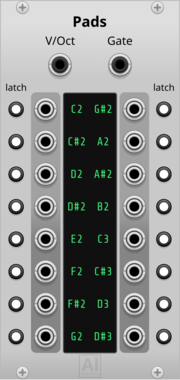
Aluminium Pads
16 gate outputs, one per learned note, driven by a polyphonic V/OCT + GATE cable (e.g. from Core MIDI-CV or Zones) instead of MIDI — learn a cell by clicking it and playing (or typing) the note; each cell can be switched to Latch mode to toggle on/off instead of following the held note
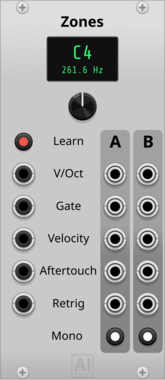
Aluminium Zones
Keyboard split and mono voice allocator for a polyphonic MIDI-CV signal (V/OCT, GATE, VELOCITY, AFTERTOUCH, RETRIGGER): two note-range zones, each polyphonic passthrough or monophonic with note priority (last/highest/lowest note) and true legato gate. Duo mode reproduces the Moog Subsequent 37 / Sub 37 DUO mode: duophonic/paraphonic two-voice allocation, highest note on B, other held note on A, with per-note velocity and poly aftertouch
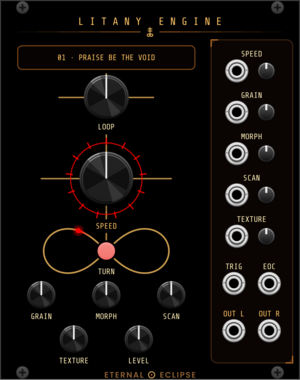
Eternal Eclipse Litany Engine
Looping sample player with an onboard litany of loops and a focused granular engine — or load your own sample folder: through-zero varispeed, grain size from whole-loop down to 15 ms, morphing overlap, scan and texture spray; stereo companion to the Coronal Annihilator's external input.
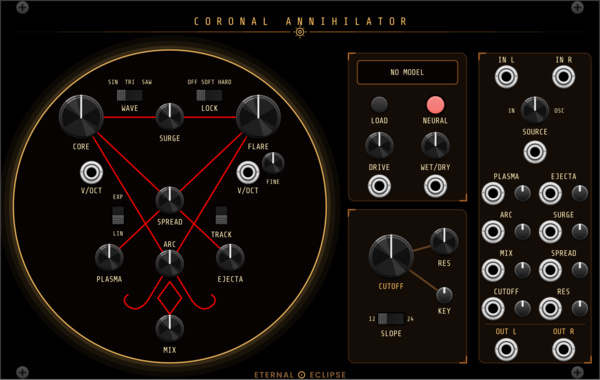
Eternal Eclipse Coronal Annihilator
Stereo voice: a complex dual oscillator (CORE drives FLARE with FM, sync, wavefolding and phase warp) blended with an external stereo input, through an onboard neural amp model (.nam, one network per channel) and a saturating 4-pole lowpass with 12/24 dB slopes.

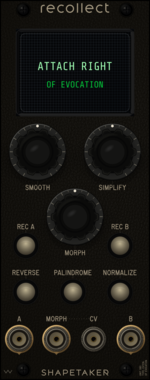
shapetaker Recollect
A/B gesture-memory, morphing, transform, and dedicated endpoint-output expander for Evocation
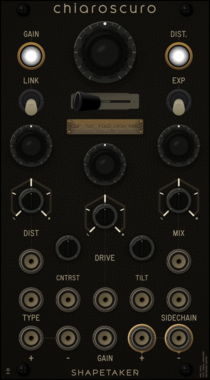
shapetaker Chiaroscuro
Stereo VCA with sidechain-controlled distortion engine. Named after the artistic technique of dramatic light/dark contrast, features 5 intense distortion algorithms with full CV control.
VCV Library Instructions
- Download and install VCV Rack.
- Register for a VCV account and log in using Rack’s “Library” menu.
- Add or purchase a module on the VCV Library.
- Open the “Library” menu in Rack, click “Update all” (if updates are needed), and restart Rack once downloaded.
- Right-click an empty rack space to launch Rack’s module browser to add a module to your patch.
All plugins on the VCV Library are available for Windows, Mac, and Linux.
The “major” version (i.e. MAJOR.MINOR.REVISION) must match between Rack and its plugins.
For example, Rack 2.* can only load 2.* plugins.
Missing or incorrect information in this database, such as a missing tag? Inform the plugin author(s) using the contact information on their plugin/module page.
Developers: see Adding your plugin to the VCV Library.
Notes
Purchasing plugins with the “VCV” brand supports the VCV Rack project. See VCV’s Mission Statement to learn how VCV Rack development is funded.
Prices are in US Dollars.
By purchasing a plugin on the VCV Library, you agree to VCV’s End User License Agreement and Refund Policy.
Contact VCV Support for customer support and questions about the VCV Library.