


























MicMusic SeVeN

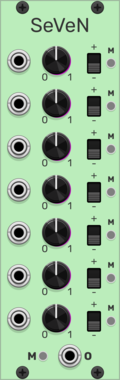
MicMusic SeVeN

Adds +-1V signals

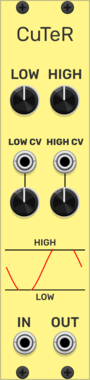
MicMusic CuTeR

MicMusic CuTeR

Simple distortion - cuts signal between levels

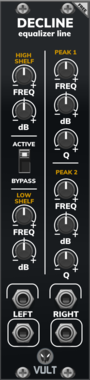
Vult Decline

Vult Decline

Equalizer Line

cf LABEL

cf LABEL

label

Submarine AG-104

Submarine AG-104

AG-104 AND Gates

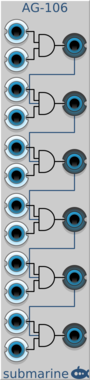
Submarine AG-106

Submarine AG-106

AG-106 AND Gates

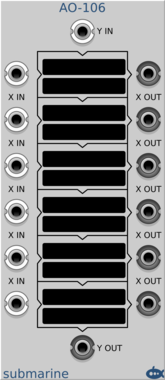
Submarine AO-106

Submarine AO-106

AO-106 Arithmetic Operators

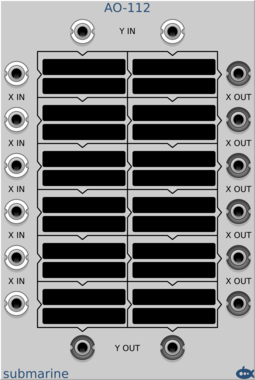
Submarine AO-112

Submarine AO-112

AO-112 Arithmetic Operators

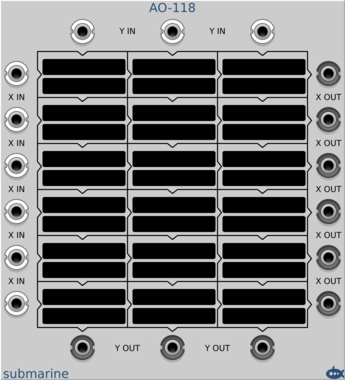
Submarine AO-118

Submarine AO-118

AO-118 Arithmetic Operators

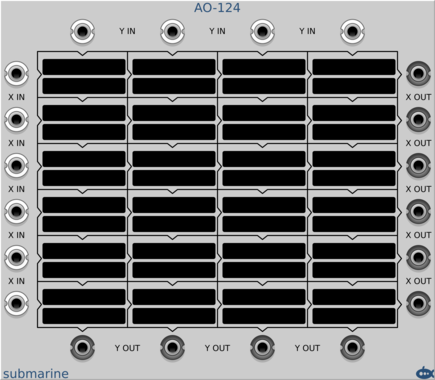
Submarine AO-124

Submarine AO-124

AO-124 Arithmetic Operators

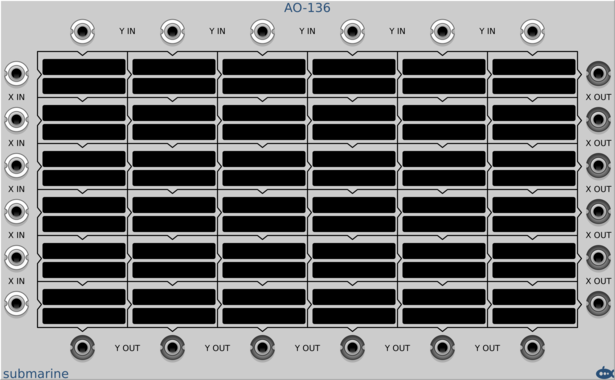
Submarine AO-136

Submarine AO-136

AO-136 Arithmetic Operators

Submarine BB-120

Submarine BB-120

BB-120 20-Stage Bucket Brigade Sample and Hold

Submarine BP-101

Submarine BP-101

BP-101 Blanking Plate

Submarine BP-102

Submarine BP-102

BP-102 Blanking Plate

Submarine BP-104

Submarine BP-104

BP-104 Blanking Plate

Submarine BP-108

Submarine BP-108

BP-108 Blanking Plate

Submarine BP-110

Submarine BP-110

BP-110 Blanking Plate

Submarine BP-112

Submarine BP-112

BP-112 Blanking Plate

Submarine BP-116

Submarine BP-116

BP-116 Blanking Plate

Submarine BP-120

Submarine BP-120

BP-120 Blanking Plate

Submarine BP-124

Submarine BP-124

BP-124 Blanking Plate

Submarine BP-132

Submarine BP-132

BP-132 Blanking Plate

Submarine DN-112

Submarine DN-112

DN-112 Digital Noise

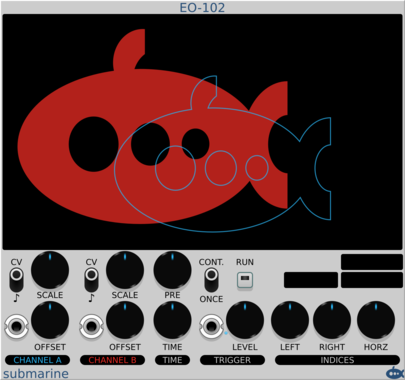
Submarine EO-102

Submarine EO-102

EO-102 Envelope Oscilloscope

Submarine FF-110

Submarine FF-110

FF-110 10-Stage Flip-Flop Counter

Submarine FF-120

Submarine FF-120

FF-120 20-Stage Flip-Flop Counter

Submarine FF-206

Submarine FF-206

FF-206 Edge Triggered Flip-Flops

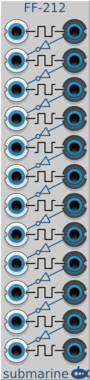
Submarine FF-212

Submarine FF-212

FF-212 Edge Triggered Flip-Flops

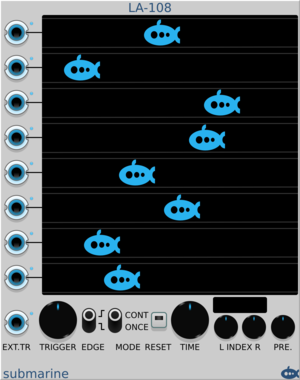
Submarine LA-108

Submarine LA-108

LA-108 Logic Analyser

Submarine LD-103

Submarine LD-103

LD-103 Schmitt Trigger Line Drivers

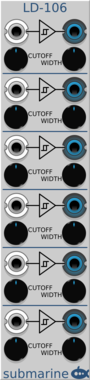
Submarine LD-106

Submarine LD-106

LD-106 Schmitt Trigger Line Drivers

Submarine NG-106

Submarine NG-106

NG-106 NOT Gates

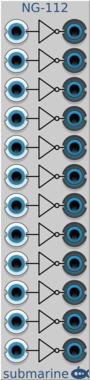
Submarine NG-112

Submarine NG-112

NG-112 NOT Gates

Submarine OG-104

Submarine OG-104

OG-104 OR Gates

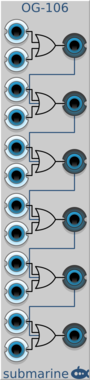
Submarine OG-106

Submarine OG-106

OG-106 OR Gates

Submarine PG-104

Submarine PG-104

PG-104 Pulse Generators

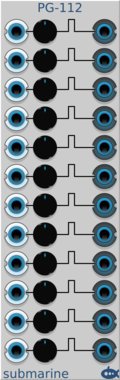
Submarine PG-112

Submarine PG-112

PG-112 Pulse Generators

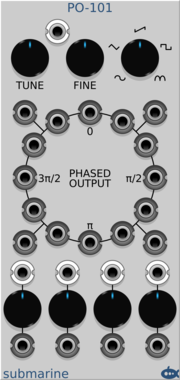
Submarine PO-101

Submarine PO-101

PO-101 Phased VCO

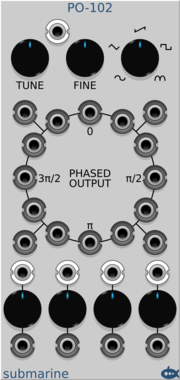
Submarine PO-102

Submarine PO-102

PO-102 Phased LFO

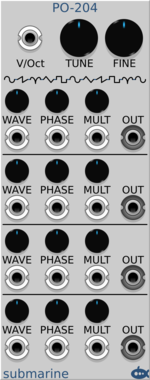
Submarine PO-204

Submarine PO-204

PO-204 Phase Modulation Engine

Submarine SS-112

Submarine SS-112

SS-112 12 Input Sinks

Submarine SS-208

Submarine SS-208

SS-208 8 Irrational Output Voltage Sources

Submarine SS-212

Submarine SS-212

SS-212 12 Chromatic Output Voltage Sources

Submarine SS-220

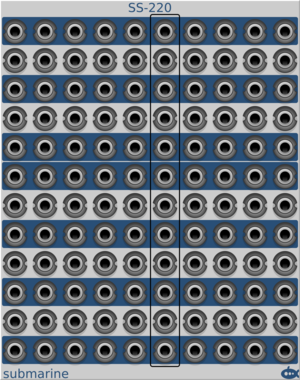
Submarine SS-220

SS-220 120 Chromatic Output Voltage Sources

Submarine SS-221

Submarine SS-221

SS-221 21 Output Voltage Sources

Submarine TD-202

Submarine TD-202

TD-202 Vertical Text Display

Submarine TF-101

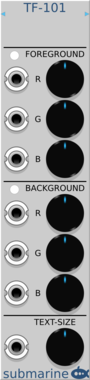
Submarine TF-101

TF-101 Text Display Format Control

Submarine WK-101

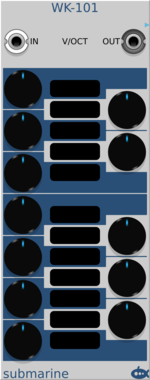
Submarine WK-101

WK-101 Das Wohltemperierte Klavier

Submarine WK-205

Submarine WK-205

WK-205 Das Wohltemperierte Klavier Nano


VCV Library Instructions

  • Download and install VCV Rack.
  • Register for a VCV account and log in using Rack’s “Library” menu.
  • Add or purchase a module on the VCV Library.
  • Open the “Library” menu in Rack, click “Update all” (if updates are needed), and restart Rack once downloaded.
  • Right-click an empty rack space to launch Rack’s module browser to add a module to your patch.

All plugins on the VCV Library are available for Windows, Mac, and Linux. The “major” version (i.e. MAJOR.MINOR.REVISION) must match between Rack and its plugins. For example, Rack 2.* can only load 2.* plugins.

Missing or incorrect information in this database, such as a missing tag? Inform the plugin author(s) using the contact information on their plugin/module page.

Developers: see Adding your plugin to the VCV Library.

Notes

Purchasing plugins with the “VCV” brand supports the VCV Rack project. See VCV’s Mission Statement to learn how VCV Rack development is funded.

Prices are in US Dollars.

By purchasing a plugin on the VCV Library, you agree to VCV’s End User License Agreement and Refund Policy.

Contact VCV Support for customer support and questions about the VCV Library.