
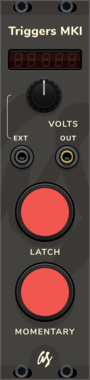
AS Triggers MKI
Manual CV signal trigger with latch and temporary triggers + adjustable output voltage

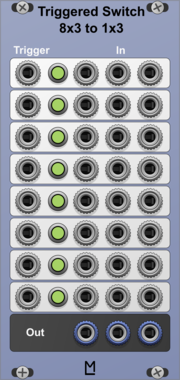
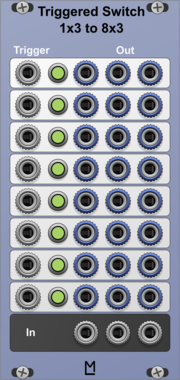



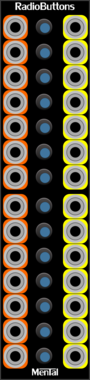
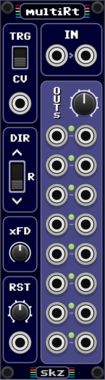


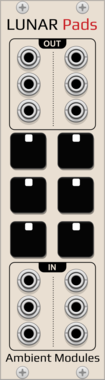
AmbientModules LunarPads
6-pad gate source for the drone voices (4 Lunar50Drone, 2 LunarPapaSrapa), momentary or latching, each pad's external gate input lets an external MIDI gate source trigger it alongside the mouse
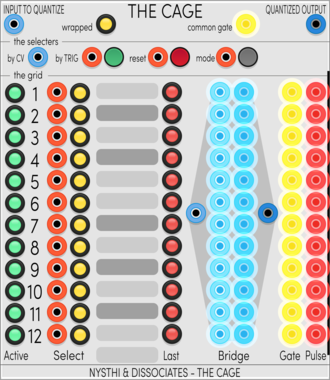
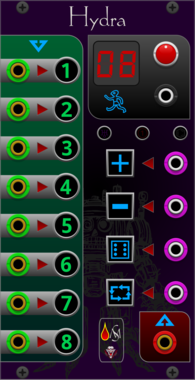
Sanguine Monsters Hydra
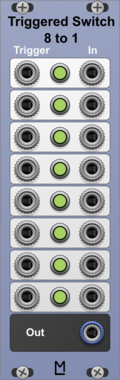
8 to 1 switch/sequencer that can avoid consecutive random repeated values; can be one shot, and can be reset to either no step value or the first step
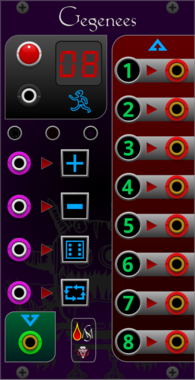
Sanguine Monsters Gegenees
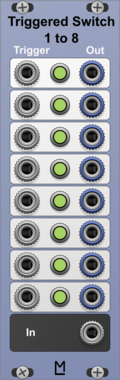
1 to 8 switch/sequencer that can avoid consecutive random repeated values; can be one shot, and can be reset to either no step value or the first step
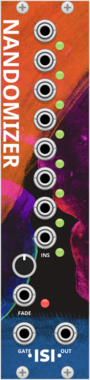

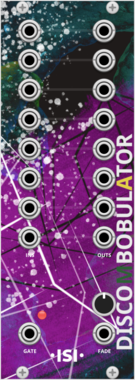
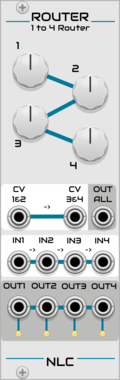
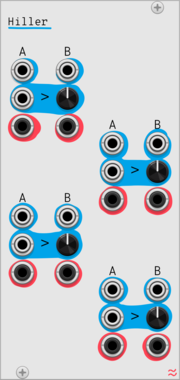
Nonlinear Circuits Router
Simple switch. If the CV input is below the knob voltage setting, the output is active. Panel by jk.
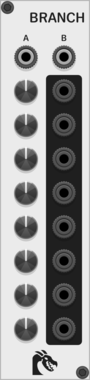
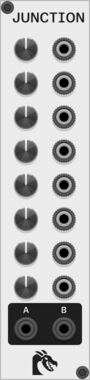
Ouroboros Industries Branch
A switched mult/router with 2 inputs and 8 outputs. Counterpart to Junction

Infinite-Noise Value Comparator-2 Mk I
4HP dual value compare: two sections of A=B, A!=B, A>=B, A>B, A<=B, A<B, with True/False switch inputs.

Infinite-Noise Logic Comparator-2
4HP dual logic: all six Boolean outputs per section, plus True/False switch inputs. Buttons next to each input can invert the input individually.
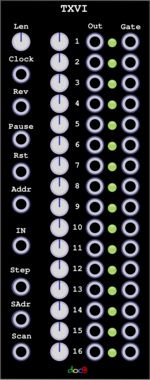



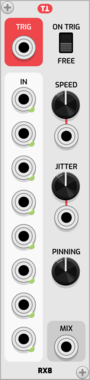
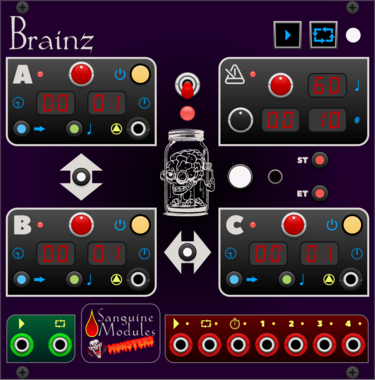
Sanguine Monsters Brainz
Master control center intended to make synchronizing audio and video files from different recorders easier

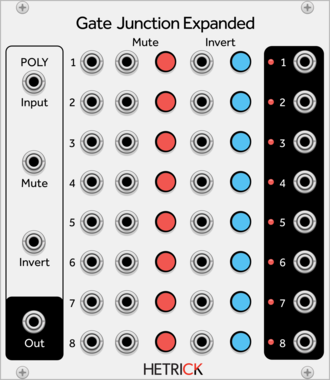
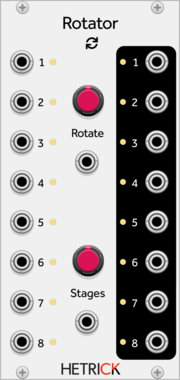
HetrickCV Gate Junction Expanded
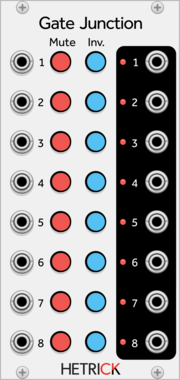
Eight channel gate processor, expanded with more jacks and polyphony.
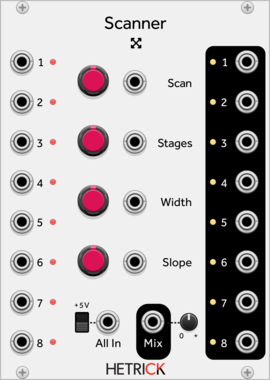
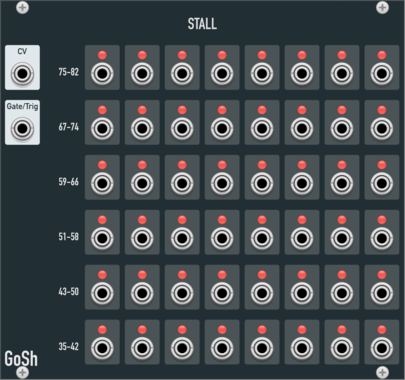
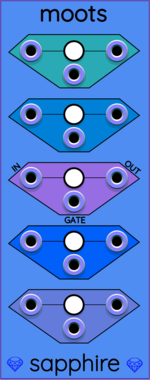
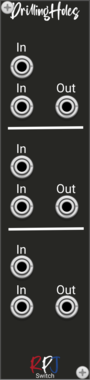


Sulamith Poly to Sequence
Takes a polyphonic Input and sequences it to a clock (fwd, bwd, rnd). Step probability + add random probability with range.
VCV Library Instructions
- Download and install VCV Rack.
- Register for a VCV account and log in using Rack’s “Library” menu.
- Add or purchase a module on the VCV Library.
- Open the “Library” menu in Rack, click “Update all” (if updates are needed), and restart Rack once downloaded.
- Right-click an empty rack space to launch Rack’s module browser to add a module to your patch.
All plugins on the VCV Library are available for Windows, Mac, and Linux.
The “major” version (i.e. MAJOR.MINOR.REVISION) must match between Rack and its plugins.
For example, Rack 2.* can only load 2.* plugins.
Missing or incorrect information in this database, such as a missing tag? Inform the plugin author(s) using the contact information on their plugin/module page.
Developers: see Adding your plugin to the VCV Library.
Notes
Purchasing plugins with the “VCV” brand supports the VCV Rack project. See VCV’s Mission Statement to learn how VCV Rack development is funded.
Prices are in US Dollars.
By purchasing a plugin on the VCV Library, you agree to VCV’s End User License Agreement and Refund Policy.
Contact VCV Support for customer support and questions about the VCV Library.