HetrickCV Flip-Flop

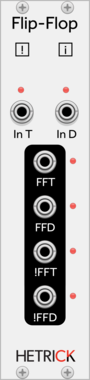
HetrickCV Flip-Flop

A flexible toggle switch

LogicPolyphonic

Count Modula SR Flip Flop

Count Modula SR Flip Flop

A logical Set/Reset flip flop with enable

Logic

Count Modula T Flip Flop

Count Modula T Flip Flop

A logical T type (toggle) flip flop with enable

Logic

Count Modula D Flip Flop

Count Modula D Flip Flop

A logical D type flip flop with clock enable

Logic

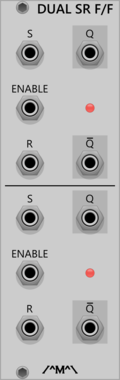
Count Modula Dual SR Flip Flop

Count Modula Dual SR Flip Flop

A dual logical Set/Reset flip flop with enable

LogicDual

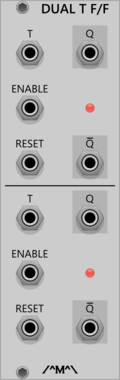
Count Modula Dual T Flip Flop

Count Modula Dual T Flip Flop

A dual logical T type (toggle) flip flop with enable

LogicDual

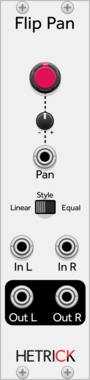
HetrickCV Flip Pan

HetrickCV Flip Pan

A bidirectional panner, crossfader, and VCA

PanningVoltage-controlled amplifierUtilityPolyphonic

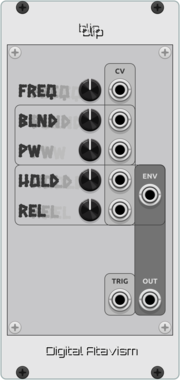
Digital Atavism Blip

Digital Atavism Blip

Generates digital blip sounds

DigitalEnvelope generatorOscillatorSynth voice

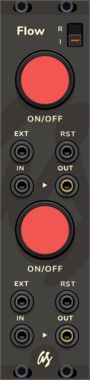
AS Flow

AS Flow

Cut the flow of signals with a switch or a cv signal input

SwitchDualUtility

Grande Clip

Grande Clip

Polyphonic hard clipper and visual clip monitor.

LimiterVisualPolyphonic

Autinn Flopper

Autinn Flopper

Mix signals in uncommon way

Waveshaper

Bogaudio FLIPFLOP

Bogaudio FLIPFLOP

Dual flipflop

LogicDualPolyphonic

aridacity Clip Limiter

aridacity Clip Limiter

Hard limiter with inner and outer limits

LimiterPolyphonic

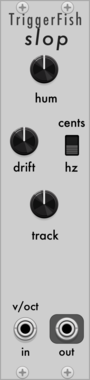
TriggerFish Slop

TriggerFish Slop

Slop

Noise

Submarine FF-110

Submarine FF-110

FF-110 10-Stage Flip-Flop Counter

LogicMultiple

Submarine FF-120

Submarine FF-120

FF-120 20-Stage Flip-Flop Counter

LogicMultiple

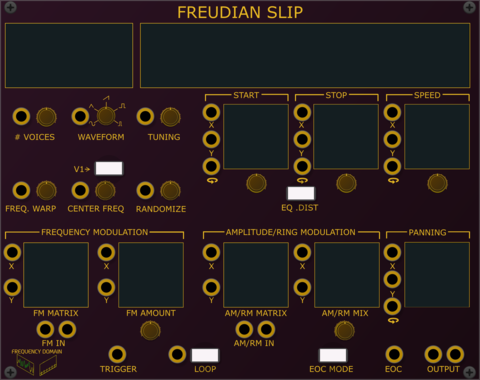
Frequency Domain Freudian Slip

Frequency Domain Freudian Slip

Resynthesizing Sampler

Synth voiceSampler

Little Utils Button

Little Utils Button

Press a button to output a trigger, gate or flip-flop signal

Utility

Sickozell switcher

Sickozell switcher

2>1 switch, 1>2 router, 2 signal swapper, mute, flip flop, toggle gate

SwitchUtilityPolyphonic

Sickozell switcherSt

Sickozell switcherSt

Stereo 2>1 switch, 1>2 router, 2 signal swapper, mute, flip flop, toggle gate

SwitchUtilityPolyphonic

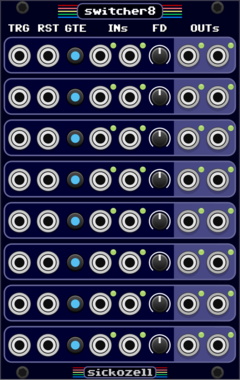
Sickozell switcher8

Sickozell switcher8

Eight 2>1 switch, 1>2 router, 2 signal swapper, mute, flip flop, toggle gate

SwitchUtilityPolyphonicQuad

Submarine FF-206

Submarine FF-206

FF-206 Edge Triggered Flip-Flops

LogicMultiple

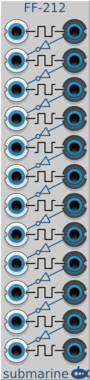
Submarine FF-212

Submarine FF-212

FF-212 Edge Triggered Flip-Flops

LogicMultiple

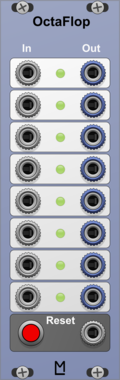
ML Modules OctaFlop

ML Modules OctaFlop

8 Flip Flops, pre-wired as binary counter

UtilityClock modulator

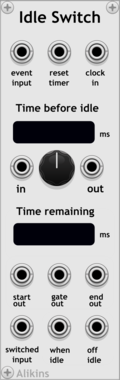
Alikins Idle Switch

Alikins Idle Switch

If a signal goes idle, flip a switch

UtilitySwitch

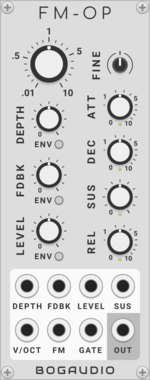
Bogaudio FM-OP

Bogaudio FM-OP

FM operator / oscillator / synth voice

OscillatorSynth voicePolyphonic

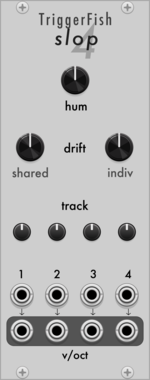
TriggerFish Slop4

TriggerFish Slop4

Slop

Noise

1

VCV Library Instructions

  • Download and install VCV Rack.
  • Register for a VCV account and log in using Rack’s “Library” menu.
  • Add or purchase a module on the VCV Library.
  • Open the “Library” menu in Rack, click “Update all” (if updates are needed), and restart Rack once downloaded.
  • Right-click an empty rack space to launch Rack’s module browser to add a module to your patch.

All plugins on the VCV Library are available for Windows, Mac, and Linux. The “major” version (i.e. MAJOR.MINOR.REVISION) must match between Rack and its plugins. For example, Rack 2.* can only load 2.* plugins.

Missing or incorrect information in this database, such as a missing tag? Inform the plugin author(s) using the contact information on their plugin/module page.

Developers: see Adding your plugin to the VCV Library.

Notes

Purchasing plugins with the “VCV” brand supports the VCV Rack project. See VCV’s Mission Statement to learn how VCV Rack development is funded.

Prices are in US Dollars.

By purchasing a plugin on the VCV Library, you agree to VCV’s End User License Agreement and Refund Policy.

Contact VCV Support for customer support and questions about the VCV Library.