
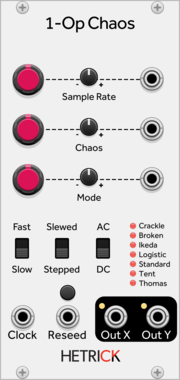
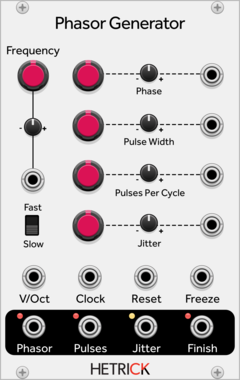
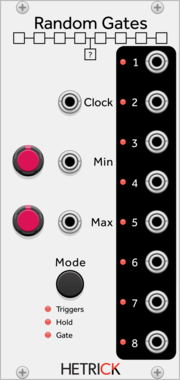
HetrickCV Phasor Generator
Generates a phasor along with time-synced gates.
OscillatorClock generatorClock modulatorLow-frequency oscillatorRandomPolyphonic
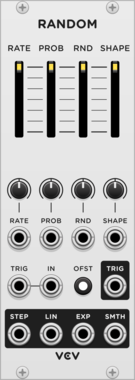
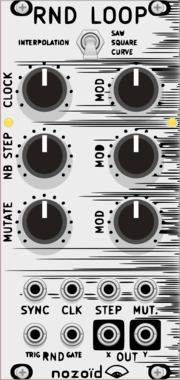
nozoïd Nozori_68_RND_LOOP
Loop of Random Value, with various interpolation and external synchronisation
Hardware cloneDualFunction generatorLow-frequency oscillatorRandom
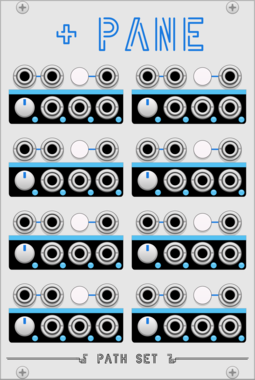


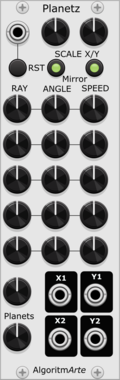
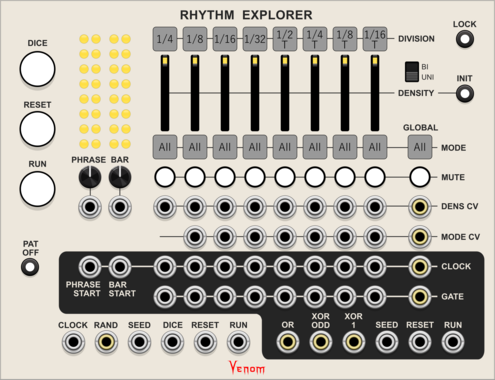
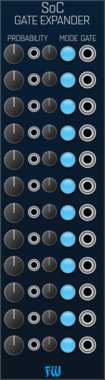
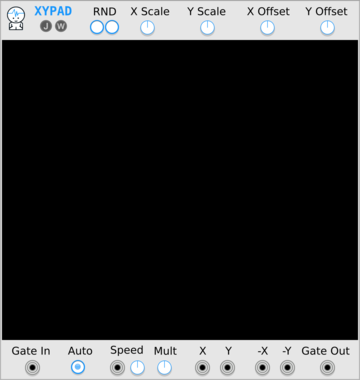
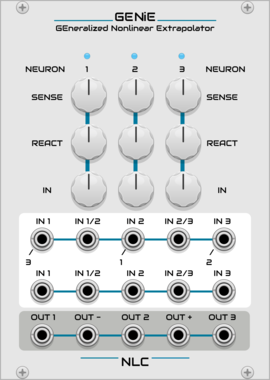
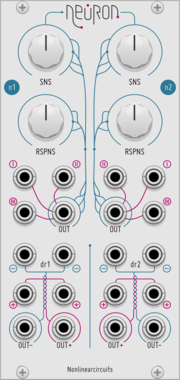
Nonlinear Circuits GENiE
Three Neurons tangled together in a feedback network of chaos. Panel by jk.
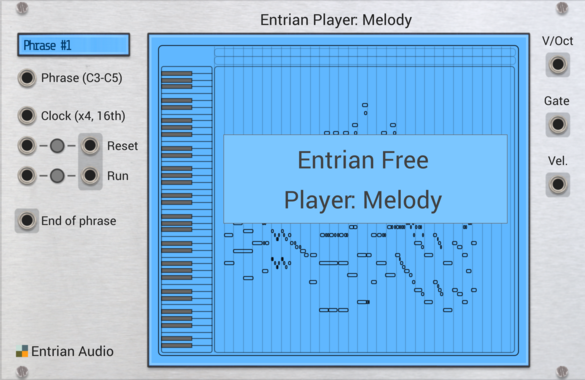
Entrian Player: Melody
Piano roll melody and chord player for MIDI files and Entrian Sequencer songs.


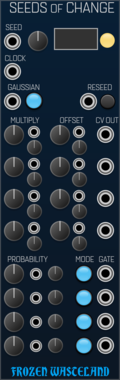
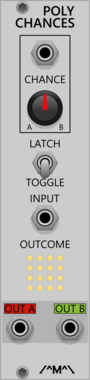
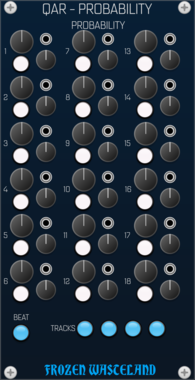
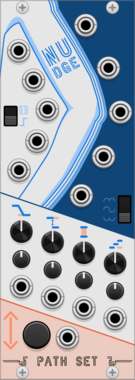

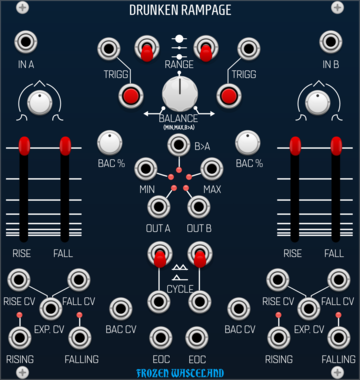
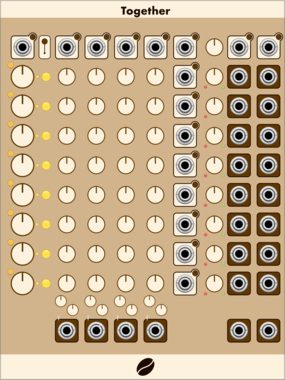
Frozen Wasteland Drunken Rampage
Probalistic Dual ramp generator. Inspired by Befaco Rampage.
Function generatorLogicSlew limiterEnvelope followerDualRandom




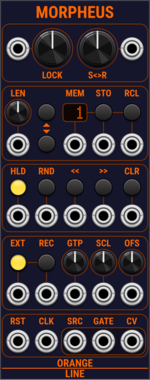
OrangeLine Morpheus
Morphing of given or random sequences with turing machine functionality and 16 Internal Memory Slots.

Tiny Tricks Modulation Generator x1
Get a random value (S&H on internal noise) or LFO with random state (rate, waveform, scale, phase) generated on a trigger. Settings for variance and bias of random, whether to include S&H values and unipolar or bipolar.
VCV Library Instructions
- Download and install VCV Rack.
- Register for a VCV account and log in using Rack’s “Library” menu.
- Add or purchase a module on the VCV Library.
- Open the “Library” menu in Rack, click “Update all” (if updates are needed), and restart Rack once downloaded.
- Right-click an empty rack space to launch Rack’s module browser to add a module to your patch.
All plugins on the VCV Library are available for Windows, Mac, and Linux.
The “major” version (i.e. MAJOR.MINOR.REVISION) must match between Rack and its plugins.
For example, Rack 2.* can only load 2.* plugins.
Missing or incorrect information in this database, such as a missing tag? Inform the plugin author(s) using the contact information on their plugin/module page.
Developers: see Adding your plugin to the VCV Library.
Notes
Purchasing plugins with the “VCV” brand supports the VCV Rack project. See VCV’s Mission Statement to learn how VCV Rack development is funded.
Prices are in US Dollars.
By purchasing a plugin on the VCV Library, you agree to VCV’s End User License Agreement and Refund Policy.
Contact VCV Support for customer support and questions about the VCV Library.