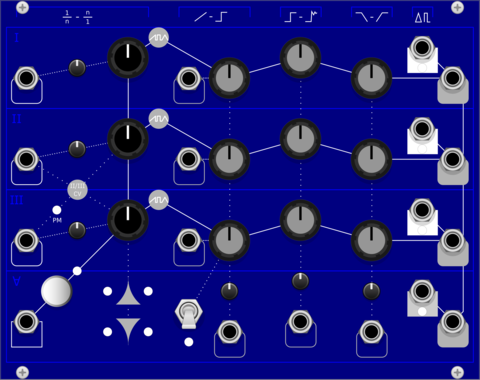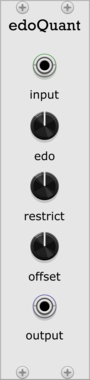
EucQuant EdoQuant

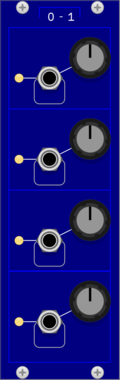
EucQuant EdoQuant

n-EDO quantizer for generating xenharmonic melodies with CV

Path Set CheeseGraterExpander

Path Set CheeseGraterExpander

Expander for CheeseGrater. Adds control over which part of the sample plays and more ways to modify how it plays.

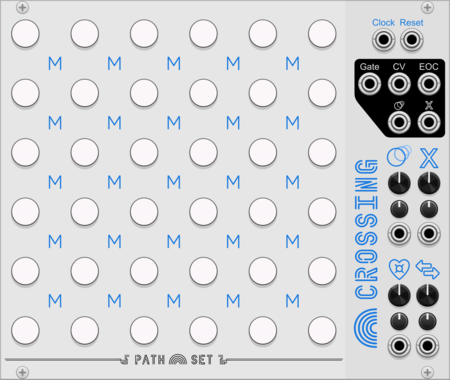
Path Set Crossing

Path Set Crossing

Create paths and circuits and loops in this field of notes.

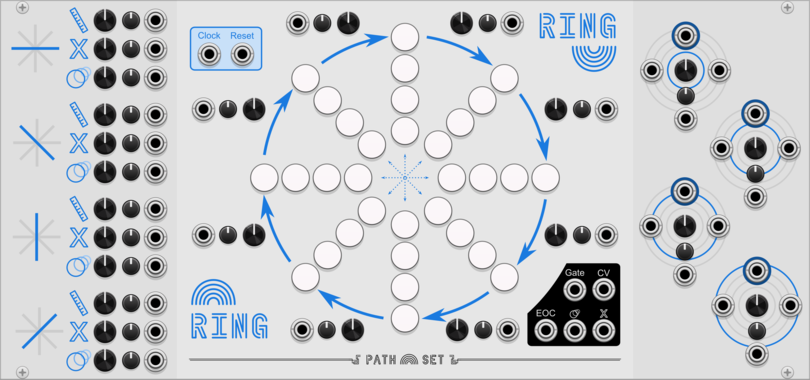
Path Set Ring

Path Set Ring

Concentric rings of notes create an ever shifting sequence.

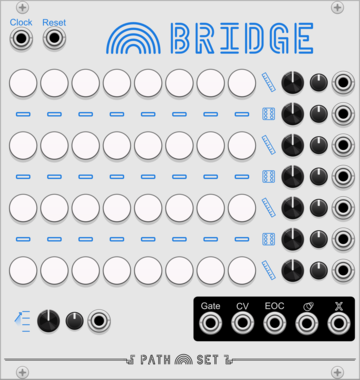
Path Set Bridge

Path Set Bridge

Start with four linear sequences and build bridges to connect and jump around.

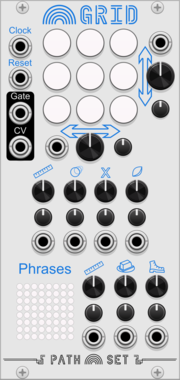
Path Set Rainbow Grid

Path Set Rainbow Grid

Generate a panoply of sequences using a small grid of nine notes.

Path Set Randomizer Expander

Path Set Randomizer Expander

Adds Randomizing Triggers to any Rainbow Sequencer
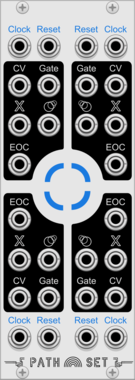
Path Set Playhead Expander

Path Set Playhead Expander

Adds 3 more play-heads to any Rainbow Sequencer

Path Set Shuttle

Path Set Shuttle

Travel the universe of harmonic sine waves.

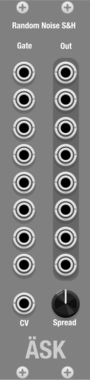
ÄSK rnsh

ÄSK rnsh

8 channel noise generator with sample and hold, with a global spread attenuator

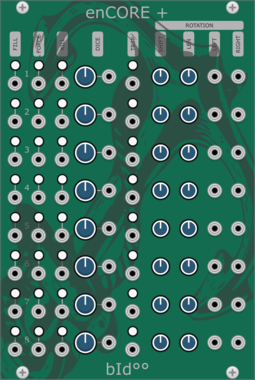
Bidoo enCORE Expander

Bidoo enCORE Expander

Expander for enCORE

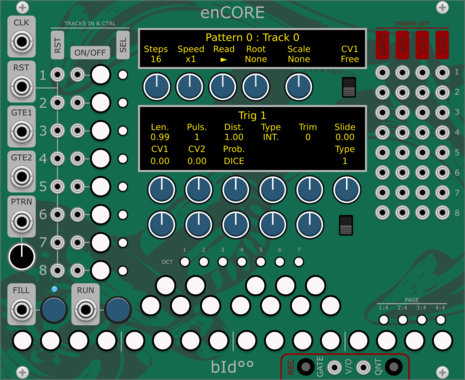
Bidoo enCORE

Bidoo enCORE

Sequencer

alef's bits oct sclr

alef's bits oct sclr

scales voltage to specified octave range

VCV Gates

VCV Gates

Gate processor

VCV Compare

VCV Compare

Compares two voltages

VCV Logic

VCV Logic

Gate logic processor

Ahornberg Copy Paste Preset

Ahornberg Copy Paste Preset

copy-paste a preset from the module on the left side to the modules on the right side
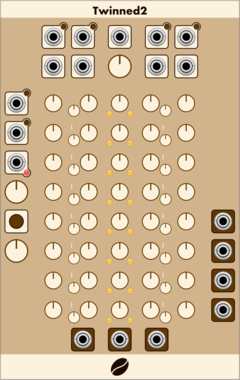
Coffee Twinned2

Coffee Twinned2

A sequencer with pair of 8 step notes, gates, randomisation and polyphonic input.

Coffee Juice

Coffee Juice

Select one of 16 sets of 8 fixed voltages, based on a CV input.

Coffee Some3

Coffee Some3

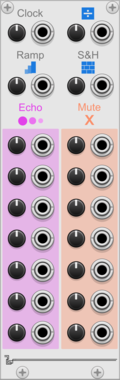
From a polyphonic input, when triggered, mute a number of the inputs, based on a probability

Coffee Fork2

Coffee Fork2

Compare an input with a threshold and output one of two other inputs.

docB µPad2

docB µPad2

Micro Pad2

docB PLC

docB PLC

Poly Controller

docB YAC

docB YAC

Yet another chorus, this one can be modulated

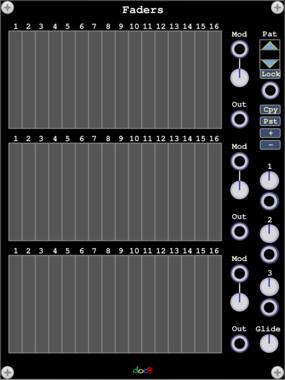
docB Faders

docB Faders

Three polyphonic slider banks with modulation and value grids

docB PhO

docB PhO

Phase driven additive oscillator

docB SPL

docB SPL

Spline wave oscillator with phase input

docB PhS

docB PhS

Phase Shaper

docB PHSR

docB PHSR

Phasor

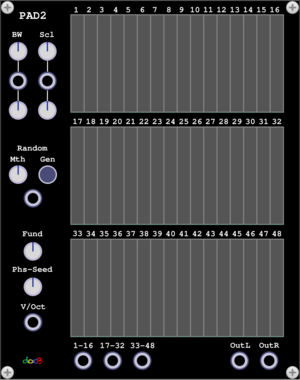
docB Pad2

docB Pad2

PadSynth with smooth control

Starling Via Sync3XL Levels

Starling Via Sync3XL Levels

SYNC3XL VCA expander

Starling Via SYNC3XL

Starling Via SYNC3XL

3 voice frequency synthesizer

FLAG Stems

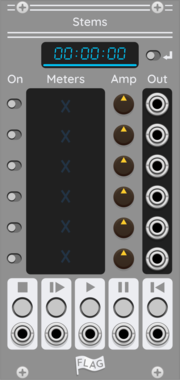
FLAG Stems

Multi Channel Stem Player

Coffee Tap

Coffee Tap

Three push buttons to control tree triggers and gates.

Coffee Some2

Coffee Some2

On trigger, based on a CV input, between 0-n input is passed to outputs.

Coffee Fork

Coffee Fork

Provide two inputs and a probability/chance, will output one, when triggered.

Coffee Set

Coffee Set

Dual offset and scaling with CV control.

Coffee Tumble

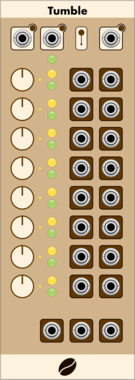
Coffee Tumble

A chain of up to 8 pulse countdowns, which can produce bursts of triggers or gates.

Path Set Nudge

Path Set Nudge

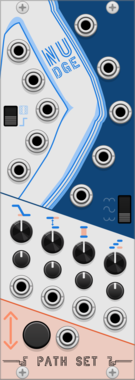
Modulation generator that lets you randomly nudge the modulations whenever you want.

Path Set ShiftyExpander

Path Set ShiftyExpander

Expander for Shifty. Adds CV and Atenuverters for all the knobs on Shifty.

docB N3

docB N3

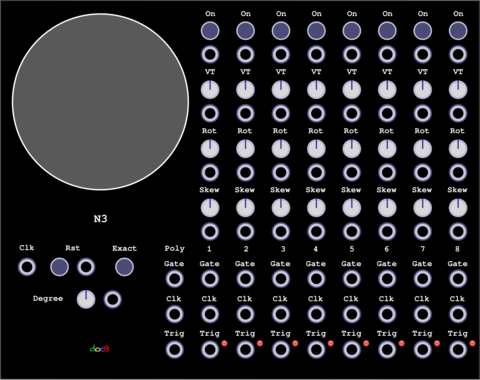
A trigger sequencer

docB TheMatrix

docB TheMatrix

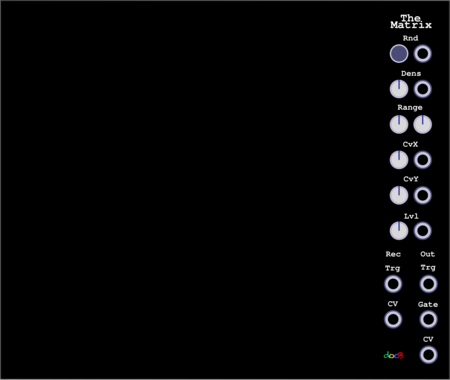
A 32x32 Grid ASCII Sequencer with up to 16 play heads

docB UnoE

docB UnoE

Expander for Uno

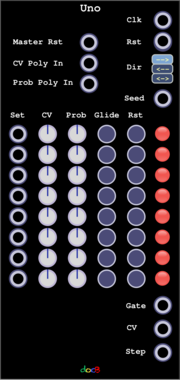
docB Uno

docB Uno

A step sequencer with random skip function

docB SE

docB SE

Expander for Sum

docB Sum

docB Sum

Expandable Polyphonic Adder, Mixer

docB C42E

docB C42E

C42 Expander

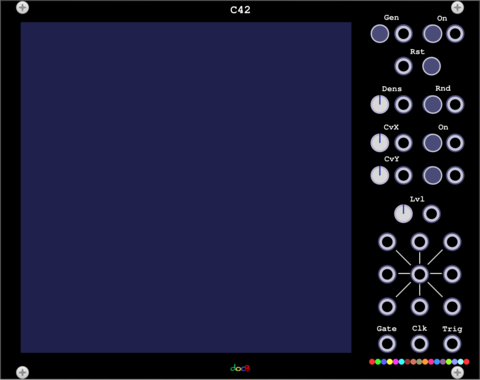
docB C42

docB C42

An universal Sequencer with up to 16 play heads and cellular automation


VCV Library Instructions

  • Download and install VCV Rack.
  • Register for a VCV account and log in using Rack’s “Library” menu.
  • Add or purchase a module on the VCV Library.
  • Open the “Library” menu in Rack, click “Update all” (if updates are needed), and restart Rack once downloaded.
  • Right-click an empty rack space to launch Rack’s module browser to add a module to your patch.

All plugins on the VCV Library are available for Windows, Mac, and Linux. The “major” version (i.e. MAJOR.MINOR.REVISION) must match between Rack and its plugins. For example, Rack 2.* can only load 2.* plugins.

Missing or incorrect information in this database, such as a missing tag? Inform the plugin author(s) using the contact information on their plugin/module page.

Developers: see Adding your plugin to the VCV Library.

Notes

Purchasing plugins with the “VCV” brand supports the VCV Rack project. See VCV’s Mission Statement to learn how VCV Rack development is funded.

Prices are in US Dollars.

By purchasing a plugin on the VCV Library, you agree to VCV’s End User License Agreement and Refund Policy.

Contact VCV Support for customer support and questions about the VCV Library.