
Kilpatrick Audio Spinner Expander

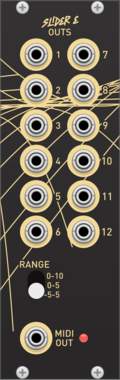
Kilpatrick Audio Spinner Expander

CV and MIDI expander for Spinner with vMIDI Support

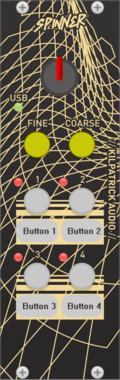
Kilpatrick Audio Spinner

Kilpatrick Audio Spinner

Hardware wheel interface

Kilpatrick Audio Slider Expander

Kilpatrick Audio Slider Expander

CV and MIDI expander for Slider with vMIDI Support

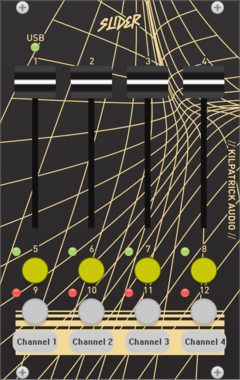
Kilpatrick Audio Slider

Kilpatrick Audio Slider

Hardware slider/button interface

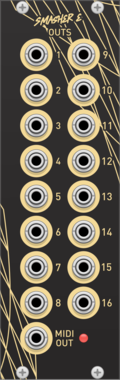
Kilpatrick Audio Smasher Expander

Kilpatrick Audio Smasher Expander

CV and MIDI expander for Smasher with vMIDI Support

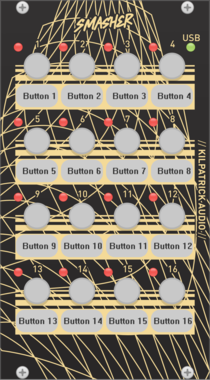
Kilpatrick Audio Smasher

Kilpatrick Audio Smasher

Hardware button interface

Kilpatrick Audio Twister Expander

Kilpatrick Audio Twister Expander

CV and MIDI expander for Twister with vMIDI Support

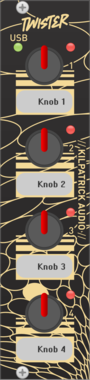
Kilpatrick Audio Twister

Kilpatrick Audio Twister

Quad hardware knob controller

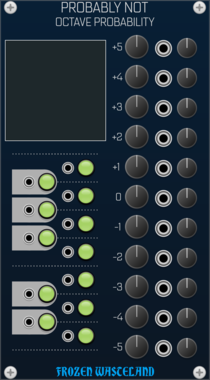
Frozen Wasteland Probably Note - Octave Probability Expander

Frozen Wasteland Probably Note - Octave Probability Expander

Adds Multi-Octave Note Range to Probably Not(e)
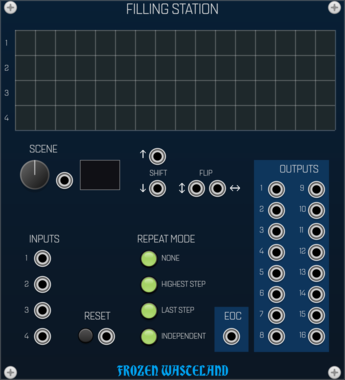
Frozen Wasteland Filling Station

Frozen Wasteland Filling Station

Multi-Output Sequencer

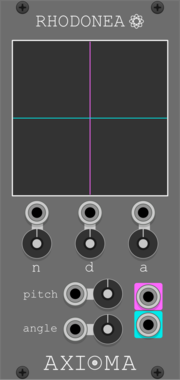
Axioma Rhodonea

Axioma Rhodonea

Oscillator based on rhodonea (rose) curves

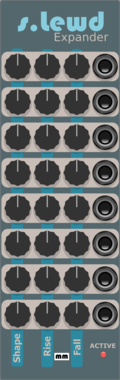
Mockba Modular sLewd

Mockba Modular sLewd

8 Channel Slew Limiter for SHEight

DanT 5Splice

DanT 5Splice

[4hp] Window mixer for up to 5 inputs

Sha#Bang! Modules Random Route Switch

Sha#Bang! Modules Random Route Switch

Randomly routes one input to 4 possible outputs

JW-Modules Pete

JW-Modules Pete

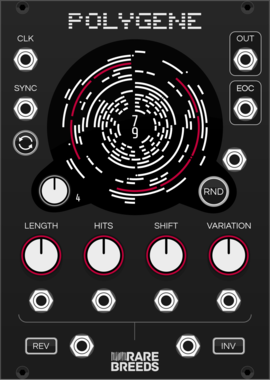
RareBreeds Polygene

RareBreeds Polygene

Polyphonic Rhythm Generator

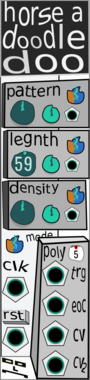
computerscare Horse A Doodle Doo

computerscare Horse A Doodle Doo

Melody, rhythm generator. Generate complex repeatable sequences with the turn of a single knob. Fully Polyphonic.
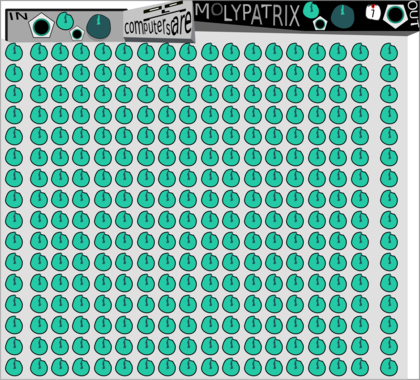

computerscare Moly Patrix

computerscare Moly Patrix

Polyphonic mix matrix

computerscare Goly Penerator

computerscare Goly Penerator

Polyphonic constant CV signal generation

computerscare Custom Blank Expander

computerscare Custom Blank Expander

Allows CV Control of Computerscare Custom Blank GIF Animation

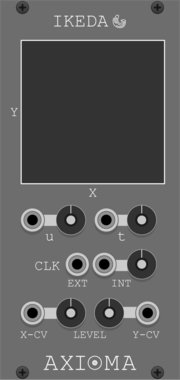
Axioma Ikeda

Axioma Ikeda

Generate CV output sequences with positions of chaotic attractors in the Ikeda map

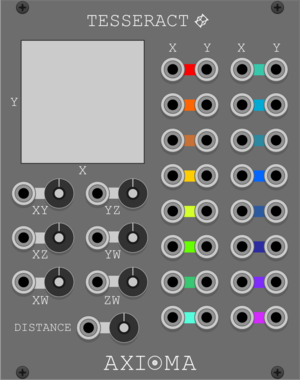
Axioma Tesseract

Axioma Tesseract

Generate CV output sequences using vertex positions of a rotating tesseract projected on a 2D space

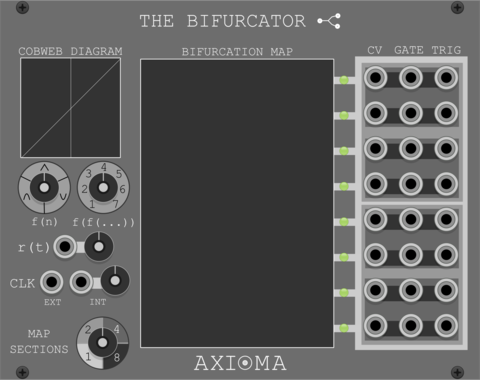
Axioma TheBifurcator

Axioma TheBifurcator

Generate CV/GATE/TRIGGER outputs based on bifurcation maps of iterated functions

Ahornberg MIDI over Audio

Ahornberg MIDI over Audio

complement to the MIDI over Audio VST

Grande Tails

Grande Tails

Mono-to-poly sequential note splitter—helps preserve envelope tails.

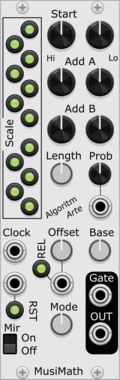
AlgoritmArte MusiMath

AlgoritmArte MusiMath

Music meets math, an arithmetic driven sequencer

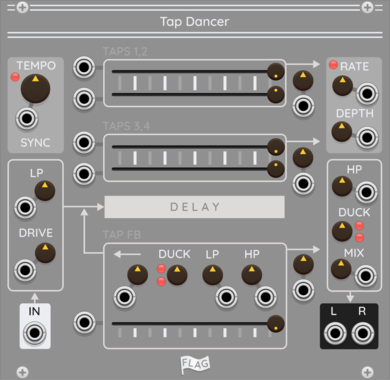
FLAG Tap Dancer

FLAG Tap Dancer

Multi-Tap Delay with Modulation

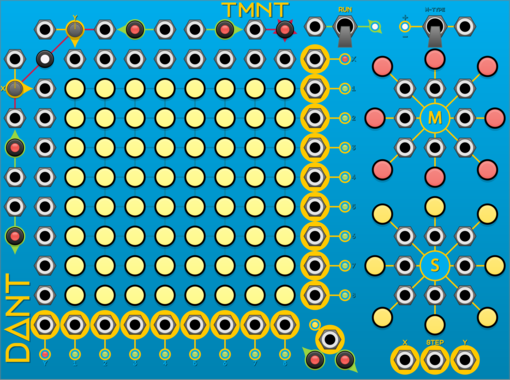
DanT TMNT

DanT TMNT

[34hp] Timed Mutating Non-Linear Triggers

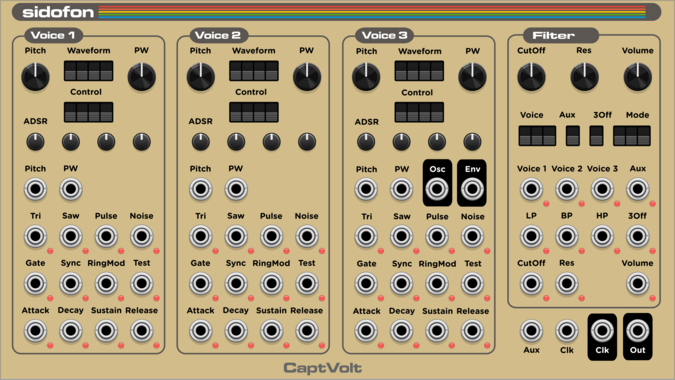
captvolt sidofon

captvolt sidofon

Raw SID 6581/8580 chip emulation using ReSID engine

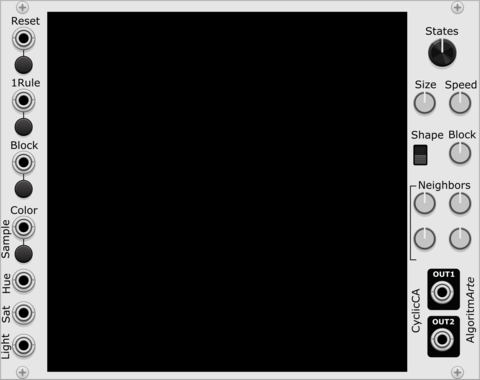
AlgoritmArte CyclicCA

AlgoritmArte CyclicCA

Cyclic Cellular Automata visualizer and sequencer

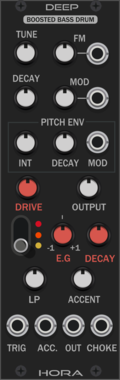
Hora Deep Free

Hora Deep Free

Analog Bass Drum

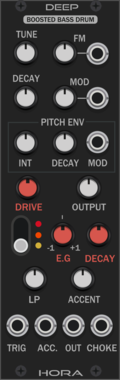
Hora Deep

Hora Deep

Analog Bass Drum

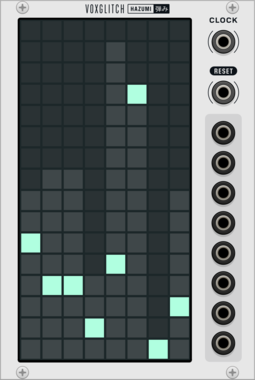
Voxglitch Hazumi

Voxglitch Hazumi

Bouncing ball sequencer

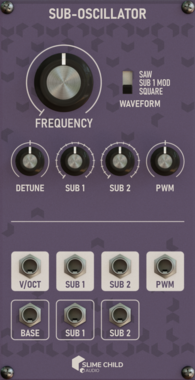
Slime Child Audio Sub-Oscillator

Slime Child Audio Sub-Oscillator

Subharmonic Physically-modelled Self-Modulating Oscillator

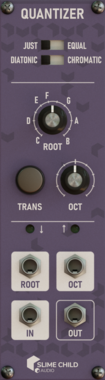
Slime Child Audio Quantizer

Slime Child Audio Quantizer

Variable-Intonation Transposing Quantizer


VCV Library Instructions

  • Download and install VCV Rack.
  • Register for a VCV account and log in using Rack’s “Library” menu.
  • Add or purchase a module on the VCV Library.
  • Open the “Library” menu in Rack, click “Update all” (if updates are needed), and restart Rack once downloaded.
  • Right-click an empty rack space to launch Rack’s module browser to add a module to your patch.

All plugins on the VCV Library are available for Windows, Mac, and Linux. The “major” version (i.e. MAJOR.MINOR.REVISION) must match between Rack and its plugins. For example, Rack 2.* can only load 2.* plugins.

Missing or incorrect information in this database, such as a missing tag? Inform the plugin author(s) using the contact information on their plugin/module page.

Developers: see Adding your plugin to the VCV Library.

Notes

Purchasing plugins with the “VCV” brand supports the VCV Rack project. See VCV’s Mission Statement to learn how VCV Rack development is funded.

Prices are in US Dollars.

By purchasing a plugin on the VCV Library, you agree to VCV’s End User License Agreement and Refund Policy.

Contact VCV Support for customer support and questions about the VCV Library.