
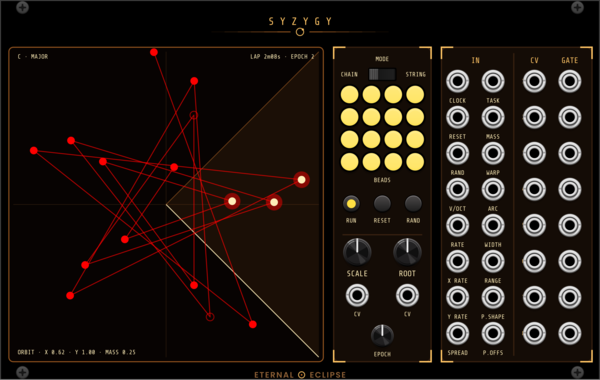
Eternal Eclipse Syzygy
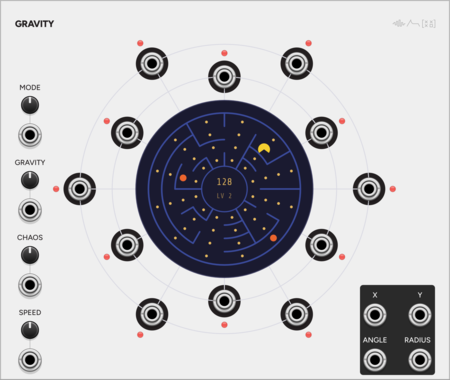
Orbital note generator — sixteen beads joined by a line drift around a field at speeds in powers of the golden ratio from a golden-angle sunflower, through five task figures (orbit, Lissajous, rose, star, sweep), with mass physics, wall bounce and mouse throw, an angular trigger arc, a fourteen-scale quantizer, and eight CV/gate pairs allocated Ansible-style; every parameter is a bare ±5 V input read once per EPOCH lap, made for Cosmic Clock.
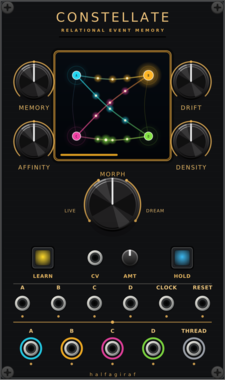
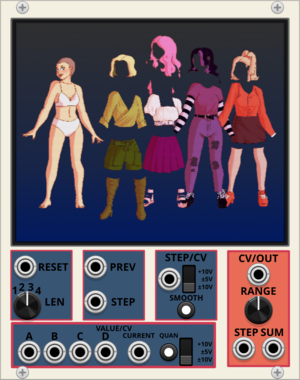
halfagiraf Constellate
Four-channel relational event memory and generative trigger processor with transition-confidence CV.
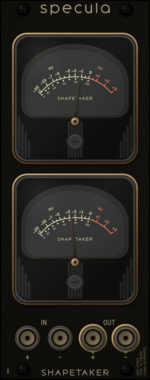



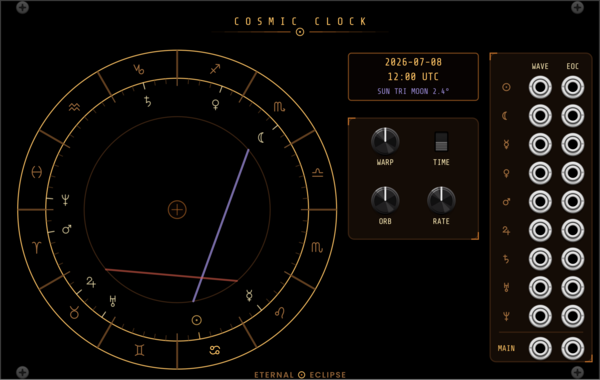
Eternal Eclipse Cosmic Clock
Astrological waveform engine — nine planetary LFO voices shaped by the zodiac signs they transit and mixed by live aspects, with a chart-of-the-moment wheel, end-of-cycle triggers, and time warp up to x100,000,000.
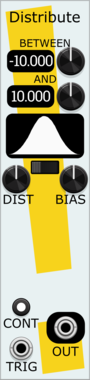
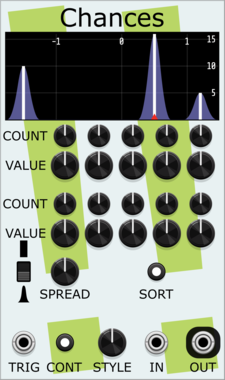
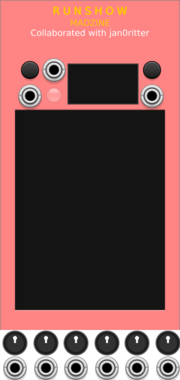
Stochastic Telegraph Distribute
Tunable random voltage generator, with a large variety of random distributions.
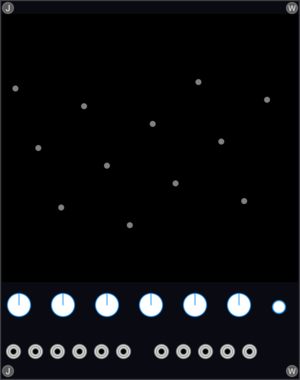
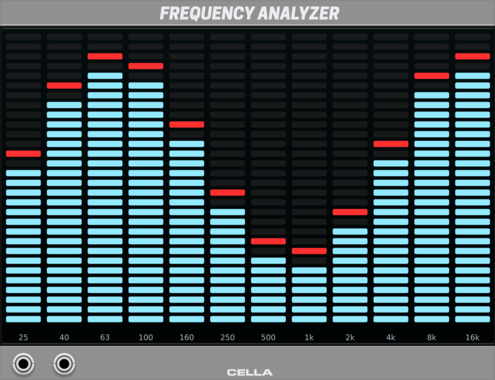
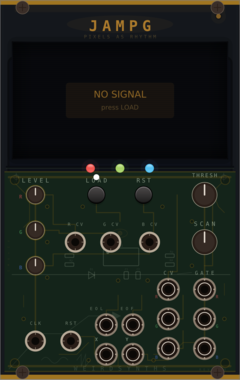


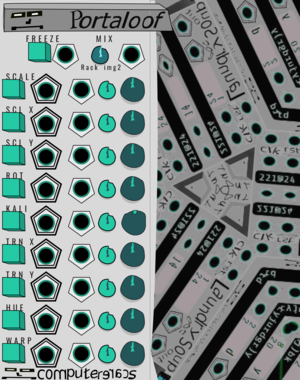
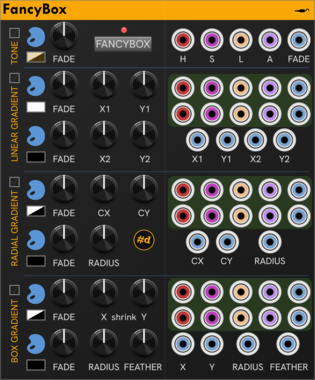
computerscare Portaloof
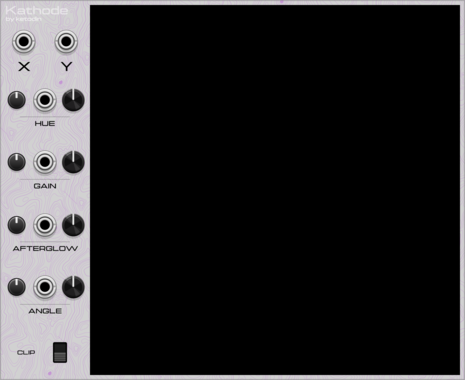
Visual experimentation. A Kaleidoscopic mirror pointed back at your Rack, and yourself.







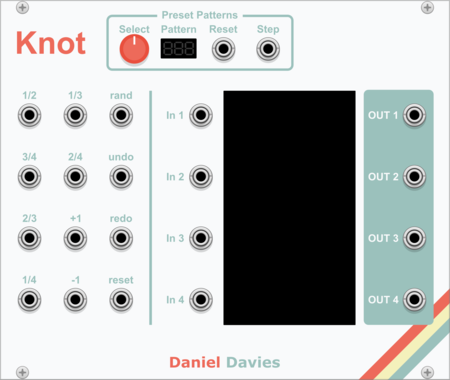
Sulamith Note Display
Displays the notes (& cents) of a polyphonic input. With quantization option (to semis) for the output. Displays: Note, Octave, Cent (ie: G#4 + 26)



VCV Library Instructions
- Download and install VCV Rack.
- Register for a VCV account and log in using Rack’s “Library” menu.
- Add or purchase a module on the VCV Library.
- Open the “Library” menu in Rack, click “Update all” (if updates are needed), and restart Rack once downloaded.
- Right-click an empty rack space to launch Rack’s module browser to add a module to your patch.
All plugins on the VCV Library are available for Windows, Mac, and Linux.
The “major” version (i.e. MAJOR.MINOR.REVISION) must match between Rack and its plugins.
For example, Rack 2.* can only load 2.* plugins.
Missing or incorrect information in this database, such as a missing tag? Inform the plugin author(s) using the contact information on their plugin/module page.
Developers: see Adding your plugin to the VCV Library.
Notes
Purchasing plugins with the “VCV” brand supports the VCV Rack project. See VCV’s Mission Statement to learn how VCV Rack development is funded.
Prices are in US Dollars.
By purchasing a plugin on the VCV Library, you agree to VCV’s End User License Agreement and Refund Policy.
Contact VCV Support for customer support and questions about the VCV Library.