
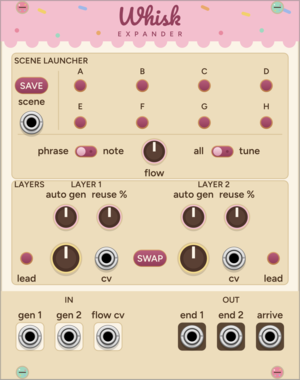
Bakehouse Whisk Expander
Eight-scene launcher for Whisk: save two-layer moments and recall them by button or CV

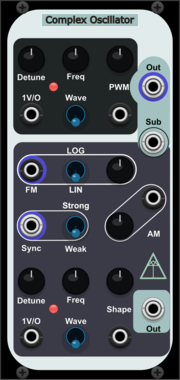
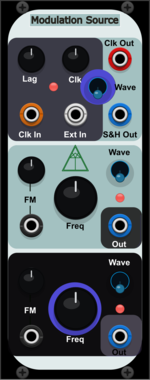
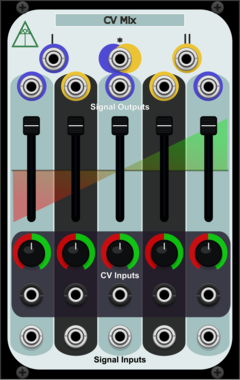
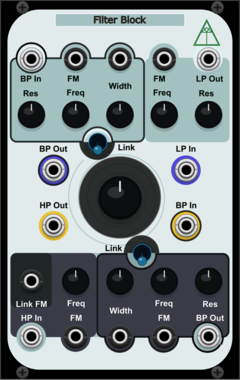
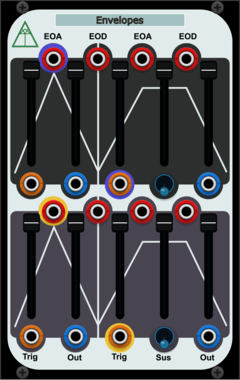

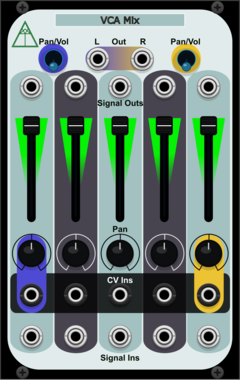
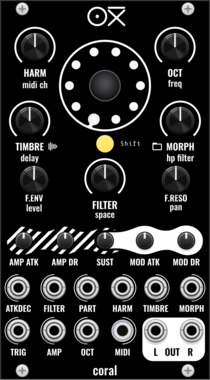
OXI Instruments Coral
8-voice multi-engine multitimbral synth voice (shared CoralCore DSP)
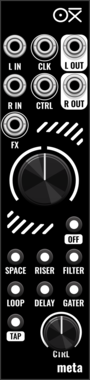
OXI Instruments Meta
Stereo multi-effect: six scenes on a bipolar knob, running the Meta hardware DSP
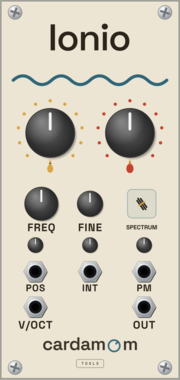
Cardamom Tools Ionio
Wavetable oscillator, three read modes
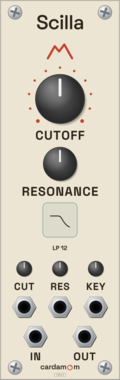
Cardamom Tools Scilla
Linear multimode filter, eight responses
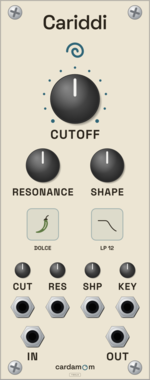
Cardamom Tools Cariddi
Multimode filter, three characters
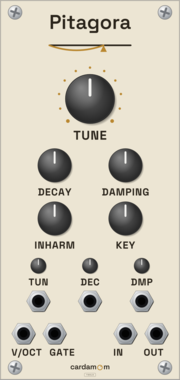
Cardamom Tools Pitagora
Karplus-Strong plucked resonator
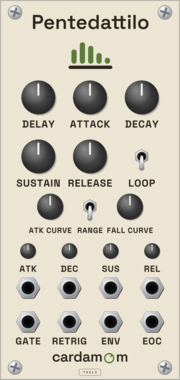
Cardamom Tools Pentedattilo
Envelope with morphing curves and loop
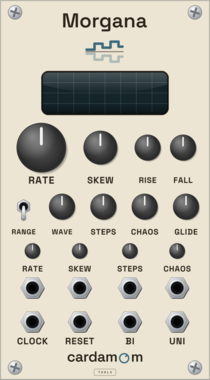
Cardamom Tools Morgana
LFO, stepper and chaos in one shape
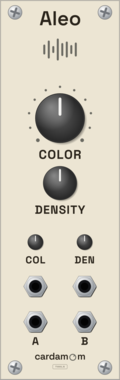
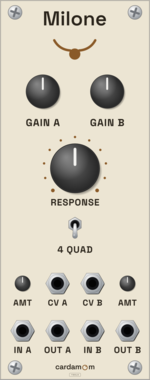
Cardamom Tools Milone
Dual VCA with four-quadrant ring modulation
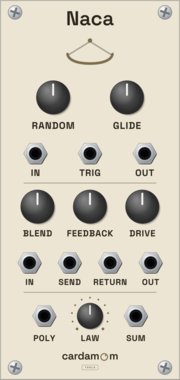
Cardamom Tools Naca
Utility: S&H, glide, send/return, gather
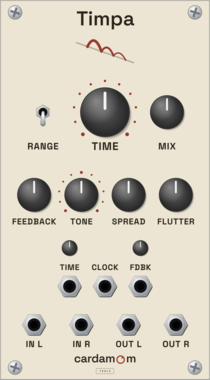
Cardamom Tools Timpa
Stereo delay with tape flutter and tone
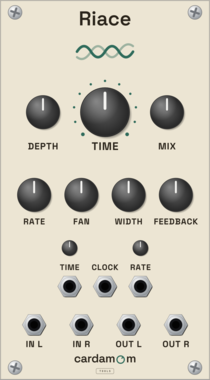
Cardamom Tools Riace
Flanger, chorus and ensemble as one surface
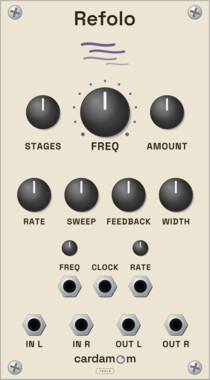
Cardamom Tools Refolo
Stereo phaser, 2 to 16 allpass stages
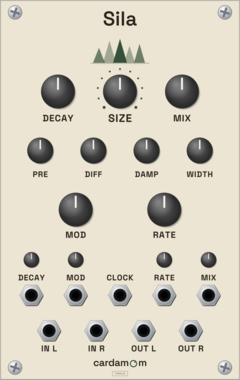
Cardamom Tools Sila
Stereo reverb, independent size and decay
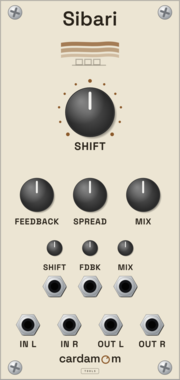
Cardamom Tools Sibari
Stereo frequency shifter, up to ±1 kHz
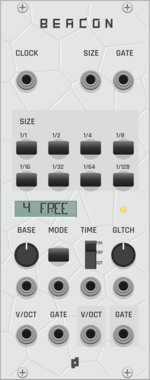

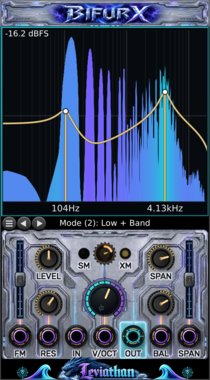

Ormer Modular Shoal Expander
12 CV inputs to modulate any track; chainable; sits either side of Shoal.

Ormer Modular Shoal Outs
Per-track Currents (seeded drift CV) and end-of-sequence triggers; sits either side of Shoal.
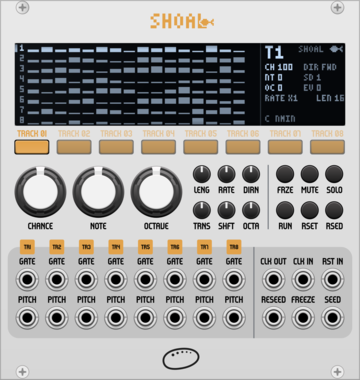
Ormer Modular Shoal
8-track generative melody sequencer. Melodies grown from seeds, never stored.
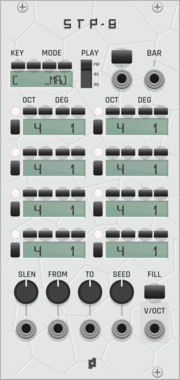
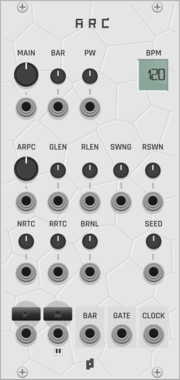

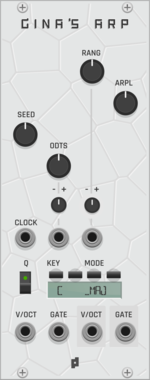
Protoseq Gina's Expander
CV expander for Gina's ARP seed, arpeggio length, and rotation control.

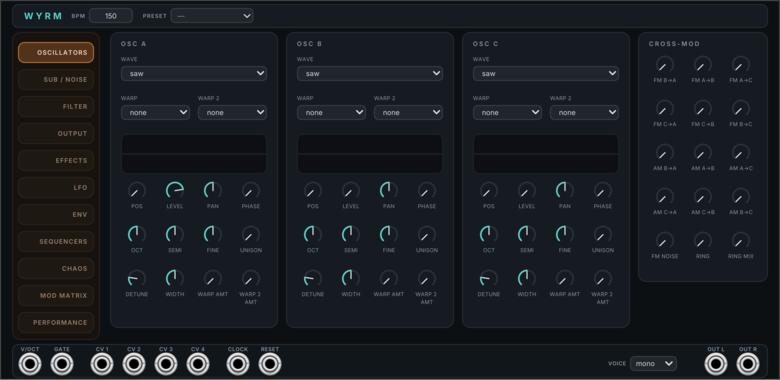

Mockba Modular JD Oscah
Roland JD/JV/SR-JV80-family PCM sample player

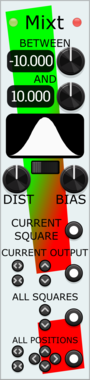
Stochastic Telegraph Mixt
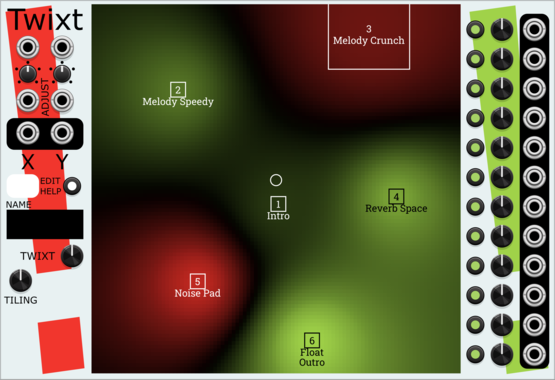
Companion to Twixt, quickly randomizing (with constraints) the Output values in adjoining Twixt modules.
Stochastic Telegraph Twixt
2D graphical control over signals. A moving or mouse-driven Point affects twelve CV Outputs, with many kinds of interpolation between Squares. Useful for controlled timbral changes and sonic exploration.
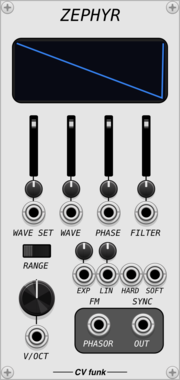
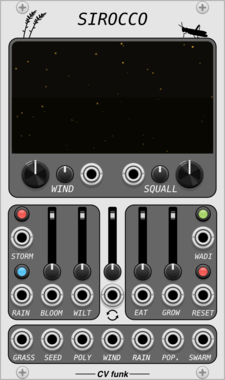
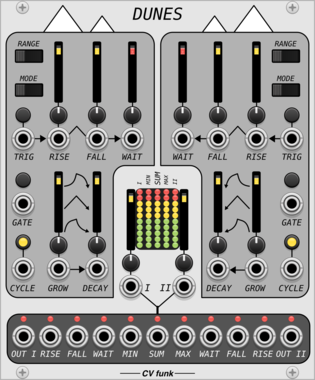
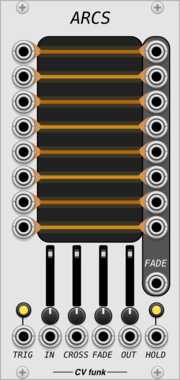
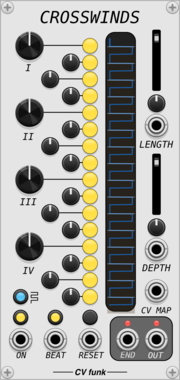
CV funk Crosswinds
16-step gate sequencer with per-step time displacement, ratcheting, and animated display.
VCV Library Instructions
- Download and install VCV Rack.
- Register for a VCV account and log in using Rack’s “Library” menu.
- Add or purchase a module on the VCV Library.
- Open the “Library” menu in Rack, click “Update all” (if updates are needed), and restart Rack once downloaded.
- Right-click an empty rack space to launch Rack’s module browser to add a module to your patch.
All plugins on the VCV Library are available for Windows, Mac, and Linux.
The “major” version (i.e. MAJOR.MINOR.REVISION) must match between Rack and its plugins.
For example, Rack 2.* can only load 2.* plugins.
Missing or incorrect information in this database, such as a missing tag? Inform the plugin author(s) using the contact information on their plugin/module page.
Developers: see Adding your plugin to the VCV Library.
Notes
Purchasing plugins with the “VCV” brand supports the VCV Rack project. See VCV’s Mission Statement to learn how VCV Rack development is funded.
Prices are in US Dollars.
By purchasing a plugin on the VCV Library, you agree to VCV’s End User License Agreement and Refund Policy.
Contact VCV Support for customer support and questions about the VCV Library.