4ms MetaModule

4ms MetaModule

MetaModule Hub is used to create patches that run on MetaModule hardware. Use the hub to create mappings between physical and virtual controls and jacks.

UtilityExternal

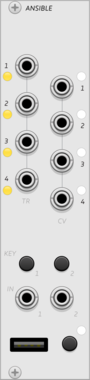
monome ansible

monome ansible

multi-mode sequencer and control voltage generator, for grid and arc controllers

SequencerClock generatorLogicFunction generatorDigitalHardware cloneExternal

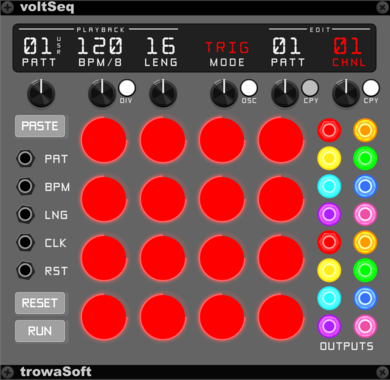
trowaSoft voltSeq

trowaSoft voltSeq

16-step variable voltage/note sequencer with a built-in Open Sound Control (OSC) interface.

SequencerExternal

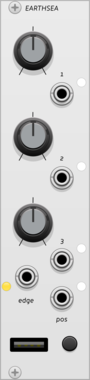
monome earthsea

monome earthsea

grid-enabled shape-memory pattern instrument

SequencerDigitalHardware cloneExternal

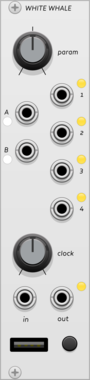
monome white whale

monome white whale

grid-enabled probabilistic step sequencer

SequencerClock generatorDigitalHardware cloneExternal

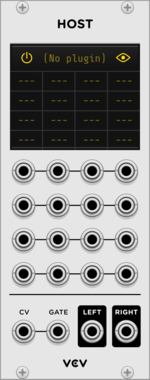
VCV Host

VCV Host

VCV Host $30

VST instrument plugin host

ExternalPolyphonic

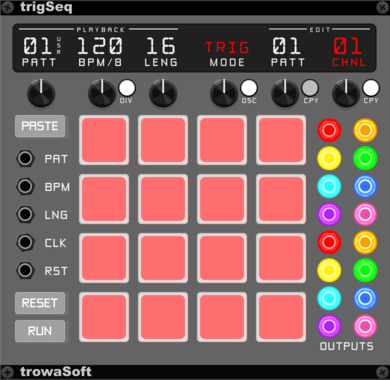
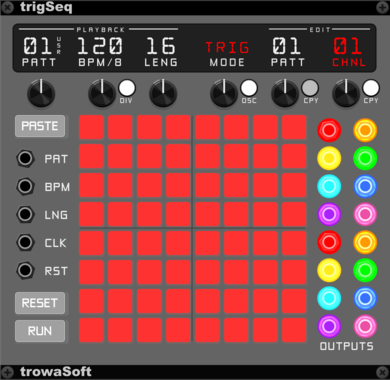
trowaSoft trigSeq64

trowaSoft trigSeq64

64-step pad sequencer with a built-in Open Sound Control (OSC) interface.

SequencerExternal

4ms MetaModule Button Expander (MetaButtons)

4ms MetaModule Button Expander (MetaButtons)

Expander that adds 8 momentary buttons to the MetaModule

ExpanderExternal

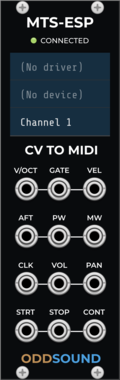
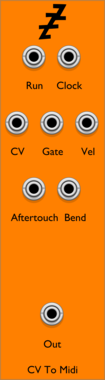
ODDSound MTS-ESP CV To MIDI

ODDSound MTS-ESP CV To MIDI

Converts CV to MIDI and sends to an external device with MTS-ESP tuning support

ExternalMIDIPolyphonic

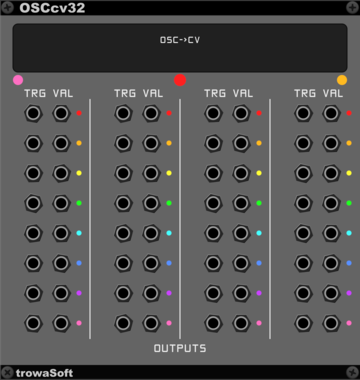
trowaSoft OSCcv32 Output Expander

trowaSoft OSCcv32 Output Expander

Expansion module for cvOSCcv. Allows 32 more output CV channels to be received from OSC.

ExternalPolyphonicExpander

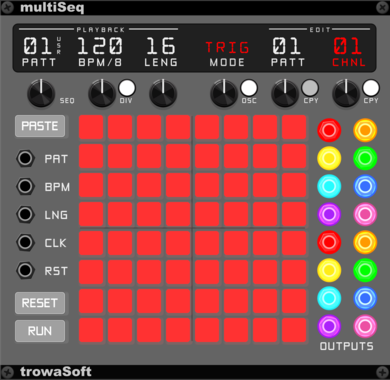
trowaSoft multiSeq

trowaSoft multiSeq

64-step trigger/variable voltage/note sequencer with a built-in Open Sound Control (OSC) interface. Basically, trigSeq and voltSeq combined into one.

SequencerExternal

PitchGrid Microtonal Exquis Interface

PitchGrid Microtonal Exquis Interface

Microtonal interface to the Exquis by Intuitive Instruments

ExternalMIDIControllerTunerPolyphonic

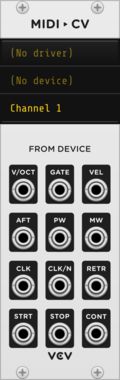
VCV MIDI to CV

VCV MIDI to CV

Converts MIDI from an external device to CV and gates

ExternalMIDIPolyphonic

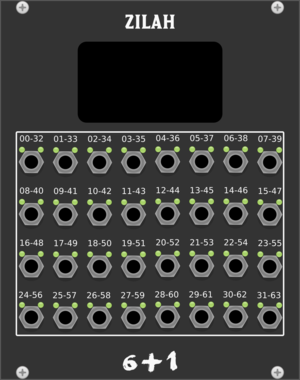
Studio Six Plus One Zilah

Studio Six Plus One Zilah

14 bit Midi-CC input

MIDIExternal

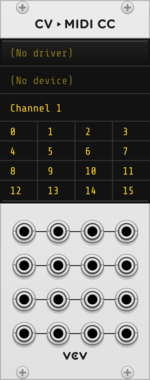
VCV CV to MIDI CC

VCV CV to MIDI CC

Converts CV to MIDI CC and sends to an external device

ExternalMIDI

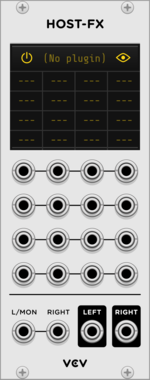
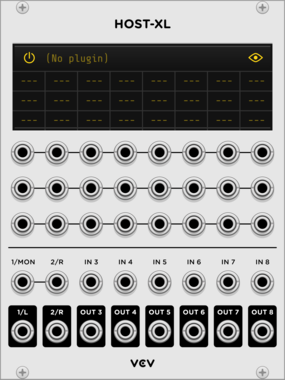
VCV Host-XL

VCV Host-XL

VCV Host $30

Expanded VST instrument/effect plugin host

ExternalPolyphonic

trowaSoft OSCcv Output Expander

trowaSoft OSCcv Output Expander

Expansion module for cvOSCcv. Allows eight (8) more output CV channels to be received from OSC.

ExternalPolyphonicExpander

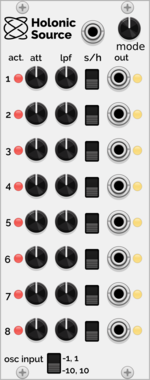
Holonic Systems Holonic Source

Holonic Systems Holonic Source

Integrates with the Holon.ist iOS app and outputs CV control signals to VCV Rack

ControllerExternal

Ahornberg MIDI over Audio

Ahornberg MIDI over Audio

complement to the MIDI over Audio VST

ExternalMIDIMultipleUtility

VCV Host-CV

VCV Host-CV

VCV Host $30

MIDI output expander for all Host modules

ExternalMIDI

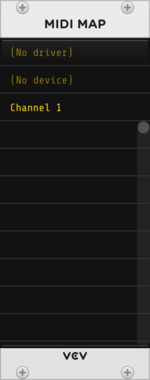
VCV MIDI Map

VCV MIDI Map

Controls parameters (knobs, sliders, switches) directly with MIDI CC

ExternalMIDI

4ms MetaModule Audio Expander (MM AIO)

4ms MetaModule Audio Expander (MM AIO)

Expander that adds 6 audio/cv inputs and 8 audio/cv outputs to the MetaModule

ExpanderExternal

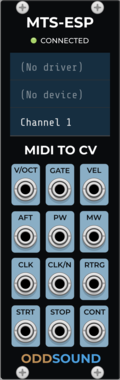
ODDSound MTS-ESP MIDI To CV

ODDSound MTS-ESP MIDI To CV

Converts MIDI from an external device to CV and gates with MTS-ESP tuning support

ExternalMIDIPolyphonic

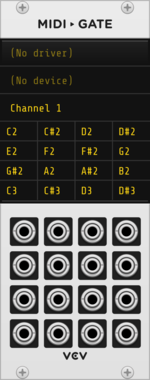
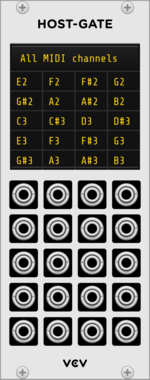
VCV Host-Gate

VCV Host-Gate

VCV Host $30

MIDI note gate output expander for all Host modules

ExternalMIDI

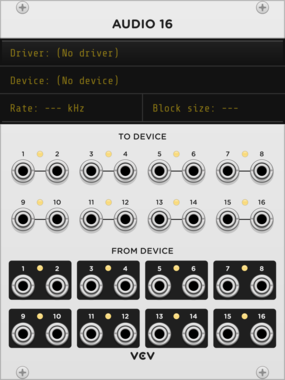
VCV Audio 16

VCV Audio 16

Sends audio and CV to/from an audio device

External

moDllz Xpand

moDllz Xpand

Voice & Outputs expander for MIDIpolyMPE

MIDIUtilityExternalPolyphonic

Voxglitch Kaiseki

Voxglitch Kaiseki

OSC-controlled 8-track sample player with time stretching and BPM sync

SamplerExternalUtility

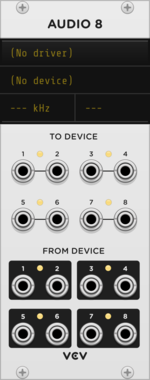
VCV Audio 8

VCV Audio 8

Sends audio and CV to/from an audio device

External

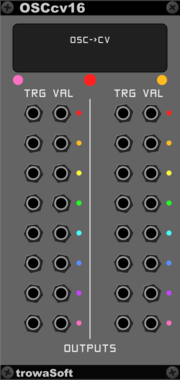
trowaSoft OSCcv16 Output Expander

trowaSoft OSCcv16 Output Expander

Expansion module for cvOSCcv. Allows 16 more output CV channels to be received from OSC.

ExternalPolyphonicExpander

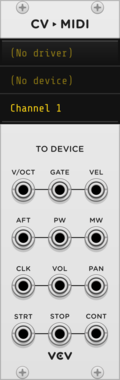
VCV CV to MIDI

VCV CV to MIDI

Converts CV to MIDI and sends to an external device

ExternalMIDIPolyphonic

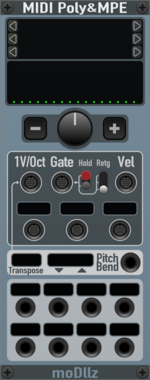
moDllz MIDIpolyMPE

moDllz MIDIpolyMPE

Polyphonic MIDI to CV with MPE mode

MIDIExternalPolyphonic

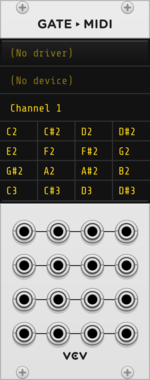
VCV Gate to MIDI

VCV Gate to MIDI

Converts gates to MIDI notes and sends to an external device

ExternalMIDI

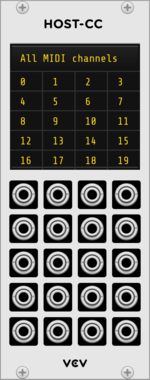
VCV Host-CC

VCV Host-CC

VCV Host $30

MIDI CC output expander for all Host modules

ExternalMIDI

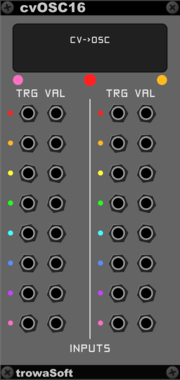
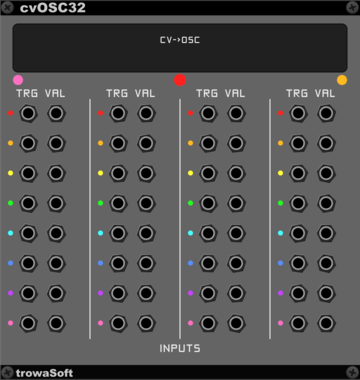
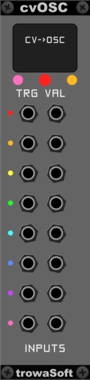
trowaSoft cvOSC16 Input Expander

trowaSoft cvOSC16 Input Expander

Expansion module for cvOSCcv. Allows 16 more input CV channels to be sent to OSC.

ExternalPolyphonicExpander

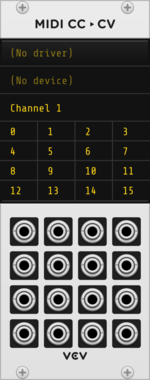
VCV MIDI CC to CV

VCV MIDI CC to CV

Converts MIDI CC from an external device to CV

ExternalMIDI

VCV Audio 2

VCV Audio 2

Sends audio and CV to/from an audio device

External

RSBATech Pylades

RSBATech Pylades

Module control from TouchOSC

ExternalUtilityController

VCV MIDI to Gate

VCV MIDI to Gate

Converts MIDI notes from an external device to gates

ExternalMIDI

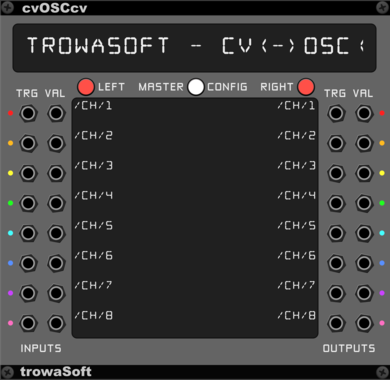
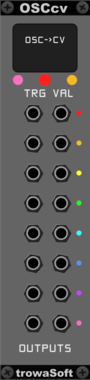
trowaSoft cvOSCcv

trowaSoft cvOSCcv

Generic Open Sound Control (OSC) module for outputting Rack CVs to OSC and reading in simple OSC messages into Rack CVs.

ExternalPolyphonic


VCV Library Instructions

  • Download and install VCV Rack.
  • Register for a VCV account and log in using Rack’s “Library” menu.
  • Add or purchase a module on the VCV Library.
  • Open the “Library” menu in Rack, click “Update all” (if updates are needed), and restart Rack once downloaded.
  • Right-click an empty rack space to launch Rack’s module browser to add a module to your patch.

All plugins on the VCV Library are available for Windows, Mac, and Linux. The “major” version (i.e. MAJOR.MINOR.REVISION) must match between Rack and its plugins. For example, Rack 2.* can only load 2.* plugins.

Missing or incorrect information in this database, such as a missing tag? Inform the plugin author(s) using the contact information on their plugin/module page.

Developers: see Adding your plugin to the VCV Library.

Notes

Purchasing plugins with the “VCV” brand supports the VCV Rack project. See VCV’s Mission Statement to learn how VCV Rack development is funded.

Prices are in US Dollars.

By purchasing a plugin on the VCV Library, you agree to VCV’s End User License Agreement and Refund Policy.

Contact VCV Support for customer support and questions about the VCV Library.