
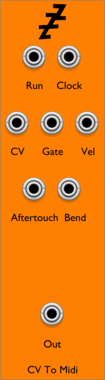


JW-Modules 0Cat

JW-Modules 0Cat

Visual

CV funk Rat

CV funk Rat

Polyphonic ratio CV generator for exploring FMop ratios. Knob scales non-linearly around ratios, or optionally locks onto exact ratios.

UtilityPolyphonic

pachde FancyBox Mini

pachde FancyBox Mini

Customize your skiff with a fancy background/green-screen (mini version)

VisualUtility

pachde Copper-mini

pachde Copper-mini

A mini version of the Copper color picker and expander with modulation and outputs
VisualControllerUtilityExpander

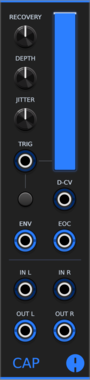
Animatek CAP

Animatek CAP

Stereo ducking VCA that lowers audio on each trigger and recovers with adjustable depth, timing and natural variation. A VCA CV input gives ordinary voltage control over gain, and envelope and end-of-cycle outputs are provided.

Voltage-controlled amplifierDynamicsEnvelope generatorPolyphonicUtility

Kilpatrick Audio Twister Expander

Kilpatrick Audio Twister Expander

CV and MIDI expander for Twister with vMIDI Support

ExpanderMIDI

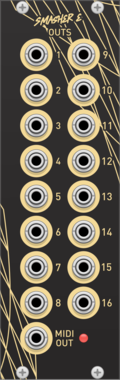
Kilpatrick Audio Smasher Expander

Kilpatrick Audio Smasher Expander

CV and MIDI expander for Smasher with vMIDI Support

ExpanderMIDI

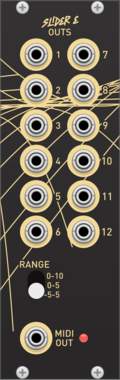
Kilpatrick Audio Slider Expander

Kilpatrick Audio Slider Expander

CV and MIDI expander for Slider with vMIDI Support

ExpanderMIDI

Kilpatrick Audio Spinner Expander

Kilpatrick Audio Spinner Expander

CV and MIDI expander for Spinner with vMIDI Support

ExpanderMIDI

OrangeLine Cron

OrangeLine Cron

Interface Module for MIDI>CV deriving BPM from MIDI CLK and 24 pmm CLK/N, handling Transport and calculating CMP cv for GATOR for latency compensation of up to 16 channels

MIDIUtility

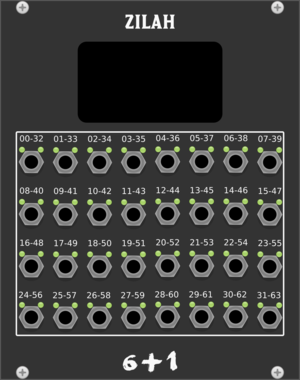
Studio Six Plus One Zilah

Studio Six Plus One Zilah

14 bit Midi-CC input

MIDIExternal

VCV Mid/Side

VCV Mid/Side

Encodes/decodes between mid/side and left/right stereo signals

UtilityPolyphonic

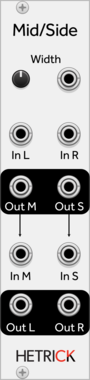
HetrickCV Mid/Side

HetrickCV Mid/Side

Converts Left/Right signals to Mid/Side and vice versa.

UtilityPolyphonic

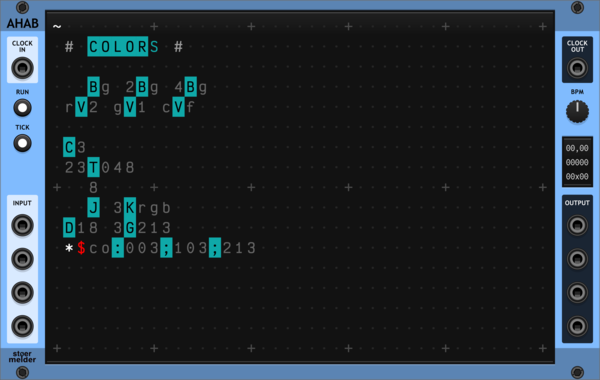
stoermelder AHAB

stoermelder AHAB

A live programming environment for ORCA, an esoteric programming language designed to quickly create procedural sequencers. Type operators into the grid to build MIDI and CV sequences in real time, with embedded examples to get you started.
SequencerMIDI

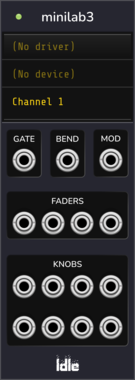
ldlework MiniLab

ldlework MiniLab

Multiplex MIDI signals through expander modules.

MIDIMultipleUtility

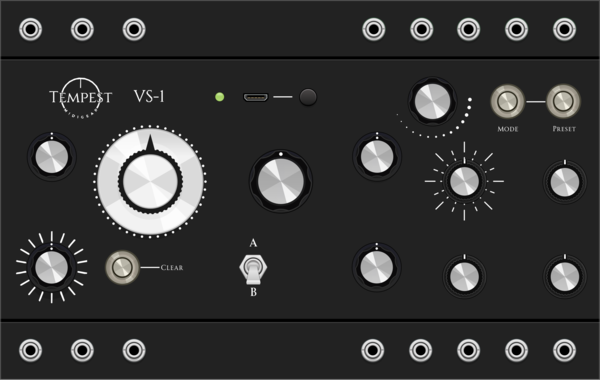
Voxglitch Tempest VS-1

Voxglitch Tempest VS-1

MIDI controller interface for Tempest VS-1

MIDIControllerUtility

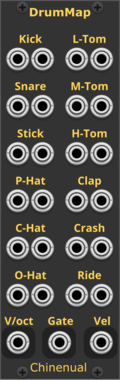
Chinenual DrumMap

Chinenual DrumMap

Merge GATEs to General MIDI drum pitches

MIDIRecordingDrum

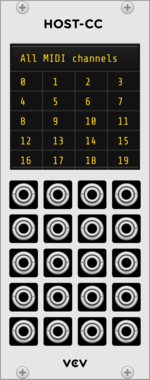
VCV Host-CC

VCV Host-CC

VCV Host $30

Converts MIDI CC from a Host module to 20 CV outputs

ExpanderExternalMIDI

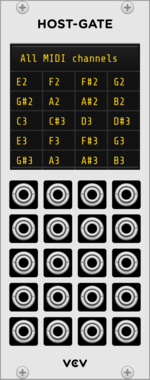
VCV Host-Gate

VCV Host-Gate

VCV Host $30

Converts MIDI notes from a Host module to 20 gate outputs

ExpanderExternalMIDI

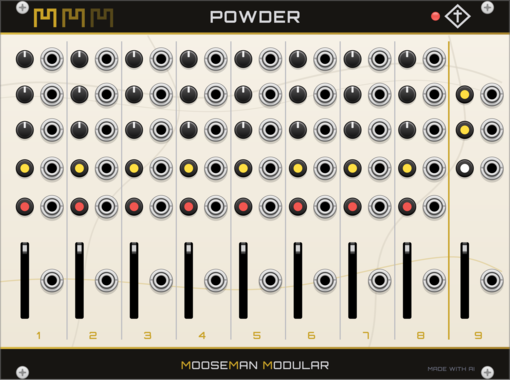
Mooseman Modular Powder

Mooseman Modular Powder

Akai MIDIMix fader/knob bank with bidirectional LED feedback

ControllerExternalMIDI

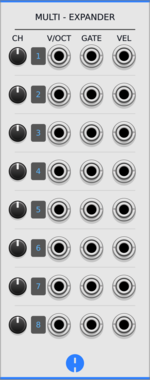
Animatek MULTI

Animatek MULTI

Expander for ONE that turns up to eight MIDI channels into separate pitch, gate and velocity outputs.

MIDIUtilityExpander

ldlework MiniLog

ldlework MiniLog

Diagnostic MIDI logger for MiniLab module.

ExpanderMIDIMultipleUtility

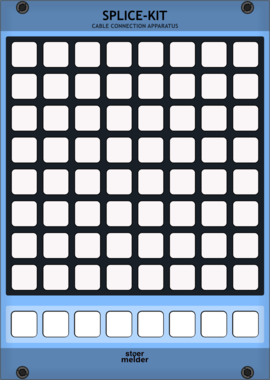
stoermelder SPLICE-KIT

stoermelder SPLICE-KIT

8x8 matrix patch-bay for creating and removing cables by pressing button pairs. Stores up to eight independent scenes per instance, with full MIDI control and feedback for playing your patch from a grid controller.
MIDIControllerUtility

Animatek ONE

Animatek ONE

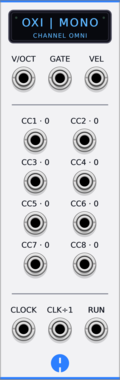
MIDI-to-CV interface for Oxi One, with pitch, gate, velocity, eight assignable controller outputs, MIDI clock and transport.

MIDIPolyphonicUtilityController

pachde HC-1

pachde HC-1

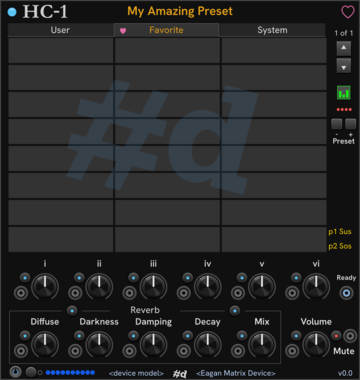
Fast access to favorite presets on the Eagan Matrix, with knobs and CV for essential controls.

ControllerMIDI

VCV Host-CV

VCV Host-CV

VCV Host $30

Converts MIDI from a Host module to pitch, gate, velocity, aftertouch, wheel, clock, and transport CV

ExpanderExternalMIDIPolyphonic

moDllz Xpand

moDllz Xpand

Voice & Outputs expander for MIDIpolyMPE

MIDIUtilityExternalPolyphonic

Bark Low Mid High EQ

Bark Low Mid High EQ

Attenuating EQ with mid boost.

EqualizerAttenuator

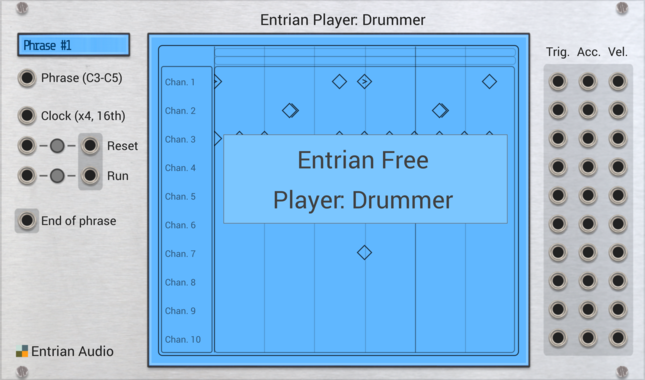
Entrian Player: Drummer

Entrian Player: Drummer

Trigger sequence player for MIDI files and Entrian Sequencer songs.

DrumSequencerMIDIRandomRecording

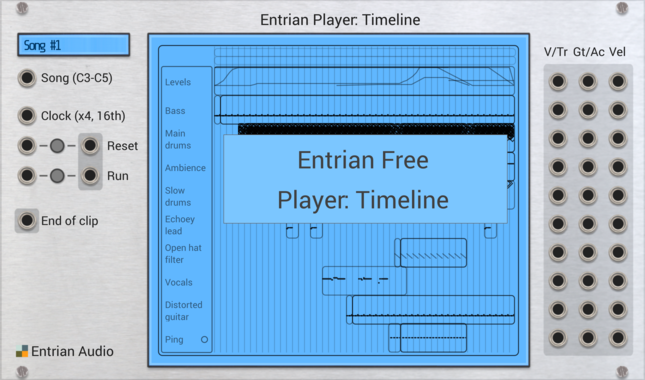
Entrian Player: Timeline

Entrian Player: Timeline

DAW-style timeline player for MIDI files and Entrian Sequencer songs.

SequencerPolyphonicMIDIRandomRecording

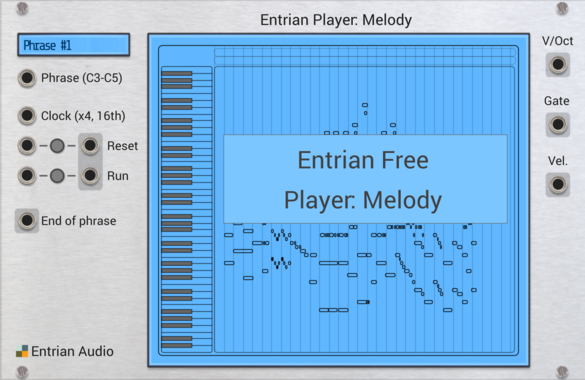
Entrian Player: Melody

Entrian Player: Melody

Piano roll melody and chord player for MIDI files and Entrian Sequencer songs.

SequencerPolyphonicMIDIRandomRecording

Count Modula Mini Mix

Count Modula Mini Mix

A no-frills 4 input polyphonic unity mixer with output level control and overload indicator
MixerPolyphonic

KautenjaDSP Mini Boss

KautenjaDSP Mini Boss

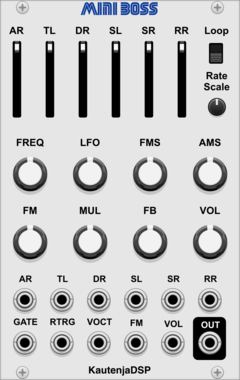
An emulation of the Yamaha YM2612 FM synthesis chip from the Sega Mega Drive and Sega Genesis.

NoiseOscillatorPolyphonicSynth voice

Sickozell drumPlayer mini

Sickozell drumPlayer mini

Drum Sample Player (dp)

Sampler

Sickozell randLoops mini

Sickozell randLoops mini

random voltage/trigger sequencer inspired by Turing Machine (rl)

Sequencer

pachde Round

pachde Round

Controller for EaganMatrix Rounding (HC-1 companion)

ControllerMIDIExpander

KRT S

KRT S

Clock to CV generator. Needs MIDI clk, cont, stop and start. Produces a time based CV.

MIDIClock modulatorLow-frequency oscillator


VCV Library Instructions

  • Download and install VCV Rack.
  • Register for a VCV account and log in using Rack’s “Library” menu.
  • Add or purchase a module on the VCV Library.
  • Open the “Library” menu in Rack, click “Update all” (if updates are needed), and restart Rack once downloaded.
  • Right-click an empty rack space to launch Rack’s module browser to add a module to your patch.

All plugins on the VCV Library are available for Windows, Mac, and Linux. The “major” version (i.e. MAJOR.MINOR.REVISION) must match between Rack and its plugins. For example, Rack 2.* can only load 2.* plugins.

Missing or incorrect information in this database, such as a missing tag? Inform the plugin author(s) using the contact information on their plugin/module page.

Developers: see Adding your plugin to the VCV Library.

Notes

Purchasing plugins with the “VCV” brand supports the VCV Rack project. See VCV’s Mission Statement to learn how VCV Rack development is funded.

Prices are in US Dollars.

By purchasing a plugin on the VCV Library, you agree to VCV’s End User License Agreement and Refund Policy.

Contact VCV Support for customer support and questions about the VCV Library.