





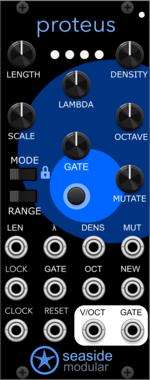
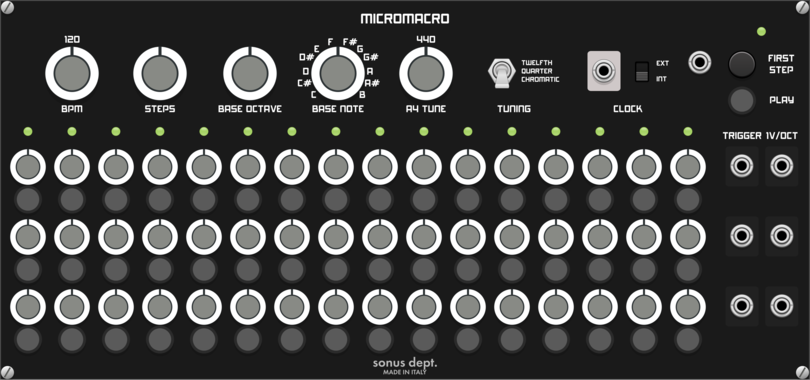
Seaside Modular Proteus
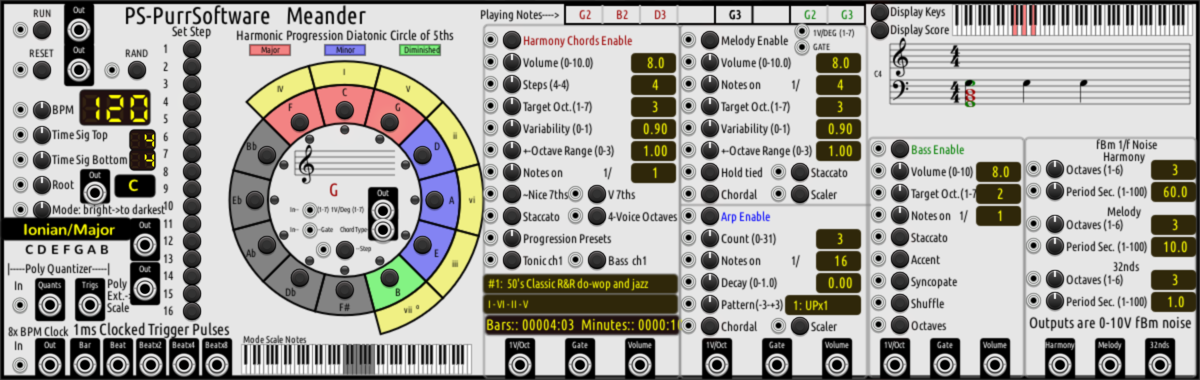
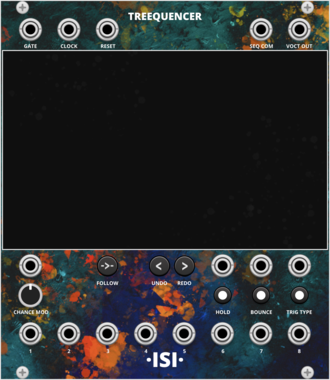
Proteus is a generative sequencer that makes looping melodies which evolve and renew.
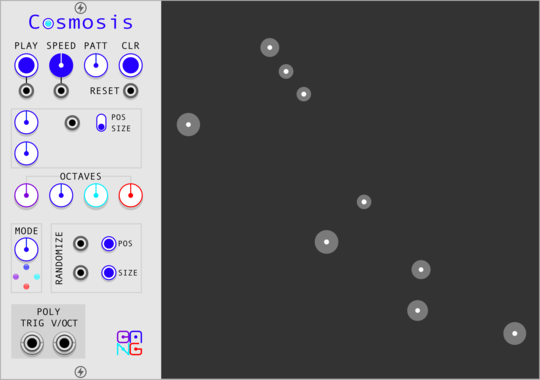
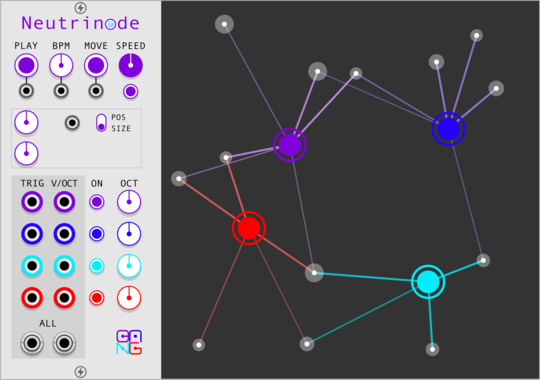
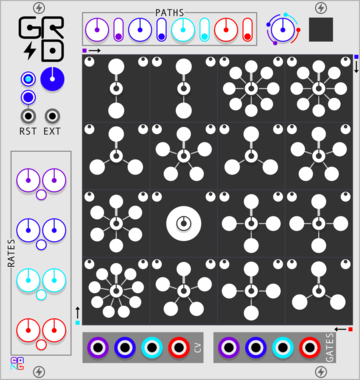
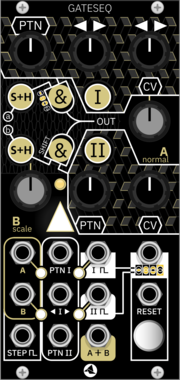
Sha#Bang! Modules Neutrinode
Node-based generator with four independent nodes to connected particles
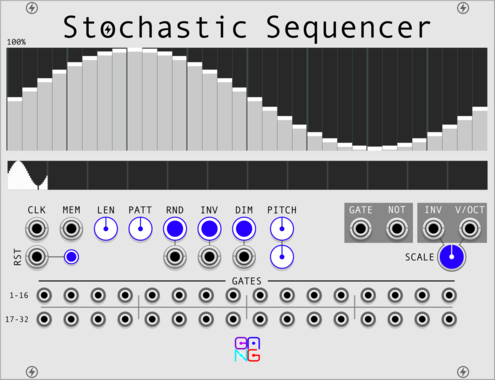
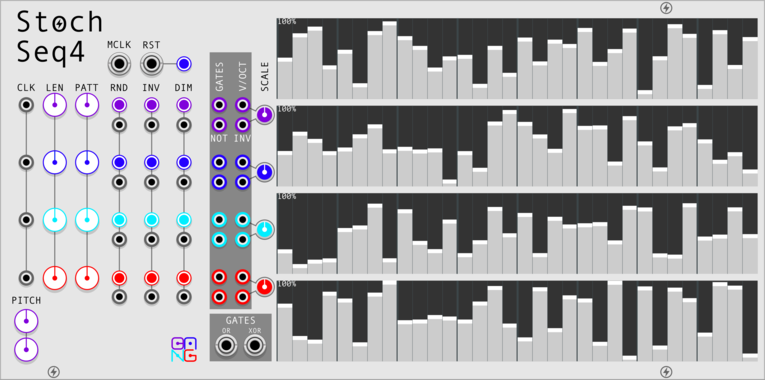


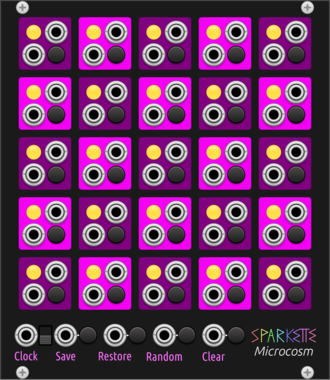

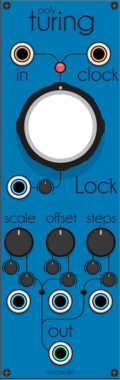
Sparkette's Stuff Polyphonic Selector
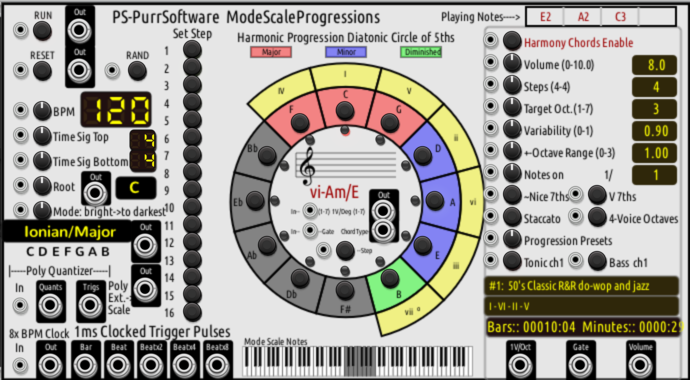
Selects one output (or more) from a polyphonic input based on the voltage from another input.
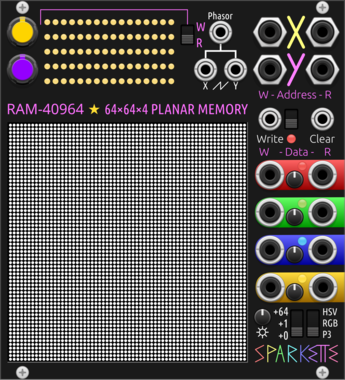
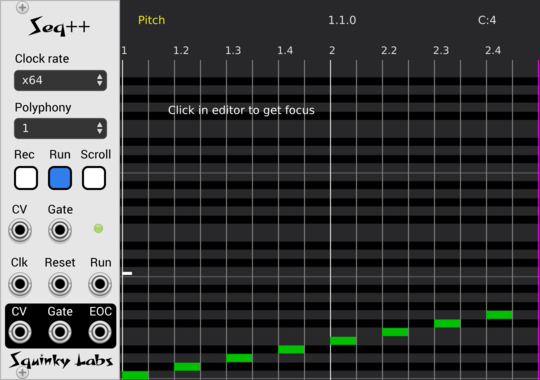
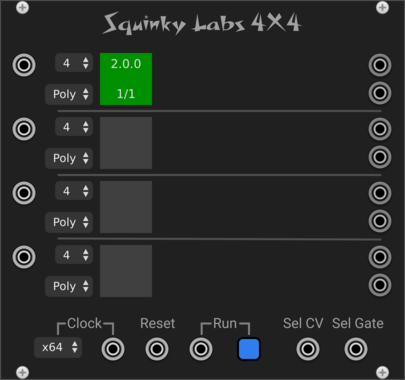
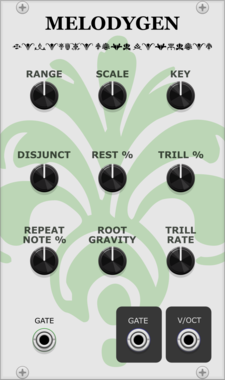
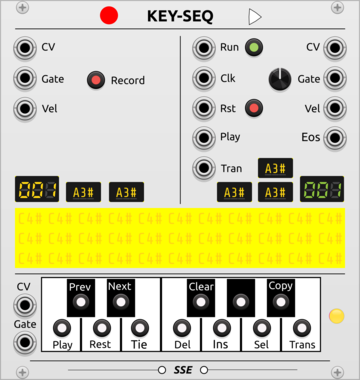
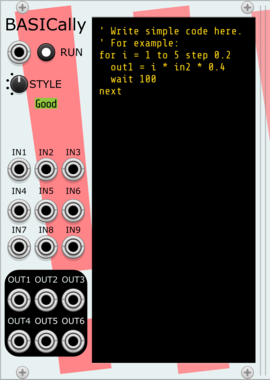
Stochastic Telegraph BASICally
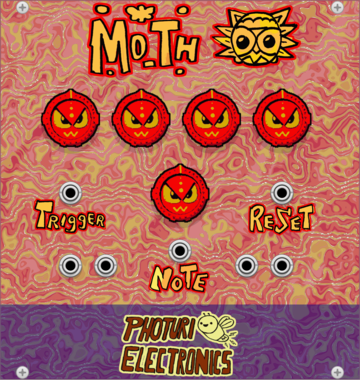
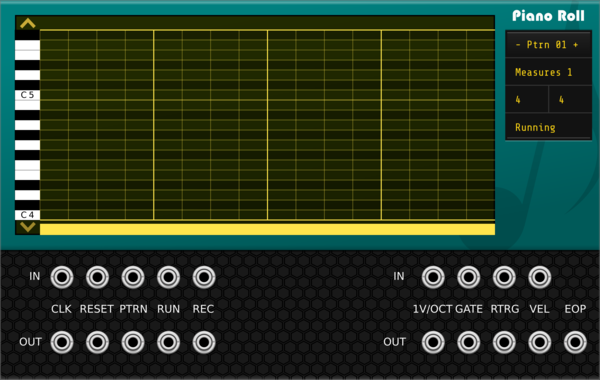
Generate sequences, perform math on inputs, and even multitask with a simple BASIC-like language. Can also send Tipsy text messages to modules that support them (e.g., TTY).
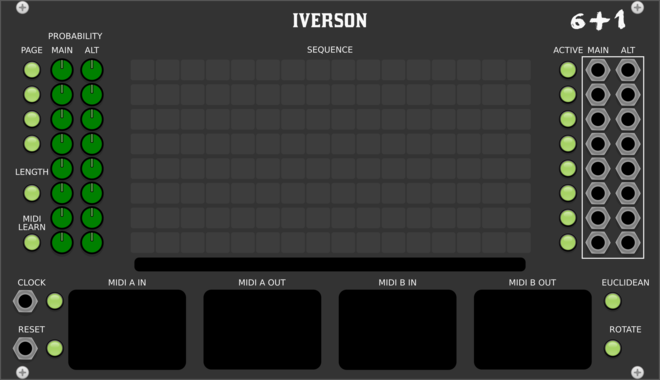
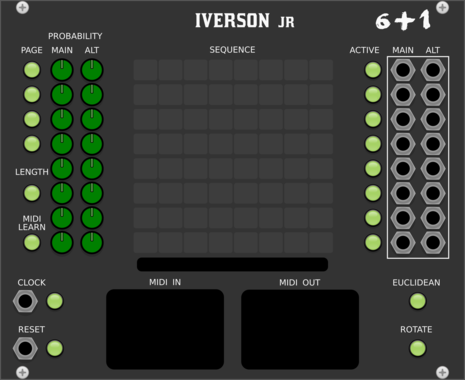


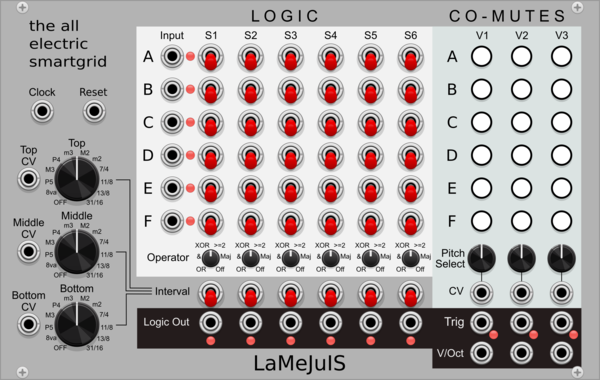
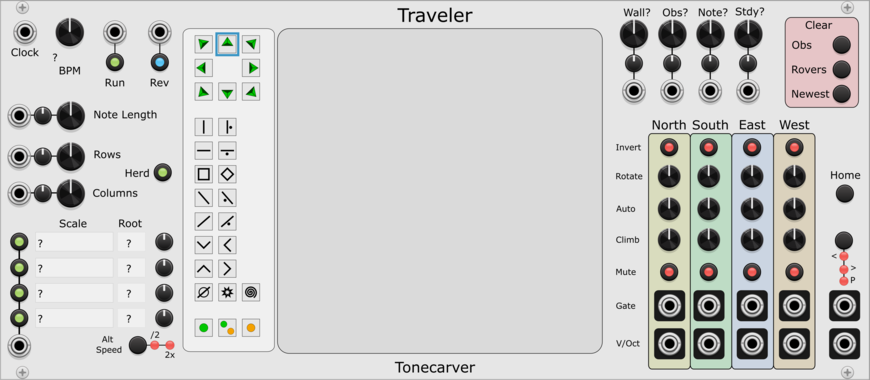
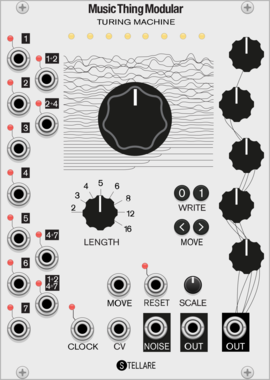

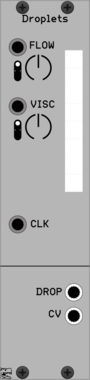
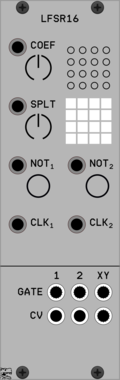
TyrannosaurusRu LFSR16 Poly
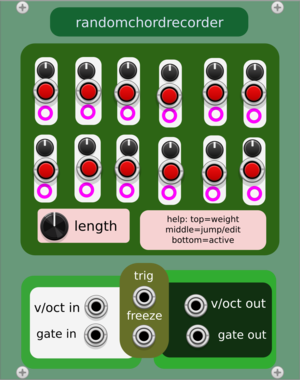
16-bit LFSR sequencer with ability to split for two independent registers
VCV Library Instructions
- Download and install VCV Rack.
- Register for a VCV account and log in using Rack’s “Library” menu.
- Add or purchase a module on the VCV Library.
- Open the “Library” menu in Rack, click “Update all” (if updates are needed), and restart Rack once downloaded.
- Right-click an empty rack space to launch Rack’s module browser to add a module to your patch.
All plugins on the VCV Library are available for Windows, Mac, and Linux.
The “major” version (i.e. MAJOR.MINOR.REVISION) must match between Rack and its plugins.
For example, Rack 2.* can only load 2.* plugins.
Missing or incorrect information in this database, such as a missing tag? Inform the plugin author(s) using the contact information on their plugin/module page.
Developers: see Adding your plugin to the VCV Library.
Notes
Purchasing plugins with the “VCV” brand supports the VCV Rack project. See VCV’s Mission Statement to learn how VCV Rack development is funded.
Prices are in US Dollars.
VCV is only responsible for VCV-branded plugins and does not completely review all third-party plugins. VCV does not provide technical support for third-party plugins. Installing plugins from unknown sources may compromise your computer and personal information.
By purchasing a plugin on the VCV Library, you agree to the End User License Agreement and Refund Policy.
Contact VCV Support for customer support and questions about the VCV Library.