

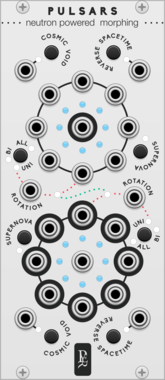








Geodesics Pulsars

Geodesics Pulsars

Neutron powered morphing

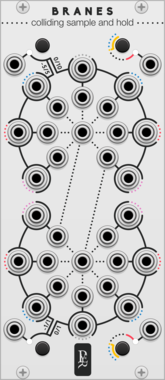
Geodesics Branes

Geodesics Branes

Coliding sample and hold

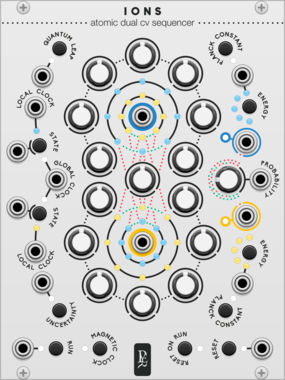
Geodesics Ions

Geodesics Ions

Atomic dual cv sequencer

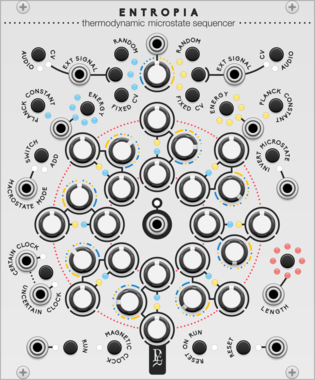
Geodesics Entropia

Geodesics Entropia

Thermodynamic microstate sequencer

Geodesics Torus

Geodesics Torus

Bi-dimensional multimixer

Geodesics Blank-Panel Info

Geodesics Blank-Panel Info

Blank panel with info

Geodesics Blank-Panel Logo

Geodesics Blank-Panel Logo

Blank panel with logo

Vult HyperPower

Vult HyperPower

Infinite Power Supply

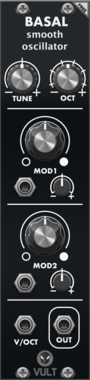
Vult Basal

Vult Basal

Smooth Oscillator

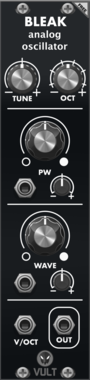
Vult Bleak

Vult Bleak

Analog Oscillator

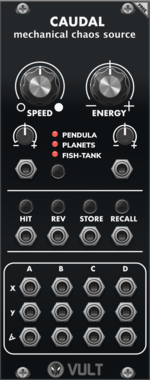
Vult Caudal

Vult Caudal

Mechanical Chaos Source

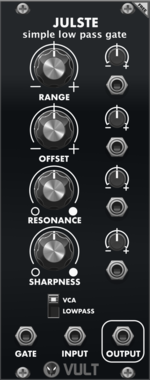
Vult Julste

Vult Julste

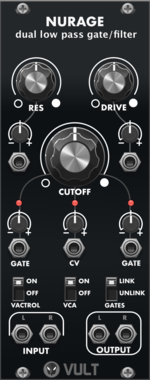
Simple Low Pass Gate

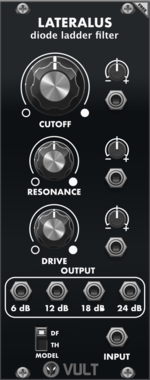
Vult Lateralus

Vult Lateralus

Diode Ladder Filter

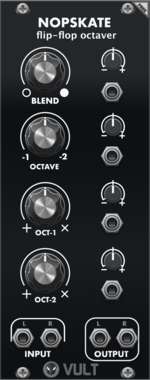
Vult Nopskate

Vult Nopskate

Flip-Flop Octaver

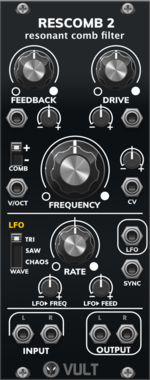
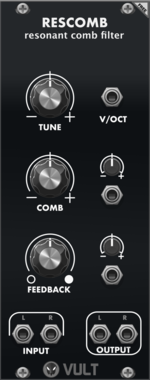
Vult Rescomb

Vult Rescomb

Resonant Comb Filter

Vult Splie

Vult Splie

Active Buffer

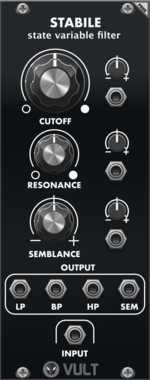
Vult Stabile

Vult Stabile

State Variable Filter

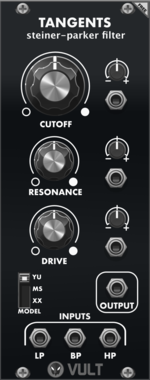
Vult Tangents

Vult Tangents

Steiner-Parker Filter

Vult Tohe

Vult Tohe

Tone Control

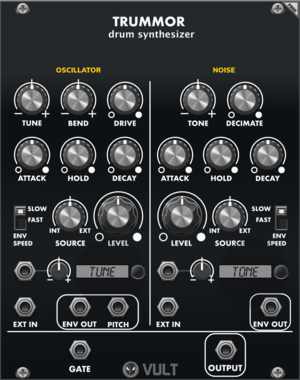
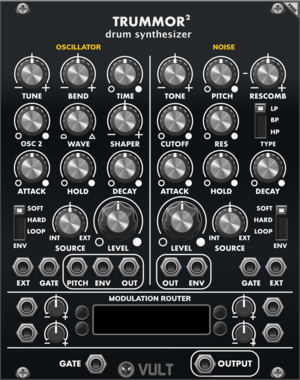
Vult Trummor 2

Vult Trummor 2

Percussion Synthesizer

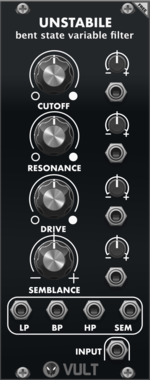
Vult Unstabile

Vult Unstabile

Bent State Variable Filter

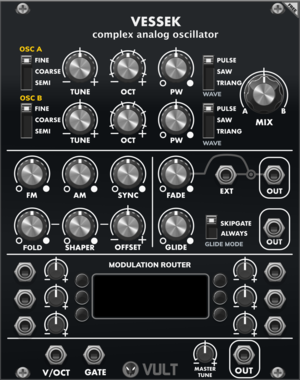
Vult Vessek

Vult Vessek

Complex Analog Oscillator

Vult Blank: 3 HP

Vult Blank: 3 HP

Blank: 3 HP

Vult Blank: 6 HP

Vult Blank: 6 HP

Blank: 6 HP

Vult Blank: 12 HP

Vult Blank: 12 HP

Blank: 12 HP

Vult Bypass

Vult Bypass

Stereo Channel Effect Bypass

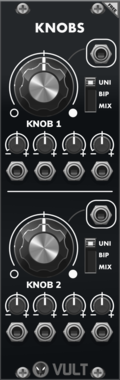
Vult Knobs

Vult Knobs

Modulation Mixer and Macro Control


VCV Library Instructions

  • Download and install VCV Rack.
  • Register for a VCV account and log in using Rack’s “Library” menu.
  • Add or purchase a module on the VCV Library.
  • Open the “Library” menu in Rack, click “Update all” (if updates are needed), and restart Rack once downloaded.
  • Right-click an empty rack space to launch Rack’s module browser to add a module to your patch.

All plugins on the VCV Library are available for Windows, Mac, and Linux. The “major” version (i.e. MAJOR.MINOR.REVISION) must match between Rack and its plugins. For example, Rack 2.* can only load 2.* plugins.

Missing or incorrect information in this database, such as a missing tag? Inform the plugin author(s) using the contact information on their plugin/module page.

Developers: see Adding your plugin to the VCV Library.

Notes

Purchasing plugins with the “VCV” brand supports the VCV Rack project. See VCV’s Mission Statement to learn how VCV Rack development is funded.

Prices are in US Dollars.

By purchasing a plugin on the VCV Library, you agree to VCV’s End User License Agreement and Refund Policy.

Contact VCV Support for customer support and questions about the VCV Library.