




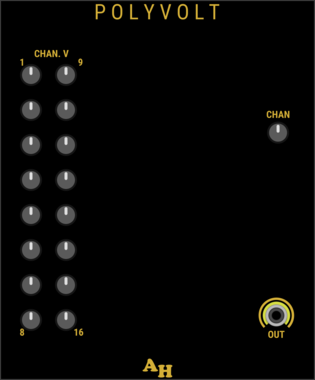










stoermelder 8FACEx2
Universal expander for sequencing up to sixteen presets of any module. Larger version of the classic 8FACE module with a 16-slot sequencer for longer preset chains.
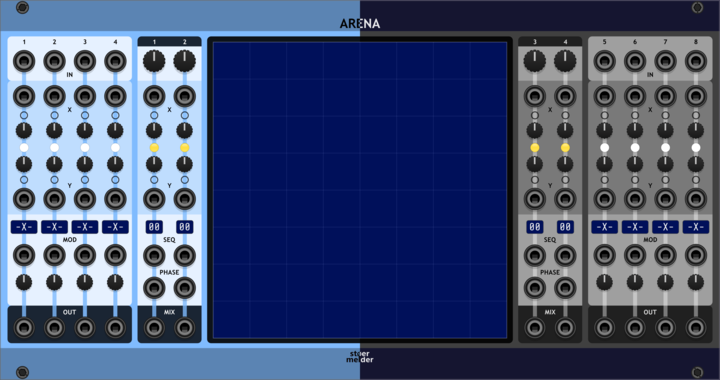
stoermelder ARENA
2-dimensional XY-Mixer for 8 sources with various modulation targets and fun graphical interface. Place sources and outputs in 2D space, mix them visually and modulate four mixed outputs with 16 motion sequences each.

stoermelder µINFIX
Insert for polyphonic cables. 8-channel variant of INFIX for inserting or replacing individual channels within a polyphonic signal using monophonic cables.
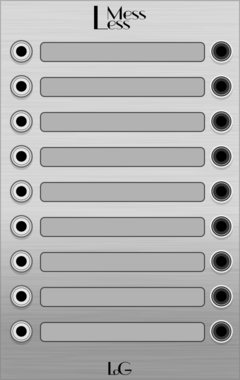

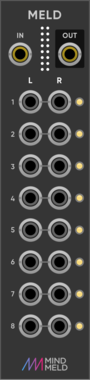







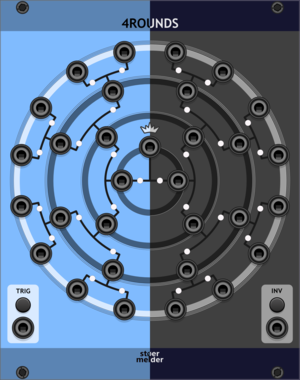
stoermelder 4ROUNDS
Randomizer for up to 16 input signals to create 15 output signals. Runs a four-round knockout tournament between inputs on each trigger, randomly picking a winner and routing it to the next round's output.

stoermelder SIPO
Serial-in parallel-out shift register with polyphonic output and CV controls for skipping and incrementing on sampled values. Sample an input, then shift and step through stored voltages across polyphonic channels with CV-modulated skip and step size.






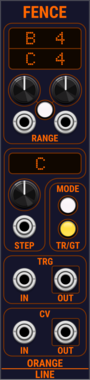
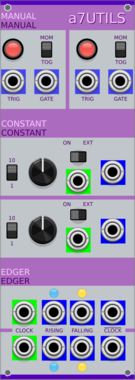


Tiny Tricks Sample and hold x16
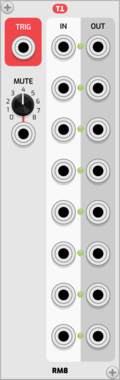
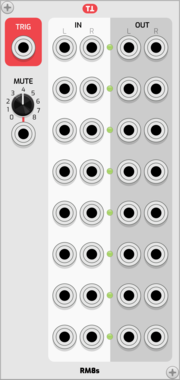
Get 16 random values on trigger (sample and hold). Internal noise only.

Tiny Tricks Modulation Generator x1
Get a random value (S&H on internal noise) or LFO with random state (rate, waveform, scale, phase) generated on a trigger. Settings for variance and bias of random, whether to include S&H values and unipolar or bipolar.
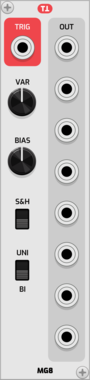
Tiny Tricks Modulation Generator x8
Get up to 8 random value (S&H on internal noise) or LFO with random state (rate, waveform, scale, phase) generated on a trigger. Settings for variance and bias of random, whether to include S&H values and unipolar or bipolar.
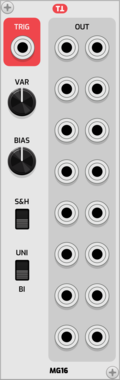
Tiny Tricks Modulation Generator x16
Get up to 16 random value (S&H on internal noise) or LFO with random state (rate, waveform, scale, phase) generated on a trigger. Settings for variance and bias of random, whether to include S&H values and unipolar or bipolar.



VCV Library Instructions
- Download and install VCV Rack.
- Register for a VCV account and log in using Rack’s “Library” menu.
- Add or purchase a module on the VCV Library.
- Open the “Library” menu in Rack, click “Update all” (if updates are needed), and restart Rack once downloaded.
- Right-click an empty rack space to launch Rack’s module browser to add a module to your patch.
All plugins on the VCV Library are available for Windows, Mac, and Linux.
The “major” version (i.e. MAJOR.MINOR.REVISION) must match between Rack and its plugins.
For example, Rack 2.* can only load 2.* plugins.
Missing or incorrect information in this database, such as a missing tag? Inform the plugin author(s) using the contact information on their plugin/module page.
Developers: see Adding your plugin to the VCV Library.
Notes
Purchasing plugins with the “VCV” brand supports the VCV Rack project. See VCV’s Mission Statement to learn how VCV Rack development is funded.
Prices are in US Dollars.
By purchasing a plugin on the VCV Library, you agree to VCV’s End User License Agreement and Refund Policy.
Contact VCV Support for customer support and questions about the VCV Library.