

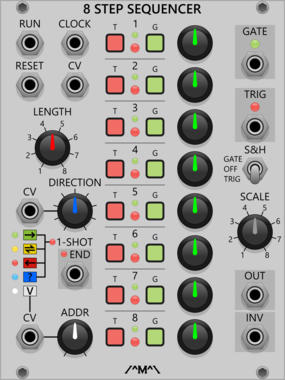
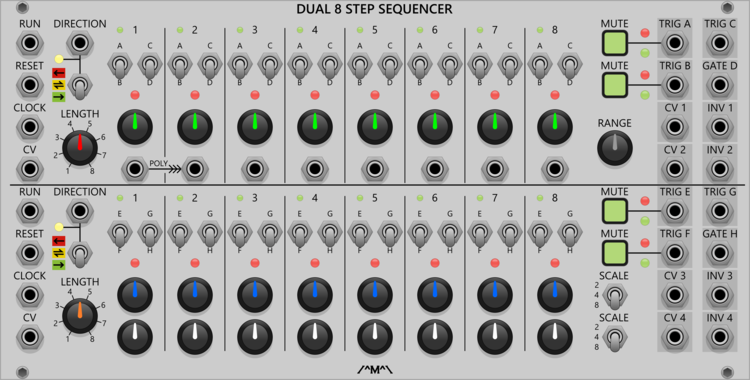
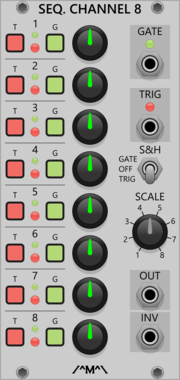
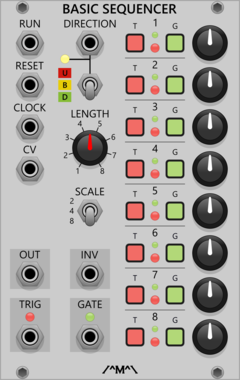

Count Modula 8 Step Sequencer Gate Output Expander
Adds individual gate outputs to the 8 Step Sequencer

Count Modula 8 Step Sequencer Trigger Output Expander
Adds individual trigger outputs to the 8 Step Sequencer
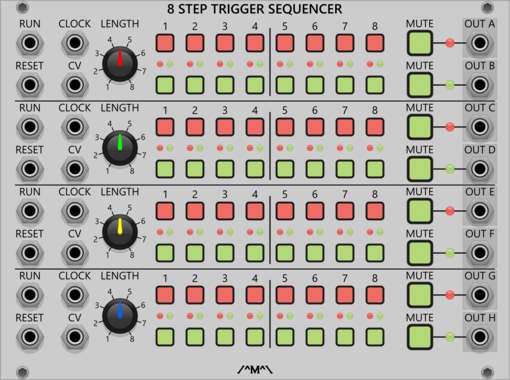
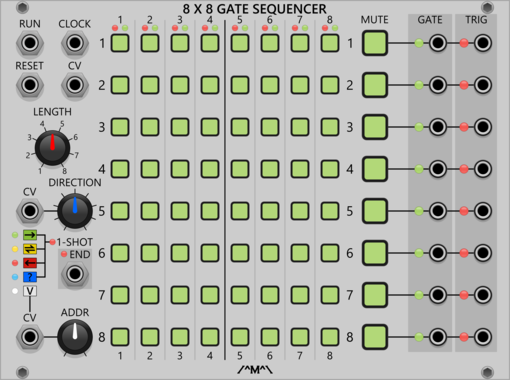
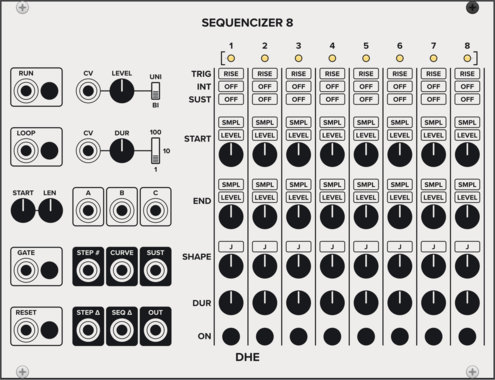
DHE Modules Sequencizer 8
Generates a highly customizable 8 step sequence
SequencerEnvelope generatorLow-frequency oscillatorSample and hold
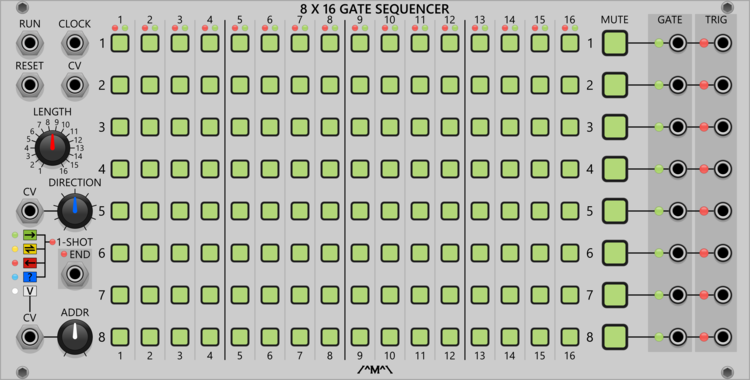
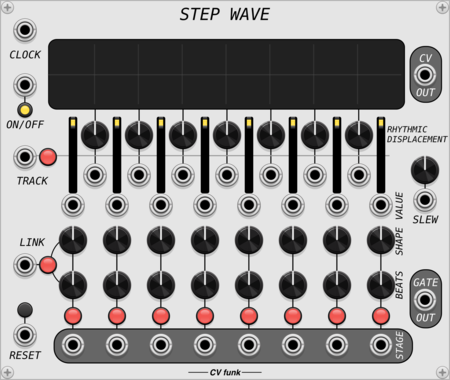
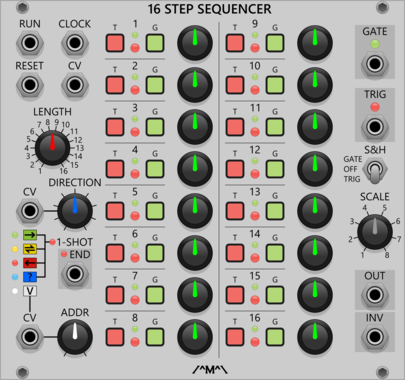
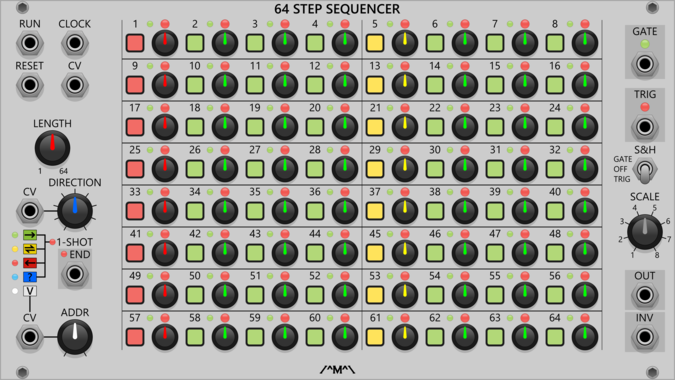
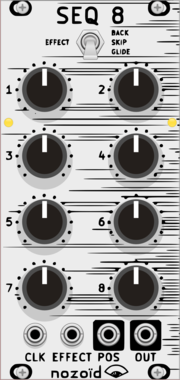

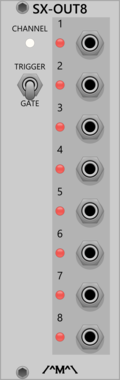
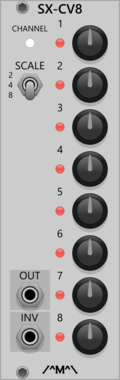
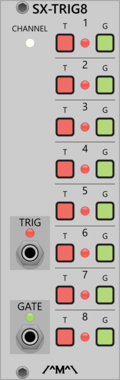
Count Modula Sequencer Trigger Expander
8 step sequencer expander adding a an extra channel of gate/trigger output
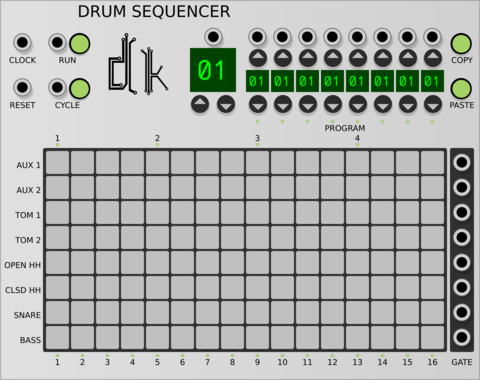
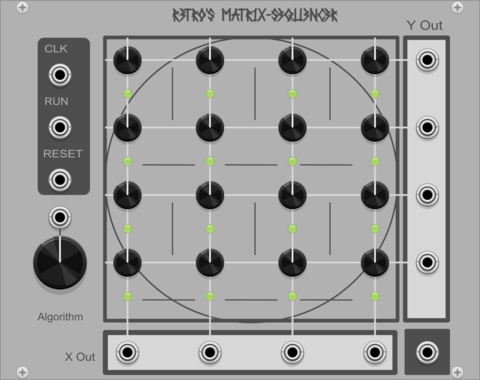
Matrix Sequencer matrix-sequencer
Simple matrix sequencer for VCV Rack 2 with three different playback algorithms.
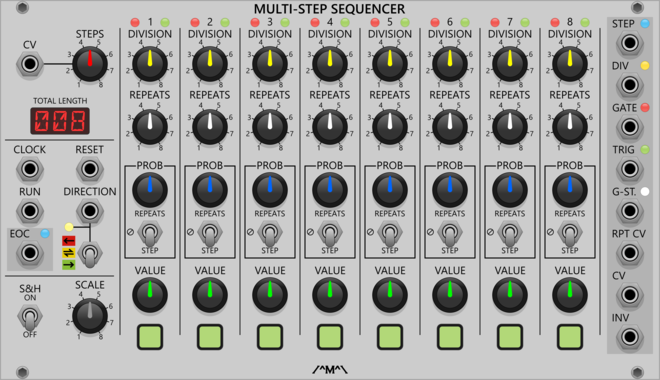
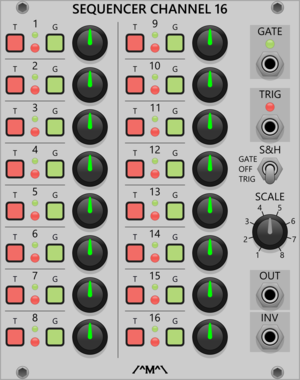

Count Modula Trigger Sequencer Gate Expander
Adds gate outputs to the 8 and 16 Step Trigger Sequencers
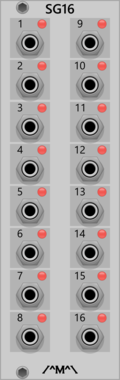
Count Modula 16 Step Sequencer Gate Output Expander
Adds individual gate outputs to the 16 Step Sequencer
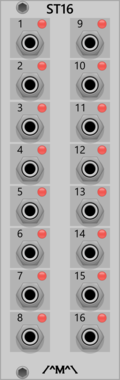
Count Modula 16 Step Sequencer Trigger Output Expander
Adds individual trigger outputs to the 16 Step Sequencer
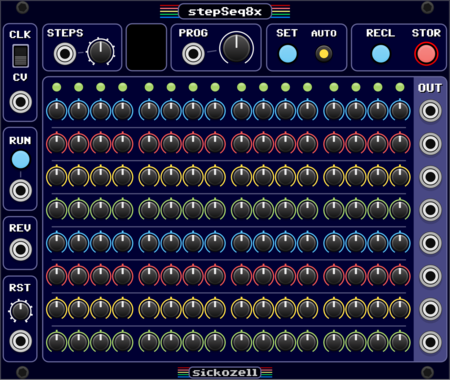
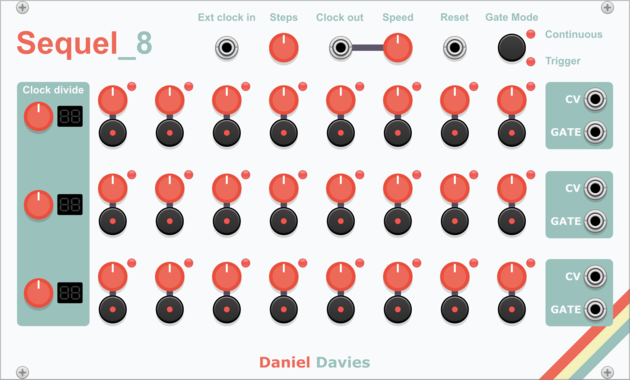
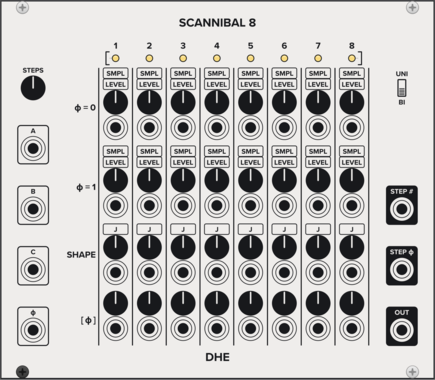
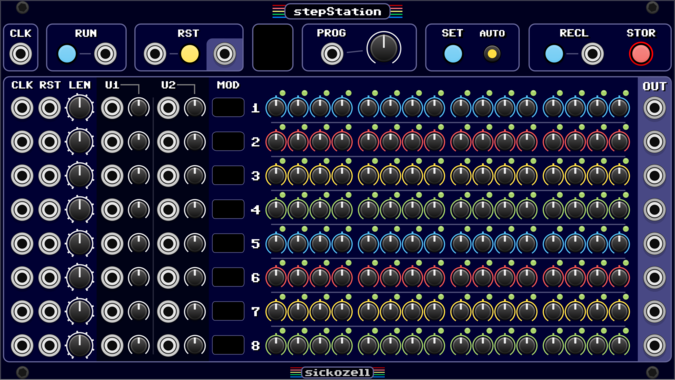
Sickozell stepStation
8 independent track / 16 step sequencer with configurable user inputs/knobs and presets (stst)
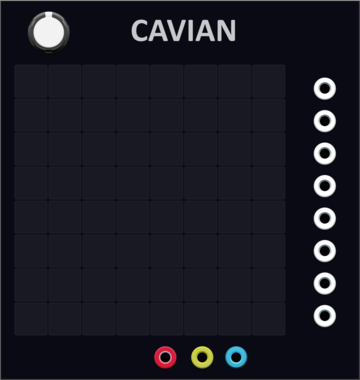
YourModulesMayVary Cavian
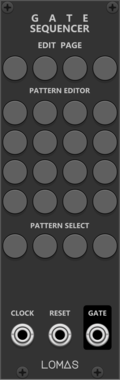
8-channel multi-step sequencer and a lot more, save locally, loop, copy paste, clear, randomise

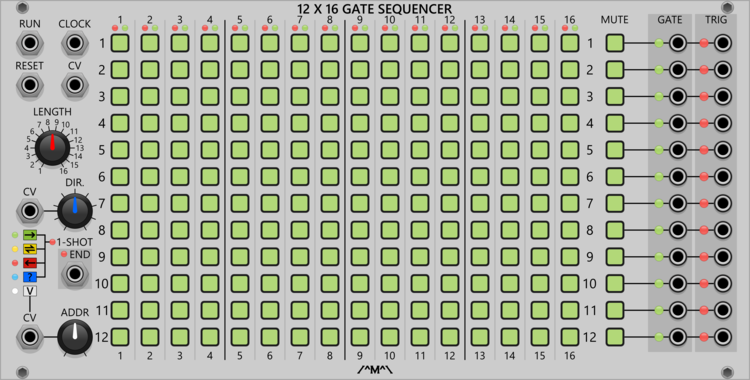
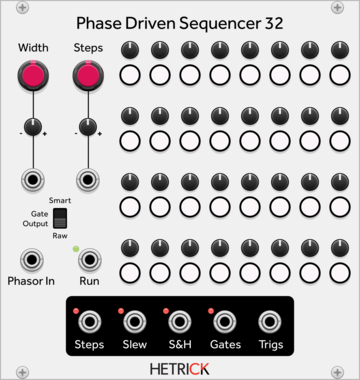


Sulamith Knobs - Const Voltage Source Sequencer
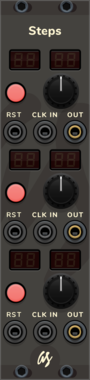
8CH Volt Bank with built-in sequencer. Probability, Playmodes, CH/Step number and knob range setting. Clk, Rst, Button in. Sequenced CV + Trig and static Poly out.
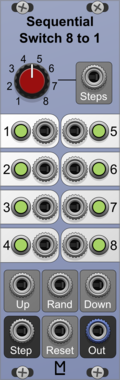
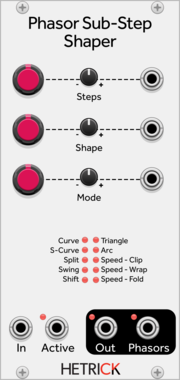
HetrickCV Phasor Sub-Step Shaper
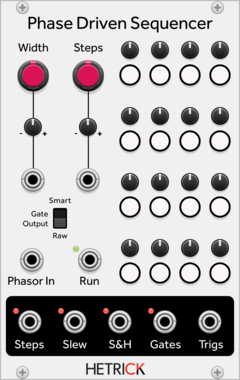
Processes individual steps of phasor signals in interesting ways for sequence modification or phase distortion synthesis.
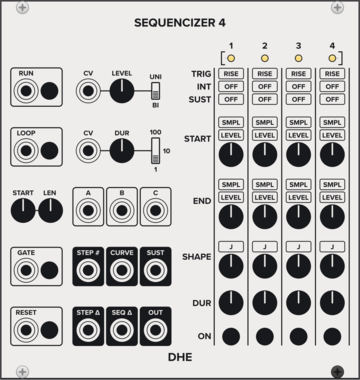
DHE Modules Sequencizer 4
Generates a highly customizable 4 step sequence
SequencerEnvelope generatorLow-frequency oscillatorSample and hold
VCV Library Instructions
- Download and install VCV Rack.
- Register for a VCV account and log in using Rack’s “Library” menu.
- Add or purchase a module on the VCV Library.
- Open the “Library” menu in Rack, click “Update all” (if updates are needed), and restart Rack once downloaded.
- Right-click an empty rack space to launch Rack’s module browser to add a module to your patch.
All plugins on the VCV Library are available for Windows, Mac, and Linux.
The “major” version (i.e. MAJOR.MINOR.REVISION) must match between Rack and its plugins.
For example, Rack 2.* can only load 2.* plugins.
Missing or incorrect information in this database, such as a missing tag? Inform the plugin author(s) using the contact information on their plugin/module page.
Developers: see Adding your plugin to the VCV Library.
Notes
Purchasing plugins with the “VCV” brand supports the VCV Rack project. See VCV’s Mission Statement to learn how VCV Rack development is funded.
Prices are in US Dollars.
By purchasing a plugin on the VCV Library, you agree to VCV’s End User License Agreement and Refund Policy.
Contact VCV Support for customer support and questions about the VCV Library.