







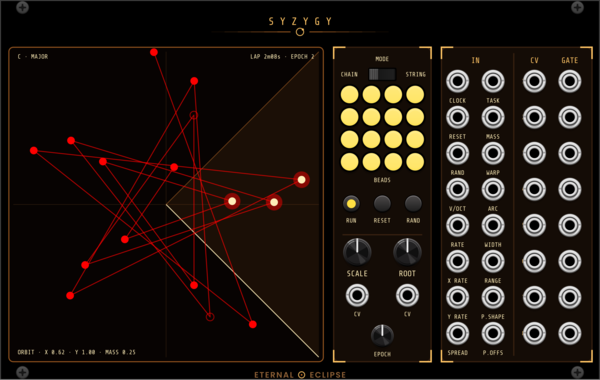
Eternal Eclipse Syzygy
Orbital note generator — sixteen beads joined by a line drift around a field at speeds in powers of the golden ratio from a golden-angle sunflower, through five task figures (orbit, Lissajous, rose, star, sweep), with mass physics, wall bounce and mouse throw, an angular trigger arc, a fourteen-scale quantizer, and eight CV/gate pairs allocated Ansible-style; every parameter is a bare ±5 V input read once per EPOCH lap, made for Cosmic Clock.
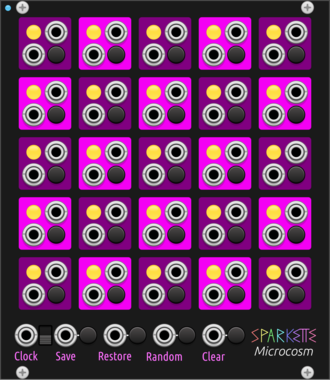
Sparkette's Stuff Microcosm
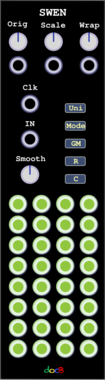
5x5 Conway's Game of Life where each cell is individually controllable. DMA compatible.
OrangeLine Morpheus
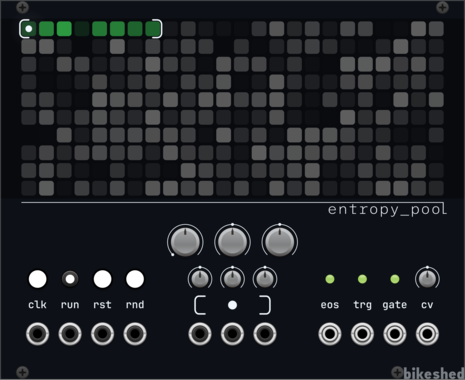
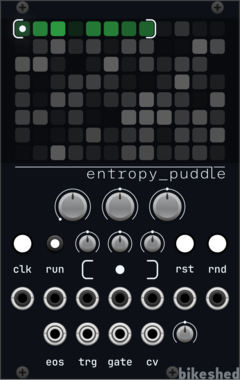
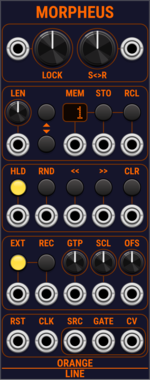
Morphing of given or random sequences with turing machine functionality and 16 Internal Memory Slots.

SignalFunctionSet Fill
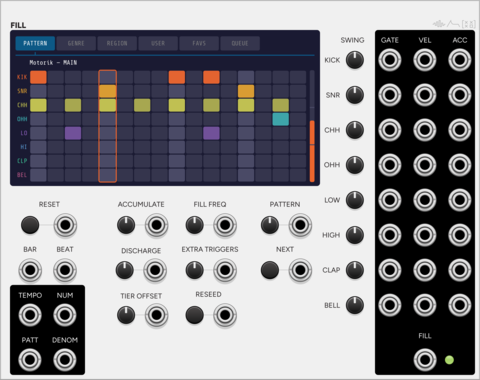
Auto-playing drum sequencer whose pressure builds each bar and vents as a fill.
SignalFunctionSet Arrange
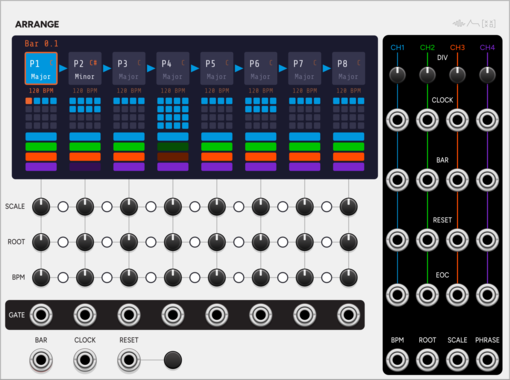
Song-form sequencer: a chain of 8 phrases, each with its own length, key and tempo.
wildergarden Pascal
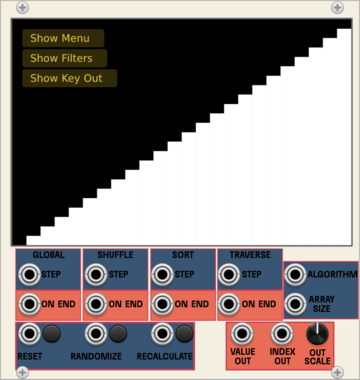
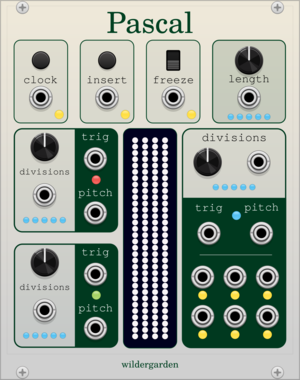
This module uses Pascal's triangle, a mathematical pattern independently invented throughout the world during the Middle Ages, to create evolving melodies and drum sequences.
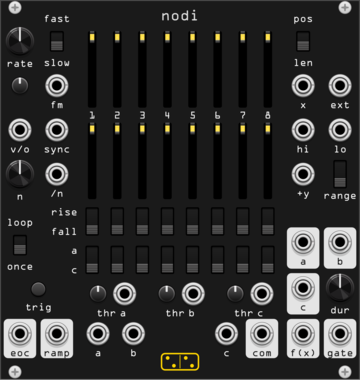
forsitan modulare nodi
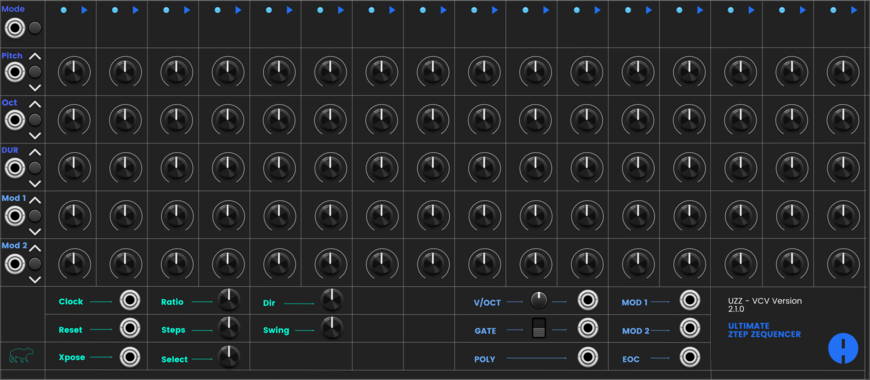
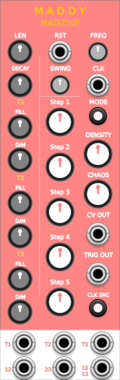
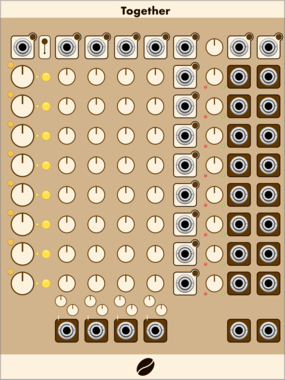
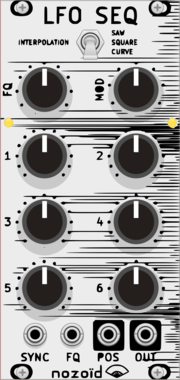
Continuous-time sequencer: thresholds on X pick one of eight stages. A Discrete Map clone.
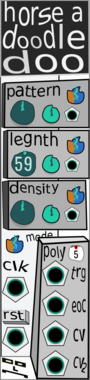
computerscare Horse A Doodle Doo
Melody, rhythm generator. Generate complex repeatable sequences with the turn of a single knob. Fully Polyphonic.
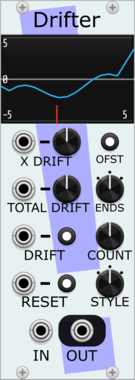
Stochastic Telegraph Drifter
Varying linear function generator. Makes sequences that change in small (or large) ways. A line defined by X/Y points, each doing a random walk.
VCV Library Instructions
- Download and install VCV Rack.
- Register for a VCV account and log in using Rack’s “Library” menu.
- Add or purchase a module on the VCV Library.
- Open the “Library” menu in Rack, click “Update all” (if updates are needed), and restart Rack once downloaded.
- Right-click an empty rack space to launch Rack’s module browser to add a module to your patch.
All plugins on the VCV Library are available for Windows, Mac, and Linux.
The “major” version (i.e. MAJOR.MINOR.REVISION) must match between Rack and its plugins.
For example, Rack 2.* can only load 2.* plugins.
Missing or incorrect information in this database, such as a missing tag? Inform the plugin author(s) using the contact information on their plugin/module page.
Developers: see Adding your plugin to the VCV Library.
Notes
Purchasing plugins with the “VCV” brand supports the VCV Rack project. See VCV’s Mission Statement to learn how VCV Rack development is funded.
Prices are in US Dollars.
By purchasing a plugin on the VCV Library, you agree to VCV’s End User License Agreement and Refund Policy.
Contact VCV Support for customer support and questions about the VCV Library.