


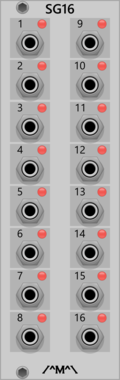
Count Modula 16 Step Sequencer Gate Output Expander
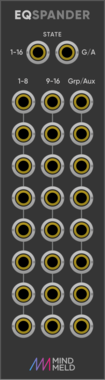
Adds individual gate outputs to the 16 Step Sequencer

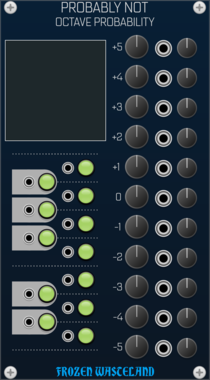
Frozen Wasteland Probably Note - Octave Probability Expander
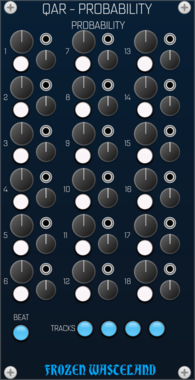
Adds Multi-Octave Note Range to Probably Not(e)

Count Modula 8 Step Sequencer Trigger Output Expander
Adds individual trigger outputs to the 8 Step Sequencer





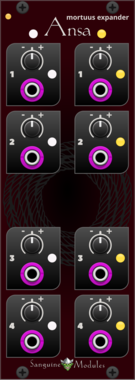
![Instruō [ø]4^2 - øchd Expander](/screenshots/100/Instruo/ochd_exp.webp)
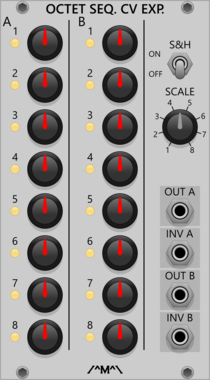
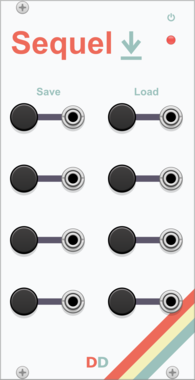

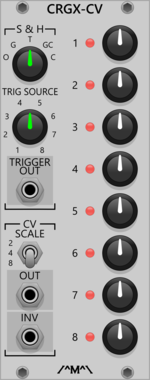
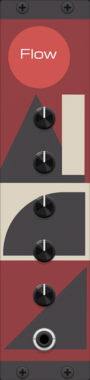
AmbushedCat TuringFlow
An expander for the TuringMaschine that provides additional CV outputs based on bits of the sequence. Allows complex modulation and control signals derived from the main sequence.

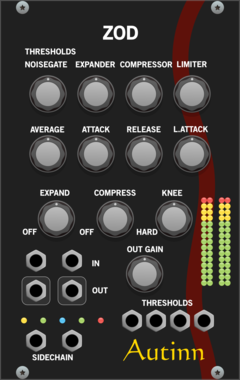

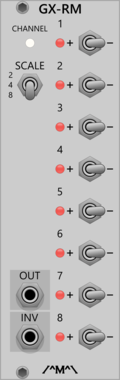
Count Modula Gated Comparator Expander - Random Melody
Gated Comparator expander adding Random Melody output (also works with other sequencers)
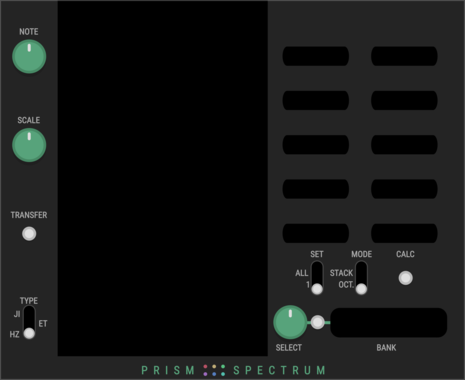

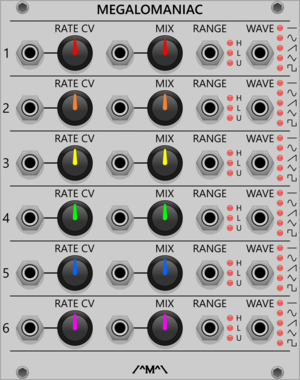
Count Modula Megalomaniac - Hyper Maniacal LFO CV Expander
Voltage control over the Hyper Maniacal LFO

Sparkette's Stuff Accessor
Connects to an adjacent DMA-compatible module to allow for reading and writing of memory.



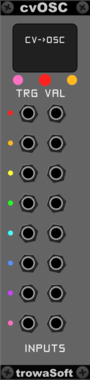
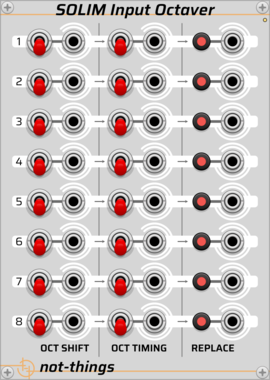
trowaSoft cvOSC Input Expander
Expansion module for cvOSCcv. Allows eight (8) more input CV channels to be sent to OSC.
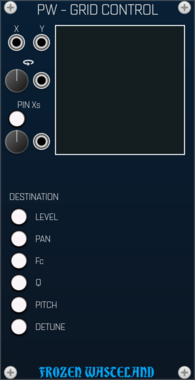
Frozen Wasteland Portland Weather - Grid Control Expander
Allows Portland Weather to be modulated in a grid fashion





VCV Library Instructions
- Download and install VCV Rack.
- Register for a VCV account and log in using Rack’s “Library” menu.
- Add or purchase a module on the VCV Library.
- Open the “Library” menu in Rack, click “Update all” (if updates are needed), and restart Rack once downloaded.
- Right-click an empty rack space to launch Rack’s module browser to add a module to your patch.
All plugins on the VCV Library are available for Windows, Mac, and Linux.
The “major” version (i.e. MAJOR.MINOR.REVISION) must match between Rack and its plugins.
For example, Rack 2.* can only load 2.* plugins.
Missing or incorrect information in this database, such as a missing tag? Inform the plugin author(s) using the contact information on their plugin/module page.
Developers: see Adding your plugin to the VCV Library.
Notes
Purchasing plugins with the “VCV” brand supports the VCV Rack project. See VCV’s Mission Statement to learn how VCV Rack development is funded.
Prices are in US Dollars.
By purchasing a plugin on the VCV Library, you agree to VCV’s End User License Agreement and Refund Policy.
Contact VCV Support for customer support and questions about the VCV Library.