
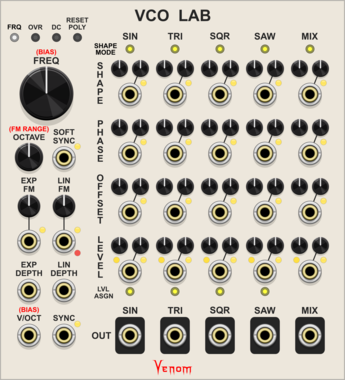
Venom VCO Lab
Audio or low frequency oscillator with 4 simultaneous waveforms, mixing, linear/exponential FM, phase modulation, hard/soft sync, PWM, and more
Function generatorLow-frequency oscillatorOscillatorPolyphonic
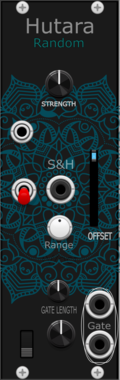
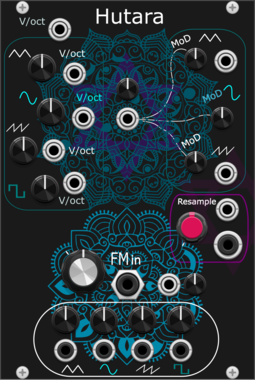
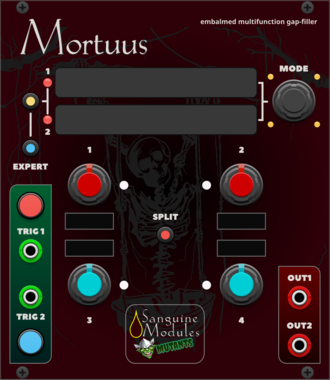
Sanguine Modules Sanguine Mortuus
Based on the Dead Man's Catch alternative firmware for Peaks'
DrumEnvelope generatorOscillatorLow-frequency oscillatorSequencerHardware cloneDual
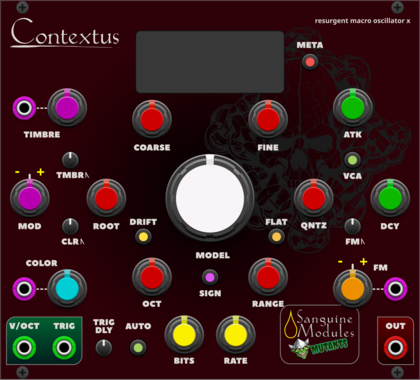
Sanguine Modules Sanguine Contextus
A macro oscillator based on the Reinassance alternative firmware for Braids



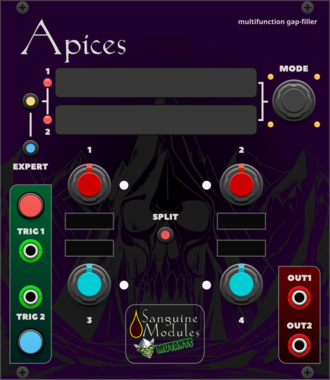
Sanguine Modules Sanguine Apices
Based on Mutable Instruments' Peaks
DrumEnvelope generatorOscillatorLow-frequency oscillatorSequencerHardware cloneDual

Sparkette's Stuff Accessor
Connects to an adjacent DMA-compatible module to allow for reading and writing of memory.

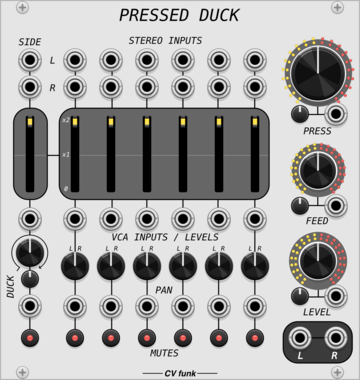
CV funk Pressed Duck
A stereo six-channel dynamic compressing mixer with side-chain ducking, tanh saturation and ADAA.
MixerCompressorDynamicsDistortionPanningVoltage-controlled amplifier
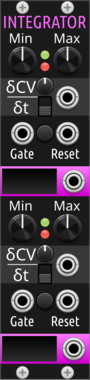
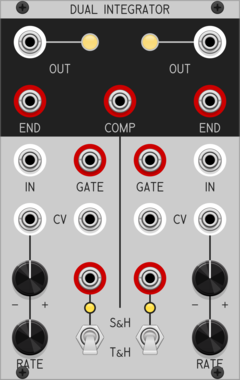
Sparkette's Stuff Dual Integrator
Modulates up to two values over time at variable speed. DMA compatible; try stacking multiple horizontally.

Sm@rTAZZ Studio D-Octer
Transposed the input voltage by 2 and 1 octave, up and down, each result is sent to a separate output.







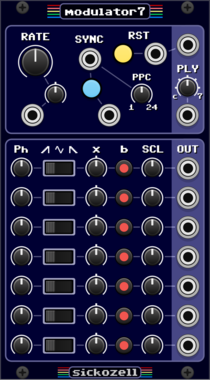

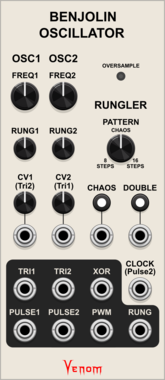
Venom Benjolin Oscillator
Complex chaotic oscillator emulating the oscillator and rungler components of a Benjolin
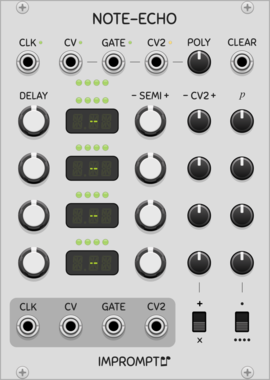

Sparkette's Stuff Polyphonic Selector
Selects one output (or more) from a polyphonic input based on the voltage from another input.
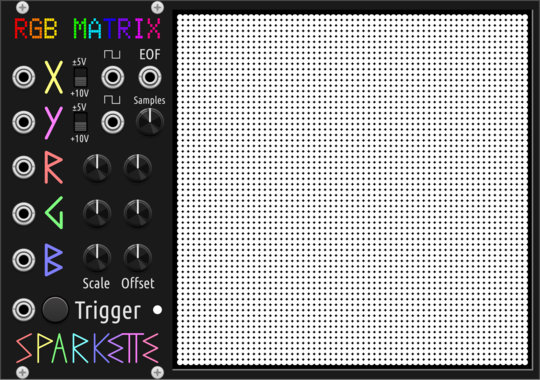
Sparkette's Stuff RGB Matrix (64x64)
An array of RGB lights with built-in oscillators for generating and displaying patterns.
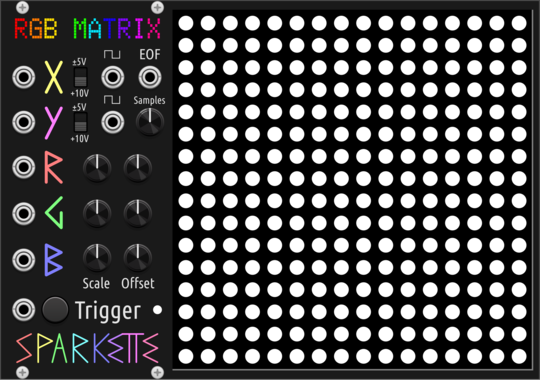
Sparkette's Stuff RGB Matrix (16x16)
An array of RGB lights with built-in oscillators for generating and displaying patterns.
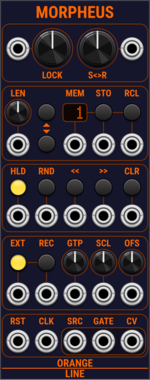
OrangeLine Morpheus
Morphing of given or random sequences with turing machine functionality and 16 Internal Memory Slots.

Sickozell holder Compact
Sample & Hold or Track & Hold with noise generator, probability and range in a compact form factor
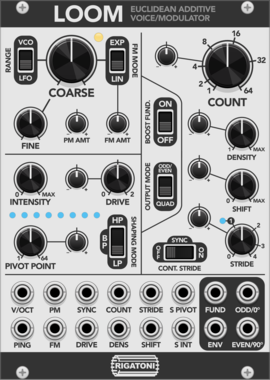
Rigatoni Modular Loom
An additive oscillator based loosely on the structure of Euclidean pattern sequencing

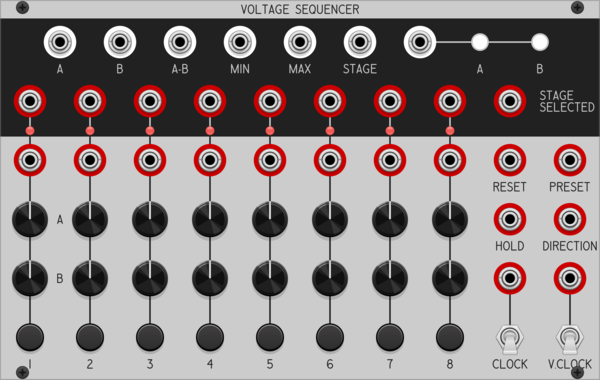
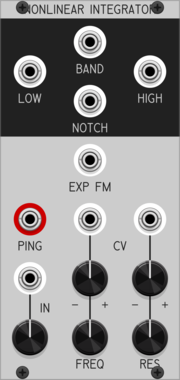
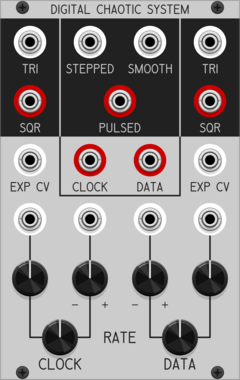
Patchable Devices Digital Chaotic System
Digital 8-bit Shift Register driven by two independent VCOs
Clock generatorClock modulatorFunction generatorLogicLow-frequency oscillatorNoiseOscillatorRandomSequencerUtility
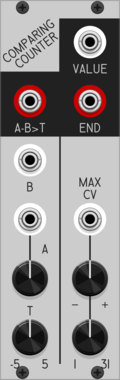
Patchable Devices Comparing Counter
Pulse counter / frequency divider with advanced comparator input

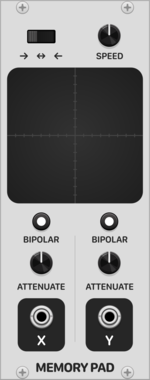
Patina Memory Pad
Interactive X-Y pad that records and repeats path drawn on touchpad. Can be used to modulate any parameter as a custom-drawn LFO with 2 outputs. Outputs can be set to bipolar or unipolar values and attenuated. Drag with the mouse on the touchpad to record a path.

Rigatoni Modular Thru Zero
A small waveshaping utility that mimics soft oscillator sync for input ramp waves and acts as a through zero FM helper



pachde Copper-mini
A mini version of the Copper color picker and extender with modulation and outputs
VCV Library Instructions
- Download and install VCV Rack.
- Register for a VCV account and log in using Rack’s “Library” menu.
- Add or purchase a module on the VCV Library.
- Open the “Library” menu in Rack, click “Update all” (if updates are needed), and restart Rack once downloaded.
- Right-click an empty rack space to launch Rack’s module browser to add a module to your patch.
All plugins on the VCV Library are available for Windows, Mac, and Linux.
The “major” version (i.e. MAJOR.MINOR.REVISION) must match between Rack and its plugins.
For example, Rack 2.* can only load 2.* plugins.
Missing or incorrect information in this database, such as a missing tag? Inform the plugin author(s) using the contact information on their plugin/module page.
Developers: see Adding your plugin to the VCV Library.
Notes
Purchasing plugins with the “VCV” brand supports the VCV Rack project. See VCV’s Mission Statement to learn how VCV Rack development is funded.
Prices are in US Dollars.
By purchasing a plugin on the VCV Library, you agree to VCV’s End User License Agreement and Refund Policy.
Contact VCV Support for customer support and questions about the VCV Library.