

Venom Auxilliary Clone Expander
Adds additional cloned poly input/output pairs to Clone Merge, Poly Merge, or Poly Unison

Venom Bernoulli Switch
Randomly route two inputs to two outputs, with built in scaling and offset capabilities
AttenuatorControllerLogicPolyphonicRandomSwitchUtilityWaveshaper


Venom HQ - Harmonic Quantizer
Computes a selected harmonic or subharmonic partial relative to a root V/Oct, or quantizes input V/Oct to the nearest partial relative to the root











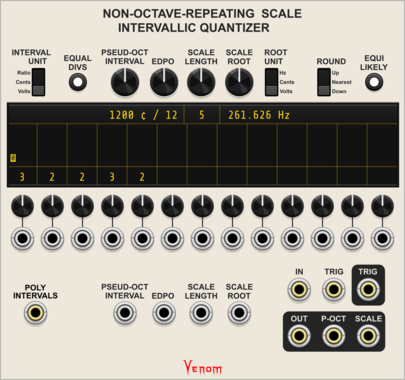
Venom Non-Octave-Repeating Scale Intervallic Quantizer
Quantizer for any scale defined by up to 13 intervals between notes

Venom NORSIQ Chord To Scale
Convert a polyphonic chord into CV to generate a scale for the Non-Octave_Repeating Scale Intervallic Quantizer

Venom Poly Clone
Clone each channel of a polyphonic input and merge the results into a single polyphonic output

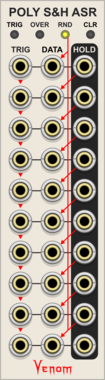
Venom Poly Sample & Hold Analog Shift Register
Ten channel polyphonic sample and hold combined with a shift register


Venom Poly Unison
Replicate each channel of a polyphonic input with a variable detune spread, and merge the results into a single polyphonic output



Venom Recurse Stereo
Recursively process mono or stereo input via Send/Return, with built in scaling and offset cababilities
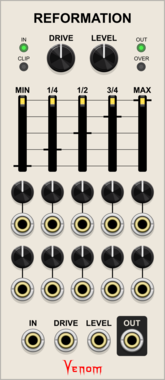
Venom Reformation
Transform CV or audio by mapping way point voltages to new values
DistortionEffectPolyphonicUtilityVoltage-controlled amplifierWaveshaper

Venom Shaped VCA
Stereo VCA with a variable response curve, hard/soft clipping, ring modulation, and oversampling
AttenuatorPolyphonicRing modulatorUtilityVoltage-controlled amplifierWaveshaper

Venom VCA Mix 4
Compact audio or CV VCA, mixer, attenuator, inverter, amplifier, and/or offset
AttenuatorMixerPolyphonicRing modulatorUtilityVoltage-controlled amplifier
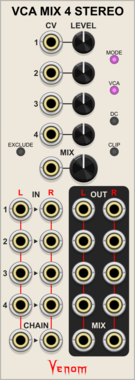
Venom VCA Mix 4 Stereo
Stereo compact audio or CV VCA, mixer, attenuator, inverter, amplifier, and/or offset
AttenuatorMixerPolyphonicRing modulatorUtilityVoltage-controlled amplifier


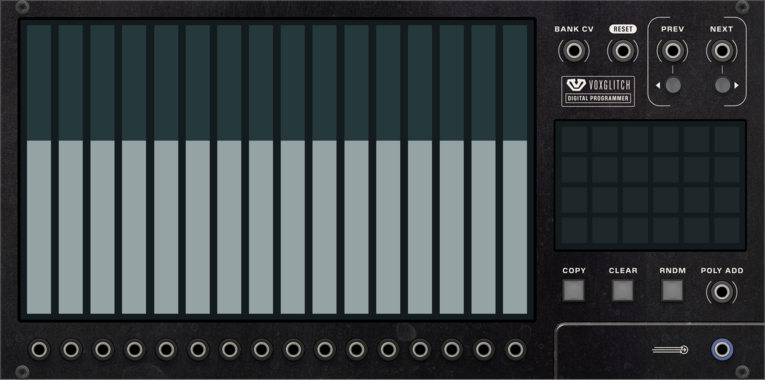
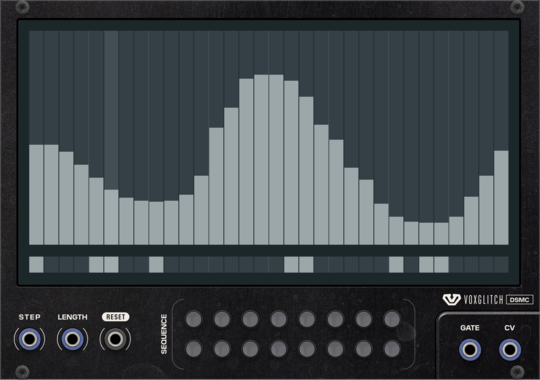
Voxglitch Digital Sequencer XP
Polyphonic version of the Digital Sequencer. Sixteen-in-one cv/gate sequencers with independent control over clock division and sequence length.
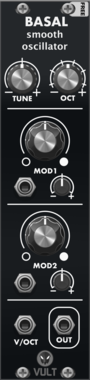
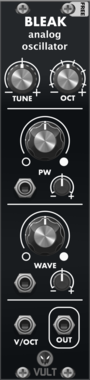
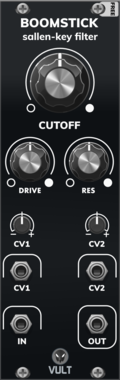

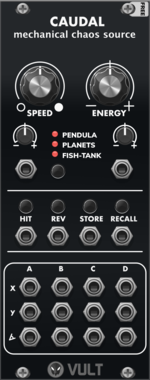


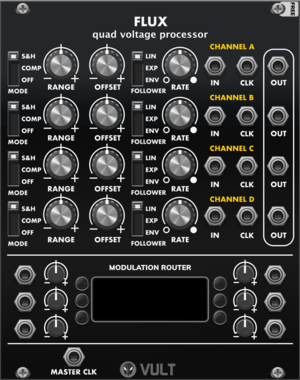
Vult Flux (Free)
Quad Voltage Processor
AttenuatorEnvelope followerQuadSample and holdSlew limiterUtilityPolyphonic
VCV Library Instructions
- Download and install VCV Rack.
- Register for a VCV account and log in using Rack’s “Library” menu.
- Add or purchase a module on the VCV Library.
- Open the “Library” menu in Rack, click “Update all” (if updates are needed), and restart Rack once downloaded.
- Right-click an empty rack space to launch Rack’s module browser to add a module to your patch.
All plugins on the VCV Library are available for Windows, Mac, and Linux.
The “major” version (i.e. MAJOR.MINOR.REVISION) must match between Rack and its plugins.
For example, Rack 2.* can only load 2.* plugins.
Missing or incorrect information in this database, such as a missing tag? Inform the plugin author(s) using the contact information on their plugin/module page.
Developers: see Adding your plugin to the VCV Library.
Notes
Purchasing plugins with the “VCV” brand supports the VCV Rack project. See VCV’s Mission Statement to learn how VCV Rack development is funded.
Prices are in US Dollars.
VCV is only responsible for VCV-branded plugins and does not completely review all third-party plugins. VCV does not provide technical support for third-party plugins. Installing plugins from unknown sources may compromise your computer and personal information.
By purchasing a plugin on the VCV Library, you agree to the End User License Agreement and Refund Policy.
Contact VCV Support for customer support and questions about the VCV Library.