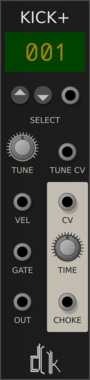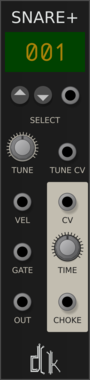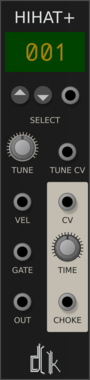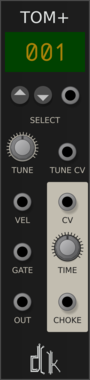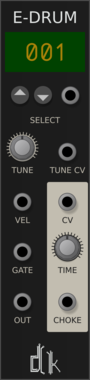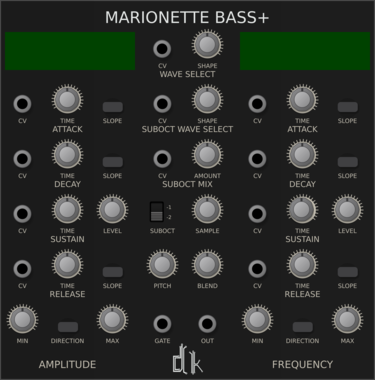









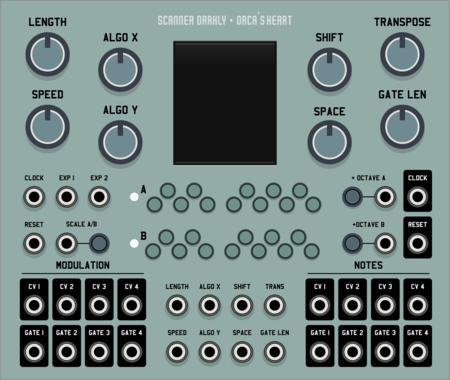


SV Modular Marionette Bass+

SV Modular Marionette Bass+

DrumKit Pro Marionette Bass+

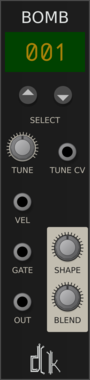
SV Modular Marionette Bomb

SV Modular Marionette Bomb

DrumKit Pro Bomb Drum Synthesizer

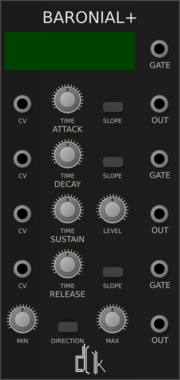
SV Modular Baronial+

SV Modular Baronial+

DrumKit Pro Baronial+ Envelope Generator

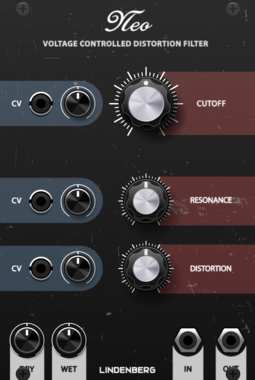
LindenbergResearch Neo Filter

LindenbergResearch Neo Filter

New Filter-Model based on the Design of the Classic Ladder-Filter

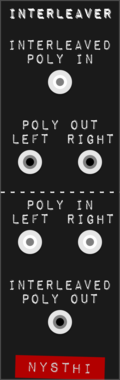
LindenbergResearch Stereo via Polyphonic Tool

LindenbergResearch Stereo via Polyphonic Tool

Converts a Stereo Signal to Poly and Vice Versa
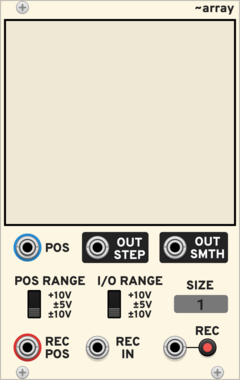
PdArray Array

PdArray Array

Draw or record sequences, envelopes or audio

PdArray Miniramp

PdArray Miniramp

Generate a ramp from 0V to 10V with a given duration

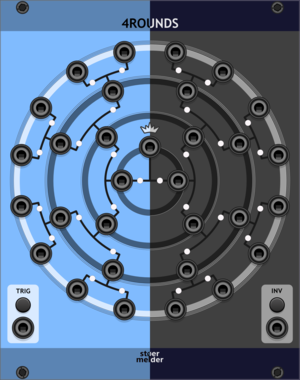
stoermelder 4ROUNDS

stoermelder 4ROUNDS

Randomizer for up to 16 input signals to create 15 output signals. Runs a four-round knockout tournament between inputs on each trigger, randomly picking a winner and routing it to the next round's output.

stoermelder SIPO

stoermelder SIPO

Serial-in parallel-out shift register with polyphonic output and CV controls for skipping and incrementing on sampled values. Sample an input, then shift and step through stored voltages across polyphonic channels with CV-modulated skip and step size.
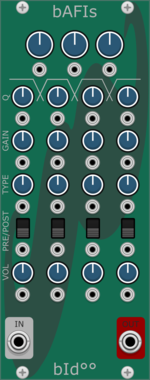

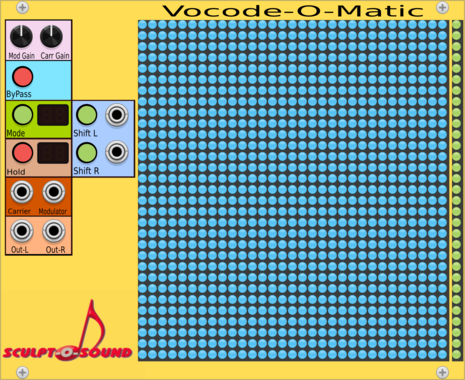
Bidoo bAFIs

Bidoo bAFIs

Multiband distortion

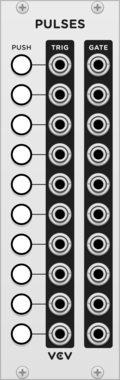
Little Utils Button

Little Utils Button

Press a button to output a trigger, gate or flip-flop signal

Little Utils Bias/Semitone

Little Utils Bias/Semitone

Offset an incoming voltage by volts or semitones

Little Utils Multiply/Divide

Little Utils Multiply/Divide

Multiply or divide two signals

Little Utils Pulse Generator

Little Utils Pulse Generator

Generate rectangular pulses with a given duration

Little Utils Teleport In

Little Utils Teleport In

Send signals wirelessly to one or more Teleport Out modules

Little Utils Teleport Out

Little Utils Teleport Out

Receive signals wirelessly from a Teleport In module

OrangeLine Fence

OrangeLine Fence

Keep CVs in a defined pitch range

VCV Noise

VCV Noise

Multicolored noise generator

VCV Random

VCV Random

Random CV generator

p.s.F/X FG-8

p.s.F/X FG-8

nozoïd Nozori_68_ADSR

nozoïd Nozori_68_ADSR

Dual loopable ADSR with modulation speed and integrated VCA

nozoïd Nozori_68_AR

nozoïd Nozori_68_AR

Dual Attack Release with independent modulation

nozoïd Nozori_68_CRUSH

nozoïd Nozori_68_CRUSH

Stereo Down-sampler / Bitcrusher

nozoïd Nozori_68_CV_REC

nozoïd Nozori_68_CV_REC

Record and play back 2 independent CV, at variable speed

nozoïd Nozori_68_DELAY

nozoïd Nozori_68_DELAY

Audio Delay, with tempo synchronisation

nozoïd Nozori_68_KS

nozoïd Nozori_68_KS

Karplus-Strong audio model

nozoïd Nozori_68_LFO

nozoïd Nozori_68_LFO

Dual LFO, with parametric waveform and syncronisation to any signal

nozoïd Nozori_68_LFO_MOD

nozoïd Nozori_68_LFO_MOD

LFO, with parametric waveform and syncronisation to any signal

nozoïd Nozori_68_NOISE

nozoïd Nozori_68_NOISE

Stereo Noise source, with low and high frequency filter

nozoïd Nozori_68_PITCH

nozoïd Nozori_68_PITCH

Dual Pitch shifter using tape emulation

nozoïd Nozori_68_RND_LOOP

nozoïd Nozori_68_RND_LOOP

Loop of Random Value, with various interpolation and external synchronisation

nozoïd Nozori_68_SIN_MOD

nozoïd Nozori_68_SIN_MOD

Sinusoidal oscillator with 2 external modulation (PM / FM / AM)

nozoïd Nozori_68_VCA_PAN

nozoïd Nozori_68_VCA_PAN

Stereo VCA-Panoramic, with modulation of the panoramic control

nozoïd Nozori_68_VCF_MORPH

nozoïd Nozori_68_VCF_MORPH

Parametric stereo filter.

nozoïd Nozori_68_VCO

nozoïd Nozori_68_VCO

Simple VCO, with VCA and VC Panoramic

nozoïd Nozori_68_VCO_LOOP

nozoïd Nozori_68_VCO_LOOP

Loop of Random Value at audio rate

nozoïd Nozori_68_VCO_MORPH

nozoïd Nozori_68_VCO_MORPH

Parametric VCO, with VCA and VC Panoramic


VCV Library Instructions

  • Download and install VCV Rack.
  • Register for a VCV account and log in using Rack’s “Library” menu.
  • Add or purchase a module on the VCV Library.
  • Open the “Library” menu in Rack, click “Update all” (if updates are needed), and restart Rack once downloaded.
  • Right-click an empty rack space to launch Rack’s module browser to add a module to your patch.

All plugins on the VCV Library are available for Windows, Mac, and Linux. The “major” version (i.e. MAJOR.MINOR.REVISION) must match between Rack and its plugins. For example, Rack 2.* can only load 2.* plugins.

Missing or incorrect information in this database, such as a missing tag? Inform the plugin author(s) using the contact information on their plugin/module page.

Developers: see Adding your plugin to the VCV Library.

Notes

Purchasing plugins with the “VCV” brand supports the VCV Rack project. See VCV’s Mission Statement to learn how VCV Rack development is funded.

Prices are in US Dollars.

By purchasing a plugin on the VCV Library, you agree to VCV’s End User License Agreement and Refund Policy.

Contact VCV Support for customer support and questions about the VCV Library.