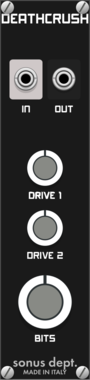










Sonus Dept. Deathcrush

Sonus Dept. Deathcrush

Driver and Crusher

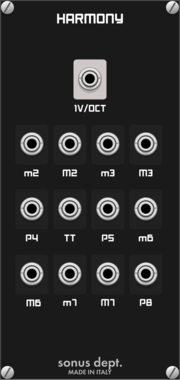
Sonus Dept. Harmony

Sonus Dept. Harmony

Chord Tool

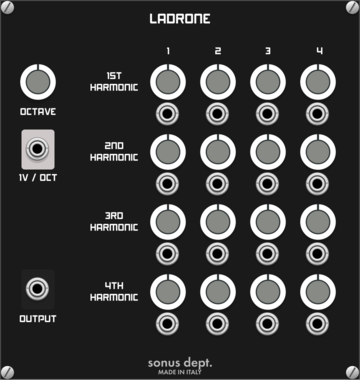
Sonus Dept. Ladrone

Sonus Dept. Ladrone

Drone Oscillator

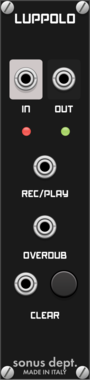
Sonus Dept. Luppolo

Sonus Dept. Luppolo

Simple Looper

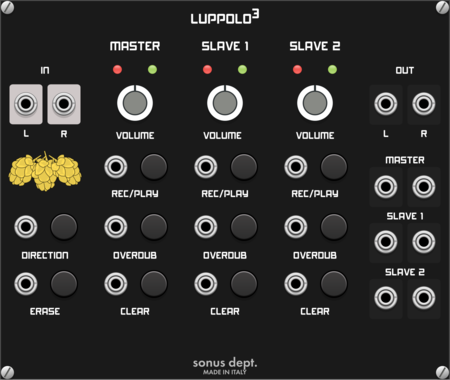
Sonus Dept. Luppolo3

Sonus Dept. Luppolo3

Loop Station

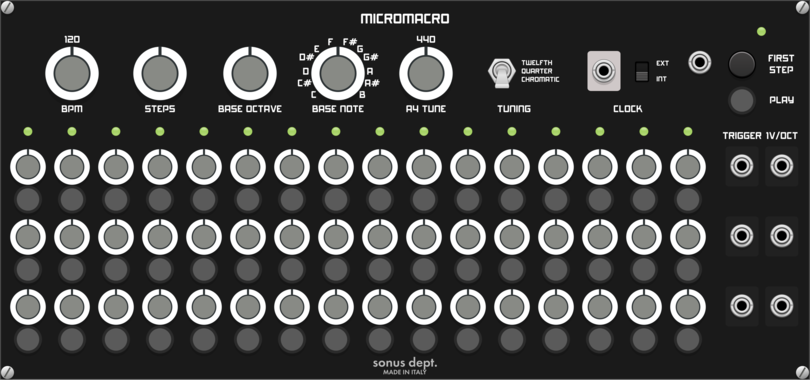
Sonus Dept. Micromacro

Sonus Dept. Micromacro

Pitch Quantized Sequencer

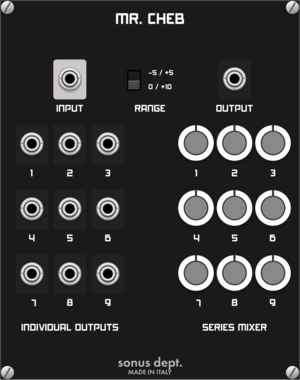
Sonus Dept. Mr. Cheb

Sonus Dept. Mr. Cheb

Chebyshev Waveshaper

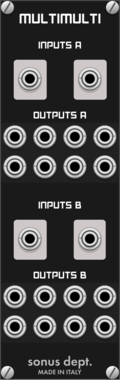
Sonus Dept. Multimulti

Sonus Dept. Multimulti

2x8 Multiples

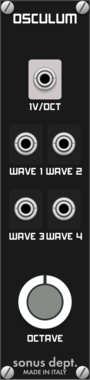
Sonus Dept. Osculum

Sonus Dept. Osculum

Unusual Oscillator

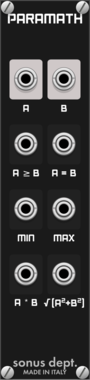
Sonus Dept. Paramath

Sonus Dept. Paramath

Comparing and Maths

Sonus Dept. Piconoise

Sonus Dept. Piconoise

Noise Generator

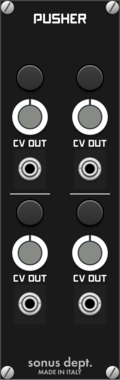
Sonus Dept. Pusher

Sonus Dept. Pusher

Buttons Controller

Sonus Dept. Ringo

Sonus Dept. Ringo

Ring Modulator

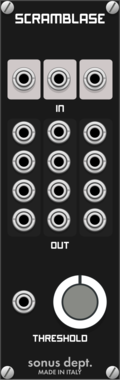
Sonus Dept. Scramblase

Sonus Dept. Scramblase

Many Waveshapers

Sonus Dept. Twoff

Sonus Dept. Twoff

CV Offset

Sonus Dept. Yabp

Sonus Dept. Yabp

Yet Another Blank Panel

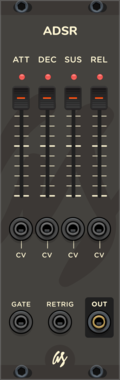
AS ADSR

AS ADSR

Generates an envelope with Attack/Decay/Sustain/Release

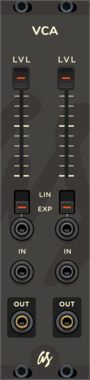
AS VCA

AS VCA

Voltage-controlled amplifier

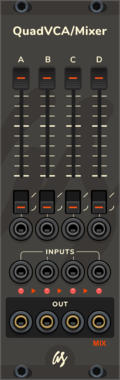
AS QuadVCA/Mixer

AS QuadVCA/Mixer

VCA module x 4, plus mixer functionality

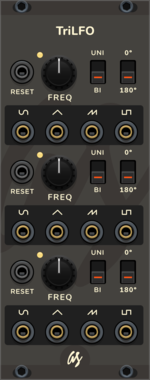
AS TriLFO

AS TriLFO

Low-frequency oscillator

AS AtNuVrTr

AS AtNuVrTr

Dual Attenuator

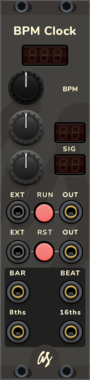
AS BPM Clock

AS BPM Clock

BPM Clock

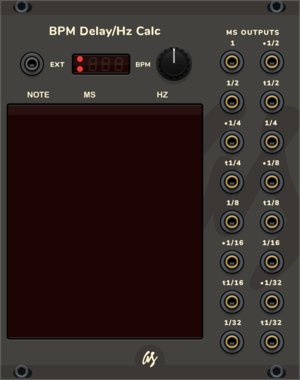
AS BPM to delay/hz calculator

AS BPM to delay/hz calculator

BPM to delay/hz calculator helper

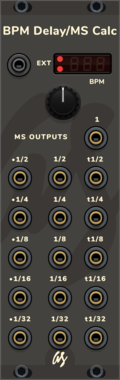
AS BPM to delay/ms calculator

AS BPM to delay/ms calculator

BPM Delay/MS Calculator

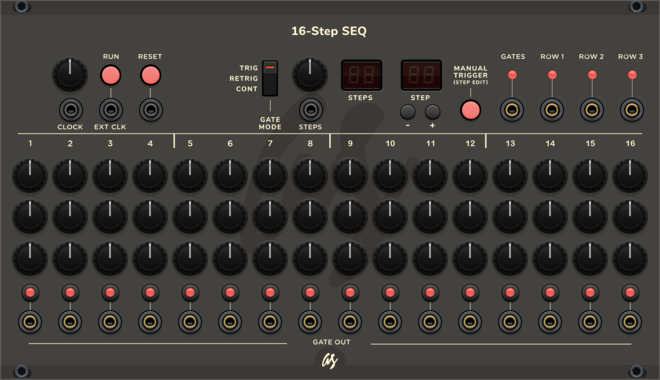
AS SEQ16

AS SEQ16

3-channel 16-step sequencer with step editor

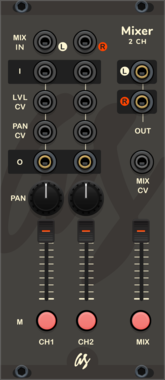
AS Mixer2ch

AS Mixer2ch

2 channel Mixer

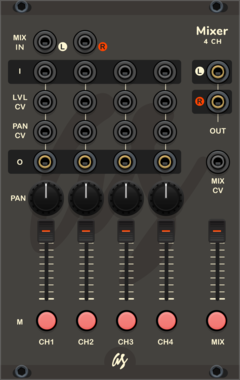
AS Mixer4ch

AS Mixer4ch

4 channel Mixer

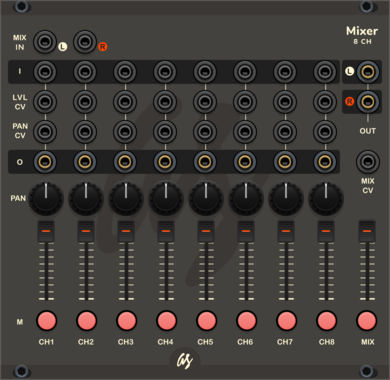
AS Mixer8ch

AS Mixer8ch

8 channel Mixer

AS MonoVUmeter

AS MonoVUmeter

Mono VU meter

AS StereoVUmeter

AS StereoVUmeter

Stereo VU meter

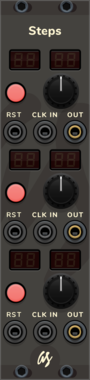
AS Steps

AS Steps

3 channel 64 steps counter

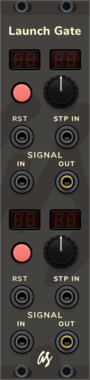
AS LaunchGate

AS LaunchGate

2 channel signal flow start counter

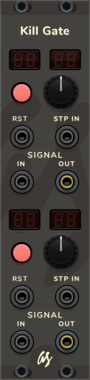
AS KillGate

AS KillGate

2 channel signal stop counter

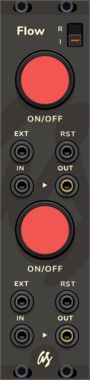
AS Flow

AS Flow

Cut the flow of signals with a switch or a cv signal input

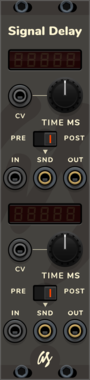
AS Signal Delay

AS Signal Delay

Delay the incomming CV signal by set milliseconds

AS CV 2 Trigger

AS CV 2 Trigger

CV to Trigger generator

AS Zero CV 2 Trigger

AS Zero CV 2 Trigger

Zero Crossing CV to Trigger generator

AS ReScale

AS ReScale

Utility module to convert from one voltage range to another

AS Multi 2x5

AS Multi 2x5

2x5 Signal multiplier

AS Merge2x5

AS Merge2x5

2x5 CV Signal merger

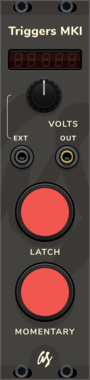
AS Triggers MKI

AS Triggers MKI

Manual CV signal trigger with latch and temporary triggers + adjustable output voltage
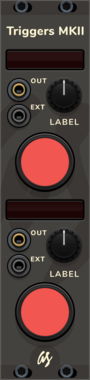
AS Triggers MKII

AS Triggers MKII

Manual CV signal temporary trigger with labeling integrated

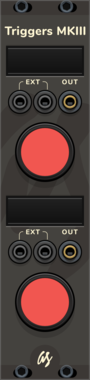
AS TriggersMKIII

AS TriggersMKIII

Manual CV signal temporary trigger with editable labeling integrated

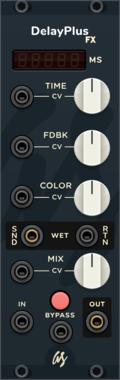
AS Delay Plus Fx

AS Delay Plus Fx

Delay effect with MS digital display, wet signal send & return and bypass switch

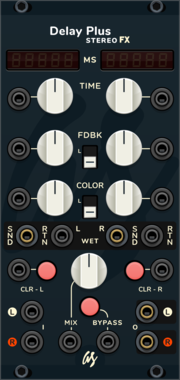
AS Delay Plus Stereo Fx

AS Delay Plus Stereo Fx

Stereo Delay effect with MS digital display, wet signal send & return and bypass switch
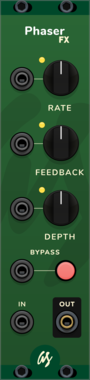
AS Phaser Fx

AS Phaser Fx

Phaser FX with CV input for each parameter and bypass switch

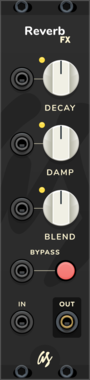
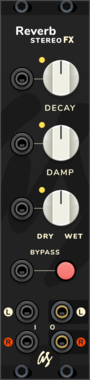
AS Reverb Fx

AS Reverb Fx

Reverb FX with CV input for each parameter and bypass switch

AS Reverb Stereo Fx

AS Reverb Stereo Fx

Stereo Reverb FX with CV input for each parameter and bypass switch


VCV Library Instructions

  • Download and install VCV Rack.
  • Register for a VCV account and log in using Rack’s “Library” menu.
  • Add or purchase a module on the VCV Library.
  • Open the “Library” menu in Rack, click “Update all” (if updates are needed), and restart Rack once downloaded.
  • Right-click an empty rack space to launch Rack’s module browser to add a module to your patch.

All plugins on the VCV Library are available for Windows, Mac, and Linux. The “major” version (i.e. MAJOR.MINOR.REVISION) must match between Rack and its plugins. For example, Rack 2.* can only load 2.* plugins.

Missing or incorrect information in this database, such as a missing tag? Inform the plugin author(s) using the contact information on their plugin/module page.

Developers: see Adding your plugin to the VCV Library.

Notes

Purchasing plugins with the “VCV” brand supports the VCV Rack project. See VCV’s Mission Statement to learn how VCV Rack development is funded.

Prices are in US Dollars.

By purchasing a plugin on the VCV Library, you agree to VCV’s End User License Agreement and Refund Policy.

Contact VCV Support for customer support and questions about the VCV Library.