

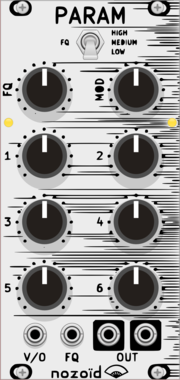
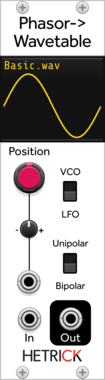
HetrickCV Phasor Wavetable
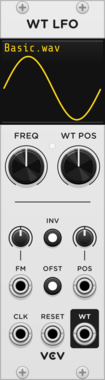
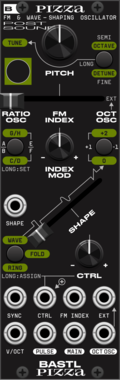
Phasor-driven wavetable oscillator. Load custom wavetables from WAV files. LFO mode for non-antialiased output, VCO mode with mipmap antialiasing for audio-rate use.
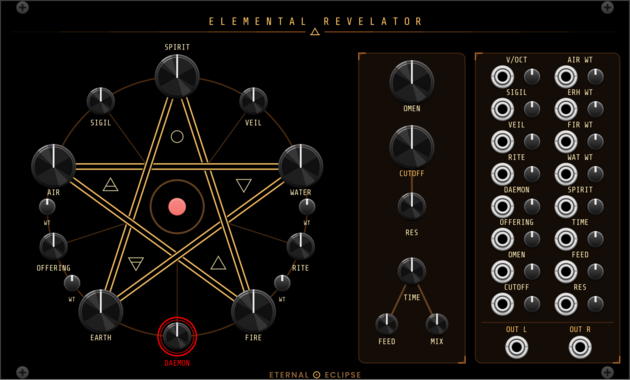
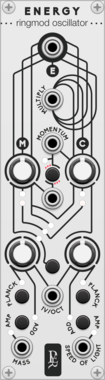
Eternal Eclipse Elemental Revelator
Four-element wavetable synth voice — a pentagram of AIR, WATER, EARTH, and FIRE oscillators with elemental-ring cross-modulation, opposing-pair ring mod, SPIRIT chord mode, 72 daemon algorithms, ladder lowpass filter, and stereo delay/diffusion.
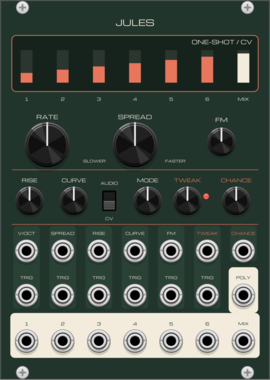
Basic Human Tastes Jules
Six linked slopes (envelopes, LFOs, oscillators, chords) with twelve modes, a chance control on the trigger cascade and a poly output




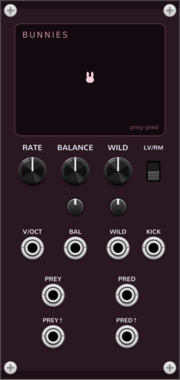
Coalescent Bunnies
Predator-prey oscillator: prey and predator chase each other a quarter cycle apart. Lotka-Volterra and Rosenzweig-MacArthur modes.
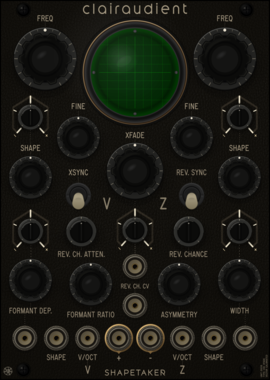
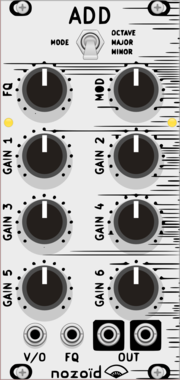
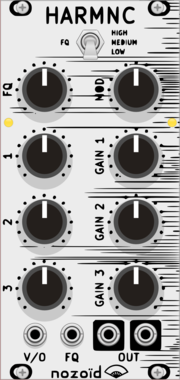
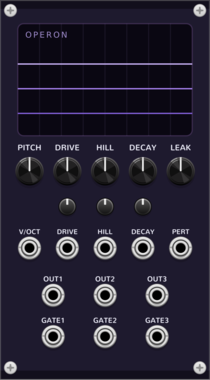
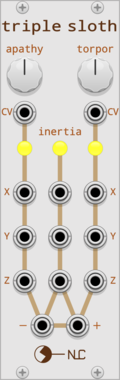
Coalescent Operon
Three-phase oscillator on the repressilator gene circuit: three genes repressing each other in a ring, ~120 degrees out of phase
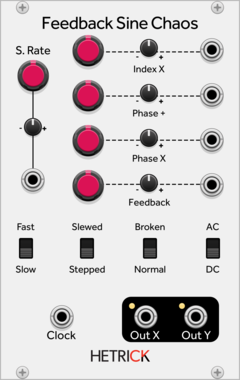
HetrickCV Feedback Sine Chaos
A chaotic oscillator and LFO created through phase distortion and feedback.

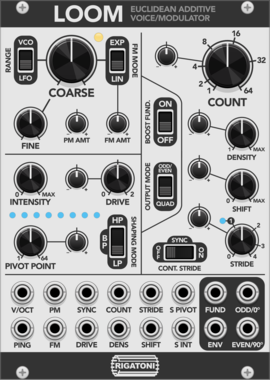
Rigatoni Modular Loom
An additive oscillator based loosely on the structure of Euclidean pattern sequencing
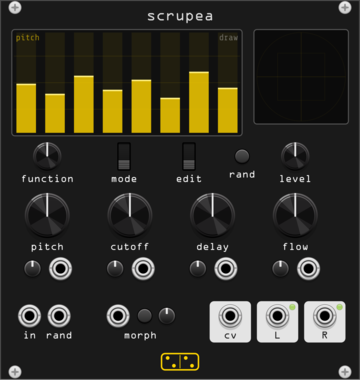
forsitan modulare scrupea
Chaotic bank: 16 oscillators into tuned feedback combs, modulating each other.
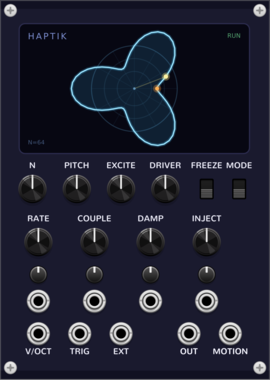
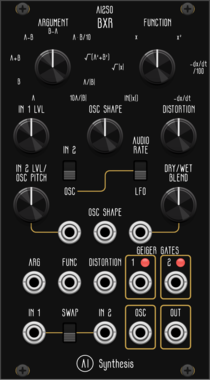
AI Synthesis AI250 BXR
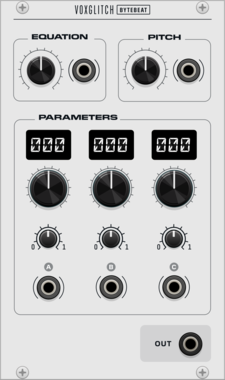
Two-input math processor: argument, function, tube/fold drive, internal oscillator and Geiger gates
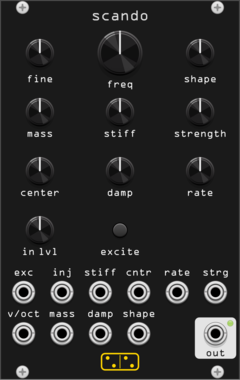
forsitan modulare scando
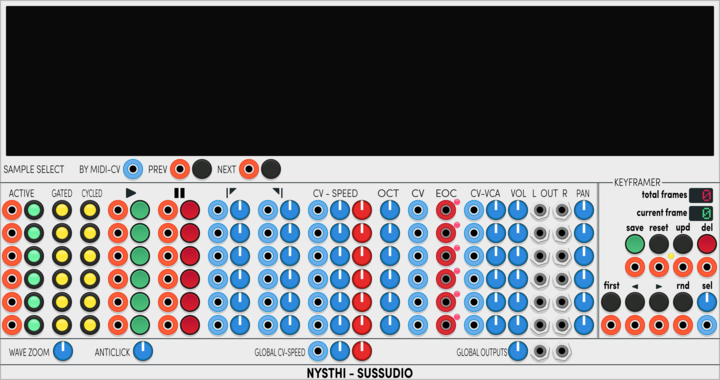
Scanned-synthesis oscillator: a vibrating mass-spring string scanned into an evolving wavetable.
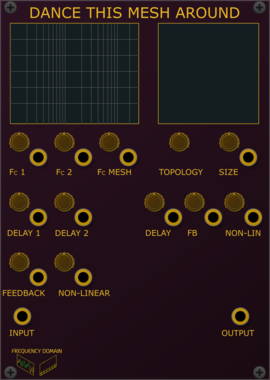
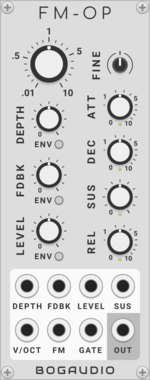
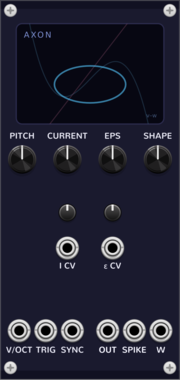
Coalescent Neuron · Axon
Spiking-neuron oscillator on the FitzHugh-Nagumo system: relaxation oscillator + excitable (trigger-fired) voice


VCV Library Instructions
- Download and install VCV Rack.
- Register for a VCV account and log in using Rack’s “Library” menu.
- Add or purchase a module on the VCV Library.
- Open the “Library” menu in Rack, click “Update all” (if updates are needed), and restart Rack once downloaded.
- Right-click an empty rack space to launch Rack’s module browser to add a module to your patch.
All plugins on the VCV Library are available for Windows, Mac, and Linux.
The “major” version (i.e. MAJOR.MINOR.REVISION) must match between Rack and its plugins.
For example, Rack 2.* can only load 2.* plugins.
Missing or incorrect information in this database, such as a missing tag? Inform the plugin author(s) using the contact information on their plugin/module page.
Developers: see Adding your plugin to the VCV Library.
Notes
Purchasing plugins with the “VCV” brand supports the VCV Rack project. See VCV’s Mission Statement to learn how VCV Rack development is funded.
Prices are in US Dollars.
By purchasing a plugin on the VCV Library, you agree to VCV’s End User License Agreement and Refund Policy.
Contact VCV Support for customer support and questions about the VCV Library.