

Sulamith Note Display
Displays the notes (& cents) of a polyphonic input. With quantization option (to semis) for the output. Displays: Note, Octave, Cent (ie: G#4 + 26)
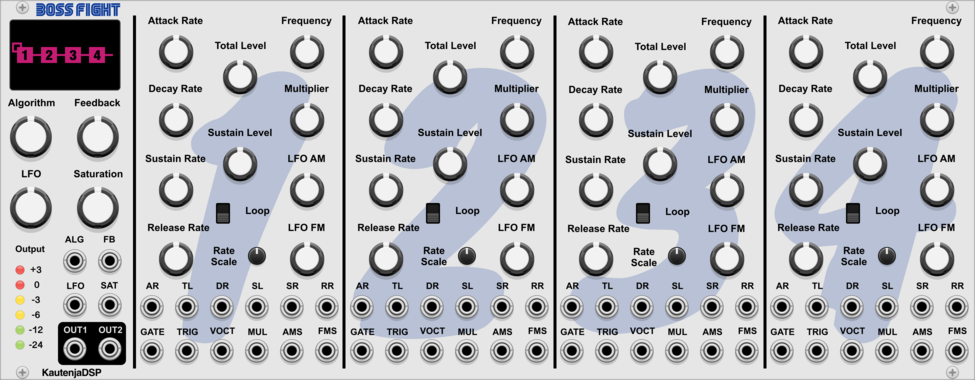
KautenjaDSP Boss Fight
An emulation of the Yamaha YM2612 FM synthesis chip from the Sega Mega Drive and Sega Genesis.
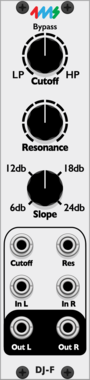

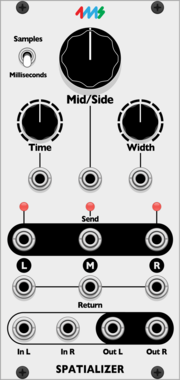
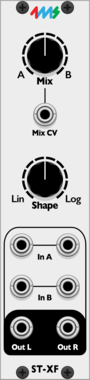
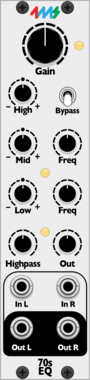

4ms Decay
Decay envelope with built in VCA
UtilityDrumEnvelope generatorVoltage-controlled amplifierVoltage-controlled amplifier
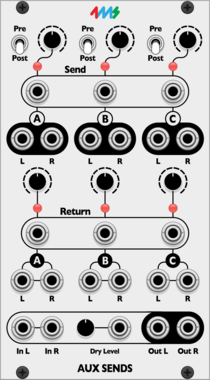
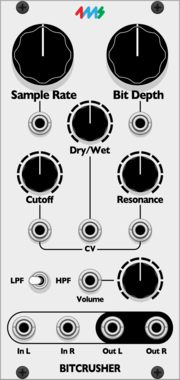
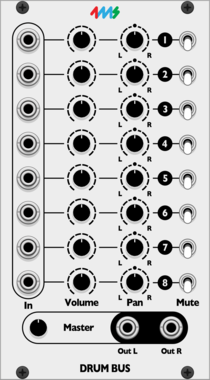
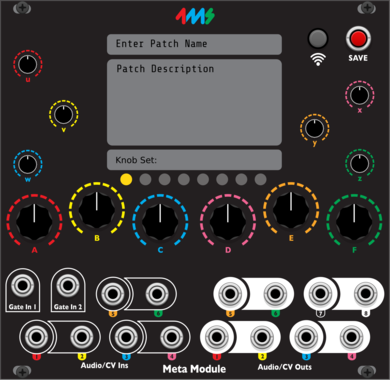
4ms MetaModule
MetaModule Hub is used to create patches that run on MetaModule hardware. Use the hub to create mappings between physical and virtual controls and jacks.
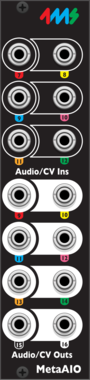
4ms MetaModule Audio Expander (MM AIO)
Expander that adds 6 audio/cv inputs and 8 audio/cv outputs to the MetaModule
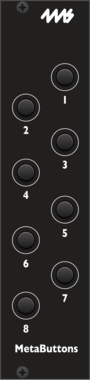
4ms MetaModule Button Expander (MetaButtons)
Expander that adds 8 momentary buttons to the MetaModule
![4ms Dual Looping Delay [DLD]](/screenshots/100/4msCompany/DLD.webp)
![4ms Tapographic Delay [Tapo]](/screenshots/100/4msCompany/Tapo.webp)
![4ms Shaped Dual EnvVCA [SHEV]](/screenshots/100/4msCompany/SHEV.webp)
4ms Shaped Dual EnvVCA [SHEV]
Variable waveshape dual AD envelope + VCA
Envelope generatorVoltage-controlled amplifierLow-frequency oscillatorHardware cloneDualSlew limiter
![4ms Dual EnvVCA [DEV]](/screenshots/100/4msCompany/DEV.webp)
![4ms Pingable Envelope Generator [PEG]](/screenshots/100/4msCompany/PEG.webp)
4ms Pingable Envelope Generator [PEG]
Clock-synced envelopes and LFOs
Clock generatorClock modulatorEnvelope generatorDualHardware clone
![4ms Mini Pingable Envelope Generator [MPEG]](/screenshots/100/4msCompany/MPEG.webp)
![4ms Quad Clock Distributor [QCD]](/screenshots/100/4msCompany/QCD.webp)
![4ms Shuffling Clock Multiplier [SCM]](/screenshots/100/4msCompany/SCM.webp)
![4ms Rotating Clock Divider [RCD]](/screenshots/100/4msCompany/RCD.webp)
![4ms Quad Pingable LFO [QPLFO]](/screenshots/100/4msCompany/QPLFO.webp)
![4ms Percussion Interface + Expander [PI]](/screenshots/100/4msCompany/PI.webp)
![4ms VCA Matrix [VCAM]](/screenshots/100/4msCompany/VCAM.webp)
![4ms Shifting Inverting Signal Mingler [SISM]](/screenshots/100/4msCompany/SISM.webp)
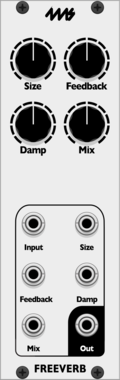



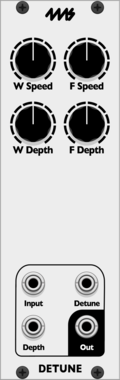

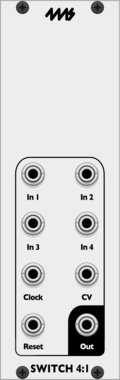
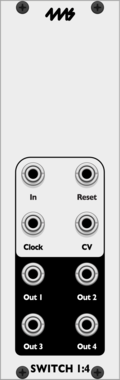
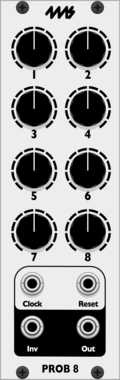









VCV Library Instructions
- Download and install VCV Rack.
- Register for a VCV account and log in using Rack’s “Library” menu.
- Add or purchase a module on the VCV Library.
- Open the “Library” menu in Rack, click “Update all” (if updates are needed), and restart Rack once downloaded.
- Right-click an empty rack space to launch Rack’s module browser to add a module to your patch.
All plugins on the VCV Library are available for Windows, Mac, and Linux.
The “major” version (i.e. MAJOR.MINOR.REVISION) must match between Rack and its plugins.
For example, Rack 2.* can only load 2.* plugins.
Missing or incorrect information in this database, such as a missing tag? Inform the plugin author(s) using the contact information on their plugin/module page.
Developers: see Adding your plugin to the VCV Library.
Notes
Purchasing plugins with the “VCV” brand supports the VCV Rack project. See VCV’s Mission Statement to learn how VCV Rack development is funded.
Prices are in US Dollars.
By purchasing a plugin on the VCV Library, you agree to VCV’s End User License Agreement and Refund Policy.
Contact VCV Support for customer support and questions about the VCV Library.