
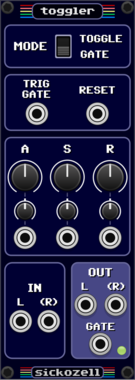
Sickozell toggler
Stereo signal toggle switch router, with VCA and ASR envelope generator
LogicEnvelope generatorVoltage-controlled amplifierPolyphonic

KRT ;D
Exponential VCA and future estimator with error? A very simple utility.
UtilityAttenuatorVoltage-controlled amplifierDynamicsPolyphonic
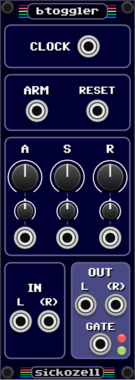
Sickozell bToggler
Buffered stereo signal toggle switch router, with VCA and ASR envelope generator
LogicEnvelope generatorVoltage-controlled amplifierPolyphonic
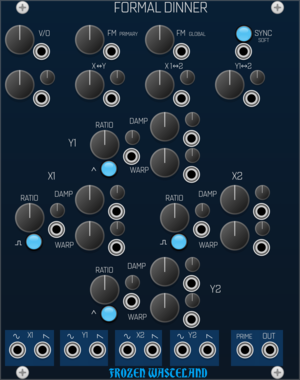
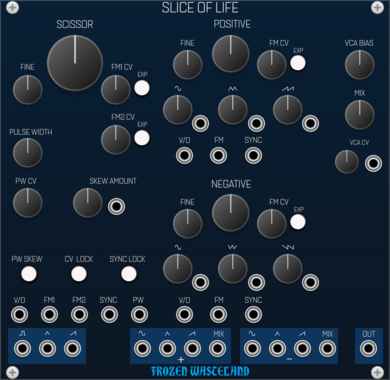

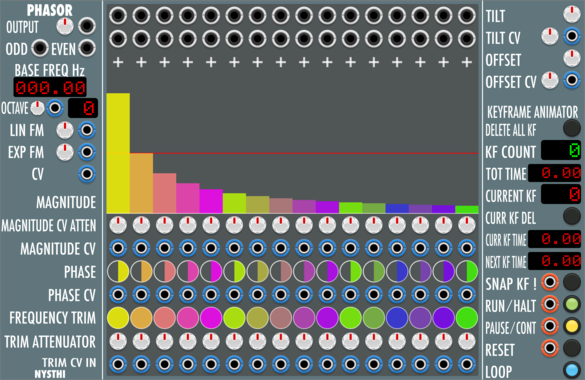
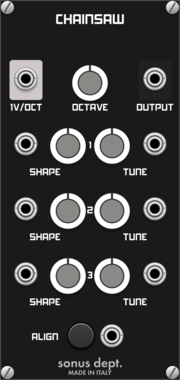
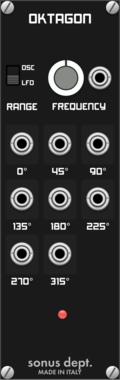

Sulamith Sample & Hold
S&H with min, max, channels and probability. #2s settings apply to #3. Probability applies seperately to each poly channel
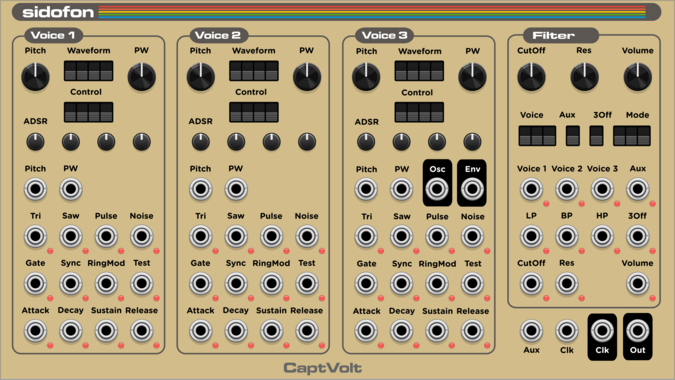


Sickozell toggler Compact
Stereo signal toggle switch router, with VCA and ASR envelope generator, in a compact form factor
LogicEnvelope generatorVoltage-controlled amplifierPolyphonic

Sulamith Knobs - Const Voltage Source Sequencer
8CH Volt Bank with built-in sequencer. Probability, Playmodes, CH/Step number and knob range setting. Clk, Rst, Button in. Sequenced CV + Trig and static Poly out.
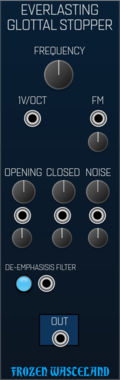
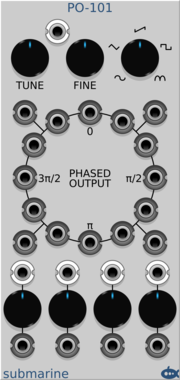
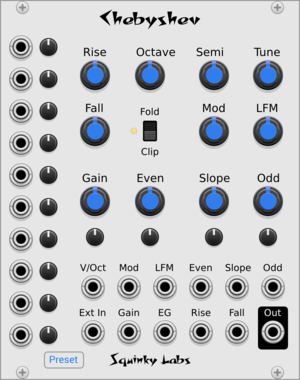

Sickozell bToggler Compact
Buffered stereo signal toggle switch router, with VCA and ASR envelope generator, in a compact form factor
LogicEnvelope generatorVoltage-controlled amplifierPolyphonic

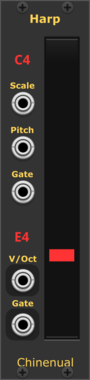
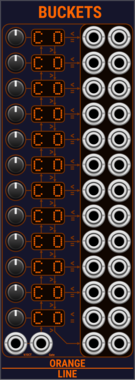
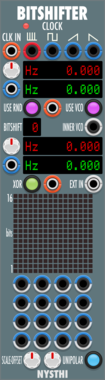
OrangeLine Buckets
Splits up polyphonic pitch and gate input into up to 12 polyphic pitch and gate outputs, depending on pitch value, chainable

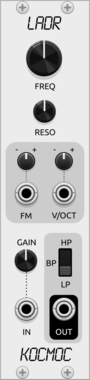
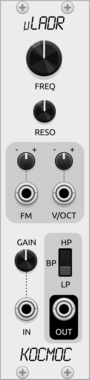
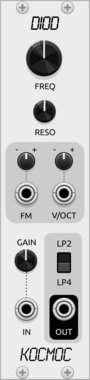



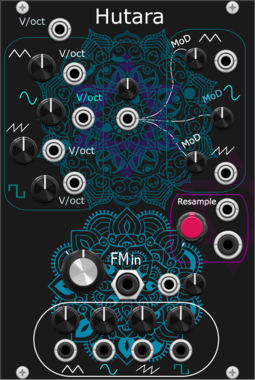


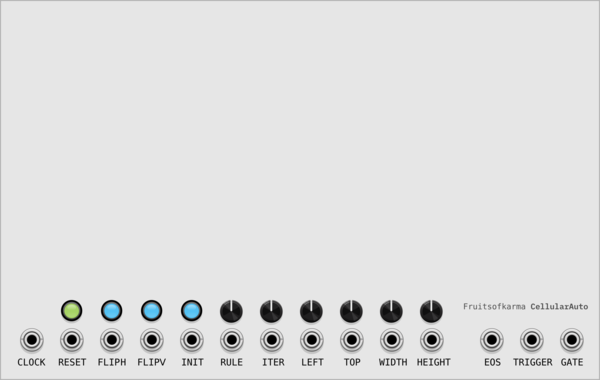
fruitsofkarma CellularAuto
64x256 sequencer with configurable zoomed active zone. Uses polyphony to split active zone to separate sequencer rows
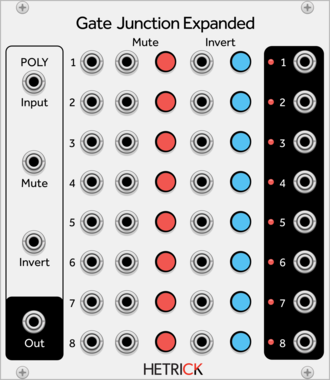
HetrickCV Gate Junction Expanded
Eight channel gate processor, expanded with more jacks and polyphony.
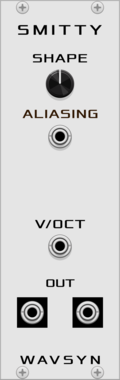
WavsynModular Smitty
VCO with dual sine-like outputs plus a shape control for adding harmonics and aliasing
VCV Library Instructions
- Download and install VCV Rack.
- Register for a VCV account and log in using Rack’s “Library” menu.
- Add or purchase a module on the VCV Library.
- Open the “Library” menu in Rack, click “Update all” (if updates are needed), and restart Rack once downloaded.
- Right-click an empty rack space to launch Rack’s module browser to add a module to your patch.
All plugins on the VCV Library are available for Windows, Mac, and Linux.
The “major” version (i.e. MAJOR.MINOR.REVISION) must match between Rack and its plugins.
For example, Rack 2.* can only load 2.* plugins.
Missing or incorrect information in this database, such as a missing tag? Inform the plugin author(s) using the contact information on their plugin/module page.
Developers: see Adding your plugin to the VCV Library.
Notes
Purchasing plugins with the “VCV” brand supports the VCV Rack project. See VCV’s Mission Statement to learn how VCV Rack development is funded.
Prices are in US Dollars.
By purchasing a plugin on the VCV Library, you agree to VCV’s End User License Agreement and Refund Policy.
Contact VCV Support for customer support and questions about the VCV Library.