

Infinite-Noise Manuel Trigger, Gate and CV
2HP performance controller: 1 trigger, 2 latchable gates, and 2 CV knobs (-10V to +10V). Polyphonic, CV quantize.

Infinite-Noise Auto-Scale 4
2HP quad auto-scale: fits each input into a min/max range (with invert). Polyphonic, reset, lock, min/max link.

Infinite-Noise Clamp 4
2HP quad clamp: min/max range with invert, plus Diff and Gate modes. Polyphonic, optional 2x oversampling, min/max link.
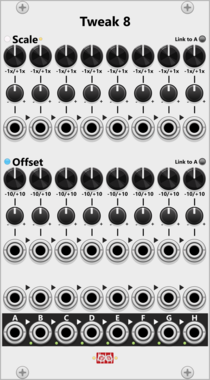
Infinite-Noise Tweak-8
14HP 8-section attenuverter: individual knob/CV scale (1x, 2x, 5x, 10x) and offset, plus averaging mix. Quantize, optional link-to-A.
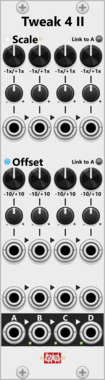
Infinite-Noise Tweak-4 Mk II
7HP quad attenuverter: individual knob/CV scale (1x, 2x, 5x, 10x) and offset, plus averaging mix. Quantize, optional link-to-A.

Infinite-Noise Tweak-4 Mk I
2HP quad attenuverter: shared knob scale (1x, 2x, 5x, 10x) and offset across four signals. Polyphonic, quantize. No mix.

Infinite-Noise Tweak-2 Mk II
2HP dual attenuverter: individual knob scale (1x, 2x, 5x, 10x) and offset, plus averaging mix. Polyphonic, quantize. Optional A/B link.

Infinite-Noise Tweak-2 Mk I
2HP dual attenuverter: shared knob/CV scale (1x, 2x, 5x, 10x) and offset. Polyphonic, quantize, stereo-friendly. No mix.

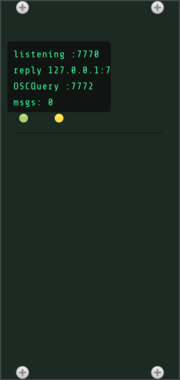
Roomi Fields OSC Controller
Remote-controls the whole Rack patch over OSC: set/get any parameter (by id or name), add/remove cables and modules, load/save presets, dump patch state, and serve an OSCQuery namespace for TouchOSC/Open Stage Control. Passthrough-compatible with osc-bridge.

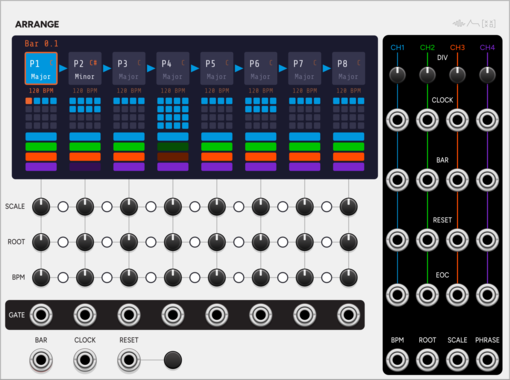
SignalFunctionSet Arrange
Song-form sequencer: a chain of 8 phrases, each with its own length, key and tempo.
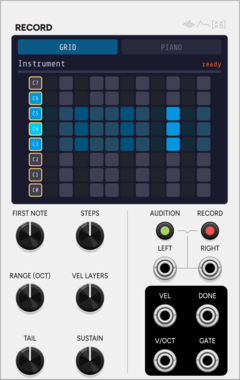
SignalFunctionSet Record
Auto-sampler: drives a voice across notes and velocities, then writes WAVs + .sfz.
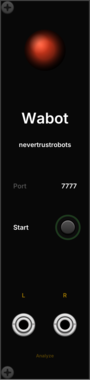
Nevertrustrobots Nevertrustrobots Wabot
HTTP bridge that lets Claude AI read and control your VCV Rack patch in real time. Connect it to Claude using the MCP Server + Skill available at https://www.patreon.com/c/nevertrustrobots
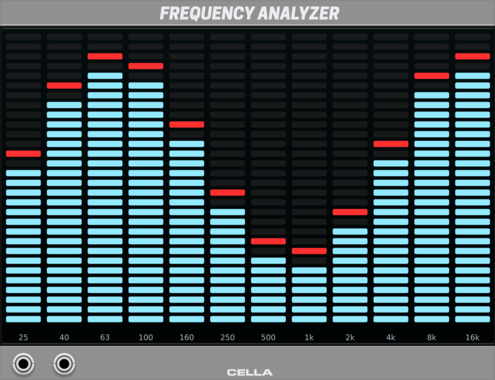

Cella Loudness CV
Loud and Loudness Meter expander with scaled overshoot and signed-error output modes
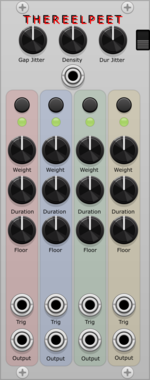
THEREELPEET Phrasing
Phrasing and presence controller. Shapes rests, repeats, changes, and level-focused dynamics; intended to drive VCAs or Morph 4-style level CV inputs.
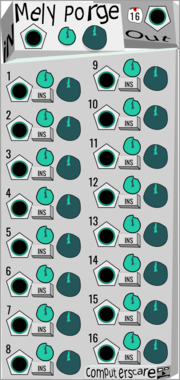
computerscare Mely Porge
Polyphonic input processor with 16 insert channels
PolyphonicUtilityMixerAttenuatorVoltage-controlled amplifier

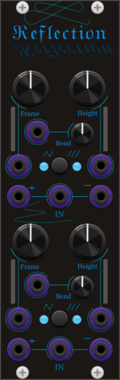
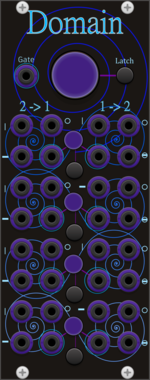


No Such Device TrigGate
Create a gate from a start and stop trigger, such as the outputs on the MidiCV module.

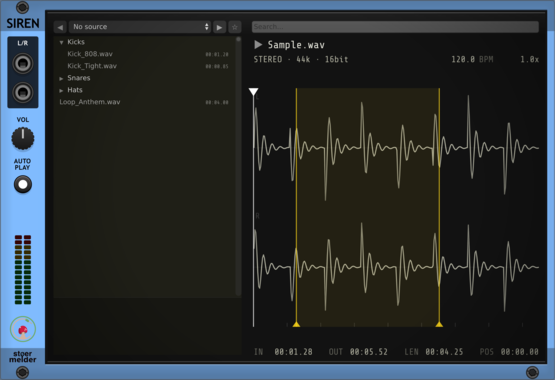
stoermelder SIREN
Sample browser collaboration with Omri Cohen — browse, preview and drag WAV/FLAC/MP3 samples to other modules. Streams audio directly from disk with no full-file loading, making it practical for large sample libraries and long recordings. Also does repitching and creates endless loops.
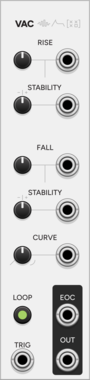
SignalFunctionSet Vac
Semi-stable A/R envelope with vactrol-like drift that wanders without collapsing.
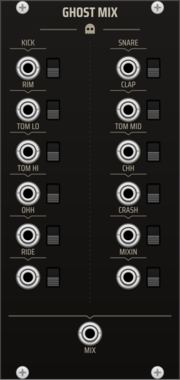
TNN1T1S GHOST MIX
Dedicated summing mixer for the Ghost drum kit. Twelve labeled inputs -- one per voice of the full kit (Kick, Snare, Rim, Clap, Tom Lo/Mid/Hi, Closed Hat, Open Hat, Crash, Ride) plus a MIXIN channel (the 909's external mix-in) -- each with a mute switch, summed to one MIX output. Per-voice level lives on the voices, so the mixer is a clean unity summer -- the whole kit on one master mix point, in the box.
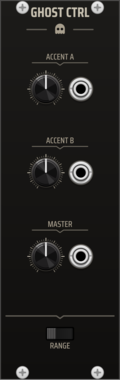
TNN1T1S GHOST CTRL
Global state controller for the Ghost drum system. DEFAULT, ACCENT A, ACCENT B, and MASTER controls are broadcast to adjacent Ghost voices via the expander path. Hit-time events such as trigger and local/total accent gates are patched directly to each voice. Use GHOST CTRL to make the separate voices behave like one instrument.
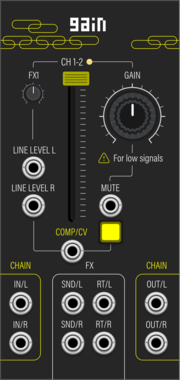
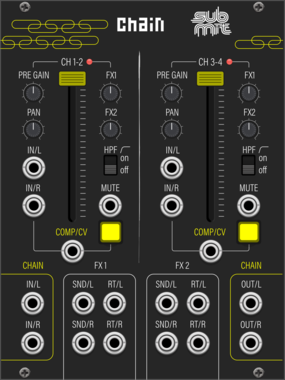

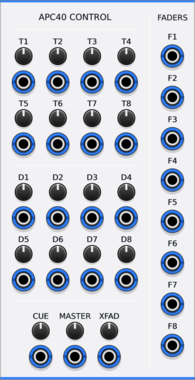
Animatek APC40 CTRL
Turns the knobs and faders of an Akai APC40 into CV outputs for hands-on control of a Rack patch.







VCV Library Instructions
- Download and install VCV Rack.
- Register for a VCV account and log in using Rack’s “Library” menu.
- Add or purchase a module on the VCV Library.
- Open the “Library” menu in Rack, click “Update all” (if updates are needed), and restart Rack once downloaded.
- Right-click an empty rack space to launch Rack’s module browser to add a module to your patch.
All plugins on the VCV Library are available for Windows, Mac, and Linux.
The “major” version (i.e. MAJOR.MINOR.REVISION) must match between Rack and its plugins.
For example, Rack 2.* can only load 2.* plugins.
Missing or incorrect information in this database, such as a missing tag? Inform the plugin author(s) using the contact information on their plugin/module page.
Developers: see Adding your plugin to the VCV Library.
Notes
Purchasing plugins with the “VCV” brand supports the VCV Rack project. See VCV’s Mission Statement to learn how VCV Rack development is funded.
Prices are in US Dollars.
By purchasing a plugin on the VCV Library, you agree to VCV’s End User License Agreement and Refund Policy.
Contact VCV Support for customer support and questions about the VCV Library.