


Venom Bernoulli Switch
Stochastically route two inputs to two outputs, with built in scaling and offset capabilities
AttenuatorControllerLogicPolyphonicRandomSwitchUtilityWaveshaper
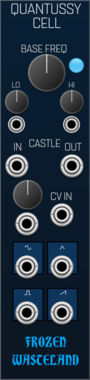




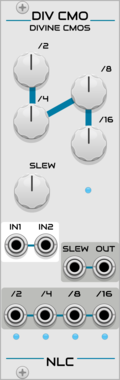
Nonlinear Circuits Divine CMOS
Waveform and clock divider with multiple divison outputs, slew, and a mixer.


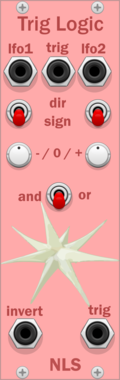
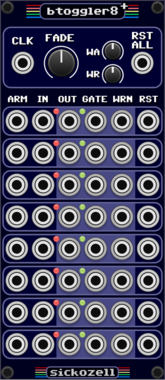
Sickozell bToggler8+
8 buffered toggle switch router, plus warnings to use with led midi controllers
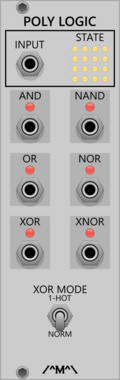
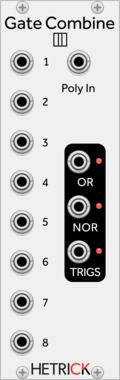
Count Modula Polyphonic Boolean Logic Processor
Applies boolean logic across the channels of a polyphonic signal
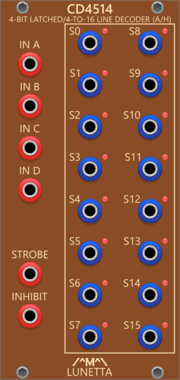
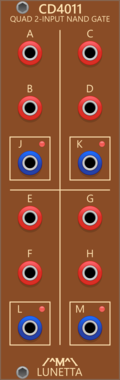
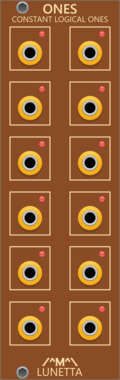
Lunetta Modula CD4514 4-Bit Latched/4-to-16 Line Decoder (Active High Outputs)
4-Bit Latched/4-to-16 Line Decoder with Active High Outputs)






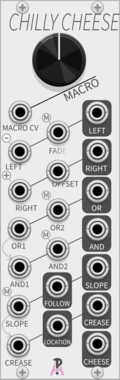
AlliewayAudio Chilly Cheese
1:1 digital recreation of Mannequins 'Cold Mac' esoteric macro-utility (made with permission, but not by Mannequins)
AttenuatorCompressorEnvelope followerLogicRing modulatorSlew limiterUtilityVoltage-controlled amplifierWaveshaper



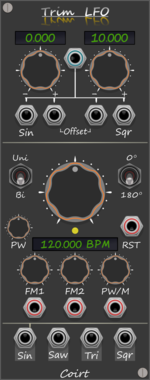
Bark Trim LFO BPM
Trims top/bottom values on the selected LFO output, without attenuating. Quick access buttons on labels



Sickozell bToggler Compact
Buffered stereo signal toggle switch router, with VCA and ASR envelope generator, in a compact form factor
LogicEnvelope generatorVoltage-controlled amplifierPolyphonic

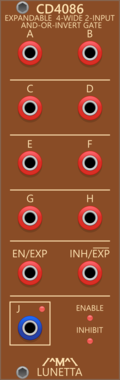
Lunetta Modula CD4086 Expandable 4-Wide 2-Input AND-OR-INVERT Gate
Expandable 4-Wide 2-Input AND-OR-INVERT Gate
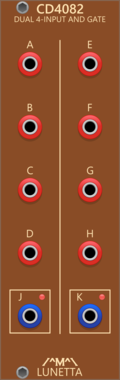

Count Modula Chances - bernoulli gate
Single bernoulli gate offering randomized routing of gate signals
VCV Library Instructions
- Download and install VCV Rack.
- Register for a VCV account and log in using Rack’s “Library” menu.
- Add or purchase a module on the VCV Library.
- Open the “Library” menu in Rack, click “Update all” (if updates are needed), and restart Rack once downloaded.
- Right-click an empty rack space to launch Rack’s module browser to add a module to your patch.
All plugins on the VCV Library are available for Windows, Mac, and Linux.
The “major” version (i.e. MAJOR.MINOR.REVISION) must match between Rack and its plugins.
For example, Rack 2.* can only load 2.* plugins.
Missing or incorrect information in this database, such as a missing tag? Inform the plugin author(s) using the contact information on their plugin/module page.
Developers: see Adding your plugin to the VCV Library.
Notes
Purchasing plugins with the “VCV” brand supports the VCV Rack project. See VCV’s Mission Statement to learn how VCV Rack development is funded.
Prices are in US Dollars.
By purchasing a plugin on the VCV Library, you agree to VCV’s End User License Agreement and Refund Policy.
Contact VCV Support for customer support and questions about the VCV Library.