

Infinite-Noise Slew 4
2HP quad polyphoinc constant rate/time slew with knobs based rise/fall times/shape settings. Via context-menu the (center) linear shape, can be replaced by an S-Curve shape.

Infinite-Noise Auto-Scale 4
2HP quad auto-scale: fits each input into a min/max range (with invert). Polyphonic, reset, lock, min/max link.

Infinite-Noise Clamp 4
2HP quad clamp: min/max range with invert, plus Diff and Gate modes. Polyphonic, optional 2x oversampling, min/max link.

Infinite-Noise VCA-4 Mk II
4HP quad VCA: independent knob/CV gain (0-100%) per section. Polyphonic, lin/exp/log, optional A/B, B/C and/or C/D link.

Infinite-Noise VCA-4 Mk I
2HP quad VCA: shared knob/CV gain (0-100%) across four signals. Polyphonic, lin/exp/log.
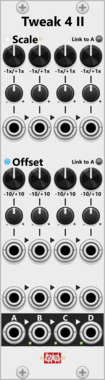
Infinite-Noise Tweak-4 Mk II
7HP quad attenuverter: individual knob/CV scale (1x, 2x, 5x, 10x) and offset, plus averaging mix. Quantize, optional link-to-A.

Infinite-Noise Tweak-4 Mk I
2HP quad attenuverter: shared knob scale (1x, 2x, 5x, 10x) and offset across four signals. Polyphonic, quantize. No mix.

Infinite-Noise Simple LFO4-st
4HP quad LFO: four independent knob-set rates, Square and Triangle per LFO, internal hard/soft sync, Rate Chaos, and uni/bipolar range.

Infinite-Noise Simple LFO4-ss
4HP quad LFO: four independent knob-set rates, Saw and Sine per LFO, internal hard/soft sync, Rate Chaos, and uni/bipolar range.
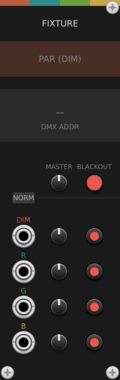
factionoptions DMX Fixture
4-channel CV-to-DMX patch bay for a DMX Hub - typically used for one RGBA or RGBW lighting fixture like a PAR can, LED panel, or moving head. CV inputs drive consecutive DMX channels with per-channel level and mute. Chain multiple fixtures to the right of the Hub to address larger lighting rigs.
factionoptions CV Peer
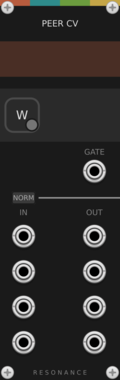
Bidirectional CV link to one remote collaborator over the internet. Place to the right of a Resonance Hub - or let the Hub add one automatically each time a peer connects. 4 inputs send your CV outward, 4 outputs receive theirs, and the gate output goes high while the peer is connected.
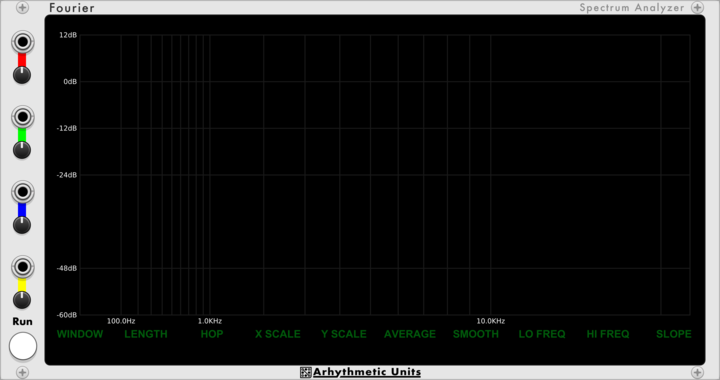
ArhythmeticUnits Fourier (Spectrum Analyzer)
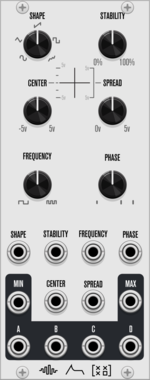
Four-channel spectrum analyzer with configurable FFT, windowing, and smoothing

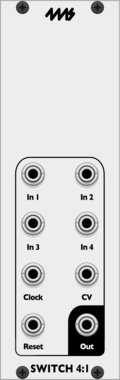
![4ms Quad Pingable LFO [QPLFO]](/screenshots/100/4msCompany/QPLFO.webp)
![4ms Quad Clock Distributor [QCD]](/screenshots/100/4msCompany/QCD.webp)
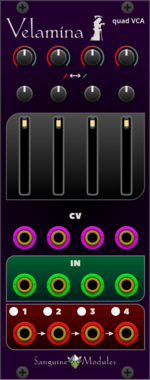
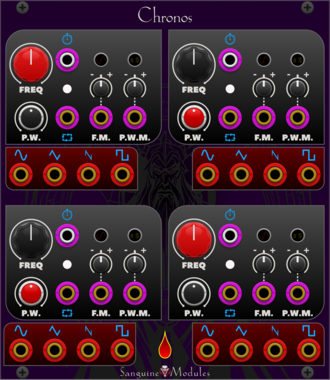
Sanguine Mutants Velamina
Tetrad of polyphonic voltage controller amplifiers based on the revised Veils from Mutable Instruments
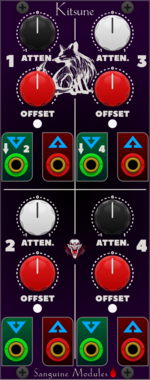
Sanguine Monsters Kitsune
Four polyphonic attenuverters, offsetters and inverters with user selectable smart input normalling.
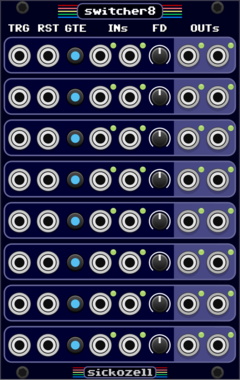
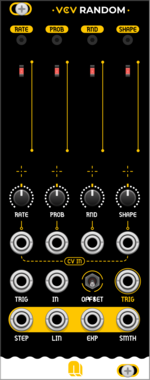
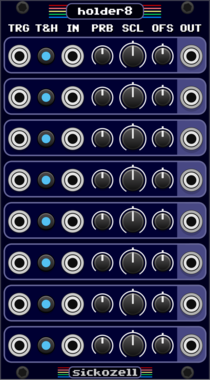
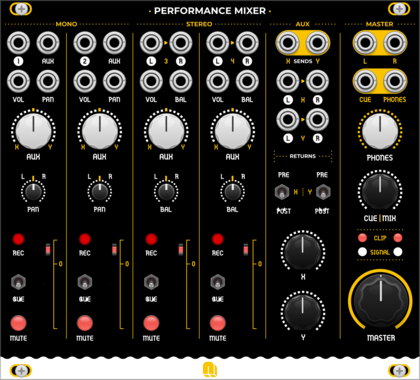
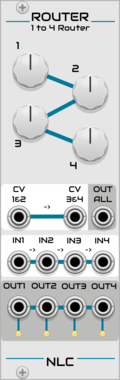
Nonlinear Circuits Router
Simple switch. If the CV input is below the knob voltage setting, the output is active. Panel by jk.
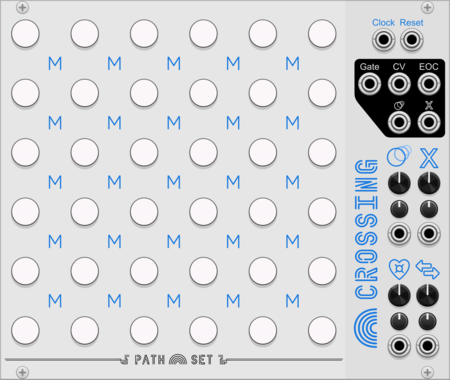

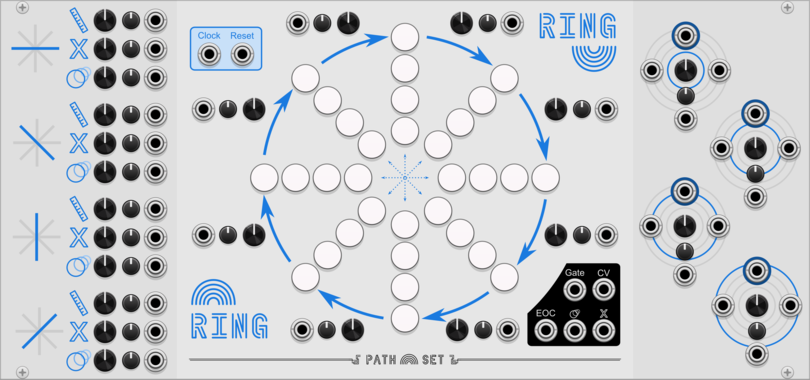
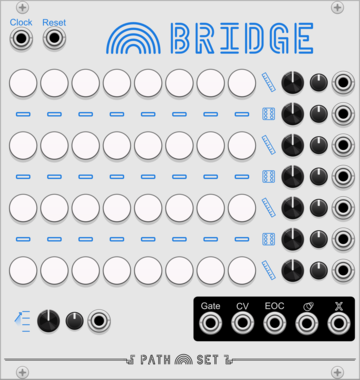
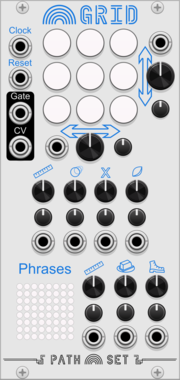
Path Set Rainbow Grid
Generate a panoply of sequences using a small grid of nine notes.
VCV Library Instructions
- Download and install VCV Rack.
- Register for a VCV account and log in using Rack’s “Library” menu.
- Add or purchase a module on the VCV Library.
- Open the “Library” menu in Rack, click “Update all” (if updates are needed), and restart Rack once downloaded.
- Right-click an empty rack space to launch Rack’s module browser to add a module to your patch.
All plugins on the VCV Library are available for Windows, Mac, and Linux.
The “major” version (i.e. MAJOR.MINOR.REVISION) must match between Rack and its plugins.
For example, Rack 2.* can only load 2.* plugins.
Missing or incorrect information in this database, such as a missing tag? Inform the plugin author(s) using the contact information on their plugin/module page.
Developers: see Adding your plugin to the VCV Library.
Notes
Purchasing plugins with the “VCV” brand supports the VCV Rack project. See VCV’s Mission Statement to learn how VCV Rack development is funded.
Prices are in US Dollars.
By purchasing a plugin on the VCV Library, you agree to VCV’s End User License Agreement and Refund Policy.
Contact VCV Support for customer support and questions about the VCV Library.