
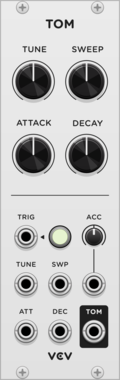
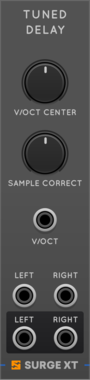
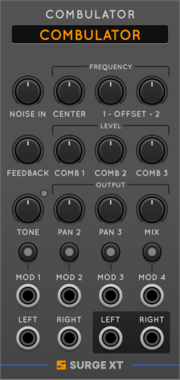
Surge XT Tuned Delay Line by Frequency
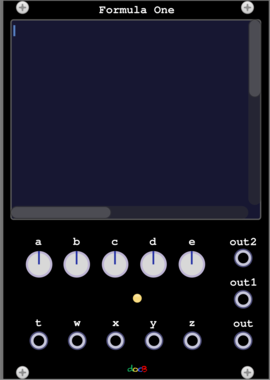
The Surge XT Delay Line, tuned by v/oct with sample offset for KS and so on
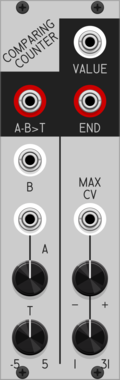
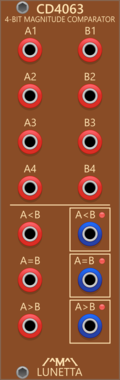
Patchable Devices Comparing Counter
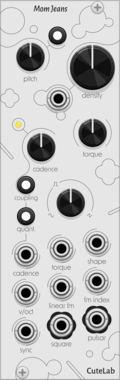
Pulse counter / frequency divider with advanced comparator input
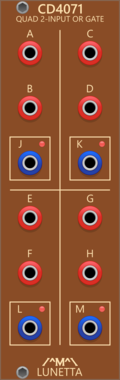
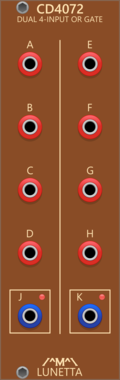
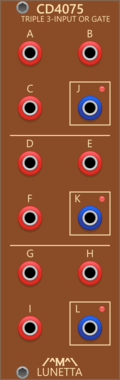
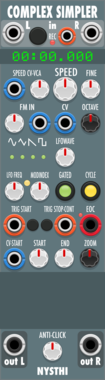
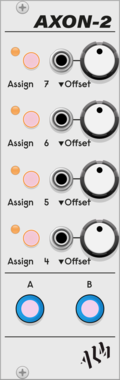
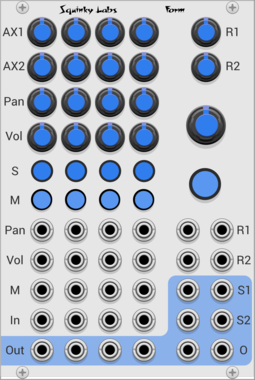
ALM Busy Circuits AXON-2
Pamela's Pro Workout
$20ALM Busy Circuits Bundle 1
$50
$55
AXON-2 Expander for ALM034 PPW

forsitan modulare limen
TCP + JSON interface for controlling VCV Rack from external tools (e.g. Emacs).
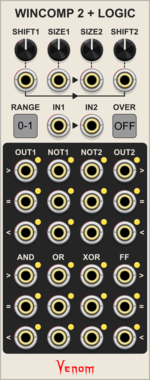
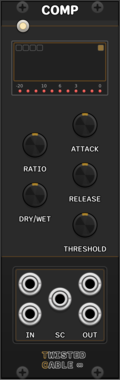
Venom WinComp2 + Logic
Dual windowed comparator with logic outputs inspired by the Joranalogue Compare 2


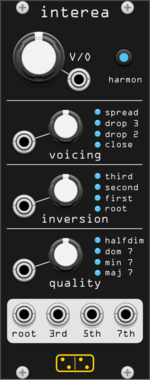
forsitan modulare interea
Make a chord from a V/Oct input, with quality, voicing and inversion. Harmonize option.


![4ms Ensemble Oscillator [EnOsc]](/screenshots/100/4msCompany/EnOsc.webp)
4ms Ensemble Oscillator [EnOsc]
The Ensemble Oscillator (EnOsc) is a unified polyphonic voice of sixteen complex oscillators combining additive, FM, phase-distortion and wavefolding synthesis techniques in new unorthodox ways.



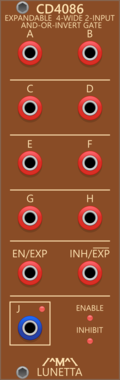
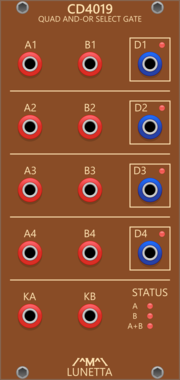
Lunetta Modula CD4086 Expandable 4-Wide 2-Input AND-OR-INVERT Gate
Expandable 4-Wide 2-Input AND-OR-INVERT Gate

Sulamith Poly Comparator
Compares all channels from a polyphonic input with set threshold. Outputs Poly a<>b Gates and CV/Audio.







VCV Library Instructions
- Download and install VCV Rack.
- Register for a VCV account and log in using Rack’s “Library” menu.
- Add or purchase a module on the VCV Library.
- Open the “Library” menu in Rack, click “Update all” (if updates are needed), and restart Rack once downloaded.
- Right-click an empty rack space to launch Rack’s module browser to add a module to your patch.
All plugins on the VCV Library are available for Windows, Mac, and Linux.
The “major” version (i.e. MAJOR.MINOR.REVISION) must match between Rack and its plugins.
For example, Rack 2.* can only load 2.* plugins.
Missing or incorrect information in this database, such as a missing tag? Inform the plugin author(s) using the contact information on their plugin/module page.
Developers: see Adding your plugin to the VCV Library.
Notes
Purchasing plugins with the “VCV” brand supports the VCV Rack project. See VCV’s Mission Statement to learn how VCV Rack development is funded.
Prices are in US Dollars.
By purchasing a plugin on the VCV Library, you agree to VCV’s End User License Agreement and Refund Policy.
Contact VCV Support for customer support and questions about the VCV Library.