
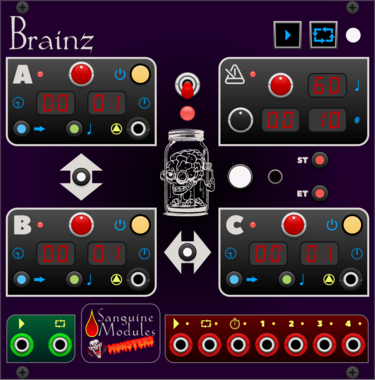
Sanguine Monsters Brainz
Master control center intended to make synchronizing audio and video files from different recorders easier

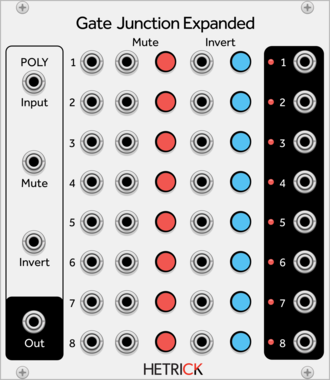
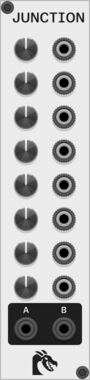
HetrickCV Gate Junction Expanded
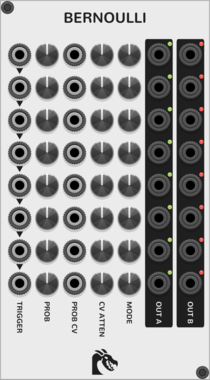
Eight channel gate processor, expanded with more jacks and polyphony.
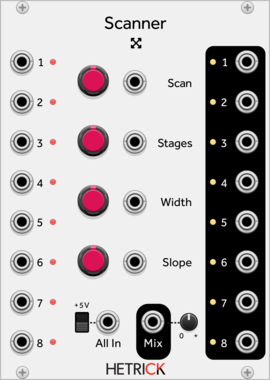
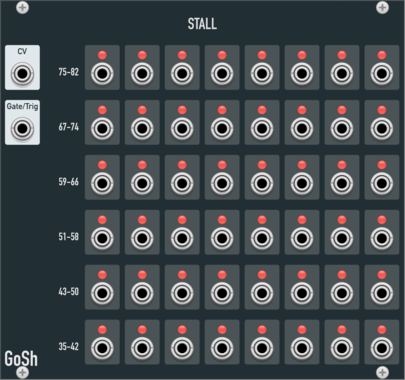
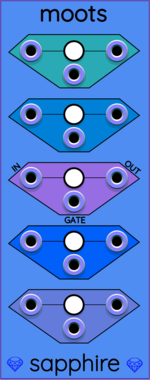
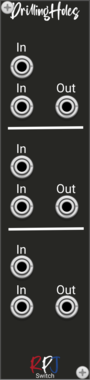


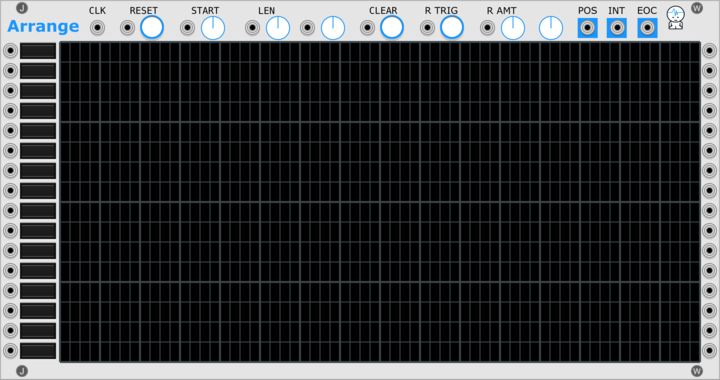
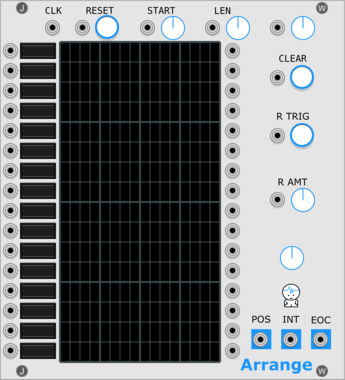
Sulamith Poly to Sequence
Takes a polyphonic Input and sequences it to a clock (fwd, bwd, rnd). Step probability + add random probability with range.
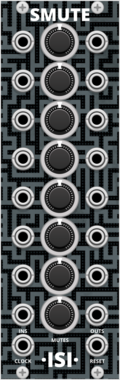



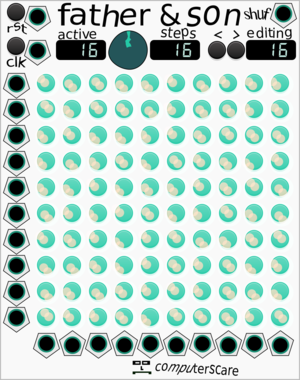
computerscare Father and Son Patch Sequencer
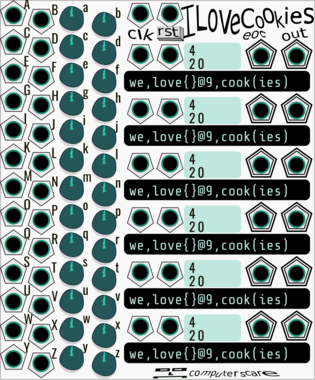
Patch Sequencer - 10 in, 10 out patch matrix with 16 scenes
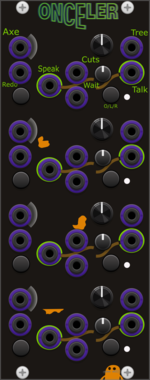


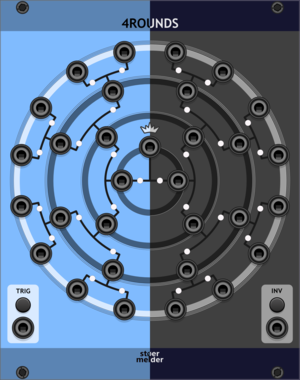
stoermelder 4ROUNDS
Randomizer for up to 16 input signals to create 15 output signals. Runs a four-round knockout tournament between inputs on each trigger, randomly picking a winner and routing it to the next round's output.
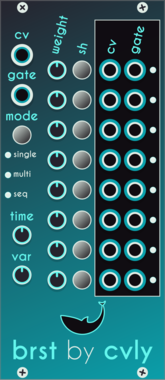

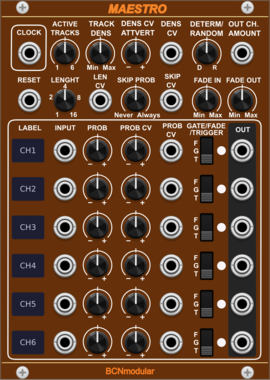

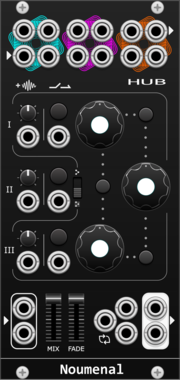
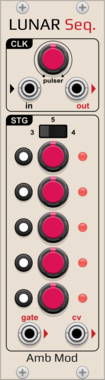
AmbientModules LunarSequencer
3-to-5-stage Buchla-inspired sequential voltage source with per-step CV and independent gate on/off, internal pulser or external clock with a Clock Out, and a switchable CV output range
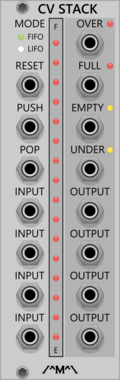
Count Modula CV Stack
Sequential voltage storage stack with First In First Out or Last In First Out operation







VCV Library Instructions
- Download and install VCV Rack.
- Register for a VCV account and log in using Rack’s “Library” menu.
- Add or purchase a module on the VCV Library.
- Open the “Library” menu in Rack, click “Update all” (if updates are needed), and restart Rack once downloaded.
- Right-click an empty rack space to launch Rack’s module browser to add a module to your patch.
All plugins on the VCV Library are available for Windows, Mac, and Linux.
The “major” version (i.e. MAJOR.MINOR.REVISION) must match between Rack and its plugins.
For example, Rack 2.* can only load 2.* plugins.
Missing or incorrect information in this database, such as a missing tag? Inform the plugin author(s) using the contact information on their plugin/module page.
Developers: see Adding your plugin to the VCV Library.
Notes
Purchasing plugins with the “VCV” brand supports the VCV Rack project. See VCV’s Mission Statement to learn how VCV Rack development is funded.
Prices are in US Dollars.
By purchasing a plugin on the VCV Library, you agree to VCV’s End User License Agreement and Refund Policy.
Contact VCV Support for customer support and questions about the VCV Library.