


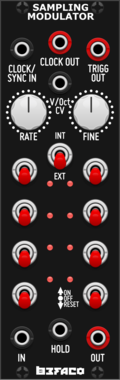
Befaco Sampling Modulator
Multi-function module that lies somewhere between a VCO, a Sample & Hold, and an 8 step trigger sequencer



















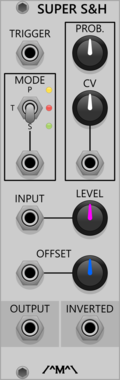
Count Modula Super Sample & Hold
Sample and Hold/Track and hold with probability, offset and inbuilt noise source

Infinite-Noise Sample and Update
Sample-and-Update with button/CV for Sample, Reset and Update. Can also count number of triggers detected, and output a trigger when the desired count have been reached.
![4ms Shuffling Clock Multiplier [SCM]](/screenshots/100/4msCompany/SCM.webp)
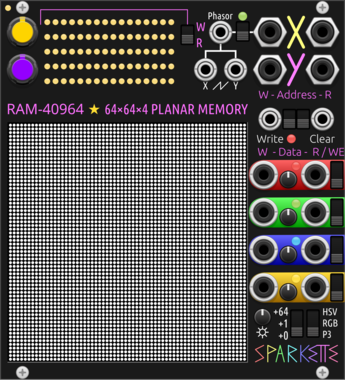
Sparkette's Stuff RAM-40964
64×64×4 planar random access memory, designed with RGB Matrix in mind. DMA compatible.
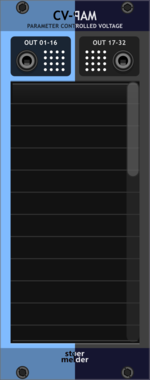
stoermelder CV-PAM
Generate CV from any parameter change of any module. Attaches to up to 32 parameters and outputs a CV signal whenever they change, perfect for mirroring knob motion to other modules or to MIDI-CAT.
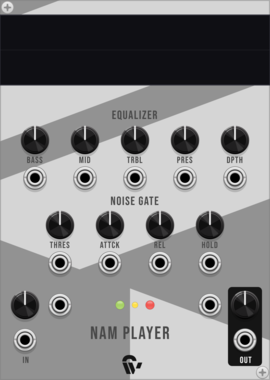
Shortwav Labs NAM Player
Neural Amp Modeler player for guitar amp simulation with noise gate and 5-band EQ




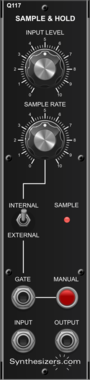
Sulamith Sample & Hold
S&H with min, max, channels and probability. #2s settings apply to #3. Probability applies seperately to each poly channel

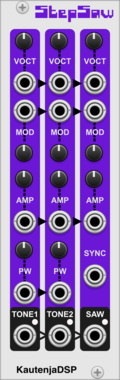
KautenjaDSP Step Saw
An emulation of the Konami VRC6 chip from Nintendo Entertainment System (NES) cartridges.




Tiny Tricks Sample and hold x16
Get 16 random values on trigger (sample and hold). Internal noise only.

VCV Library Instructions
- Download and install VCV Rack.
- Register for a VCV account and log in using Rack’s “Library” menu.
- Add or purchase a module on the VCV Library.
- Open the “Library” menu in Rack, click “Update all” (if updates are needed), and restart Rack once downloaded.
- Right-click an empty rack space to launch Rack’s module browser to add a module to your patch.
All plugins on the VCV Library are available for Windows, Mac, and Linux.
The “major” version (i.e. MAJOR.MINOR.REVISION) must match between Rack and its plugins.
For example, Rack 2.* can only load 2.* plugins.
Missing or incorrect information in this database, such as a missing tag? Inform the plugin author(s) using the contact information on their plugin/module page.
Developers: see Adding your plugin to the VCV Library.
Notes
Purchasing plugins with the “VCV” brand supports the VCV Rack project. See VCV’s Mission Statement to learn how VCV Rack development is funded.
Prices are in US Dollars.
By purchasing a plugin on the VCV Library, you agree to VCV’s End User License Agreement and Refund Policy.
Contact VCV Support for customer support and questions about the VCV Library.