







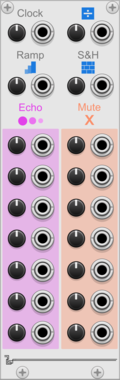











docB Faders

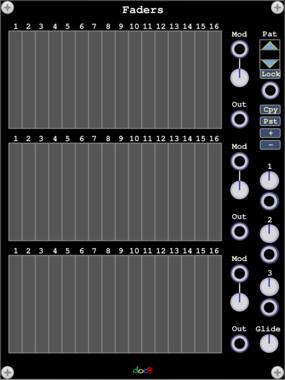
docB Faders

Three polyphonic slider banks with modulation and value grids

docB PhO

docB PhO

Phase driven additive oscillator

docB SPL

docB SPL

Spline wave oscillator with phase input

docB PhS

docB PhS

Phase Shaper

docB PHSR

docB PHSR

Phasor

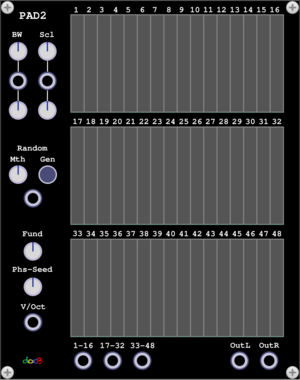
docB Pad2

docB Pad2

PadSynth with smooth control

Starling Via Sync3XL Levels

Starling Via Sync3XL Levels

SYNC3XL VCA expander

Starling Via SYNC3XL

Starling Via SYNC3XL

3 voice frequency synthesizer

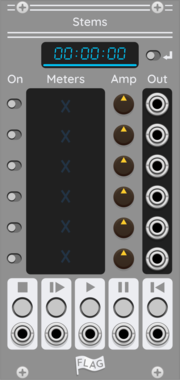
FLAG Stems

FLAG Stems

Multi Channel Stem Player

Coffee Tap

Coffee Tap

Three push buttons to control tree triggers and gates.

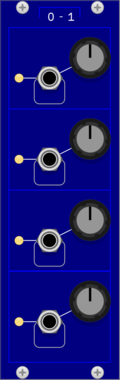
Coffee Some2

Coffee Some2

On trigger, based on a CV input, between 0-n input is passed to outputs.

Coffee Fork

Coffee Fork

Provide two inputs and a probability/chance, will output one, when triggered.

Coffee Set

Coffee Set

Dual offset and scaling with CV control.

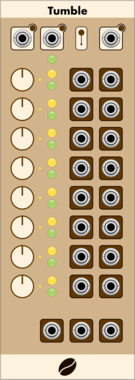
Coffee Tumble

Coffee Tumble

A chain of up to 8 pulse countdowns, which can produce bursts of triggers or gates.

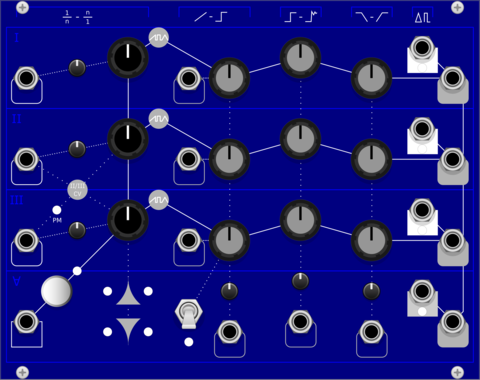
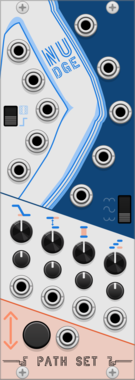
Path Set Nudge

Path Set Nudge

Modulation generator that lets you randomly nudge the modulations whenever you want.

Path Set ShiftyExpander

Path Set ShiftyExpander

Expander for Shifty. Adds CV and Atenuverters for all the knobs on Shifty.

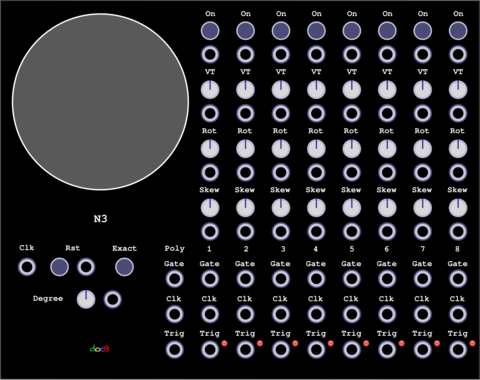
docB N3

docB N3

A trigger sequencer

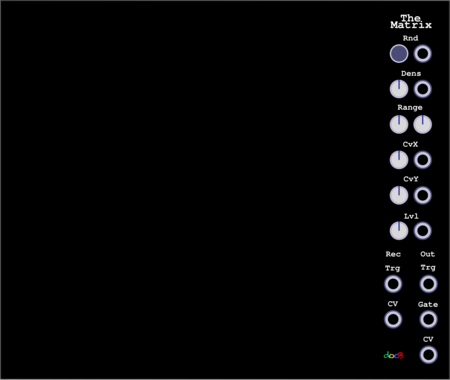
docB TheMatrix

docB TheMatrix

A 32x32 Grid ASCII Sequencer with up to 16 play heads

docB UnoE

docB UnoE

Expander for Uno

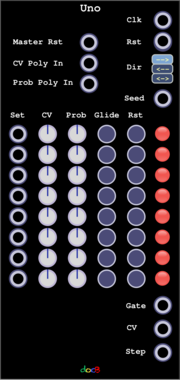
docB Uno

docB Uno

A step sequencer with random skip function

docB SE

docB SE

Expander for Sum

docB Sum

docB Sum

Expandable Polyphonic Adder, Mixer

docB C42E

docB C42E

C42 Expander

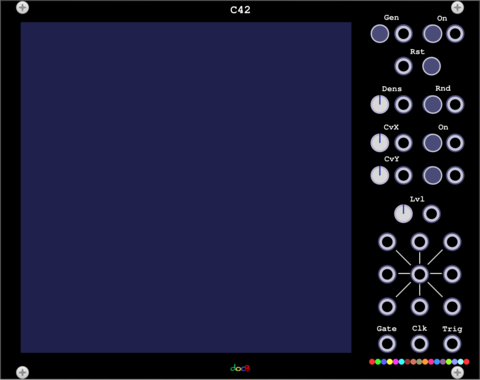
docB C42

docB C42

An universal Sequencer with up to 16 play heads and cellular automation

docB PXY

docB PXY

2D Cartesian Sequencer

docB P4

docB P4

Permutations of 4 steps

docB P16

docB P16

One hundred permutations of 16 steps

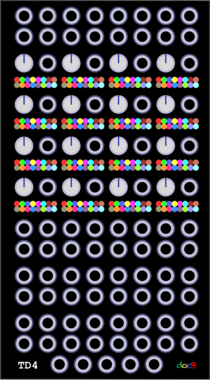
docB TD4

docB TD4

A building block for 4x4 sequencers

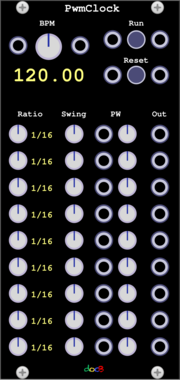
docB PwmClock

docB PwmClock

Clock generator with nine configurable clocks with adjustable pwm

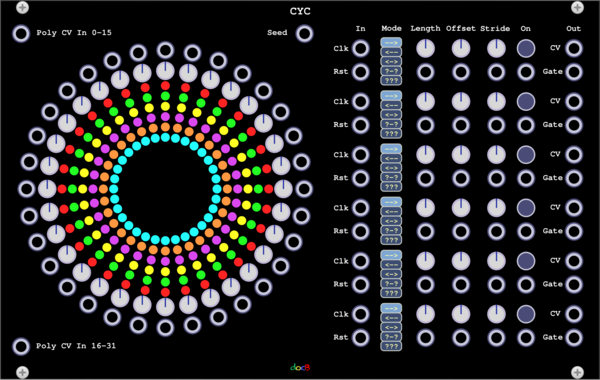
docB CYC

docB CYC

A cyclic sequencer

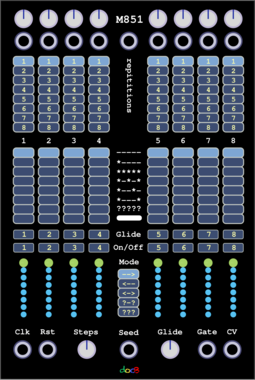
docB M851

docB M851

M851 Sequencer

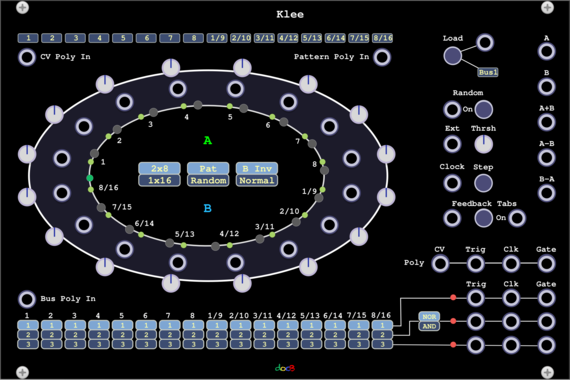
docB Klee

docB Klee

A Klee like sequencer

docB CV

docB CV

CV Source for Sequencing

docB ACC

docB ACC

Accumulator

docB AG

docB AG

Voltage addressable Gate Patterns

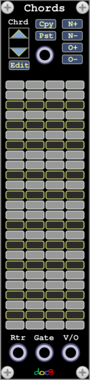
docB Chords

docB Chords

Chord Sequencer

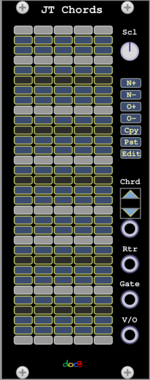
docB JTChords

docB JTChords

Just Intonation Chords

Grande Compare3

Grande Compare3

Three windowed comparators with common input.

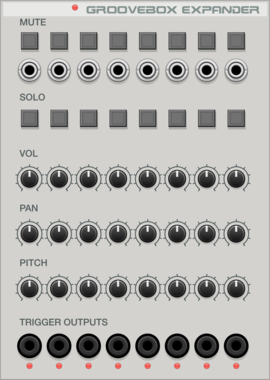
Voxglitch Groove Box Expander

Voxglitch Groove Box Expander

Expander module for the Voxglitch Groovebox that provides Mutes, Solos, Gate Outputs, and track-level control over volume, pan, and pitch.
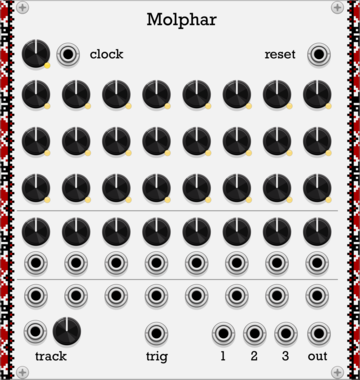
Myth Molphar

Myth Molphar

Sequencer with probabilities

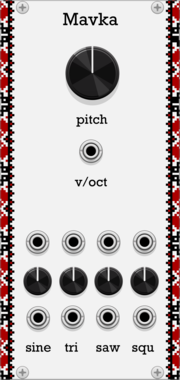
Myth Mavka

Myth Mavka

Oscillator with VCA per waveform

VCV CV Mix

VCV CV Mix

Mixes 3 CV signals with attenuverters

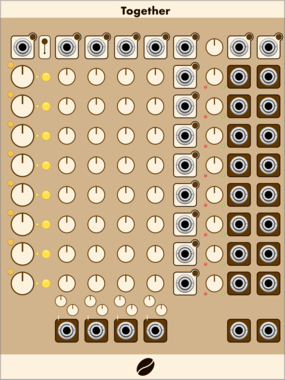
Coffee Together

Coffee Together

An 8 channel, 4 group sequencer, with triggered randomized movement.

alef's bits fibb

alef's bits fibb

a clock divider based on the fibonacci sequence

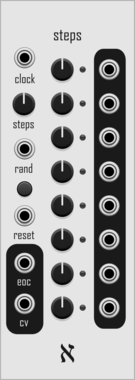
alef's bits steps

alef's bits steps

a simple 8 step sequencer with randomize trigger and eoc output

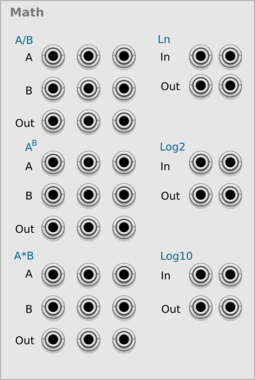
fruitsofkarma Math

fruitsofkarma Math

Basic math operations

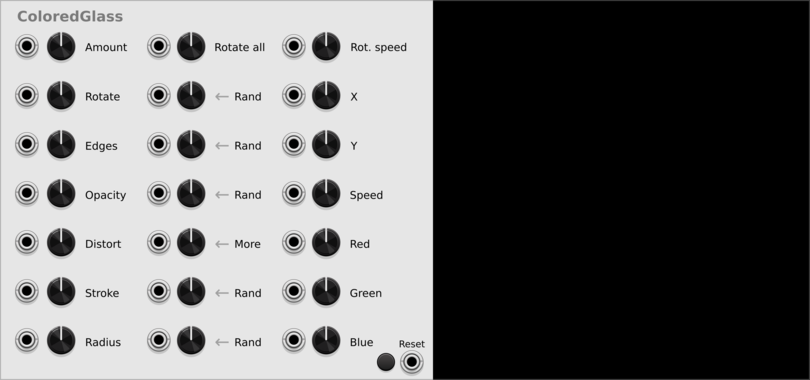
fruitsofkarma Colored Glass

fruitsofkarma Colored Glass

Simple particles effect

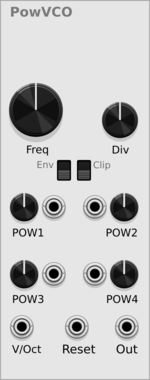
fruitsofkarma PowVCO

fruitsofkarma PowVCO

Generates signal using x=y^n

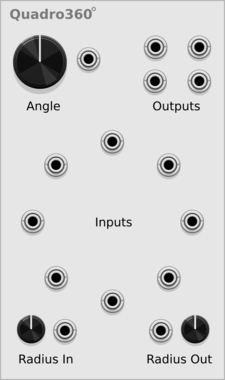
fruitsofkarma Quadro360

fruitsofkarma Quadro360

Quadro mixer with 8 inputs/4 outputs with rotation control


VCV Library Instructions

  • Download and install VCV Rack.
  • Register for a VCV account and log in using Rack’s “Library” menu.
  • Add or purchase a module on the VCV Library.
  • Open the “Library” menu in Rack, click “Update all” (if updates are needed), and restart Rack once downloaded.
  • Right-click an empty rack space to launch Rack’s module browser to add a module to your patch.

All plugins on the VCV Library are available for Windows, Mac, and Linux. The “major” version (i.e. MAJOR.MINOR.REVISION) must match between Rack and its plugins. For example, Rack 2.* can only load 2.* plugins.

Missing or incorrect information in this database, such as a missing tag? Inform the plugin author(s) using the contact information on their plugin/module page.

Developers: see Adding your plugin to the VCV Library.

Notes

Purchasing plugins with the “VCV” brand supports the VCV Rack project. See VCV’s Mission Statement to learn how VCV Rack development is funded.

Prices are in US Dollars.

By purchasing a plugin on the VCV Library, you agree to VCV’s End User License Agreement and Refund Policy.

Contact VCV Support for customer support and questions about the VCV Library.