








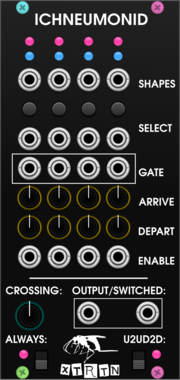
XTRTN Ichneumonid
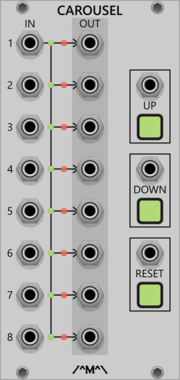
Switch randomly (or deterministically) between signals without creating discontinuities.


Infinite-Noise Combine
2HP combine (switch) 2 inputs: Upper/Lower, A greater than B, or Rise/Fall. Knob/CV param, gate out.
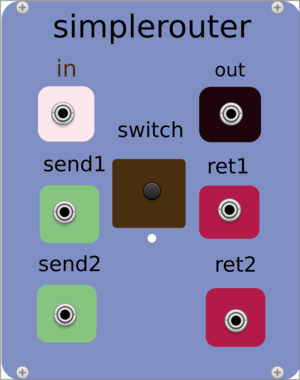

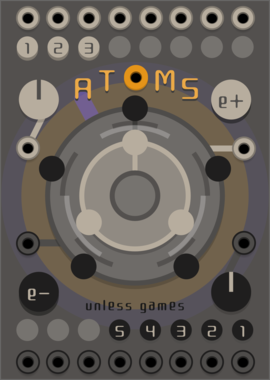

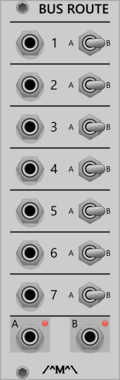
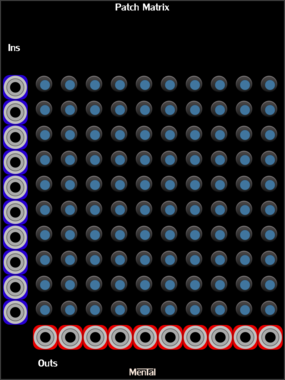
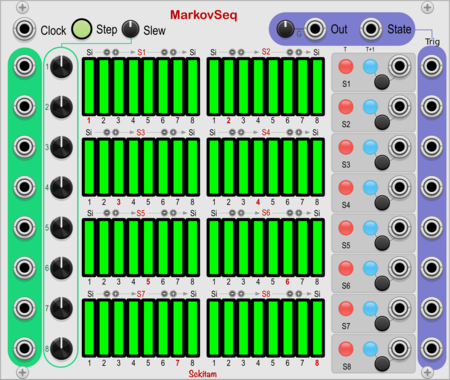

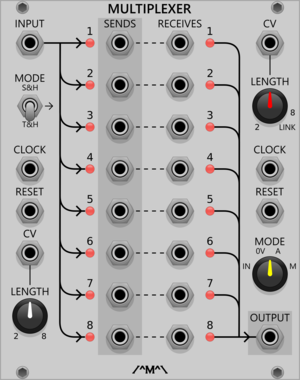
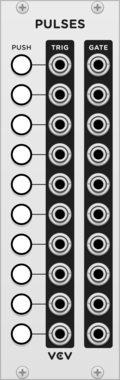


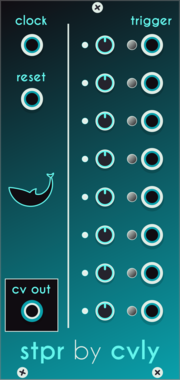


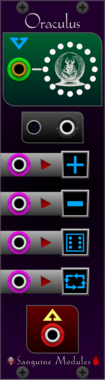
Sanguine Monsters Oraculus
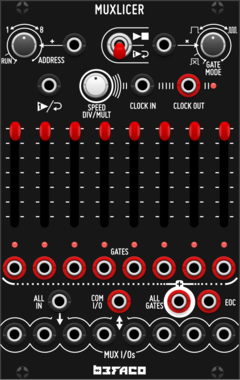
n to 1 switch/sequencer that can select its output from a polyphonic cable input
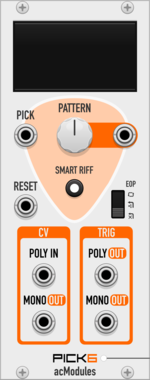
artificialcolors Pick6
8-step finger-pickin' trigger sequencer (1:6 patterned switch), with optional 'Smart Riff' functionality.
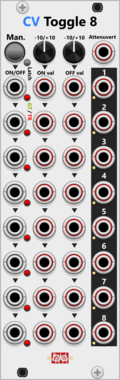
Infinite-Noise CV-Toggle 8
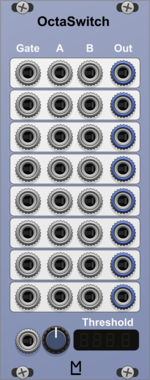
8HP 8-section On/Off switch: CV or knob values, gate/trigger per section, All, and attenuate.
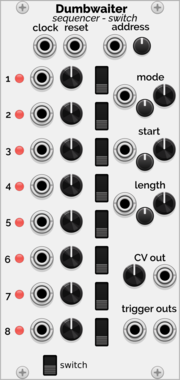
Holonic Systems Dumbwaiter
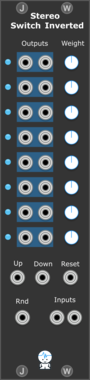
8 step sequencer and switch. One could see it as a A-155 / A-154 / A-152 merged into one module

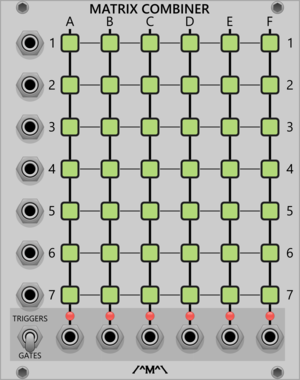

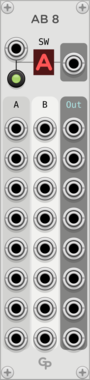
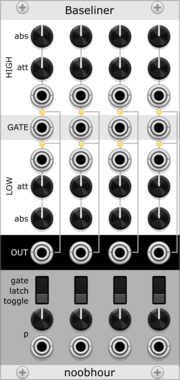
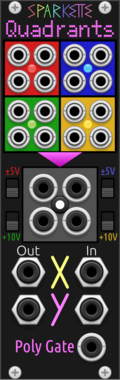
Sparkette's Stuff Quadrants
Splits an XY coordinate plane into four segments, switching inputs based on the active segment. Useful with RGB Matrix and RAM-40964.

Infinite-Noise Value Comparator-1
4HP value compare: A=B, A!=B, A>=B, A>B, A<=B, A<B, with tolerance, A/B-cross trigger, and clamp. True/False switch.
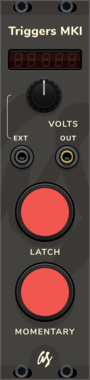
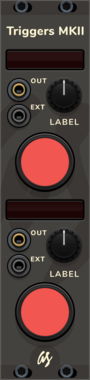
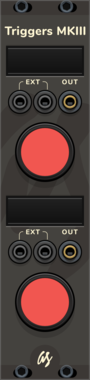
AS Triggers MKI
Manual CV signal trigger with latch and temporary triggers + adjustable output voltage
VCV Library Instructions
- Download and install VCV Rack.
- Register for a VCV account and log in using Rack’s “Library” menu.
- Add or purchase a module on the VCV Library.
- Open the “Library” menu in Rack, click “Update all” (if updates are needed), and restart Rack once downloaded.
- Right-click an empty rack space to launch Rack’s module browser to add a module to your patch.
All plugins on the VCV Library are available for Windows, Mac, and Linux.
The “major” version (i.e. MAJOR.MINOR.REVISION) must match between Rack and its plugins.
For example, Rack 2.* can only load 2.* plugins.
Missing or incorrect information in this database, such as a missing tag? Inform the plugin author(s) using the contact information on their plugin/module page.
Developers: see Adding your plugin to the VCV Library.
Notes
Purchasing plugins with the “VCV” brand supports the VCV Rack project. See VCV’s Mission Statement to learn how VCV Rack development is funded.
Prices are in US Dollars.
By purchasing a plugin on the VCV Library, you agree to VCV’s End User License Agreement and Refund Policy.
Contact VCV Support for customer support and questions about the VCV Library.