
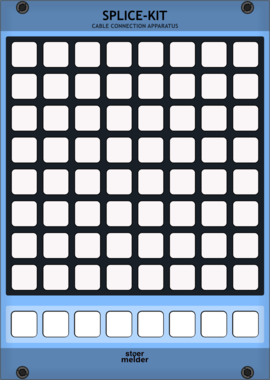
stoermelder SPLICE-KIT
8x8 matrix patch-bay for creating and removing cables by pressing button pairs. Stores up to eight independent scenes per instance, with full MIDI control and feedback for playing your patch from a grid controller.
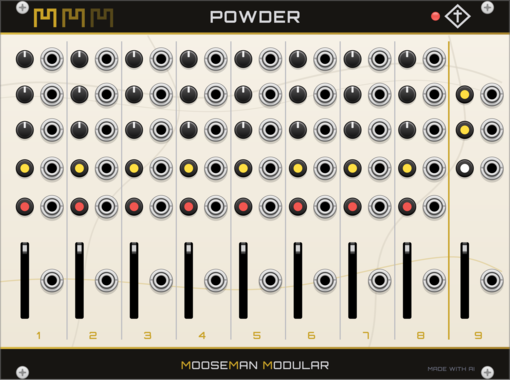
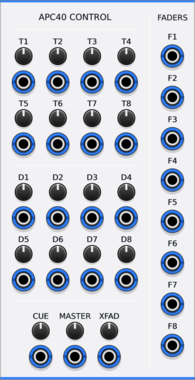
Animatek APC40 CTRL
Turns the knobs and faders of an Akai APC40 into CV outputs for hands-on control of a Rack patch.

stoermelder MIDI-ESX
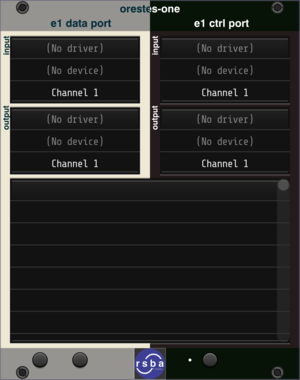
MIDI converter for your Expert Sleepers hardware setup (ES-5, ES-8, ES-9 etc.). Routes MIDI messages from any VCV Rack MIDI module to your audio interface, sharing the same sample-accurate latency for tight sync with your modular gear.
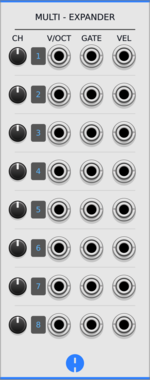
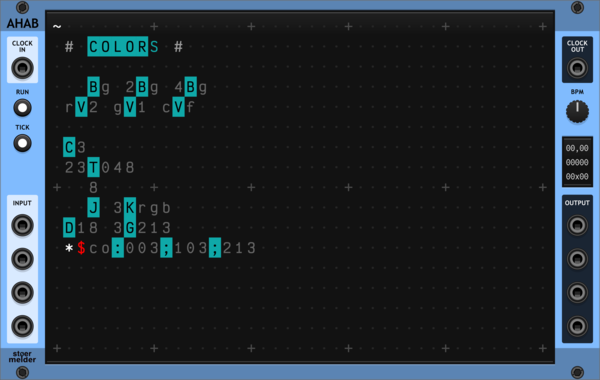
stoermelder AHAB
A live programming environment for ORCA, an esoteric programming language designed to quickly create procedural sequencers. Type operators into the grid to build MIDI and CV sequences in real time, with embedded examples to get you started.

stoermelder FINE for MIDI-CAT
Expander for precision mode of MIDI-CAT. Enables high-resolution parameter tweaking with sub-step adjustments, useful for fine-tuning sensitive parameters like filter cutoffs or mix levels.
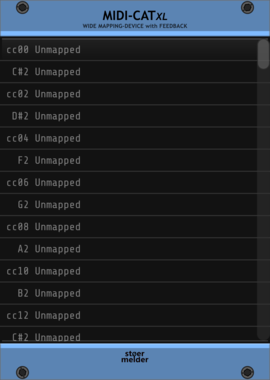
stoermelder MIDI-CAT XL
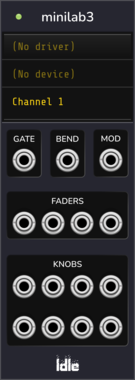
Mapping module for MIDI CCs and notes to parameters of any module, similar to VCV MIDI-MAP. The XL variant offers a larger mapping table, pickup/soft-takeover modes, 14-bit CC, note mapping, slew-limiting and MIDI feedback to supported controllers.


OrangeLine Cron
Interface Module for MIDI>CV deriving BPM from MIDI CLK and 24 pmm CLK/N, handling Transport and calculating CMP cv for GATOR for latency compensation of up to 16 channels
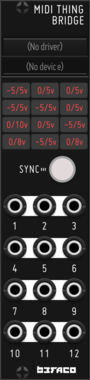
Befaco MIDI Thing V2
Hardware MIDI Thing v2 is a flexible MIDI to CV converter, this module acts as a bridge from VCV

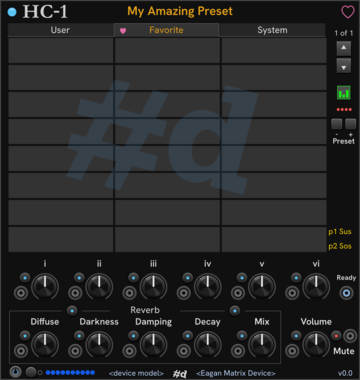

stoermelder CLK for MIDI-CAT
Expander for clock-synchronization of MIDI-CAT. Sends your mapped parameters along clock-quantised timelines so parameter automation follows your musical tempo.
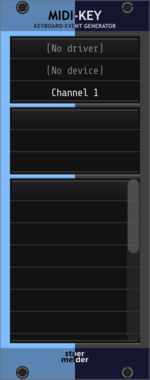
stoermelder MIDI-KEY
Converts MIDI CC or note messages into keyboard events. Map any MIDI control to a hotkey, with modifier support and saved presets for triggering Rack actions from your controller.











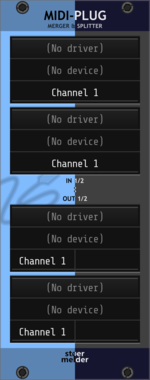
stoermelder MIDI-PLUG
Virtual MIDI merger and splitter. Two configurable outputs can pass MIDI messages through, filter by channel, merge multiple sources or duplicate to two destinations.

stoermelder CTX for MIDI-CAT
Expander for context menu mapping using MIDI-CAT. Adds mapping options for your MIDI controllers as context-menu actions.


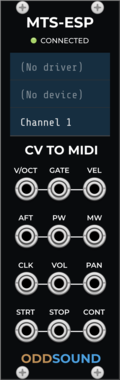
ODDSound MTS-ESP CV To MIDI
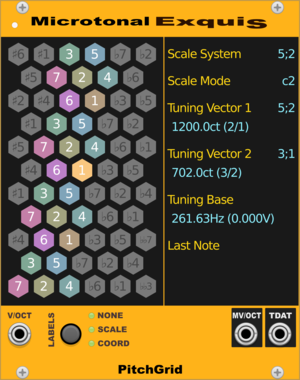
Converts CV to MIDI and sends to an external device with MTS-ESP tuning support
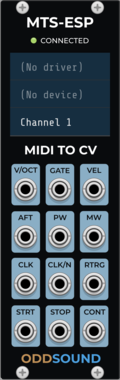
ODDSound MTS-ESP MIDI To CV
Converts MIDI from an external device to CV and gates with MTS-ESP tuning support


VCV Library Instructions
- Download and install VCV Rack.
- Register for a VCV account and log in using Rack’s “Library” menu.
- Add or purchase a module on the VCV Library.
- Open the “Library” menu in Rack, click “Update all” (if updates are needed), and restart Rack once downloaded.
- Right-click an empty rack space to launch Rack’s module browser to add a module to your patch.
All plugins on the VCV Library are available for Windows, Mac, and Linux.
The “major” version (i.e. MAJOR.MINOR.REVISION) must match between Rack and its plugins.
For example, Rack 2.* can only load 2.* plugins.
Missing or incorrect information in this database, such as a missing tag? Inform the plugin author(s) using the contact information on their plugin/module page.
Developers: see Adding your plugin to the VCV Library.
Notes
Purchasing plugins with the “VCV” brand supports the VCV Rack project. See VCV’s Mission Statement to learn how VCV Rack development is funded.
Prices are in US Dollars.
By purchasing a plugin on the VCV Library, you agree to VCV’s End User License Agreement and Refund Policy.
Contact VCV Support for customer support and questions about the VCV Library.