
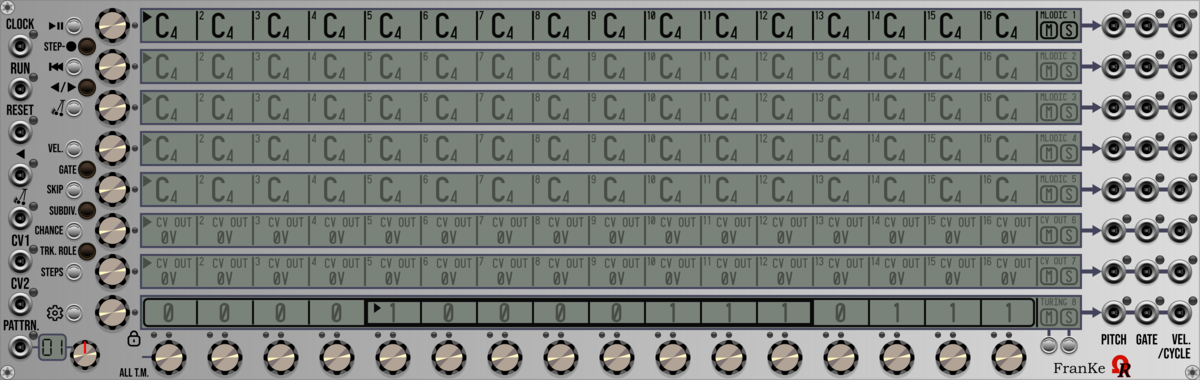
Ohmer Modules FranKe
8-track 16-step 64-pattern versatile analog sequencer (quantized notes, CV OUTs, Turing Machines)
SignalFunctionSet Note
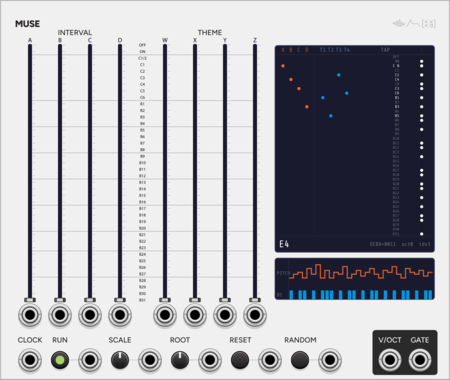
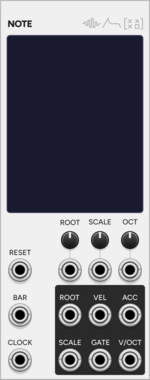
Monophonic CV/gate sequencer with a 12-note pitch matrix and scale selection.
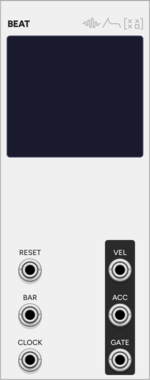
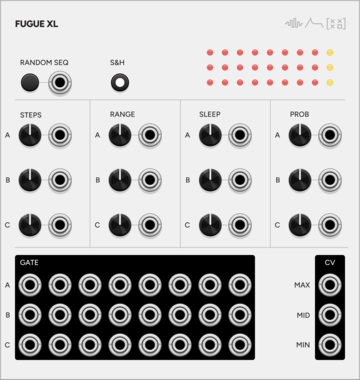
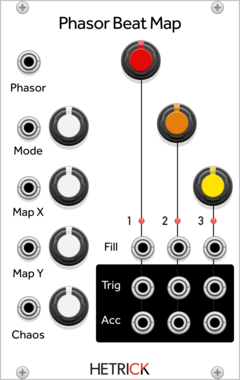
HetrickCV Phasor Beat Map
Phasor-driven topographic drum sequencer based on Mutable Instruments Grids. Uses phasor input (0-10V) for playback, enabling reverse, scrub, and non-linear pattern navigation.
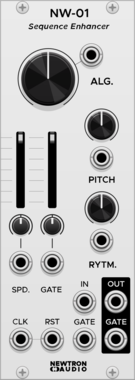
Newtron Audio NW-01 Sequence Enhancer
Spices up a incoming signal by varying pitch and gate length in real time
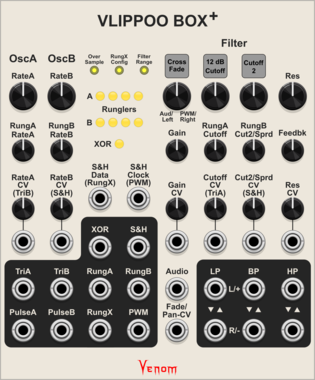
Venom Vlippoo Box +
Venom Chaos Boxes $40Venom Vlippoo Box $20
Digitial emulation of Rob Hordijk's Blippoo Box with additional controls, inputs, and outputs. Included with purchase of Vlippoo Box
FilterLow-frequency oscillatorOscillatorRandomSequencerSynth voice
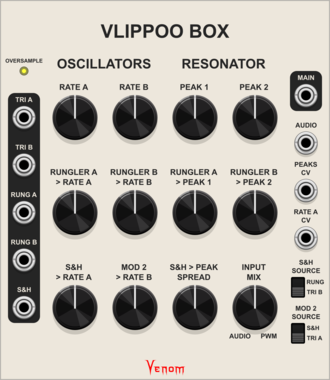
Venom Vlippoo Box
Venom Chaos Boxes $40Venom Vlippoo Box $20
Digitial emulation of Rob Hordijk's Blippoo Box 2018 version
FilterLow-frequency oscillatorOscillatorRandomSequencerSynth voice
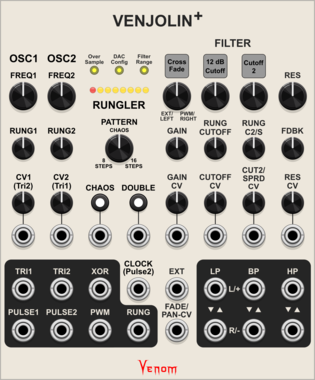
Venom Venjolin +
Venom Chaos Boxes $40Venom Venjolin $15
Digitial emulation of the After Later Audio Benjolin V2 plus twin peaks resonator and other enhancements. Included with purchase of Venjolin
FilterLow-frequency oscillatorOscillatorRandomSequencerSynth voice
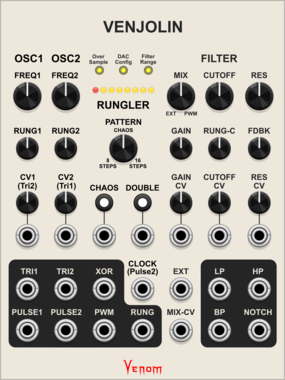
Venom Venjolin
Venom Chaos Boxes $40Venom Venjolin $15
Digitial emulation of the After Later Audio Benjolin V2 plus enhancements
FilterLow-frequency oscillatorOscillatorRandomSequencerSynth voice
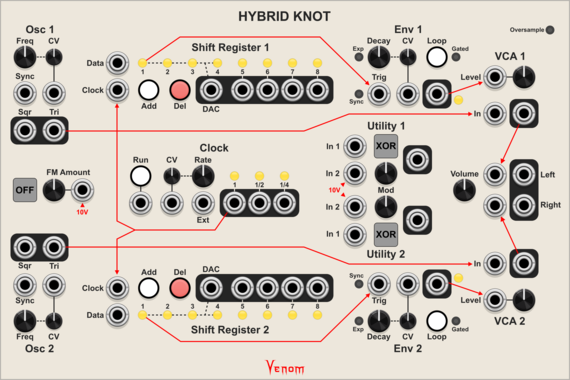
Venom Hybrid Knot
Venom Chaos Boxes $40Venom Hybrid Knot $15
Digitial emulation of the Lorre Mill Double Knot synthesizer incorporating elements of both versions 2 and 3
Envelope generatorLogicLow-frequency oscillatorOscillatorRandomSequencerSynth voiceVoltage-controlled amplifier
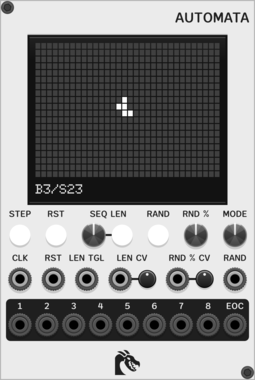
Ouroboros Industries Automata
Sequencer based on Conway's Game of Life, with support for other Life-like cellular automatons through By/Sx rules
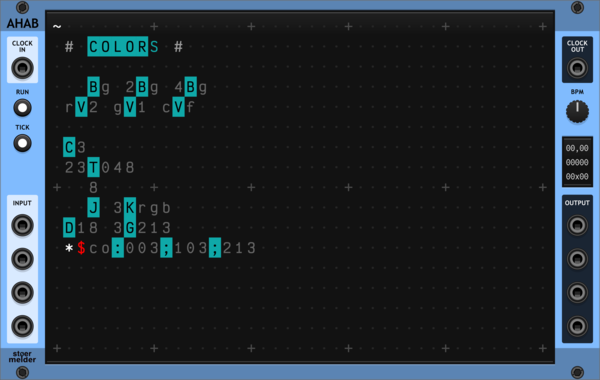
stoermelder AHAB
A live programming environment for ORCA, an esoteric programming language designed to quickly create procedural sequencers. Type operators into the grid to build MIDI and CV sequences in real time, with embedded examples to get you started.
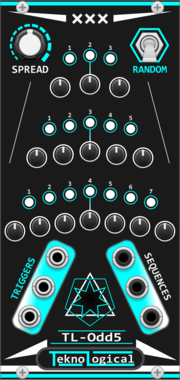
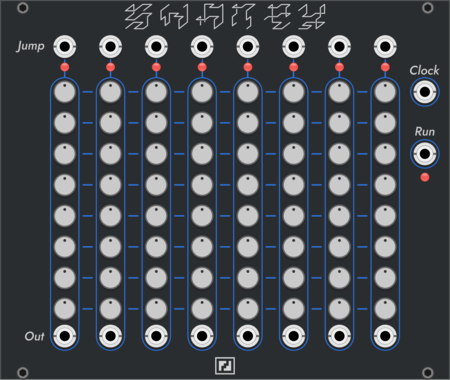
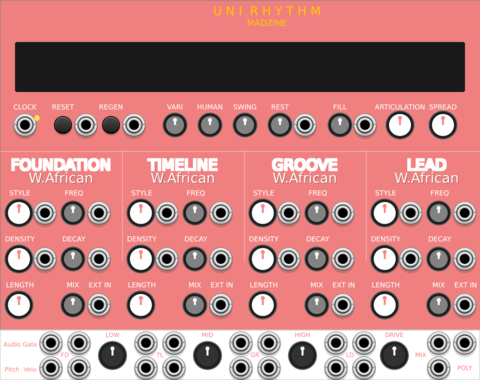
MADZINE Uni Rhythm
Compact 4-track rhythm generator with Primary-priority merged outputs, derived from Universal Rhythm
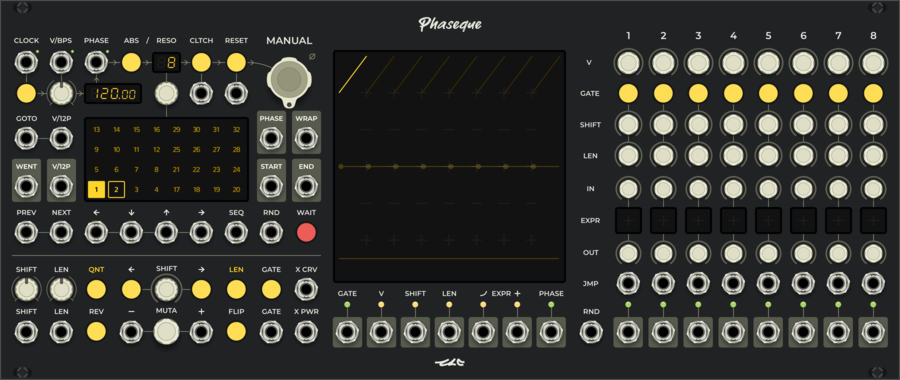
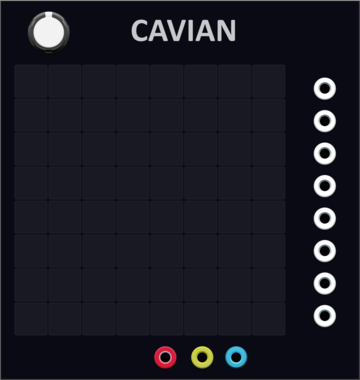
YourModulesMayVary Cavian
8-channel multi-step sequencer and a lot more, save locally, loop, copy paste, clear, randomise
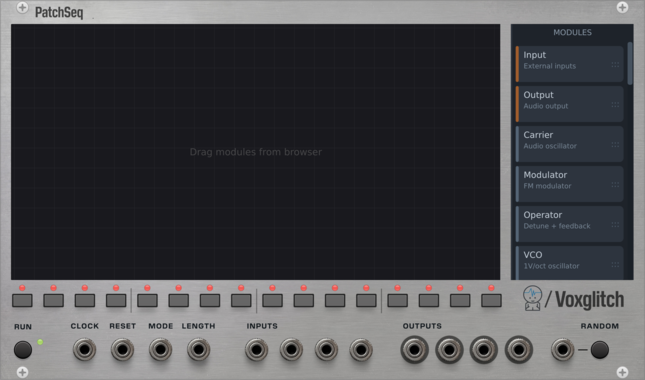
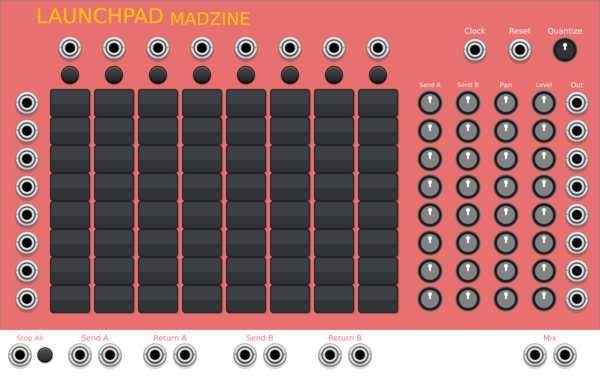

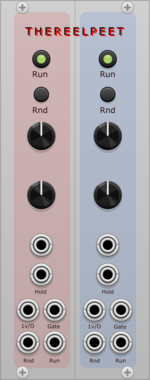
THEREELPEET TheReelPeet
Dual generative sequencer with probabilistic note holds and drops, per-lane Rise/Fall envelope, and Dynamics knob for evolving melodic motion.
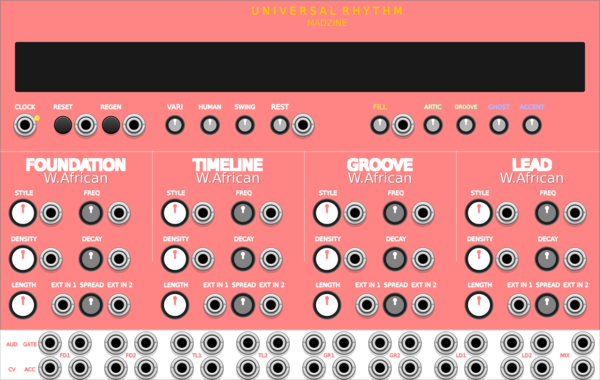
MADZINE Universal Rhythm
Cross-cultural rhythm generator with 10 world music styles and 8-voice drum synthesis

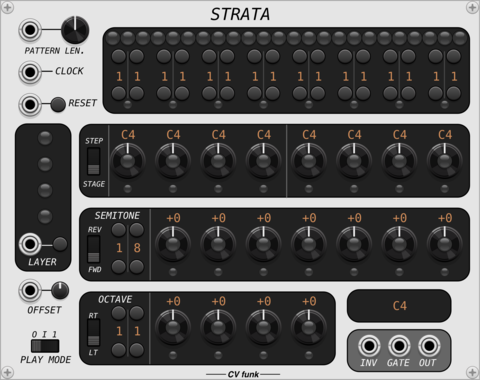
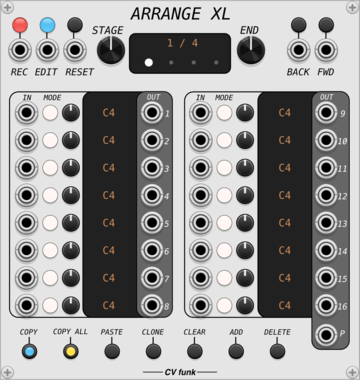
CV funk Arrange XL
 CV funk Modulations
$25CV funk Bundle
$40
CV funk Modulations
$25CV funk Bundle
$40
$45
16-channel sequencer with ability to sample and record CV inputs.
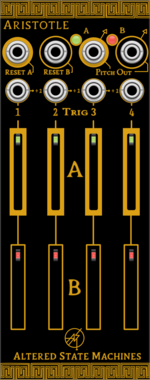
Altered State Machines Aristotle
Nonlinear 2 Channel Counterpoint Voltage Sequencer (Aristotle hardware clone)
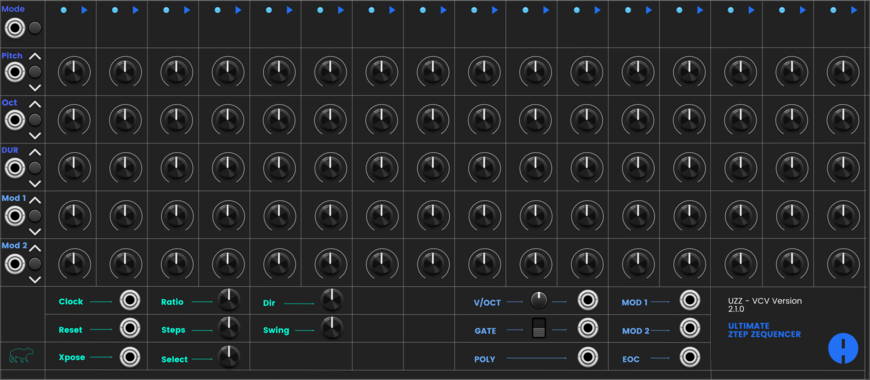


Sulamith Poly to Sequence
Takes a polyphonic Input and sequences it to a clock (fwd, bwd, rnd). Step probability + add random probability with range.

Sulamith Gate Length Sequencer
Sequences 6 Gates (0.1s-10s) with playmodes, probability, seq length, reset. For holding notes, envelopes and switches.
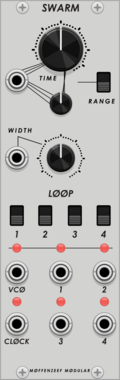
Moffenzeef Swarm
Asynchronous gate generator
Hardware cloneClock generatorRandomSequencerOscillatorUtility
VCV Library Instructions
- Download and install VCV Rack.
- Register for a VCV account and log in using Rack’s “Library” menu.
- Add or purchase a module on the VCV Library.
- Open the “Library” menu in Rack, click “Update all” (if updates are needed), and restart Rack once downloaded.
- Right-click an empty rack space to launch Rack’s module browser to add a module to your patch.
All plugins on the VCV Library are available for Windows, Mac, and Linux.
The “major” version (i.e. MAJOR.MINOR.REVISION) must match between Rack and its plugins.
For example, Rack 2.* can only load 2.* plugins.
Missing or incorrect information in this database, such as a missing tag? Inform the plugin author(s) using the contact information on their plugin/module page.
Developers: see Adding your plugin to the VCV Library.
Notes
Purchasing plugins with the “VCV” brand supports the VCV Rack project. See VCV’s Mission Statement to learn how VCV Rack development is funded.
Prices are in US Dollars.
By purchasing a plugin on the VCV Library, you agree to VCV’s End User License Agreement and Refund Policy.
Contact VCV Support for customer support and questions about the VCV Library.