Venom Mix Fade Expander

Venom Mix Fade Expander

Add symmetric mute/solo fades to any of the Mix modules

Venom Linear Beats Expander

Venom Linear Beats Expander

Add bypass and input/output mutes to the Linear Beats module

Venom Linear Beats

Venom Linear Beats

Convert multiple trigger/gate channels into a linear drumming pattern

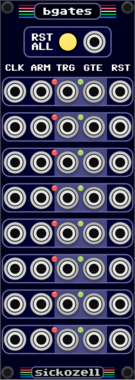
Sickozell bGates

Sickozell bGates

8 Buffered gates and triggers

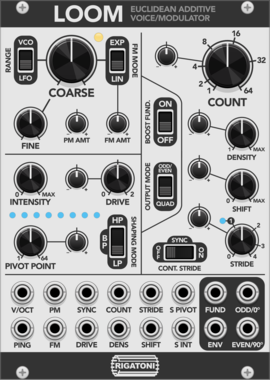
Rigatoni Modular Loom

Rigatoni Modular Loom

An additive oscillator based loosely on the structure of Euclidean pattern sequencing

Ohmer Modules KX

Ohmer Modules KX

3HP "left-side" expander for KlokSpid MkII: discrete CLK, RUN, and RESET inputs, plus two pre-offsets CV (assignable to quantizers)
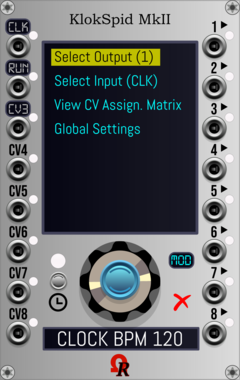
Ohmer Modules KlokSpid MkII

Ohmer Modules KlokSpid MkII

16HP CPU-based programmable clocked modulation source

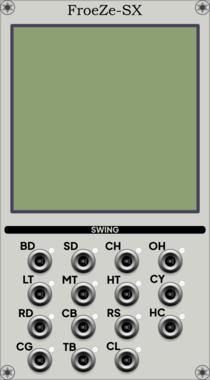
Ohmer Modules FroeZe-SX

Ohmer Modules FroeZe-SX

14HP "left-side" expander for FroeZe: per-track %SWING CV inputs

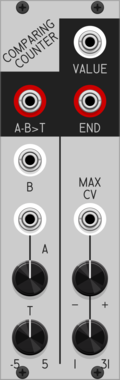
Patchable Devices Comparing Counter

Patchable Devices Comparing Counter

Pulse counter / frequency divider with advanced comparator input
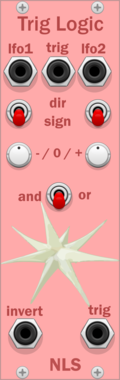
NLS TrigLogic

NLS TrigLogic

let triggers through based on signal logic

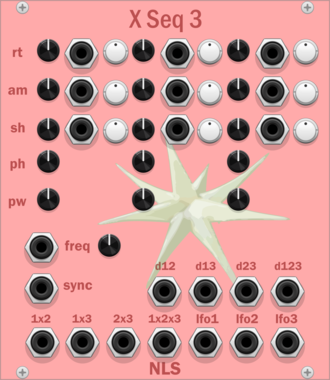
NLS XSeq3

NLS XSeq3

detect intersections between LFOs to generate triggers

NLS TrigGate

NLS TrigGate

converts triggers to gates of variable length

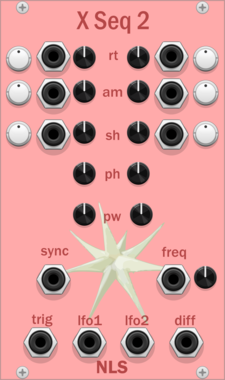
NLS XSeq2

NLS XSeq2

detect intersections between LFOs to generate triggers

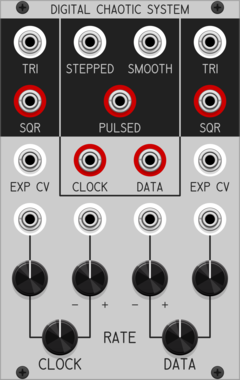
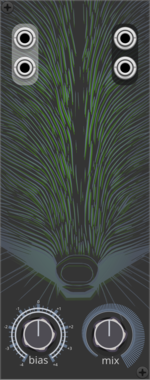
Sapphire Glee

Sapphire Glee

Chaotic oscillator based on the Aizawa Attractor.

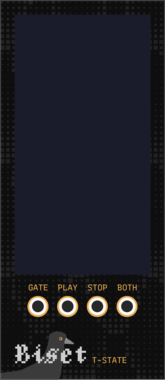
Biset Tracker State

Biset Tracker State

Tracker state output & track visualizer

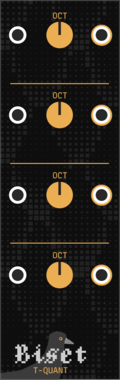
Biset Tracker Quant

Biset Tracker Quant

Tracker quantizer / tuner

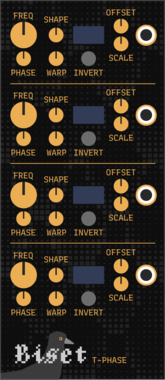
Biset Tracker Phase

Biset Tracker Phase

Tracker phase / synced LFO output

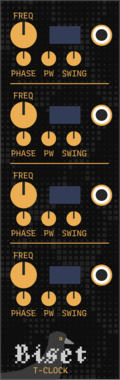
Biset Tracker Clock

Biset Tracker Clock

Tracker clock divider / multiplier

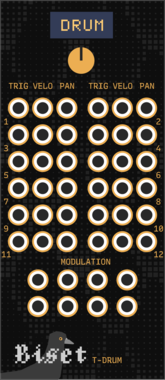
Biset Tracker Drum

Biset Tracker Drum

Tracker drum output

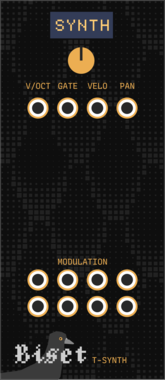
Biset Tracker Synth

Biset Tracker Synth

Tracker synth output

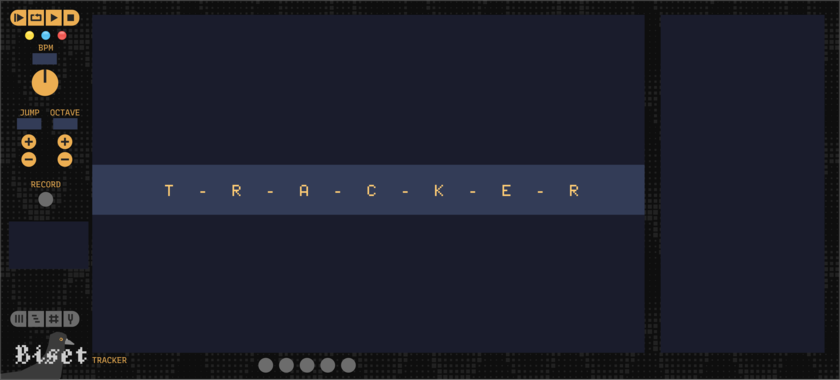
Biset Tracker

Biset Tracker

An advanced sequencer based on a tracker and a timeline

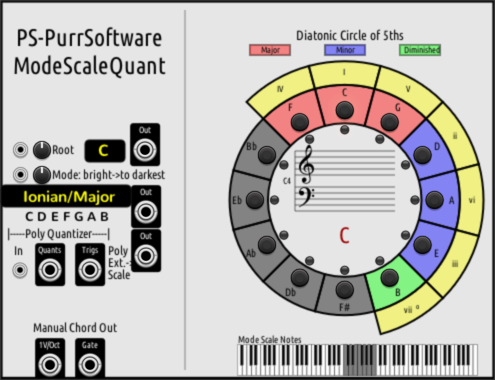
PurrSoftware ModeScaleQuant

PurrSoftware ModeScaleQuant

Mode Scale Quantizer

alef's bits polycounter

alef's bits polycounter

count up or down on trigger with custom start/end/increment values

alef's bits polyshuffle

alef's bits polyshuffle

shuffle the channels of a polyphonic signal, with various modes

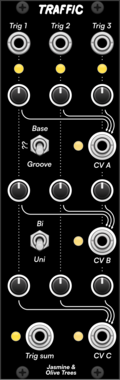
Jasmine & Olive Trees Traffic

Jasmine & Olive Trees Traffic

Trigger-based CV controller with random modes

Sapphire Tin

Sapphire Tin

Feeds arbitrary input signals into Tricorder.

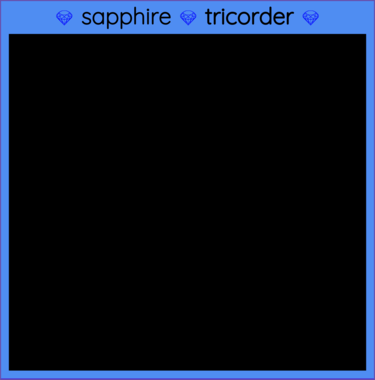
Sapphire Tricorder

Sapphire Tricorder

3D plotter expander module for Frolic and Tin.

Sapphire Frolic

Sapphire Frolic

Chaotic oscillator based on the Rucklidge Attractor.

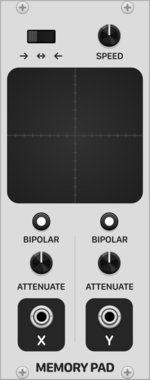
Patina Memory Pad

Patina Memory Pad

Interactive X-Y pad that records and repeats path drawn on touchpad. Can be used to modulate any parameter as a custom-drawn LFO with 2 outputs. Outputs can be set to bipolar or unipolar values and attenuated. Drag with the mouse on the touchpad to record a path.
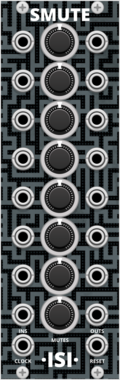
Questionable Modules Smute

Questionable Modules Smute

Mute buttons synced to the clock

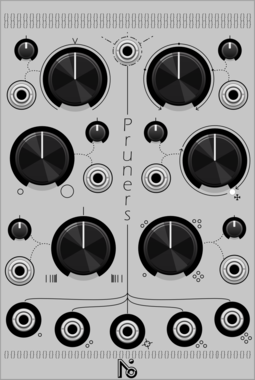
NOI Pruners

NOI Pruners

Sampler

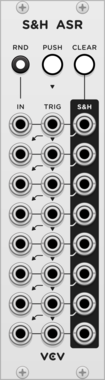
VCV Sample & Hold Analog Shift Register

VCV Sample & Hold Analog Shift Register

8 channel sample & hold combined with a shift register

VCV Push

VCV Push

Button with gate/trigger outputs and hold switch

VCV Random Values

VCV Random Values

Generates 7 random fixed voltages

VCV Rescale

VCV Rescale

Rescales voltages with gain, offset, and range limiting

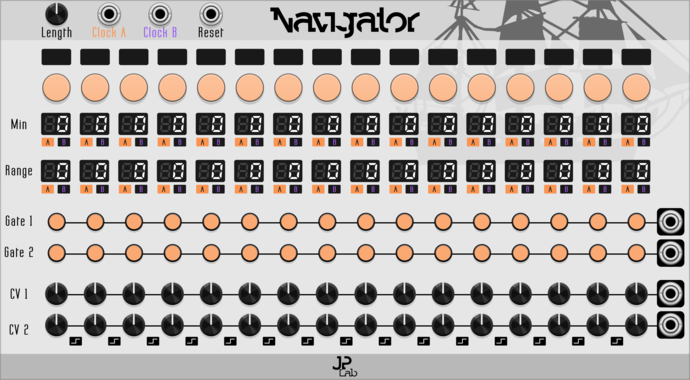
JP Navigator

JP Navigator

An event sequencer of 16 steps, each with two gates and two CVs. Precisely control the length of each event or add randomness.

JP Counter Point Expander

JP Counter Point Expander

Expander for any main JP sequencer. Creates an extra voice using delay, regression and inversion.
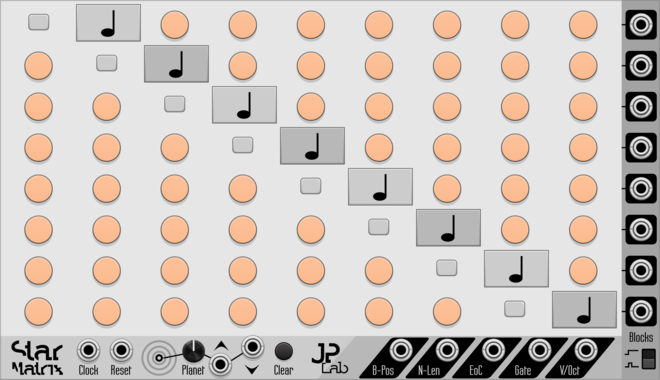
JP Star Matrix

JP Star Matrix

Fully control transition chance between any note block.


VCV Library Instructions

  • Download and install VCV Rack.
  • Register for a VCV account and log in using Rack’s “Library” menu.
  • Add or purchase a module on the VCV Library.
  • Open the “Library” menu in Rack, click “Update all” (if updates are needed), and restart Rack once downloaded.
  • Right-click an empty rack space to launch Rack’s module browser to add a module to your patch.

All plugins on the VCV Library are available for Windows, Mac, and Linux. The “major” version (i.e. MAJOR.MINOR.REVISION) must match between Rack and its plugins. For example, Rack 2.* can only load 2.* plugins.

Missing or incorrect information in this database, such as a missing tag? Inform the plugin author(s) using the contact information on their plugin/module page.

Developers: see Adding your plugin to the VCV Library.

Notes

Purchasing plugins with the “VCV” brand supports the VCV Rack project. See VCV’s Mission Statement to learn how VCV Rack development is funded.

Prices are in US Dollars.

By purchasing a plugin on the VCV Library, you agree to VCV’s End User License Agreement and Refund Policy.

Contact VCV Support for customer support and questions about the VCV Library.