
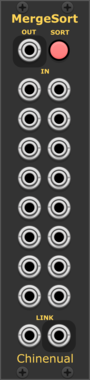
Chinenual Polyphonic Merger with Sort
Merge signals into a polyphonic output and share sort criteriea with other SplitSort or MergeSort (inspired by Aria Salvatrice's Smerge)
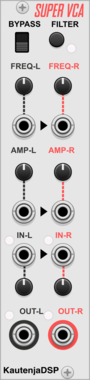
KautenjaDSP Super VCA
An emulation of the Gaussian interpolation filter effect from the S-SMP chip on the Super Nintendo Entertainment System (SNES).
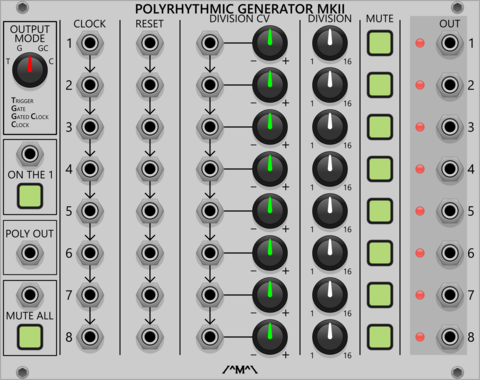
Count Modula Polyrhythmic Generator MkII
A set of 8 voltage controlled clock dividers that can be used to generate polyrhythms by clocking and/or dividing at different rates



Befaco PonyVCO
Pony VCO is a compact Thru-Zero (TZFM) oscillator with wavefolder and VCA
Hardware cloneLow-frequency oscillatorOscillatorPolyphonicWaveshaper

Venom VCA Mix 4
Compact audio or CV VCA, mixer, attenuator, inverter, amplifier, and/or offset
AttenuatorMixerPolyphonicRing modulatorUtilityVoltage-controlled amplifier
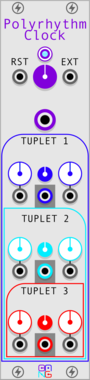

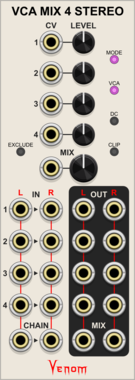
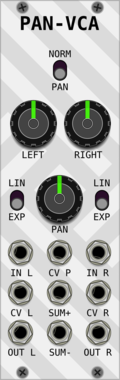
Venom VCA Mix 4 Stereo
Stereo compact audio or CV VCA, mixer, attenuator, inverter, amplifier, and/or offset
AttenuatorMixerPolyphonicRing modulatorUtilityVoltage-controlled amplifier


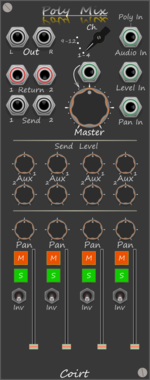
Bark Polyphonic Mixer
One Cable(s), 4x4 channel Mixer with send/return. Constant power pan law Aux pre solo/master post fader
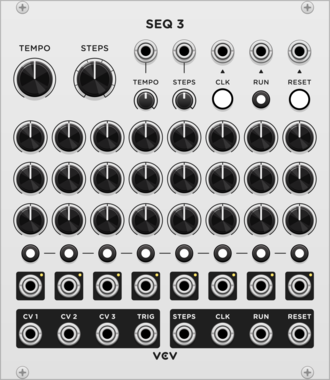


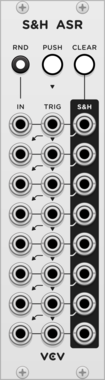

Sparkette's Stuff Polyphonic Repeater
Converts a monophonic signal to a polyphonic signal where all channels have the same value. Outputs up to four copies of the polyphonic signal, because I had room for extra ports so why not?

Sparkette's Stuff Polyphonic Selector
Selects one output (or more) from a polyphonic input based on the voltage from another input.
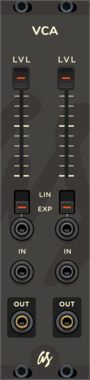
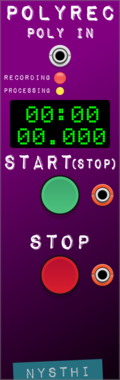

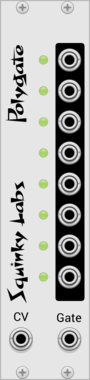
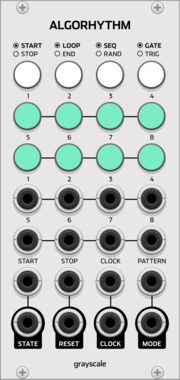

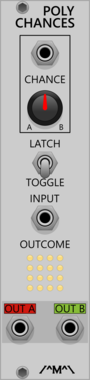

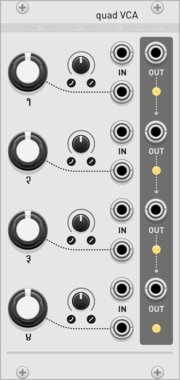
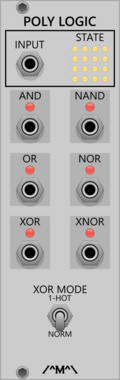
Count Modula Polyphonic Boolean Logic Processor
Applies boolean logic across the channels of a polyphonic signal
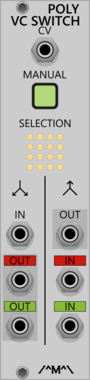
Count Modula Polyphonic Voltage Controlled Switch
Selects between 2 polyphonic inputs or routes 1 polyphonic input to one of 2 polyphonic outputs based on the level of the signal at the polyphonic CV input

VCV Library Instructions
- Download and install VCV Rack.
- Register for a VCV account and log in using Rack’s “Library” menu.
- Add or purchase a module on the VCV Library.
- Open the “Library” menu in Rack, click “Update all” (if updates are needed), and restart Rack once downloaded.
- Right-click an empty rack space to launch Rack’s module browser to add a module to your patch.
All plugins on the VCV Library are available for Windows, Mac, and Linux.
The “major” version (i.e. MAJOR.MINOR.REVISION) must match between Rack and its plugins.
For example, Rack 2.* can only load 2.* plugins.
Missing or incorrect information in this database, such as a missing tag? Inform the plugin author(s) using the contact information on their plugin/module page.
Developers: see Adding your plugin to the VCV Library.
Notes
Purchasing plugins with the “VCV” brand supports the VCV Rack project. See VCV’s Mission Statement to learn how VCV Rack development is funded.
Prices are in US Dollars.
By purchasing a plugin on the VCV Library, you agree to VCV’s End User License Agreement and Refund Policy.
Contact VCV Support for customer support and questions about the VCV Library.