




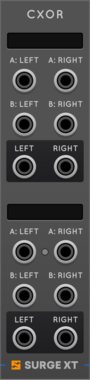
Surge XT Digital RingModulators and Combinators
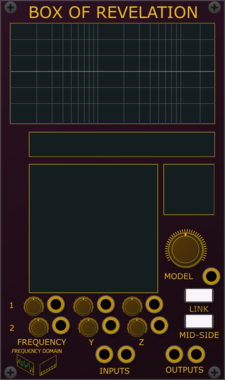
The Surge XT Digital Ring Modulation and Combinator Models


Sickozell holder Compact
Sample & Hold or Track & Hold with noise generator, probability and range in a compact form factor

Sickozell toggler Compact
Stereo signal toggle switch router, with VCA and ASR envelope generator, in a compact form factor
LogicEnvelope generatorVoltage-controlled amplifierPolyphonic

Sickozell bToggler Compact
Buffered stereo signal toggle switch router, with VCA and ASR envelope generator, in a compact form factor
LogicEnvelope generatorVoltage-controlled amplifierPolyphonic

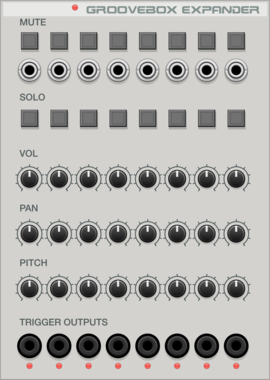
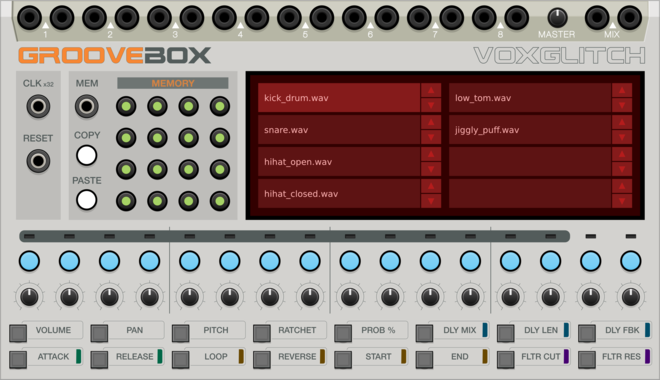
Voxglitch Groove Box Expander
Expander module for the Voxglitch Groovebox that provides Mutes, Solos, Gate Outputs, and track-level control over volume, pan, and pitch.

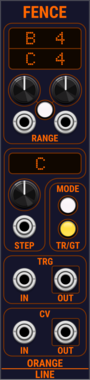
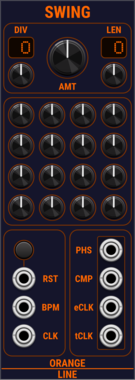
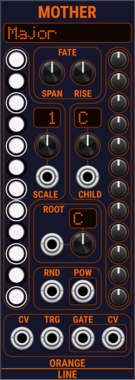
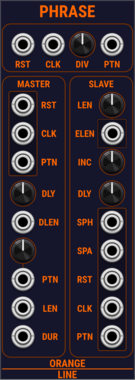
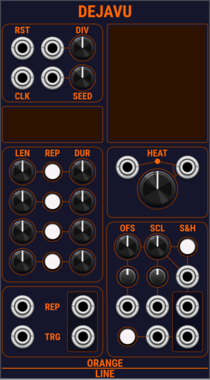

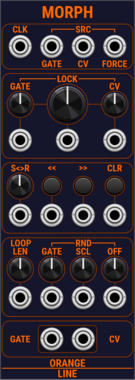
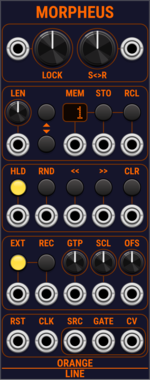
OrangeLine Morpheus
Morphing of given or random sequences with turing machine functionality and 16 Internal Memory Slots.

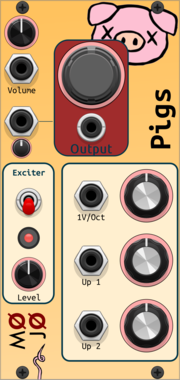
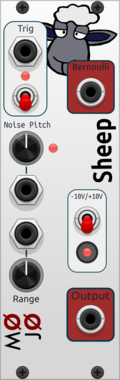
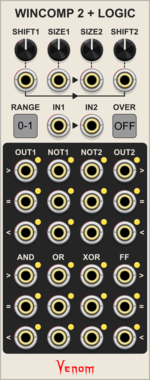
Venom WinComp2 + Logic
Dual windowed comparator with logic outputs inspired by the Joranalogue Compare 2
![4ms Ensemble Oscillator [EnOsc]](/screenshots/100/4msCompany/EnOsc.webp)
4ms Ensemble Oscillator [EnOsc]
The Ensemble Oscillator (EnOsc) is a unified polyphonic voice of sixteen complex oscillators combining additive, FM, phase-distortion and wavefolding synthesis techniques in new unorthodox ways.
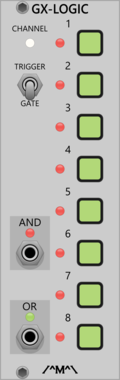
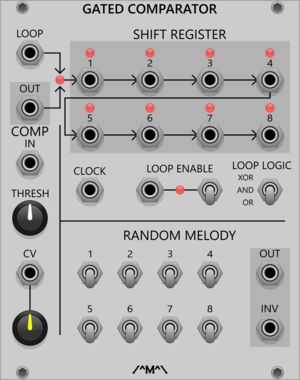
Count Modula Gated Comparator Expander - Gate Logic
Gated Comparator expander adding logical mixing of the shift register outputs
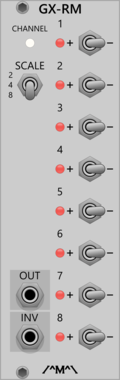
Count Modula Gated Comparator Expander - Random Melody
Gated Comparator expander adding Random Melody output (also works with other sequencers)
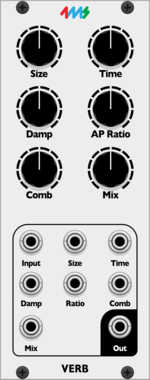
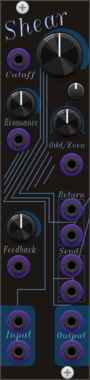

Sulamith Note Display
Displays the notes (& cents) of a polyphonic input. With quantization option (to semis) for the output. Displays: Note, Octave, Cent (ie: G#4 + 26)
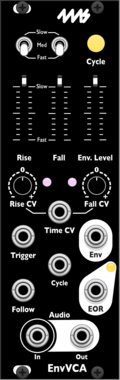
4ms EnvVCA
A compact envelope generator with a built-in exponential VCA.
Envelope generatorVoltage-controlled amplifierLow-frequency oscillatorHardware cloneSlew limiter
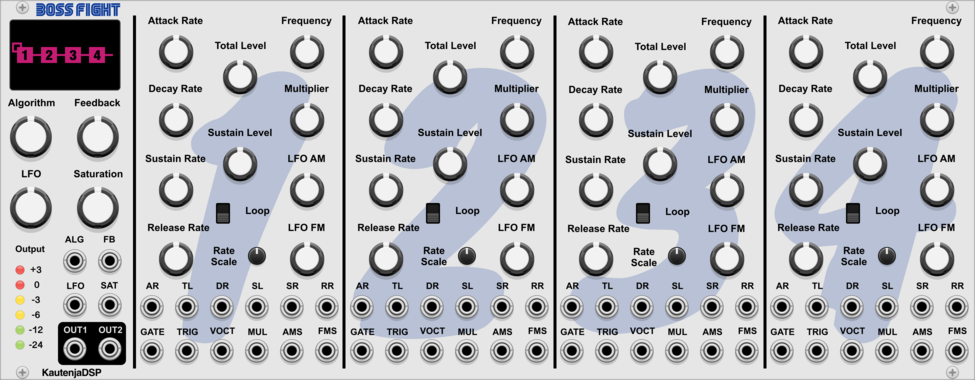
KautenjaDSP Boss Fight
An emulation of the Yamaha YM2612 FM synthesis chip from the Sega Mega Drive and Sega Genesis.
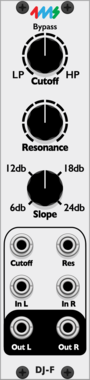

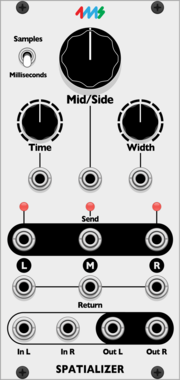
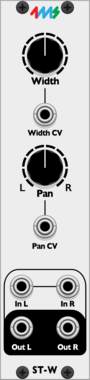
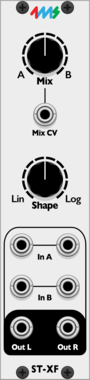
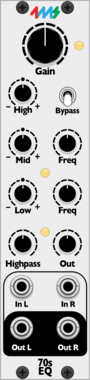

4ms Decay
Decay envelope with built in VCA
UtilityDrumEnvelope generatorVoltage-controlled amplifierVoltage-controlled amplifier
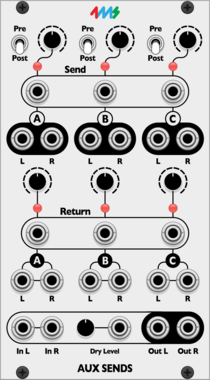
VCV Library Instructions
- Download and install VCV Rack.
- Register for a VCV account and log in using Rack’s “Library” menu.
- Add or purchase a module on the VCV Library.
- Open the “Library” menu in Rack, click “Update all” (if updates are needed), and restart Rack once downloaded.
- Right-click an empty rack space to launch Rack’s module browser to add a module to your patch.
All plugins on the VCV Library are available for Windows, Mac, and Linux.
The “major” version (i.e. MAJOR.MINOR.REVISION) must match between Rack and its plugins.
For example, Rack 2.* can only load 2.* plugins.
Missing or incorrect information in this database, such as a missing tag? Inform the plugin author(s) using the contact information on their plugin/module page.
Developers: see Adding your plugin to the VCV Library.
Notes
Purchasing plugins with the “VCV” brand supports the VCV Rack project. See VCV’s Mission Statement to learn how VCV Rack development is funded.
Prices are in US Dollars.
By purchasing a plugin on the VCV Library, you agree to VCV’s End User License Agreement and Refund Policy.
Contact VCV Support for customer support and questions about the VCV Library.