
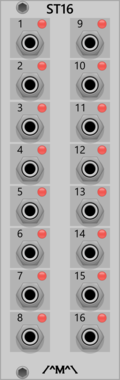
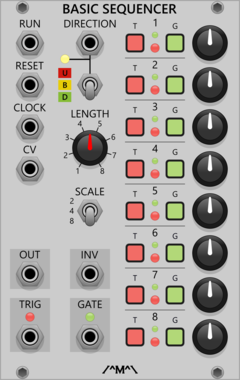
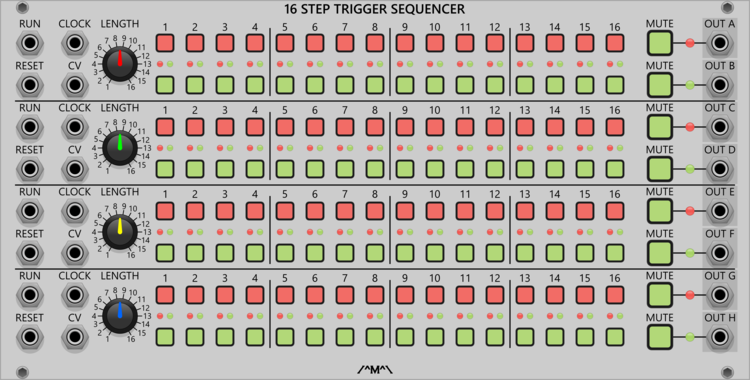
Count Modula 16 Step Sequencer Trigger Output Expander
Adds individual trigger outputs to the 16 Step Sequencer
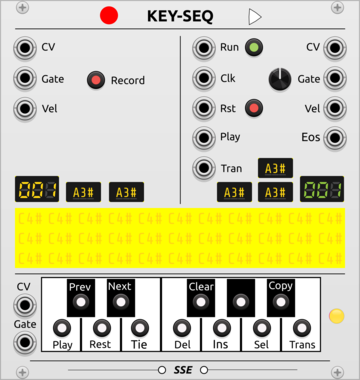
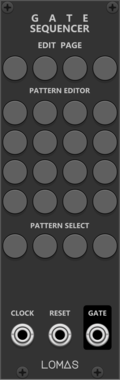
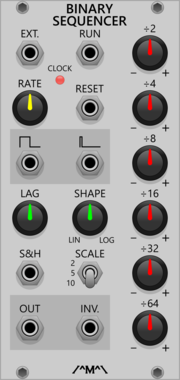
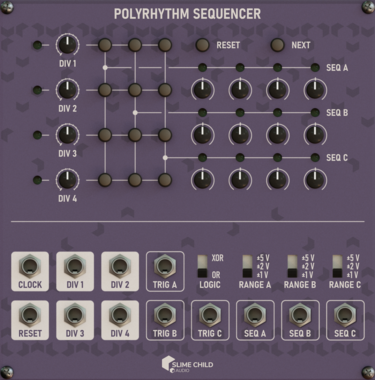
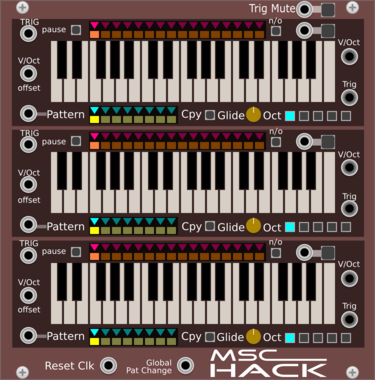
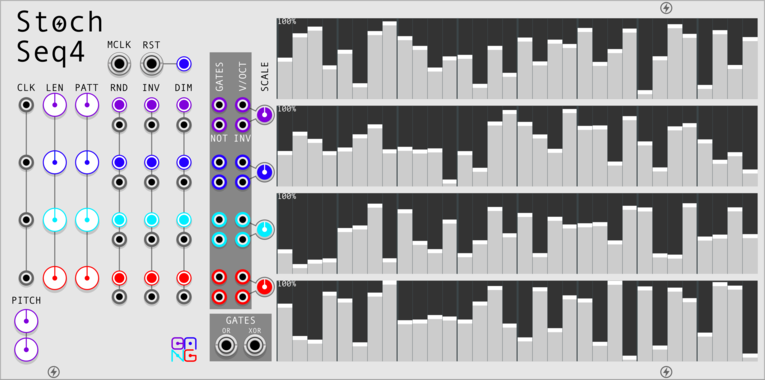
Slime Child Audio Polyrhythm Sequencer
Three-track Polyrhythm Sequencer

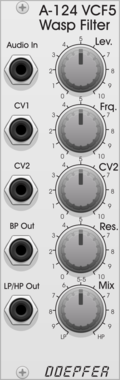
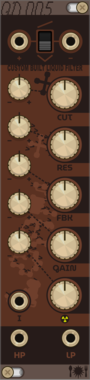
Doepfer A-124 VCF5 Wasp Filter
Doepfer A-124 VCF5 Wasp Filter
$15
2-pole CMOS-based state-variable filter
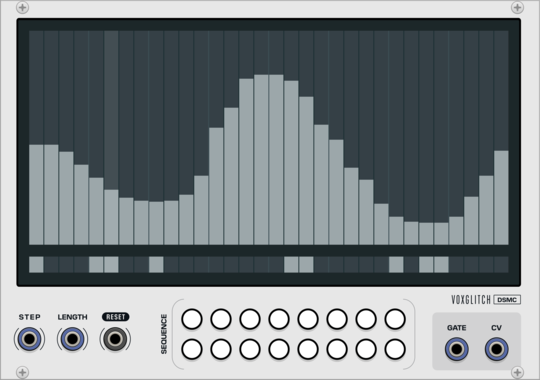
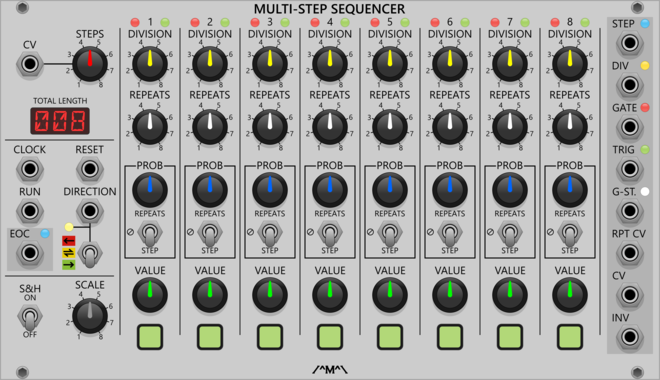
Voxglitch Digital Sequencer XP
Polyphonic version of the Digital Sequencer. Sixteen-in-one cv/gate sequencers with independent control over clock division and sequence length.





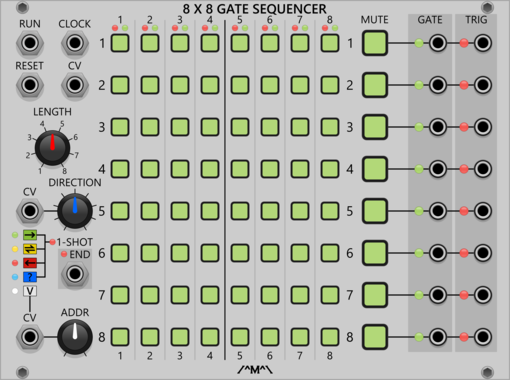

Sulamith Gate Length Sequencer
Sequences 6 Gates (0.1s-10s) with playmodes, probability, seq length, reset. For holding notes, envelopes and switches.
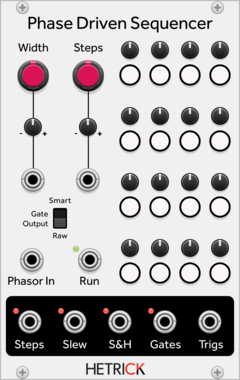
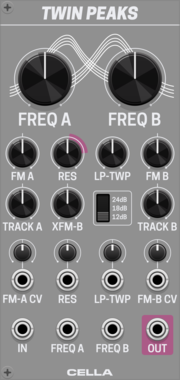
Cella Twin Peaks
Dual resonant filter inspired by the design of Rob Hordijk's TwinPeak filter. Made to be pinged.
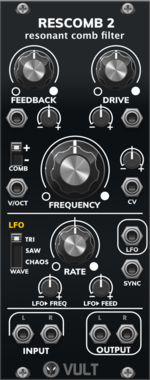
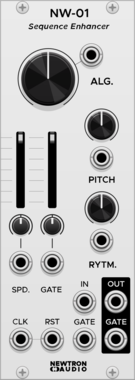
Newtron Audio NW-01 Sequence Enhancer
Spices up a incoming signal by varying pitch and gate length in real time
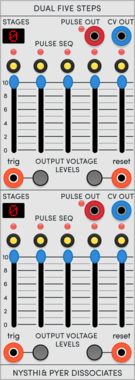
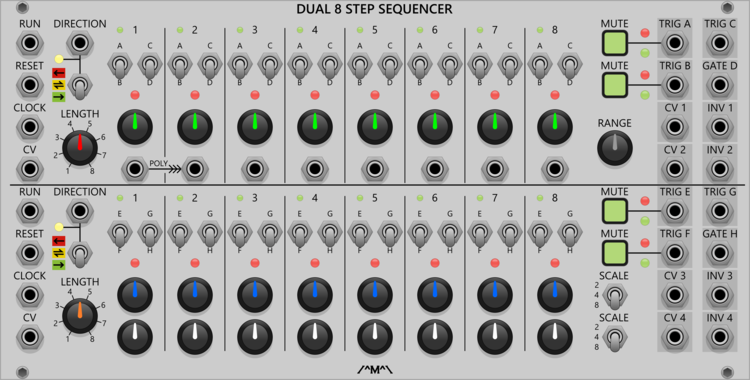
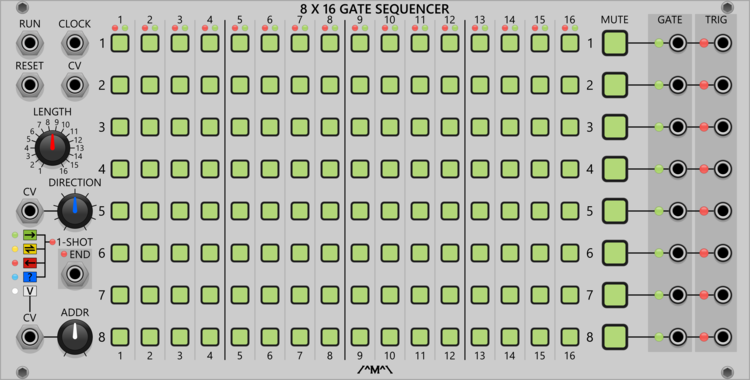
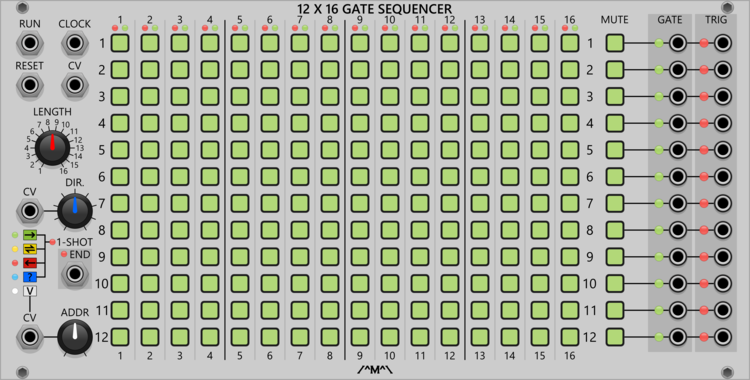
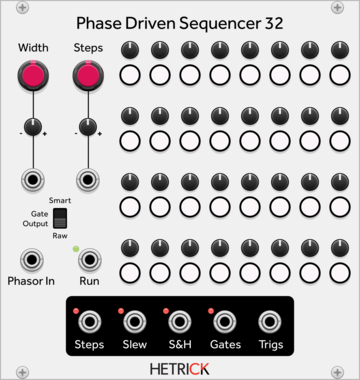
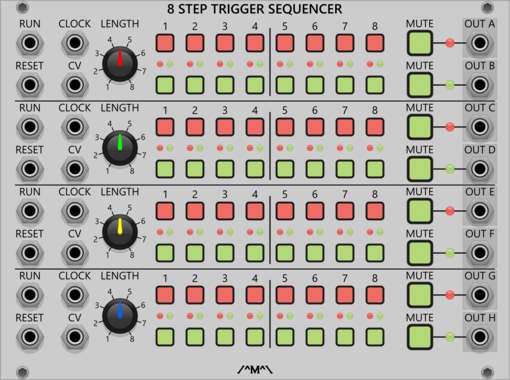

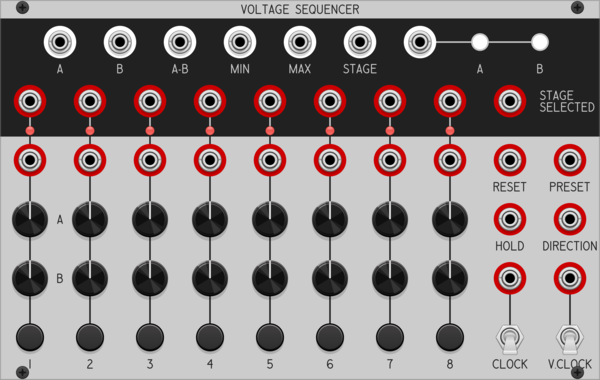
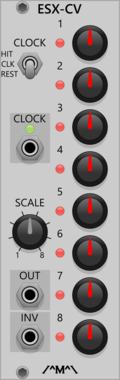
Sulamith Knobs - Const Voltage Source Sequencer
8CH Volt Bank with built-in sequencer. Probability, Playmodes, CH/Step number and knob range setting. Clk, Rst, Button in. Sequenced CV + Trig and static Poly out.
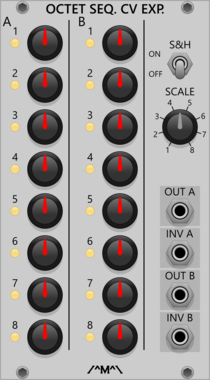
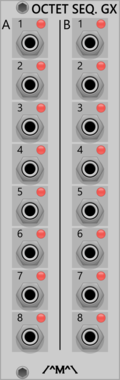
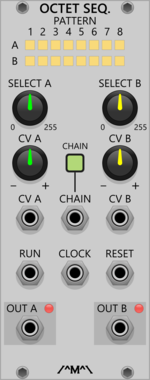
Count Modula Octet Trigger Sequencer Gate Expander
Adds individual gate outputs to the Octet Trigger Sequencer
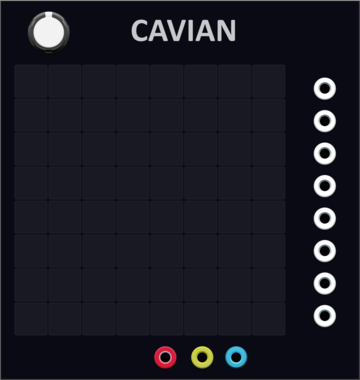
YourModulesMayVary Cavian
8-channel multi-step sequencer and a lot more, save locally, loop, copy paste, clear, randomise
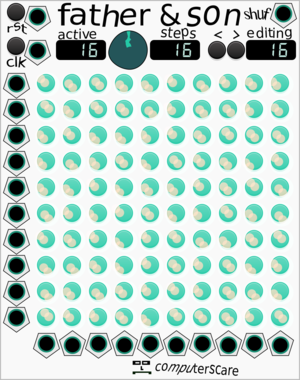
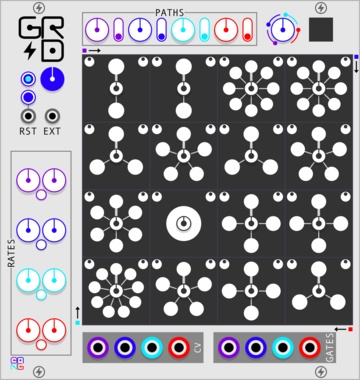
computerscare Father and Son Patch Sequencer
Patch Sequencer - 10 in, 10 out patch matrix with 16 scenes
VCV Library Instructions
- Download and install VCV Rack.
- Register for a VCV account and log in using Rack’s “Library” menu.
- Add or purchase a module on the VCV Library.
- Open the “Library” menu in Rack, click “Update all” (if updates are needed), and restart Rack once downloaded.
- Right-click an empty rack space to launch Rack’s module browser to add a module to your patch.
All plugins on the VCV Library are available for Windows, Mac, and Linux.
The “major” version (i.e. MAJOR.MINOR.REVISION) must match between Rack and its plugins.
For example, Rack 2.* can only load 2.* plugins.
Missing or incorrect information in this database, such as a missing tag? Inform the plugin author(s) using the contact information on their plugin/module page.
Developers: see Adding your plugin to the VCV Library.
Notes
Purchasing plugins with the “VCV” brand supports the VCV Rack project. See VCV’s Mission Statement to learn how VCV Rack development is funded.
Prices are in US Dollars.
By purchasing a plugin on the VCV Library, you agree to VCV’s End User License Agreement and Refund Policy.
Contact VCV Support for customer support and questions about the VCV Library.