
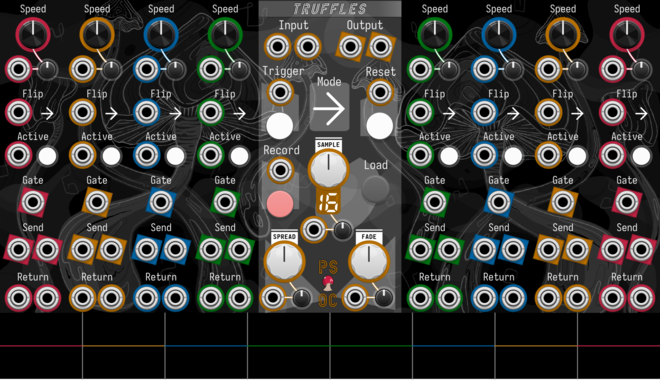
Path Set x Omri Cohen Truffles
Split your samples into eight slices, each with their own send/return channels and playback controls.

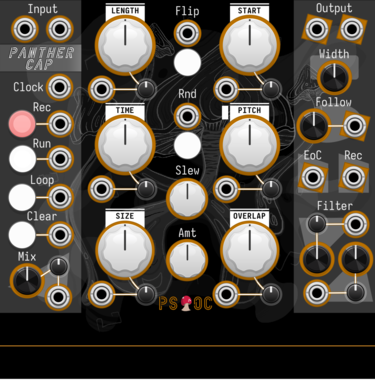
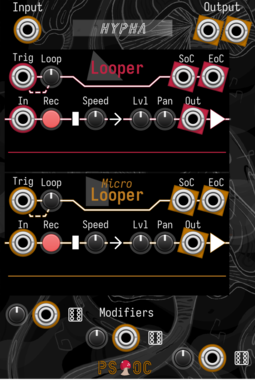
Path Set x Omri Cohen Hypha
Record audio into two different loopers. Then mix and modulate to your heart's content.
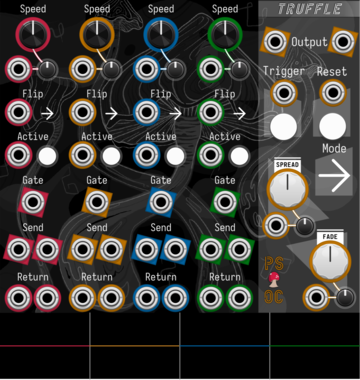
Path Set x Omri Cohen Truffle
Split your samples into four slices, each with their own send/return channels and playback controls.
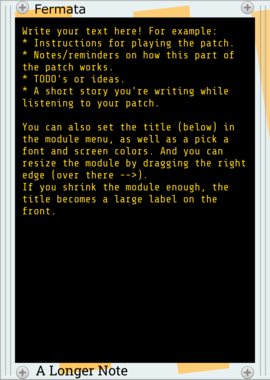
Stochastic Telegraph Fermata
Write much longer text notes, and various sizes of labels. Fermata is resizable, scrolls, has font, font size, and color choices, and more.
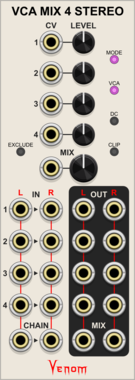
Venom VCA Mix 4 Stereo
Stereo compact audio or CV VCA, mixer, attenuator, inverter, amplifier, and/or offset



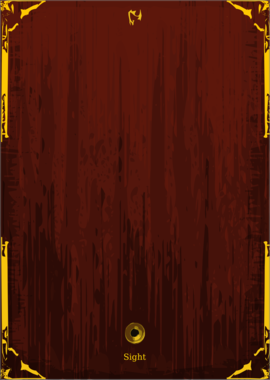
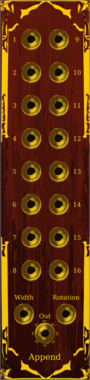


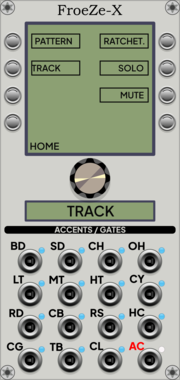
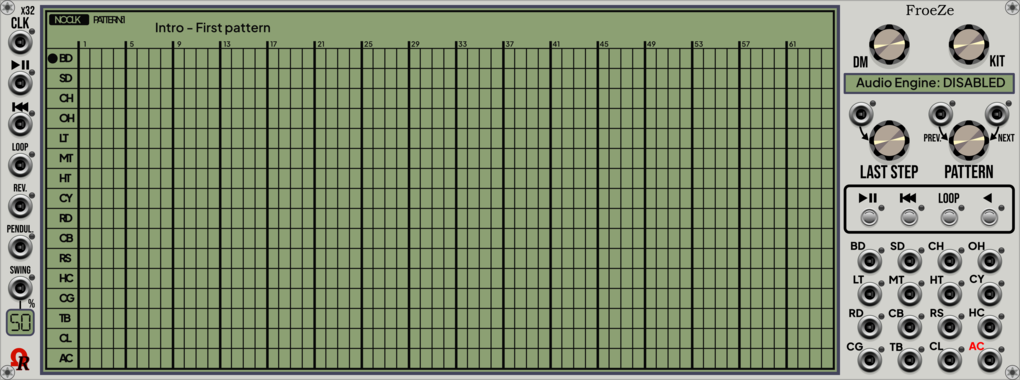
Ohmer Modules FroeZe-X
12HP "right-side" expander for FroeZe: additional outputs (AC'd notes) / edit features
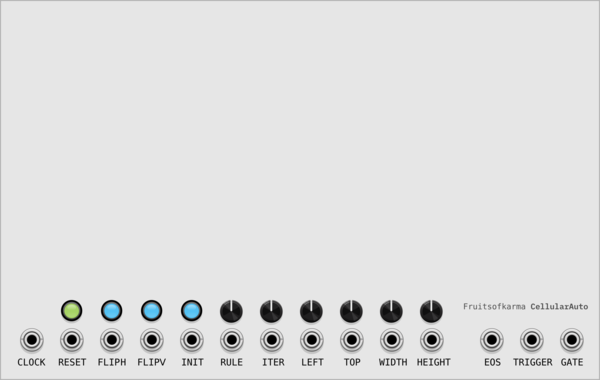
fruitsofkarma CellularAuto
64x256 sequencer with configurable zoomed active zone. Uses polyphony to split active zone to separate sequencer rows



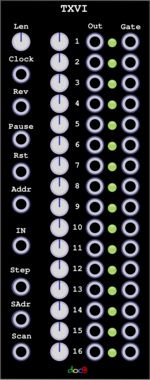


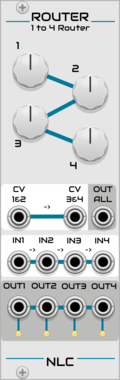
Nonlinear Circuits Router
Simple switch. If the CV input is below the knob voltage setting, the output is active. Panel by jk.




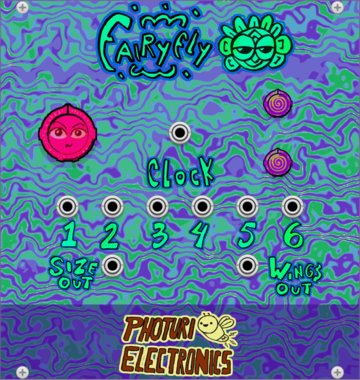
Photuri Electronics Fairyfly
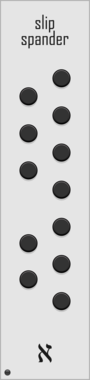
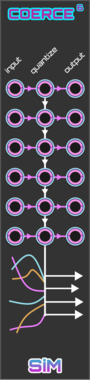
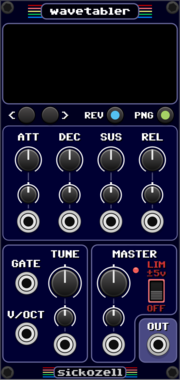
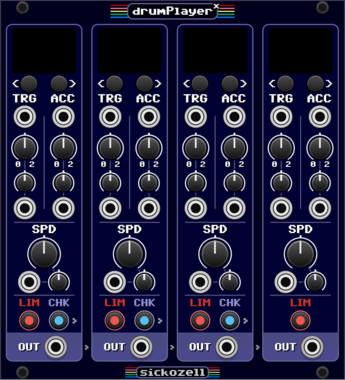
Clock divider inspired on the Fireflies flashing behavior and Fairyfly size wings
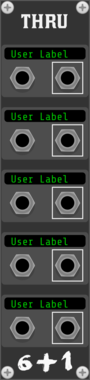
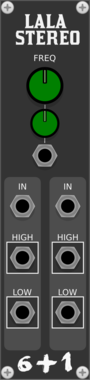
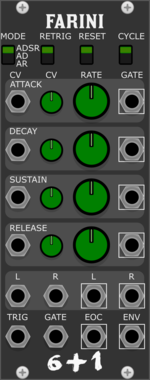
Studio Six Plus One Farini
Multimode envelope generator and stereo vca, based on CEM3310 AND CEM3360 diy circuits.
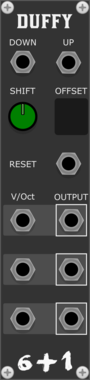
Studio Six Plus One Duffy
Transposes incoming voct, the amount increased by a set number of semitones, can be used to traverse the circle of fifths
VCV Library Instructions
- Download and install VCV Rack.
- Register for a VCV account and log in using Rack’s “Library” menu.
- Add or purchase a module on the VCV Library.
- Open the “Library” menu in Rack, click “Update all” (if updates are needed), and restart Rack once downloaded.
- Right-click an empty rack space to launch Rack’s module browser to add a module to your patch.
All plugins on the VCV Library are available for Windows, Mac, and Linux.
The “major” version (i.e. MAJOR.MINOR.REVISION) must match between Rack and its plugins.
For example, Rack 2.* can only load 2.* plugins.
Missing or incorrect information in this database, such as a missing tag? Inform the plugin author(s) using the contact information on their plugin/module page.
Developers: see Adding your plugin to the VCV Library.
Notes
Purchasing plugins with the “VCV” brand supports the VCV Rack project. See VCV’s Mission Statement to learn how VCV Rack development is funded.
Prices are in US Dollars.
By purchasing a plugin on the VCV Library, you agree to VCV’s End User License Agreement and Refund Policy.
Contact VCV Support for customer support and questions about the VCV Library.