
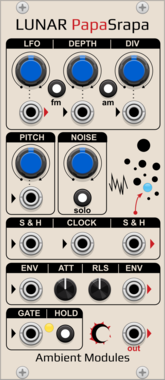
AmbientModules LunarPapaSrapa
"Papa Srapa"-inspired noise/drone voice: FM/AM square oscillator driven by an internal modulator with a dedicated LFO output, independent white noise with sample & hold, and a shared Attack/Release envelope with Hold and chainable Envelope In/Out
NoiseOscillatorLow-frequency oscillatorEnvelope generatorPolyphonicSample and hold
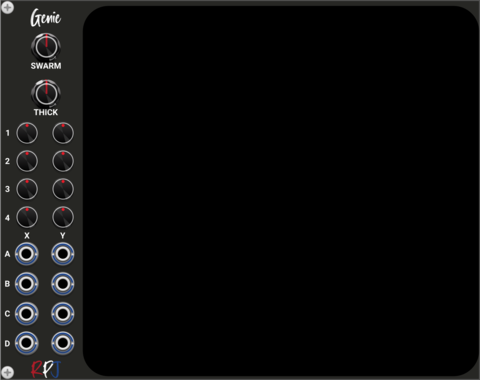

stoermelder BOLT
Polyphonic logic boolean functions with modulation and sample & hold. Selectable AND, OR, XOR, NAND, NOR and more across up to 16 polyphonic channels, with CV-controlled function selection and a trigger input for sample & hold behaviour.
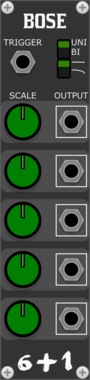
Studio Six Plus One Bose
Multi output random voltage generator, sample and hold with no input, steady or analog style drooping outputs

Infinite-Noise S&H/T&H-2
Sample/track-and-hold with 2 sections (1 input/output), each triggered by input or internal LFO.

Infinite-Noise S&H/T&H-2x4
Sample/track-and-hold with 2 sections (4 input/output), each triggered by input or internal LFO.
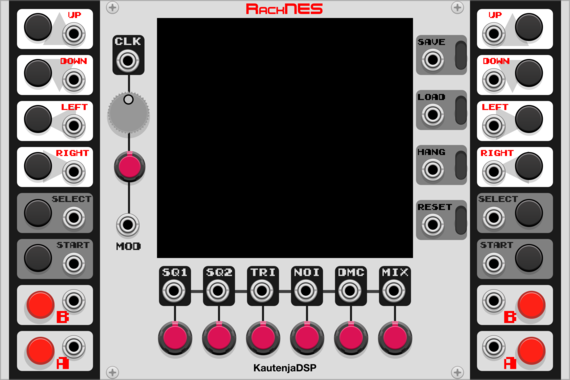
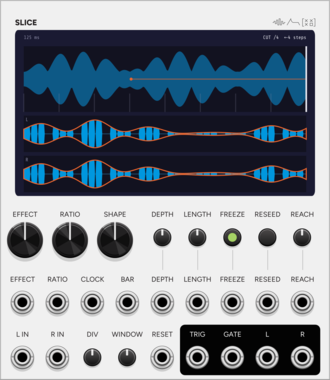
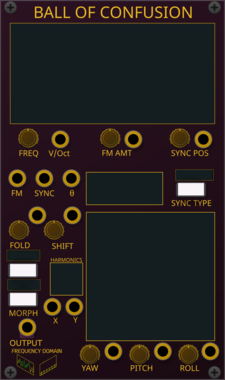
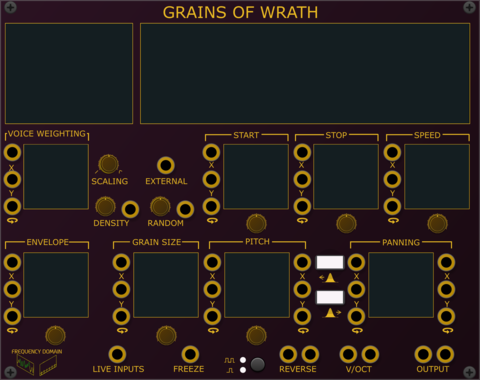
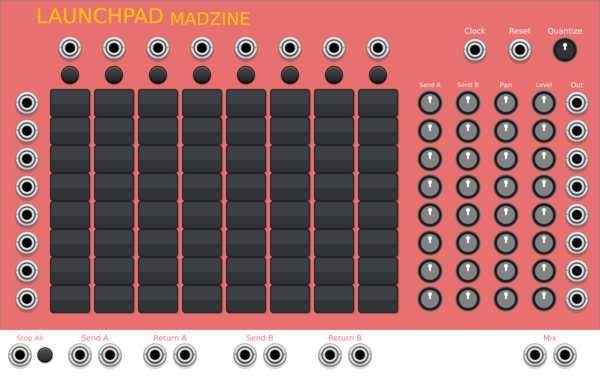
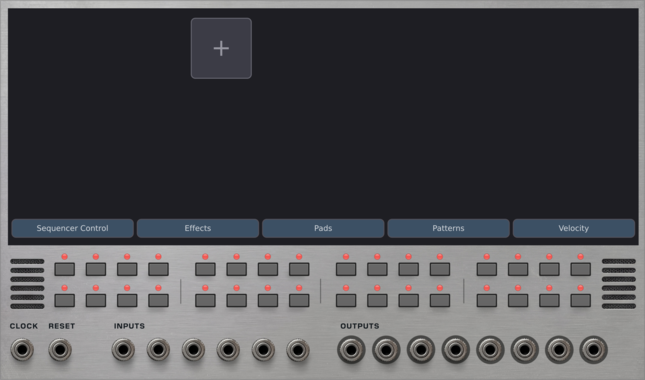
Voxglitch Groovebox Advanced
 Voxglitch Groovebox Advanced
$30
Voxglitch Groovebox Advanced
$30
16 track drum machine with mini modular synth engines for each track
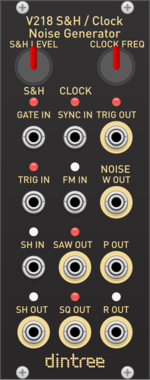
Dintree V218 SH Clock Noise
Sample and Hold, Clock and Noise Generator
Clock generatorFunction generatorNoiseRandomSample and holdUtility

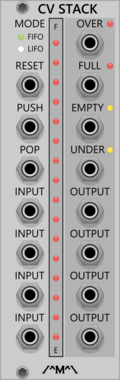
Count Modula CV Stack
Sequential voltage storage stack with First In First Out or Last In First Out operation
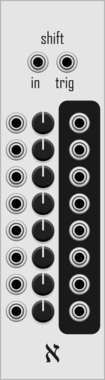
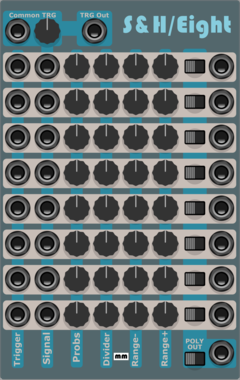

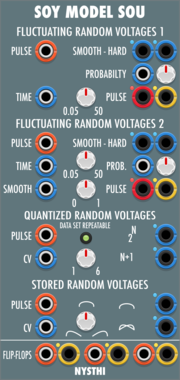

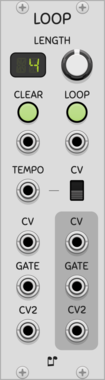


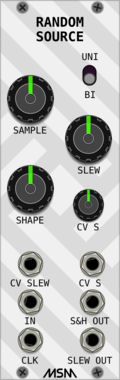
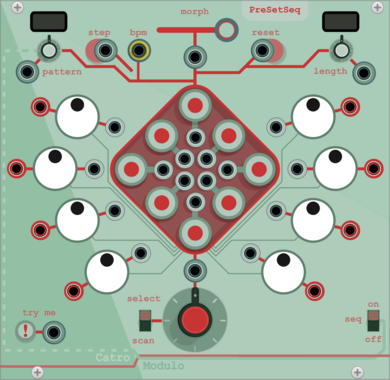
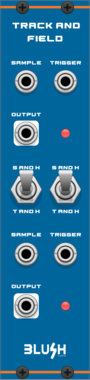
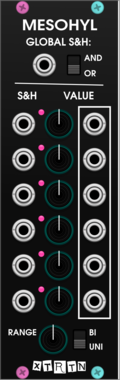
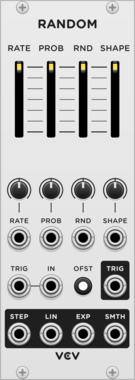
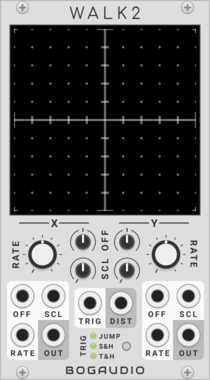


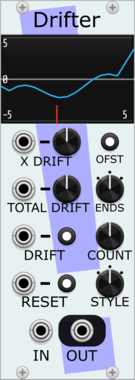
Stochastic Telegraph Drifter
Varying linear function generator. Makes sequences that change in small (or large) ways. A line defined by X/Y points, each doing a random walk.

VCV Library Instructions
- Download and install VCV Rack.
- Register for a VCV account and log in using Rack’s “Library” menu.
- Add or purchase a module on the VCV Library.
- Open the “Library” menu in Rack, click “Update all” (if updates are needed), and restart Rack once downloaded.
- Right-click an empty rack space to launch Rack’s module browser to add a module to your patch.
All plugins on the VCV Library are available for Windows, Mac, and Linux.
The “major” version (i.e. MAJOR.MINOR.REVISION) must match between Rack and its plugins.
For example, Rack 2.* can only load 2.* plugins.
Missing or incorrect information in this database, such as a missing tag? Inform the plugin author(s) using the contact information on their plugin/module page.
Developers: see Adding your plugin to the VCV Library.
Notes
Purchasing plugins with the “VCV” brand supports the VCV Rack project. See VCV’s Mission Statement to learn how VCV Rack development is funded.
Prices are in US Dollars.
By purchasing a plugin on the VCV Library, you agree to VCV’s End User License Agreement and Refund Policy.
Contact VCV Support for customer support and questions about the VCV Library.