
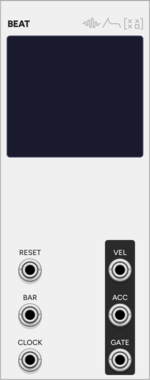
SignalFunctionSet Beat
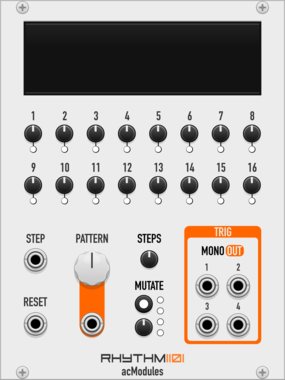
Single-voice pattern sequencer with 8 patterns x 16 steps, on-screen step/velocity/accent editing, per-pattern length, and active-pattern progression
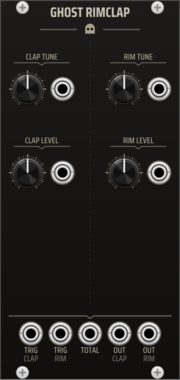
TNN1T1S GHOST RIMCLAP
Dual 909-style ROMpler voice: rim and clap in one module with independent triggers, controls, and outputs. Accent-aware via GHOST CTRL.
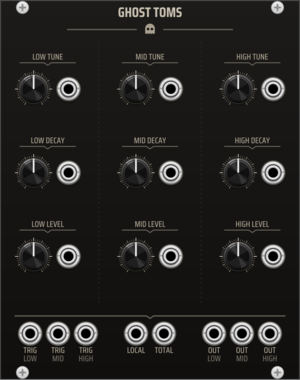
TNN1T1S GHOST TOMS
909-inspired tom kit. Three voices -- low, mid, and high -- share one calibrated engine with per-voice tune, decay, level, trigger, and output. Accent-aware via GHOST CTRL.
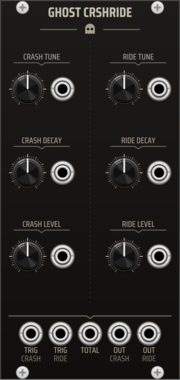
TNN1T1S GHOST CRSHRIDE
909-inspired cymbal pair. Crash and ride share a paired module with independent Tune, Decay, Level, trigger, and output controls. Accent-aware via GHOST CTRL.
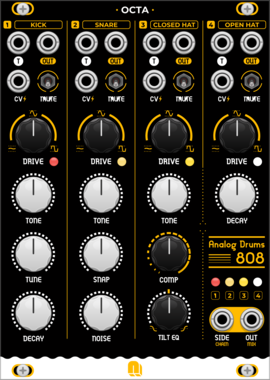
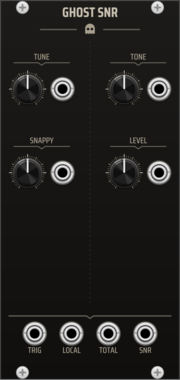

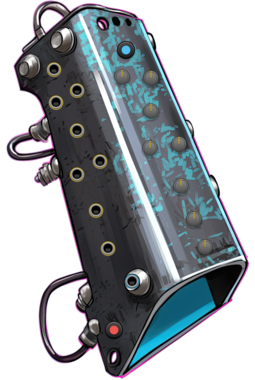
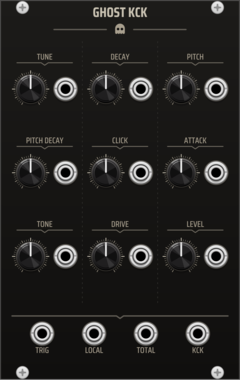
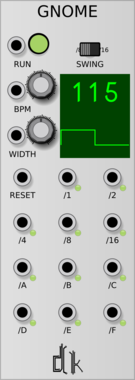

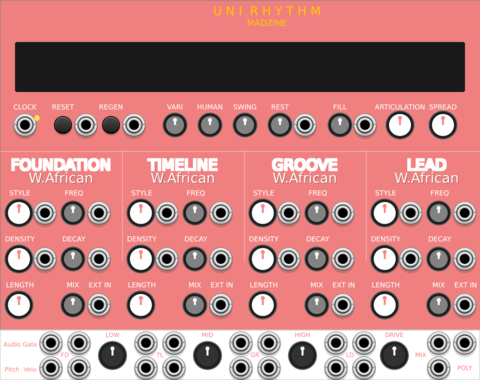
MADZINE Uni Rhythm
Compact 4-track rhythm generator with Primary-priority merged outputs, derived from Universal Rhythm


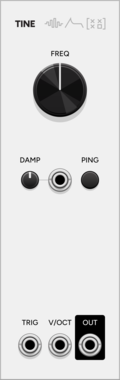
SignalFunctionSet Tine
Tunable 3rd-order pingable resonator based on the Gamelan Resonator circuit, with variable damping and VCA anti-click mode
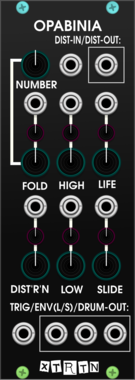


4ms Decay
Decay envelope with built in VCA
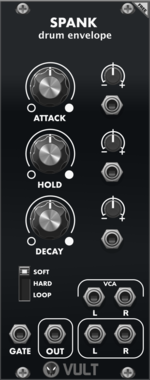
UtilityDrumEnvelope generatorVoltage-controlled amplifierVoltage-controlled amplifier
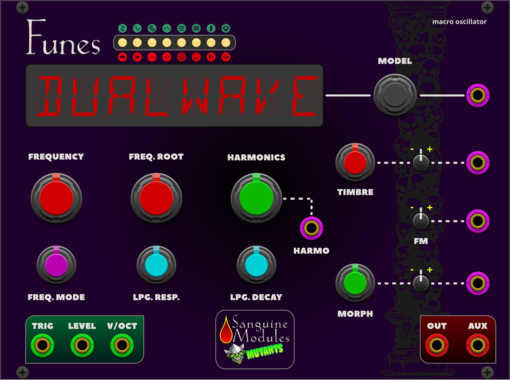
Sanguine Mutants Funes
Powerful, polyphonic macro oscillator based on Mutable Instruments' Plaits 1.2
DigitalDrumHardware cloneNoiseOscillatorPolyphonicSynth voice
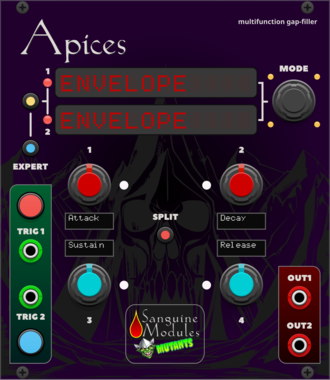
Sanguine Mutants Apices
Versatile complement to any patch, based on Mutable Instruments' Peaks
DelayDrumDualEnvelope generatorHardware cloneLow-frequency oscillatorOscillatorSequencer
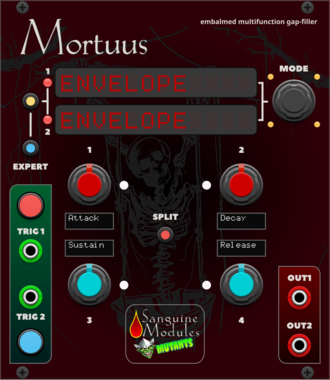
Sanguine Mutants Mortuus
All-around gap filler based on the Dead Man's Catch firmware, with some additions, for Mutable Instruments' Peaks
DelayDrumDualEnvelope generatorHardware cloneLow-frequency oscillatorOscillatorSequencer

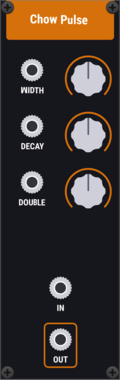
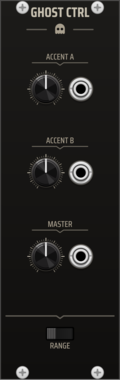
TNN1T1S GHOST CTRL
Global state controller for the Ghost drum system. DEFAULT, ACCENT A, ACCENT B, and MASTER controls are broadcast to adjacent Ghost voices via the expander path. Hit-time events such as trigger and local/total accent gates are patched directly to each voice. Use GHOST CTRL to make the separate voices behave like one instrument.
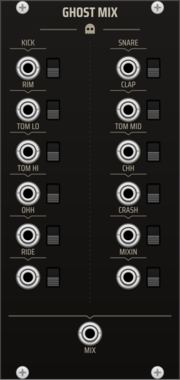
TNN1T1S GHOST MIX
Dedicated summing mixer for the Ghost drum kit. Twelve labeled inputs -- one per voice of the full kit (Kick, Snare, Rim, Clap, Tom Lo/Mid/Hi, Closed Hat, Open Hat, Crash, Ride) plus a MIXIN channel (the 909's external mix-in) -- each with a mute switch, summed to one MIX output. Per-voice level lives on the voices, so the mixer is a clean unity summer -- the whole kit on one master mix point, in the box.
VCV Library Instructions
- Download and install VCV Rack.
- Register for a VCV account and log in using Rack’s “Library” menu.
- Add or purchase a module on the VCV Library.
- Open the “Library” menu in Rack, click “Update all” (if updates are needed), and restart Rack once downloaded.
- Right-click an empty rack space to launch Rack’s module browser to add a module to your patch.
All plugins on the VCV Library are available for Windows, Mac, and Linux.
The “major” version (i.e. MAJOR.MINOR.REVISION) must match between Rack and its plugins.
For example, Rack 2.* can only load 2.* plugins.
Missing or incorrect information in this database, such as a missing tag? Inform the plugin author(s) using the contact information on their plugin/module page.
Developers: see Adding your plugin to the VCV Library.
Notes
Purchasing plugins with the “VCV” brand supports the VCV Rack project. See VCV’s Mission Statement to learn how VCV Rack development is funded.
Prices are in US Dollars.
By purchasing a plugin on the VCV Library, you agree to VCV’s End User License Agreement and Refund Policy.
Contact VCV Support for customer support and questions about the VCV Library.