
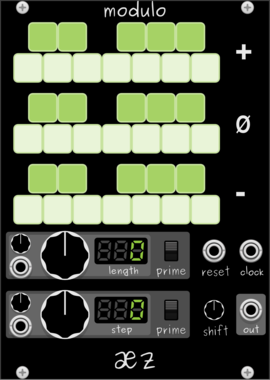
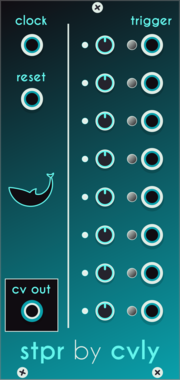
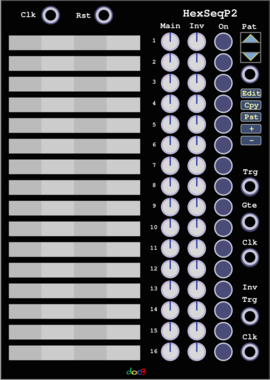
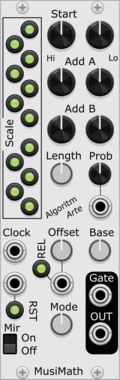
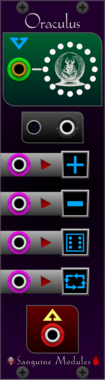
Sanguine Monsters Oraculus
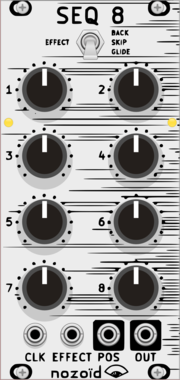
n to 1 switch/sequencer that can select its output from a polyphonic cable input
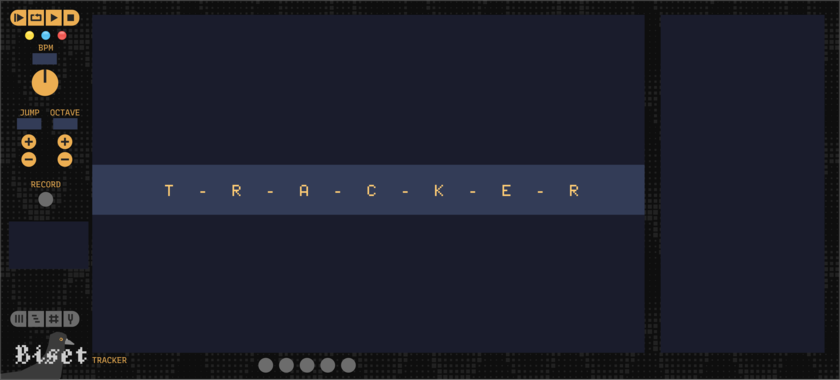

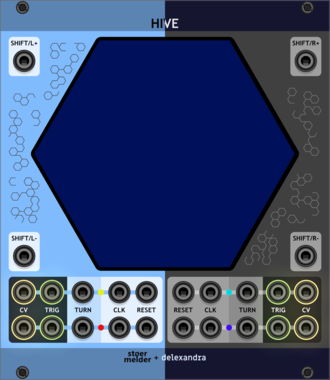
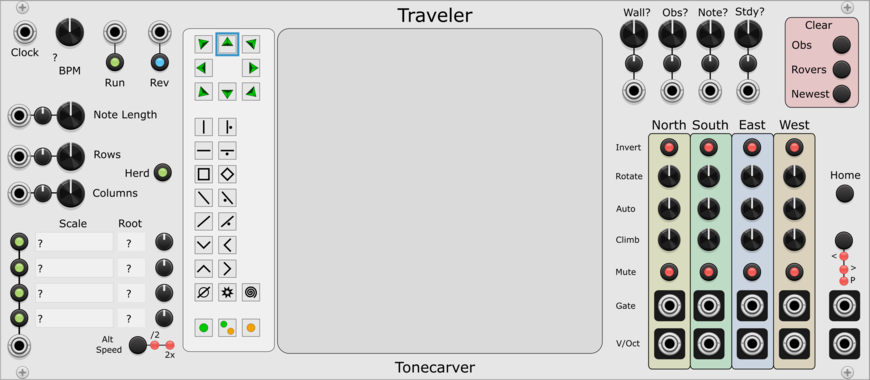
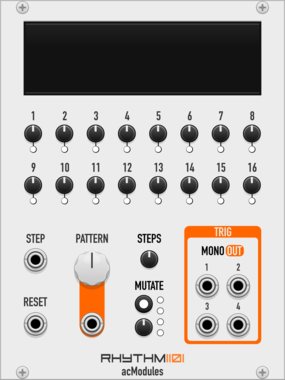
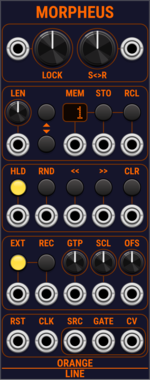
OrangeLine Morpheus
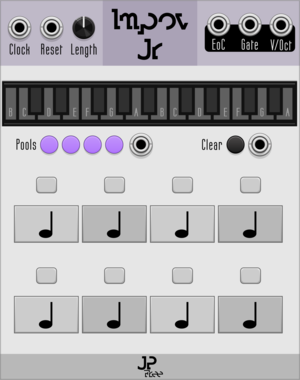
Morphing of given or random sequences with turing machine functionality and 16 Internal Memory Slots.
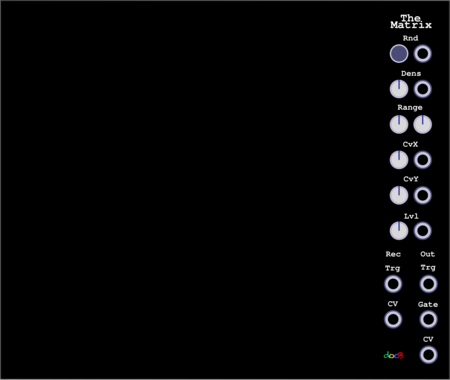
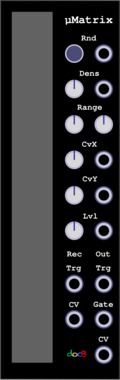


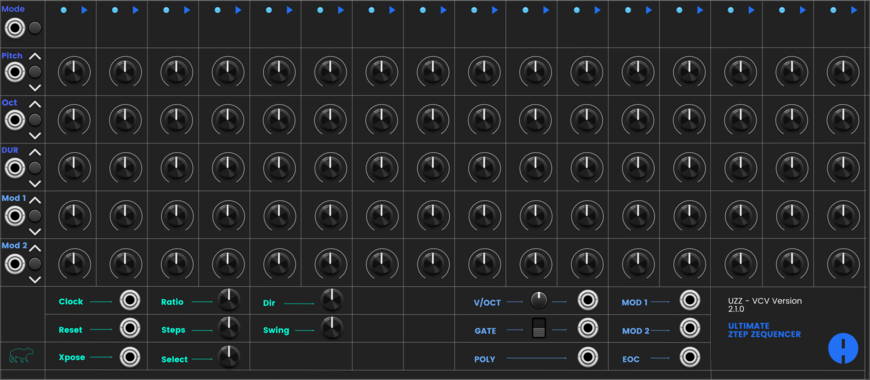
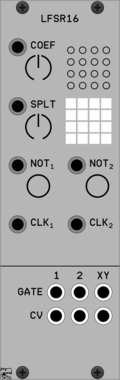
TyrannosaurusRu LFSR16 Poly
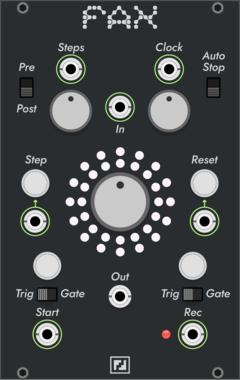
16-bit LFSR sequencer with ability to split for two independent registers
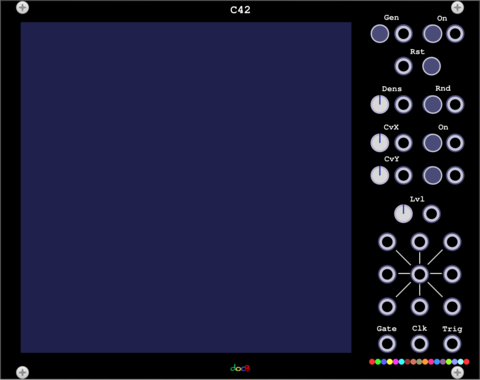
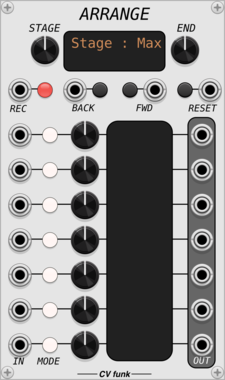
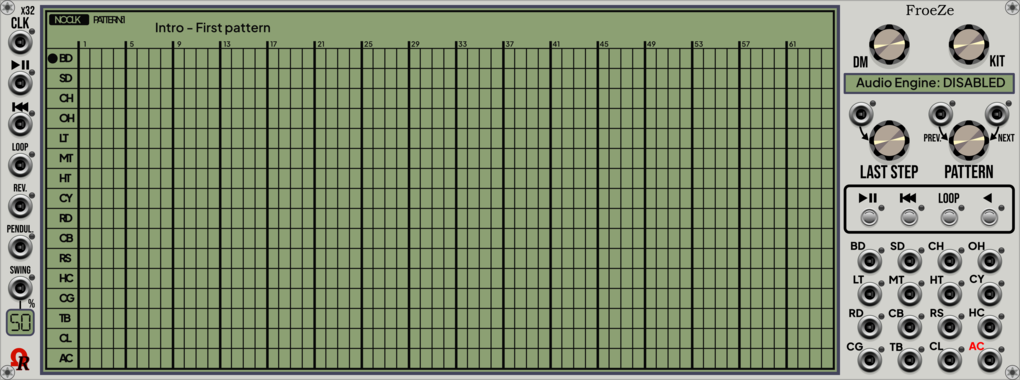
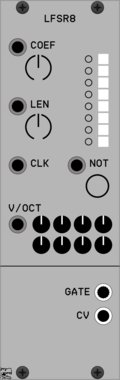
TyrannosaurusRu LFSR8 Poly
Fully deterministic sequencer based on 8-bit LFSR capable to produce pseudo-random results
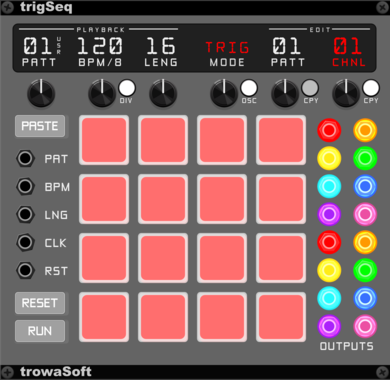
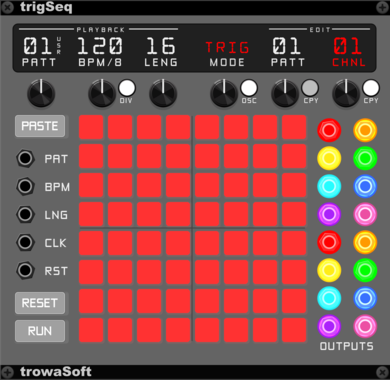
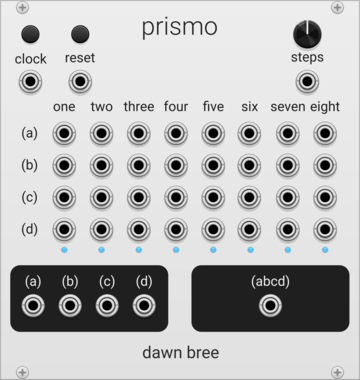
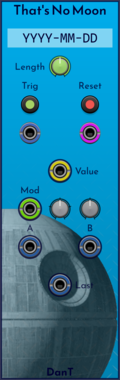
DanT That's No Moon
[8hp] It's a space station... erm, no, actually it's a generative sequencer that gives you something new every day.
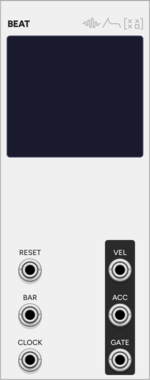
SignalFunctionSet Beat
Single-voice pattern sequencer with 8 patterns x 16 steps, on-screen step/velocity/accent editing, per-pattern length, and active-pattern progression
VCV Library Instructions
- Download and install VCV Rack.
- Register for a VCV account and log in using Rack’s “Library” menu.
- Add or purchase a module on the VCV Library.
- Open the “Library” menu in Rack, click “Update all” (if updates are needed), and restart Rack once downloaded.
- Right-click an empty rack space to launch Rack’s module browser to add a module to your patch.
All plugins on the VCV Library are available for Windows, Mac, and Linux.
The “major” version (i.e. MAJOR.MINOR.REVISION) must match between Rack and its plugins.
For example, Rack 2.* can only load 2.* plugins.
Missing or incorrect information in this database, such as a missing tag? Inform the plugin author(s) using the contact information on their plugin/module page.
Developers: see Adding your plugin to the VCV Library.
Notes
Purchasing plugins with the “VCV” brand supports the VCV Rack project. See VCV’s Mission Statement to learn how VCV Rack development is funded.
Prices are in US Dollars.
By purchasing a plugin on the VCV Library, you agree to VCV’s End User License Agreement and Refund Policy.
Contact VCV Support for customer support and questions about the VCV Library.