
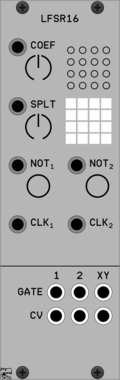
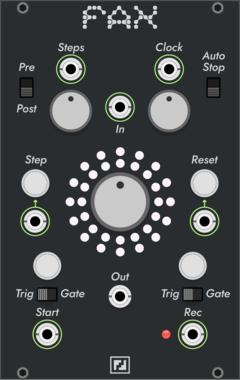
TyrannosaurusRu LFSR16 Poly
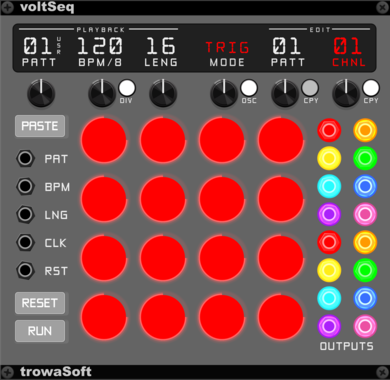
16-bit LFSR sequencer with ability to split for two independent registers
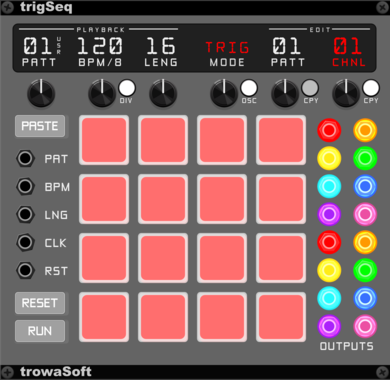
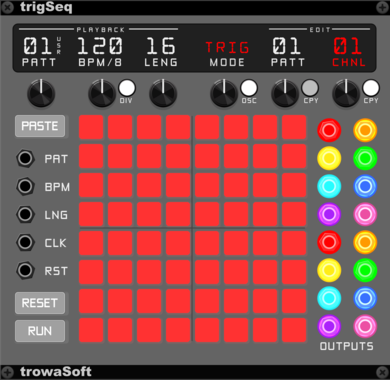
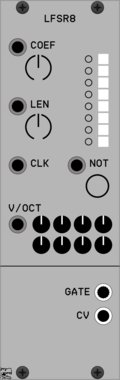
TyrannosaurusRu LFSR8 Poly
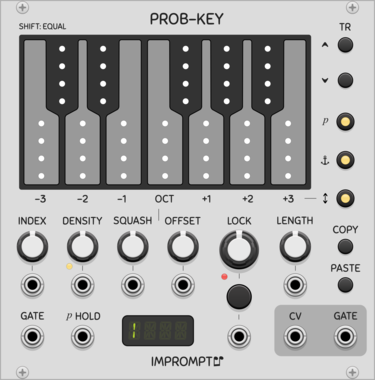
Fully deterministic sequencer based on 8-bit LFSR capable to produce pseudo-random results
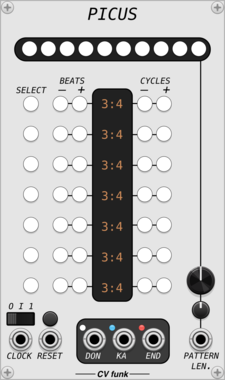
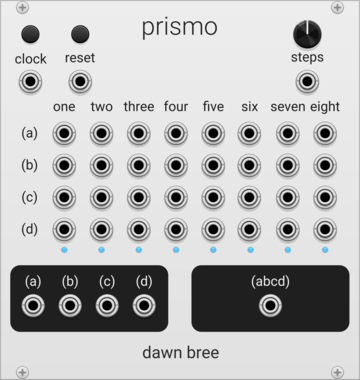
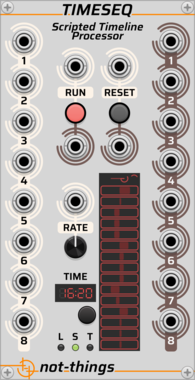
Ohmer Modules FranKe
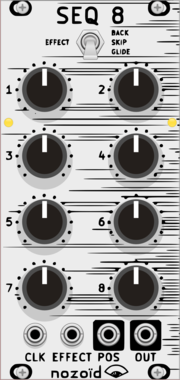
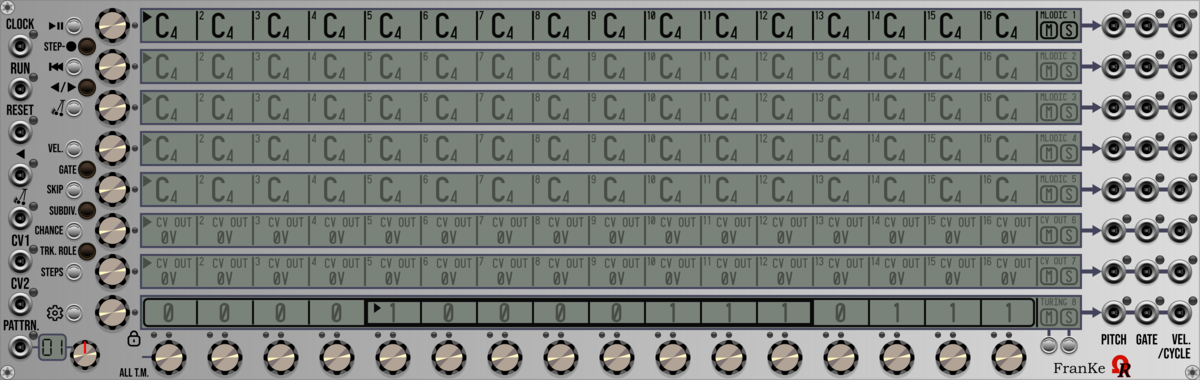
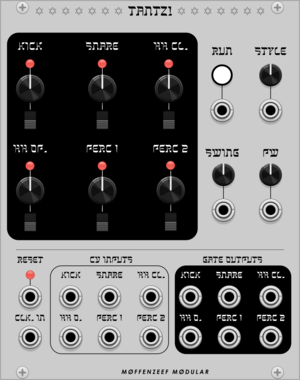
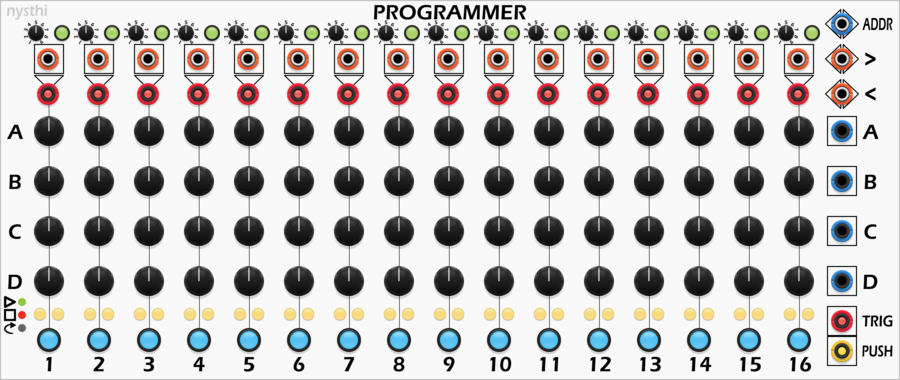
8-track 16-step 64-pattern versatile analog sequencer (quantized notes, CV OUTs, Turing Machines)


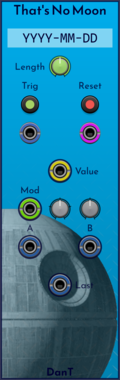
DanT That's No Moon
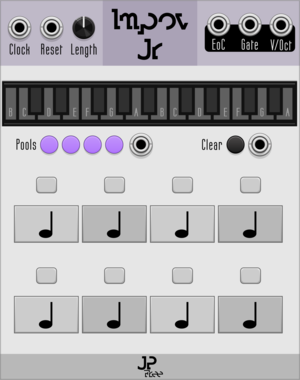
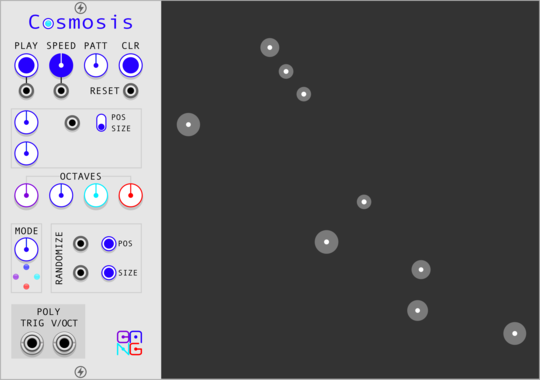
[8hp] It's a space station... erm, no, actually it's a generative sequencer that gives you something new every day.
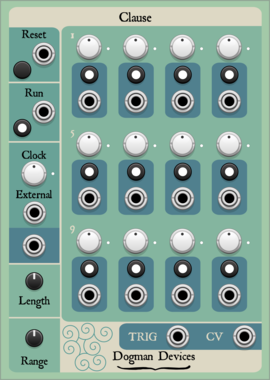
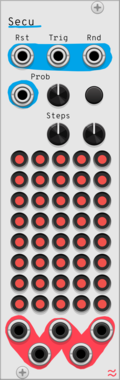
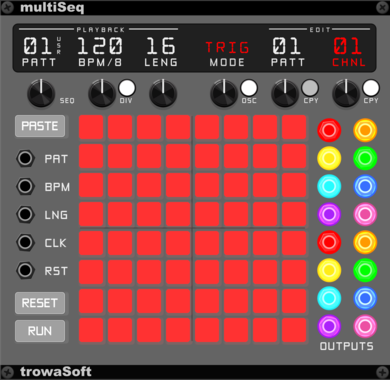
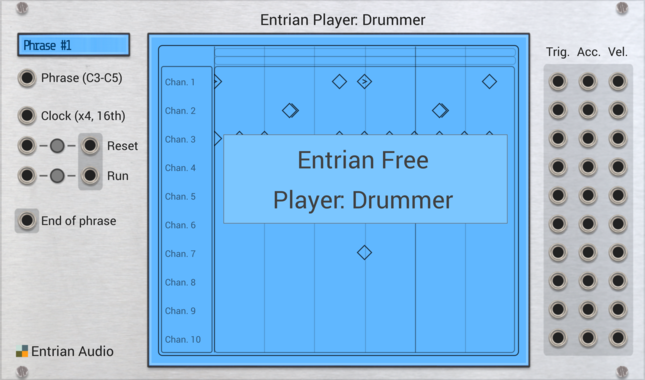

stoermelder 8FACEx2
Universal expander for sequencing up to sixteen presets of any module. Larger version of the classic 8FACE module with a 16-slot sequencer for longer preset chains.

stoermelder TRANSIT
Parameter-morpher and sequencer for up to 96 snapshots. Binds to any module, captures parameter snapshots, morphs smoothly between them and steps through them with clock and trigger inputs.
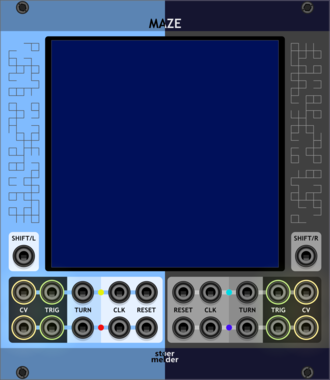
stoermelder MAZE
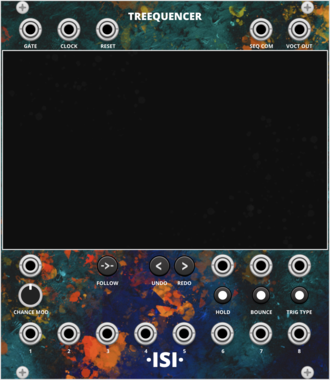
4 channel sequencer running on a 2-dimensional grid. Playheads move across a square grid, raising triggers on filled cells and ratcheting randomly on half cells — every run is a unique generative pattern.
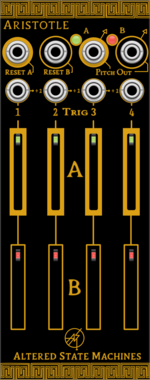
Altered State Machines Aristotle
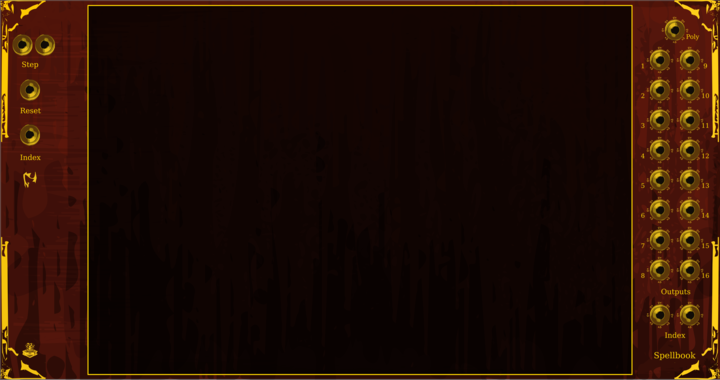
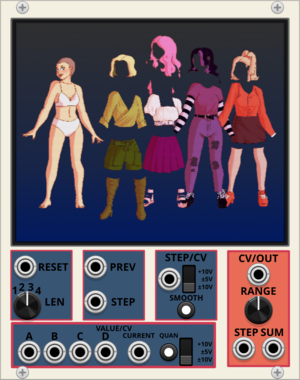
Nonlinear 2 Channel Counterpoint Voltage Sequencer (Aristotle hardware clone)
VCV Library Instructions
- Download and install VCV Rack.
- Register for a VCV account and log in using Rack’s “Library” menu.
- Add or purchase a module on the VCV Library.
- Open the “Library” menu in Rack, click “Update all” (if updates are needed), and restart Rack once downloaded.
- Right-click an empty rack space to launch Rack’s module browser to add a module to your patch.
All plugins on the VCV Library are available for Windows, Mac, and Linux.
The “major” version (i.e. MAJOR.MINOR.REVISION) must match between Rack and its plugins.
For example, Rack 2.* can only load 2.* plugins.
Missing or incorrect information in this database, such as a missing tag? Inform the plugin author(s) using the contact information on their plugin/module page.
Developers: see Adding your plugin to the VCV Library.
Notes
Purchasing plugins with the “VCV” brand supports the VCV Rack project. See VCV’s Mission Statement to learn how VCV Rack development is funded.
Prices are in US Dollars.
By purchasing a plugin on the VCV Library, you agree to VCV’s End User License Agreement and Refund Policy.
Contact VCV Support for customer support and questions about the VCV Library.