
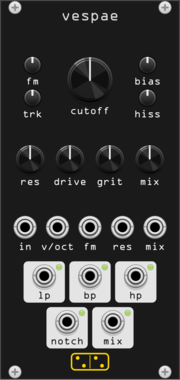
forsitan modulare vespae
Wasp filter: the EDP Wasp / Doepfer A-124 CMOS state-variable filter, LP/BP/HP/notch at once.
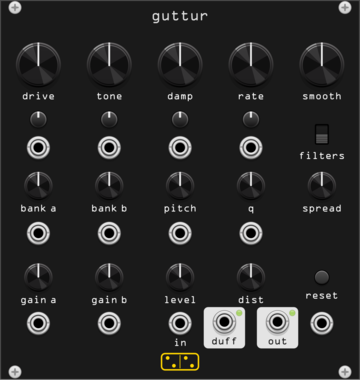
forsitan modulare guttur
Chaotic resonator drone: a Duffing oscillator through 48 resonant filters (Gutter Synthesis port).
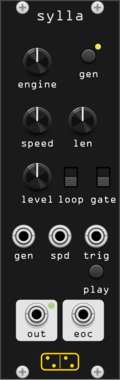
forsitan modulare sylla
Random sample generator and player: ever-new procedural samples from 27 selectable engines, nothing from disk.
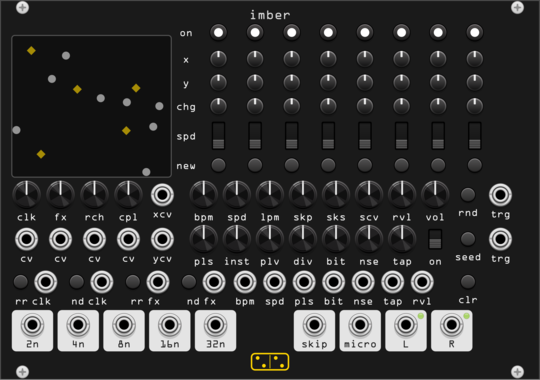
forsitan modulare imber
Generative rain: eight players on a 2D field where position is routing, over a self-generated bank.
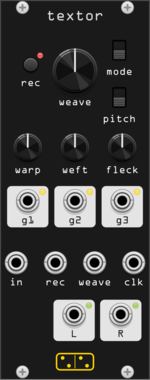
forsitan modulare textor
One-knob loop weaver: two seconds of audio, rewoven at every turn (Fieldtone Weaver clone).
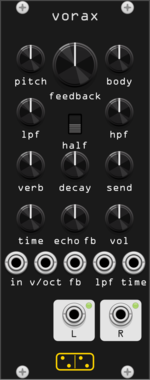
forsitan modulare vorax
Feedback drone synthesizer: a self-exciting Karplus-Strong string (Audrey II port).
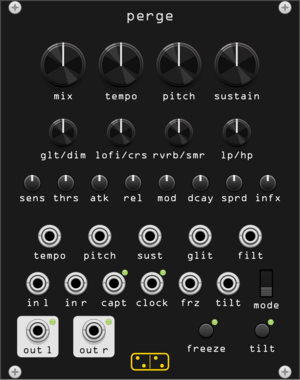
forsitan modulare perge
Stereo dynamic sampler and multi-effect: gated repeats, freeze, glitch (AC noises CONTINUA homage).

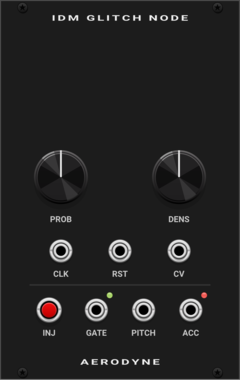

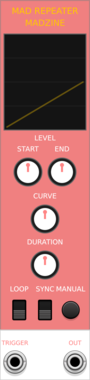
MADZINE MAD REPEATER
6HP single-stage envelope generator with clock sync, chainable to the right with F expanders for multi-stage envelopes

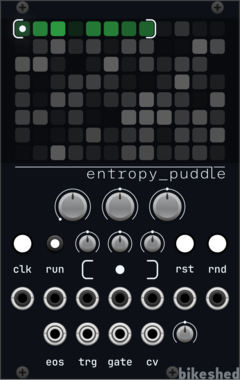
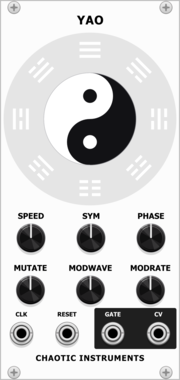
Chaotic Instruments Yao
Clock-synced generative complex LFO: two interfering sine phasors whose beat envelope is steered by an I-Ching trigram change engine.
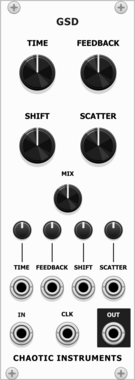
Chaotic Instruments Grain Shift Delay
Granular texturizer into a clock-synced crossfade delay with a single-sideband frequency shifter in the feedback.
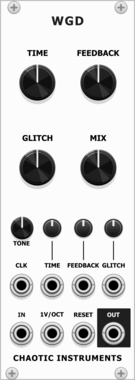
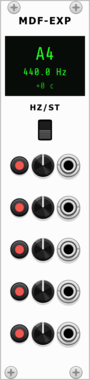
Chaotic Instruments Modal Filter Expander
Expander for Modal Filter: adds 5 polyphonic resonator voices with individual offsets, mutes, and CV modulation.
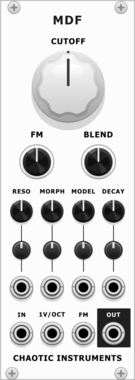
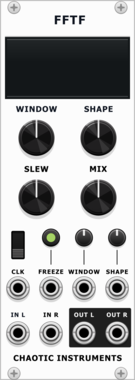
Chaotic Instruments FFTF
FFT spectral freeze: captures the incoming spectrum and sustains it as a frozen pad.
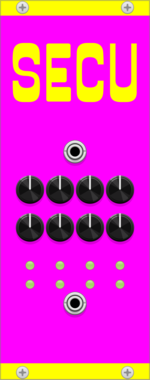



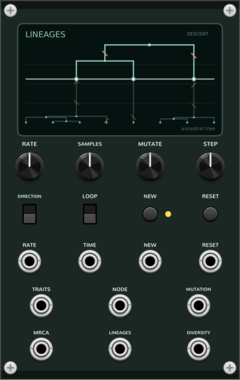
Coalescent Lineages
Generative ancestral-tree sequencer: sampled traits coalesce backward into a common ancestor or branch forward through neutral mutation.
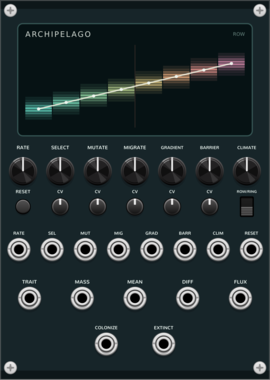
Coalescent Archipelago
Eight-habitat local adaptation: selection follows a spatial environmental gradient while mutation, nearest-neighbor migration, climate, and a barrier shape clines and range shifts.
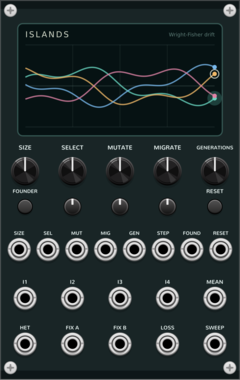
Coalescent Islands
Four-island Wright-Fisher drift: bounded stochastic allele-frequency CV with selection, mutation, migration, and founder bottlenecks.
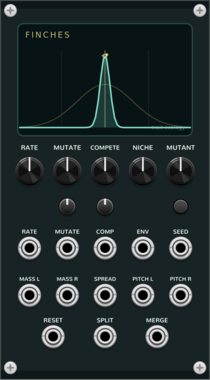
Coalescent Finches
Trait-density ecology: mutation and frequency-dependent competition turn one phenotype into two persistent clusters.
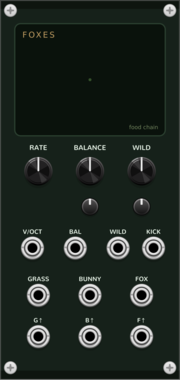
Coalescent Foxes
Three-species food chain (Hastings-Powell): grass, bunnies, and foxes move from a regular chase through period doubling into deterministic chaos.
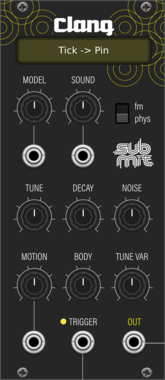
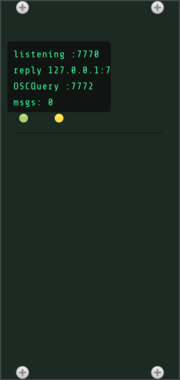
Roomi Fields OSC Controller
Remote-controls the whole Rack patch over OSC: set/get any parameter (by id or name), add/remove cables and modules, load/save presets, dump patch state, and serve an OSCQuery namespace for TouchOSC/Open Stage Control. Passthrough-compatible with osc-bridge.

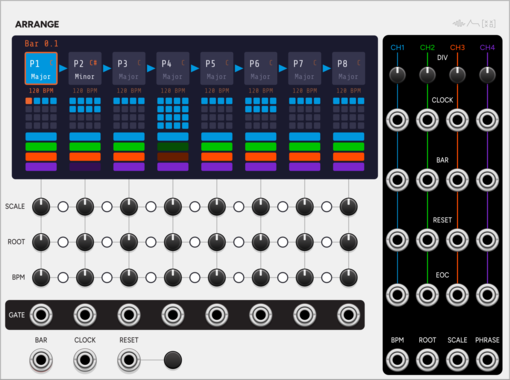
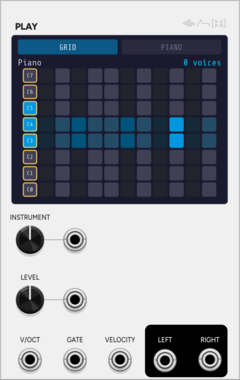
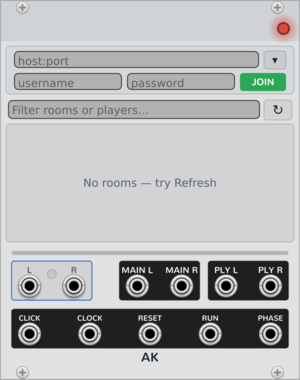
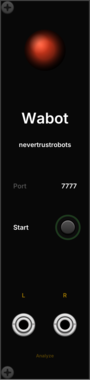
Nevertrustrobots Nevertrustrobots Wabot
HTTP bridge that lets Claude AI read and control your VCV Rack patch in real time. Connect it to Claude using the MCP Server + Skill available at https://www.patreon.com/c/nevertrustrobots
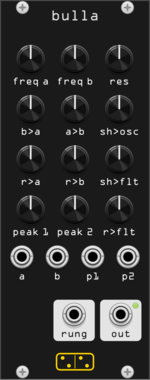
forsitan modulare bulla
Inspired by Hordijk's Blippoo Box: cross-modulating oscillators and runglers, pattern and chaos.
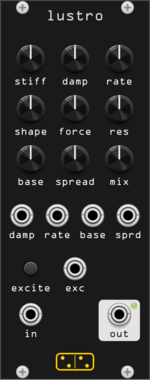
forsitan modulare lustro
Scanned filter: scando's mass-spring string drives the band gains of a 16-band resonant filterbank.
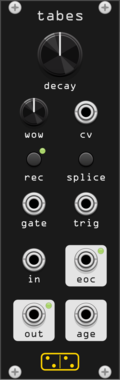
forsitan modulare tabes
Disintegration looper: a tape loop that degrades a little more on every pass, with overdub.
VCV Library Instructions
- Download and install VCV Rack.
- Register for a VCV account and log in using Rack’s “Library” menu.
- Add or purchase a module on the VCV Library.
- Open the “Library” menu in Rack, click “Update all” (if updates are needed), and restart Rack once downloaded.
- Right-click an empty rack space to launch Rack’s module browser to add a module to your patch.
All plugins on the VCV Library are available for Windows, Mac, and Linux.
The “major” version (i.e. MAJOR.MINOR.REVISION) must match between Rack and its plugins.
For example, Rack 2.* can only load 2.* plugins.
Missing or incorrect information in this database, such as a missing tag? Inform the plugin author(s) using the contact information on their plugin/module page.
Developers: see Adding your plugin to the VCV Library.
Notes
Purchasing plugins with the “VCV” brand supports the VCV Rack project. See VCV’s Mission Statement to learn how VCV Rack development is funded.
Prices are in US Dollars.
By purchasing a plugin on the VCV Library, you agree to VCV’s End User License Agreement and Refund Policy.
Contact VCV Support for customer support and questions about the VCV Library.